
ATRIA Mesh 1200 Add-on | MESH1200ADDON
All questions
ATRIA Mesh 1200 Add-on | MESH1200ADDON
How should I name my Mesh units?
You can follow the procedure below to define the name of your mesh units in order to identify them easily.
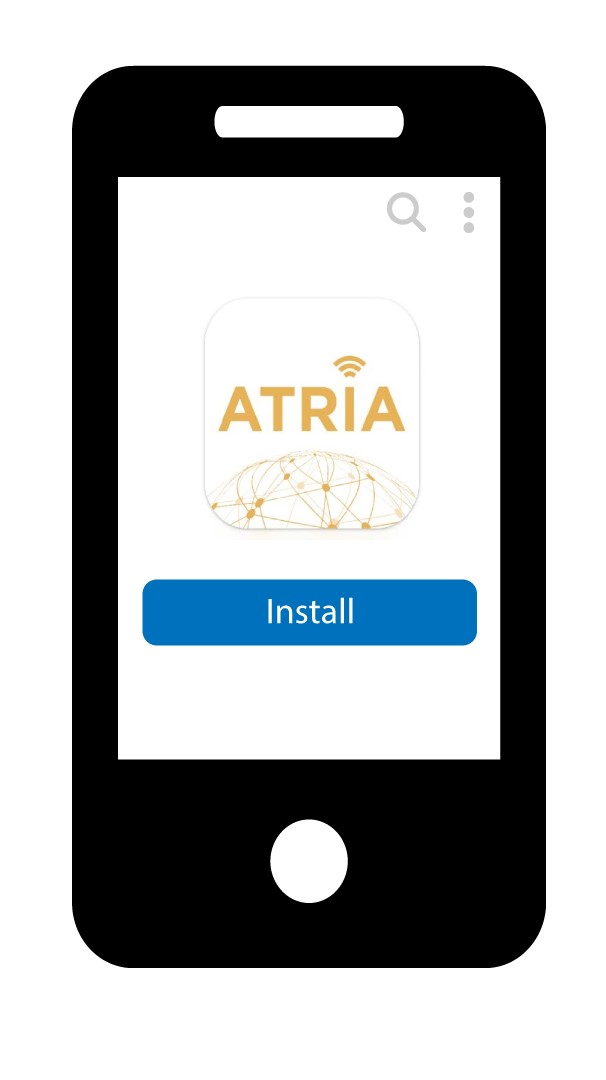
1Download the app
Download the Atria Mesh App.
2Connect to the Wi-Fi of the mesh
Connect to the Wi-Fi of your mesh unit.

3Connect to the App
Enter the username and password before clicking Sign In.

4My Network
Click My Network

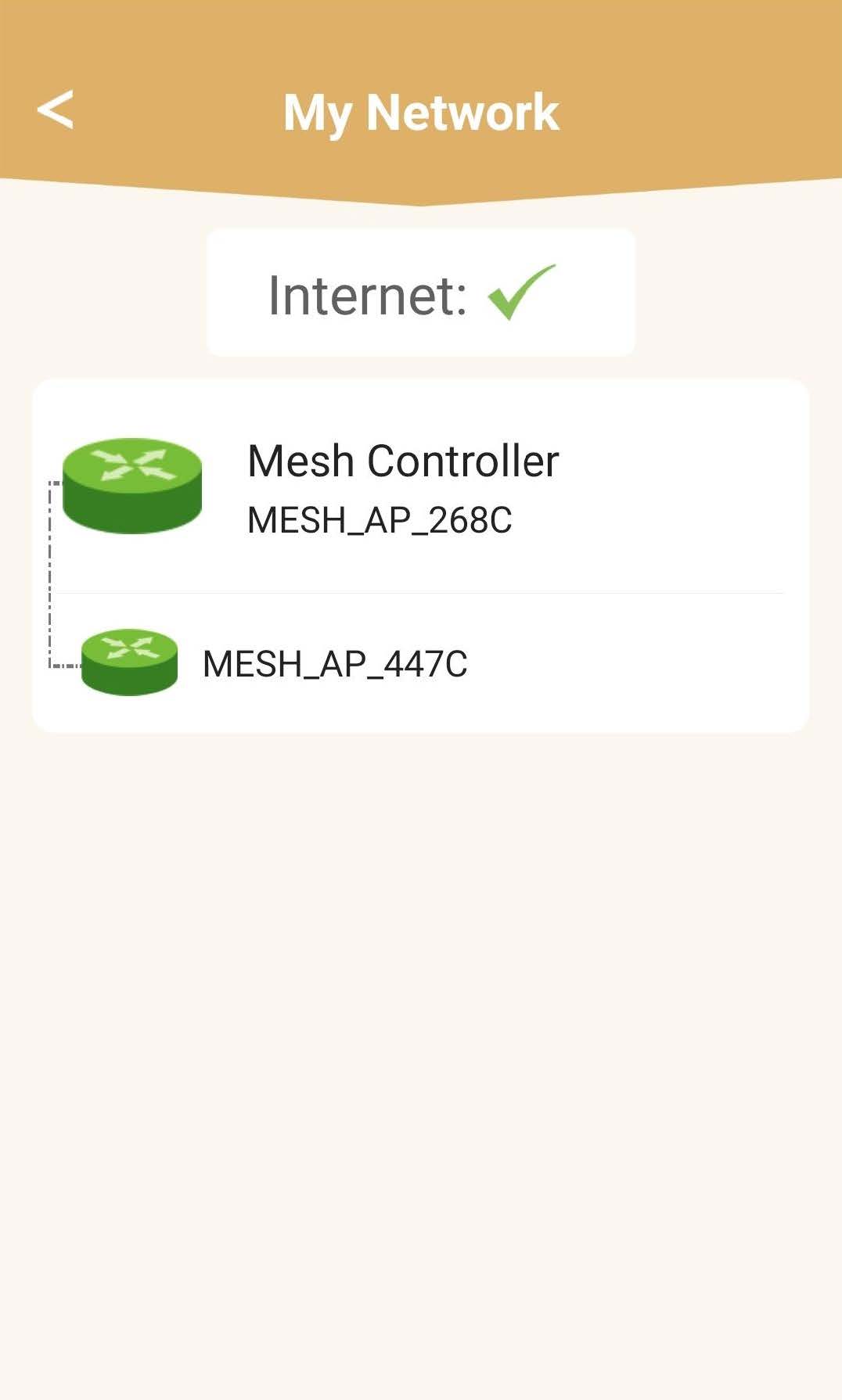
5Mesh Network Status
You will see the status of the coverage provided by your mesh units.
Please note that when the mesh units are displayes in grey, the coverage offered by the unit is not sufficient. In this case, you must change the position of your mesh unit.
If the mesh units are displayed in green it means that they are working properly and offering enough coverage.
6Main mesh unit
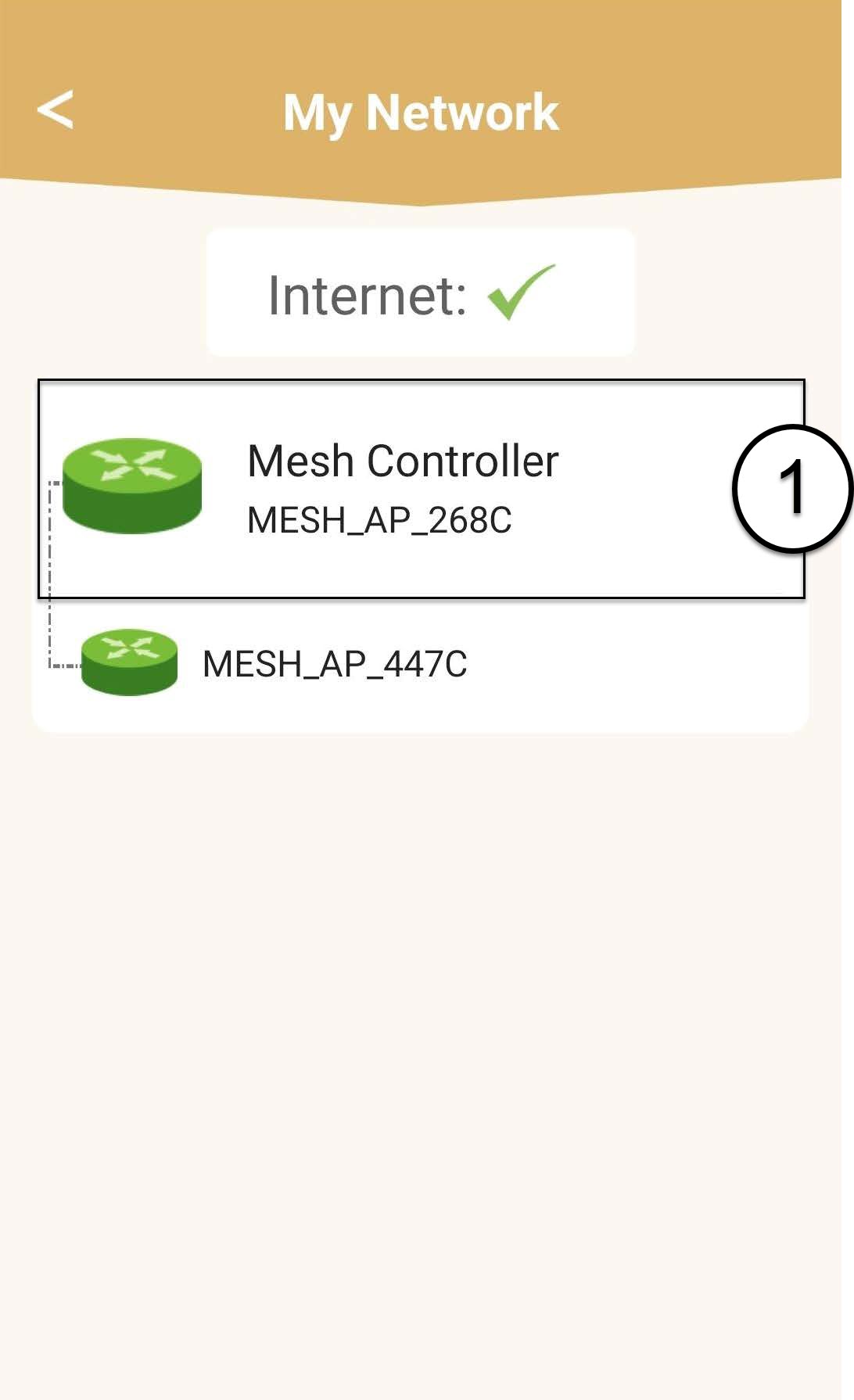
Click on the name of the mesh unit to access its information.
7Edit the name of the main mesh unit
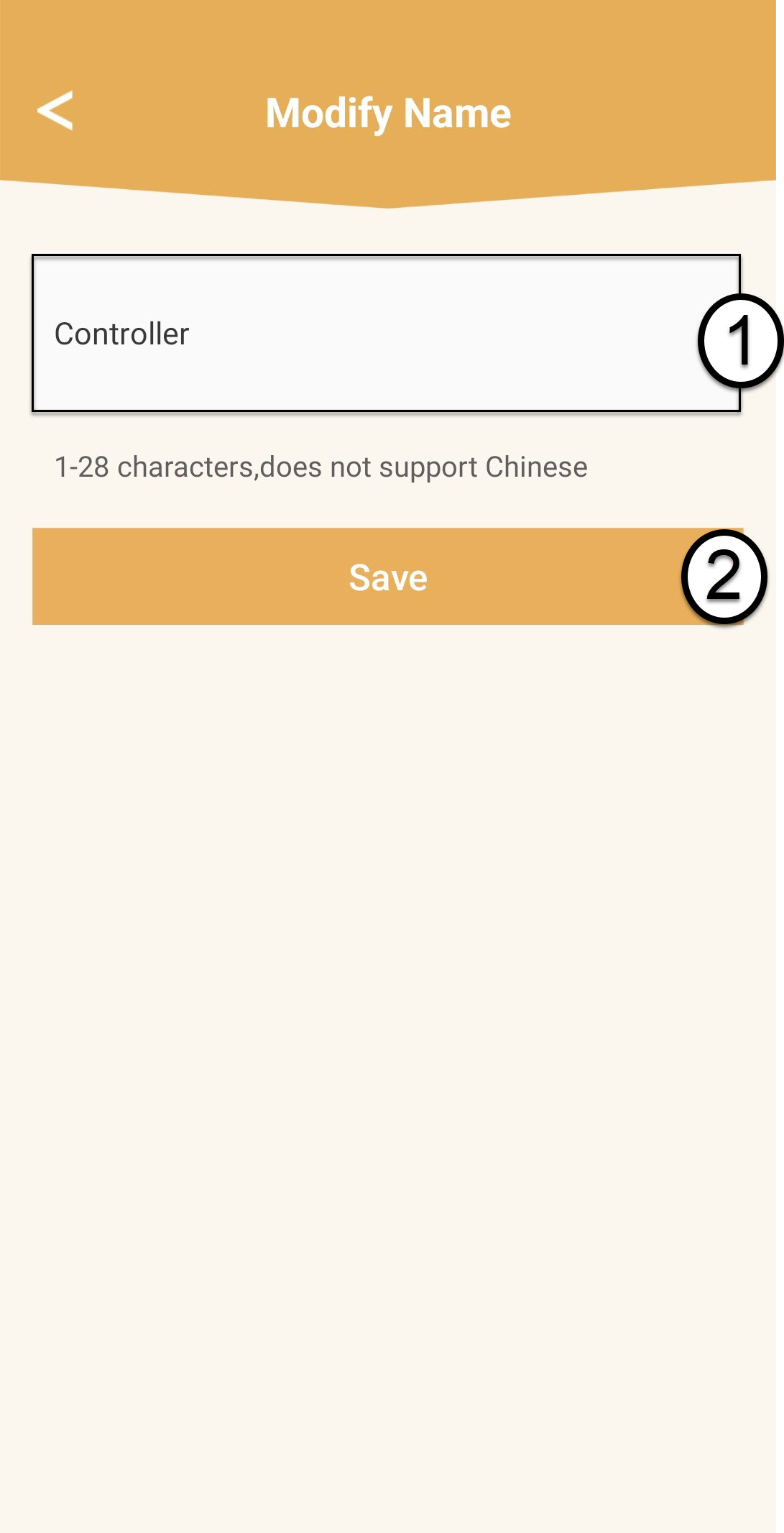
Enter a new name and click Save.
The mesh controller should be named like this: Mesh1200-Main-
NameoftheroomThe mesh agents should be named like this: Mesh1200-Nameoftheroom
8Secondary mesh unit
For the other mesh units, click their name to access the information. Then, enter a new name and click Save.