
ATRIA Mesh 1200 Add-on | MESH1200ADDON
No items found.
No items found.
All questions
ATRIA Mesh 1200 Add-on | MESH1200ADDON
No items found.
No items found.
How do I change the SSID (Wi-Fi Network name) and the password of my Wi-Fi mesh network ? (CASE 1: Web UI)
1Accessing the Web UI
To connect to the Web U,I please refer to this procedure : How do I access the Web UI?
2Wi-Fi Settings
Click on Wi-Fi in the left bar.
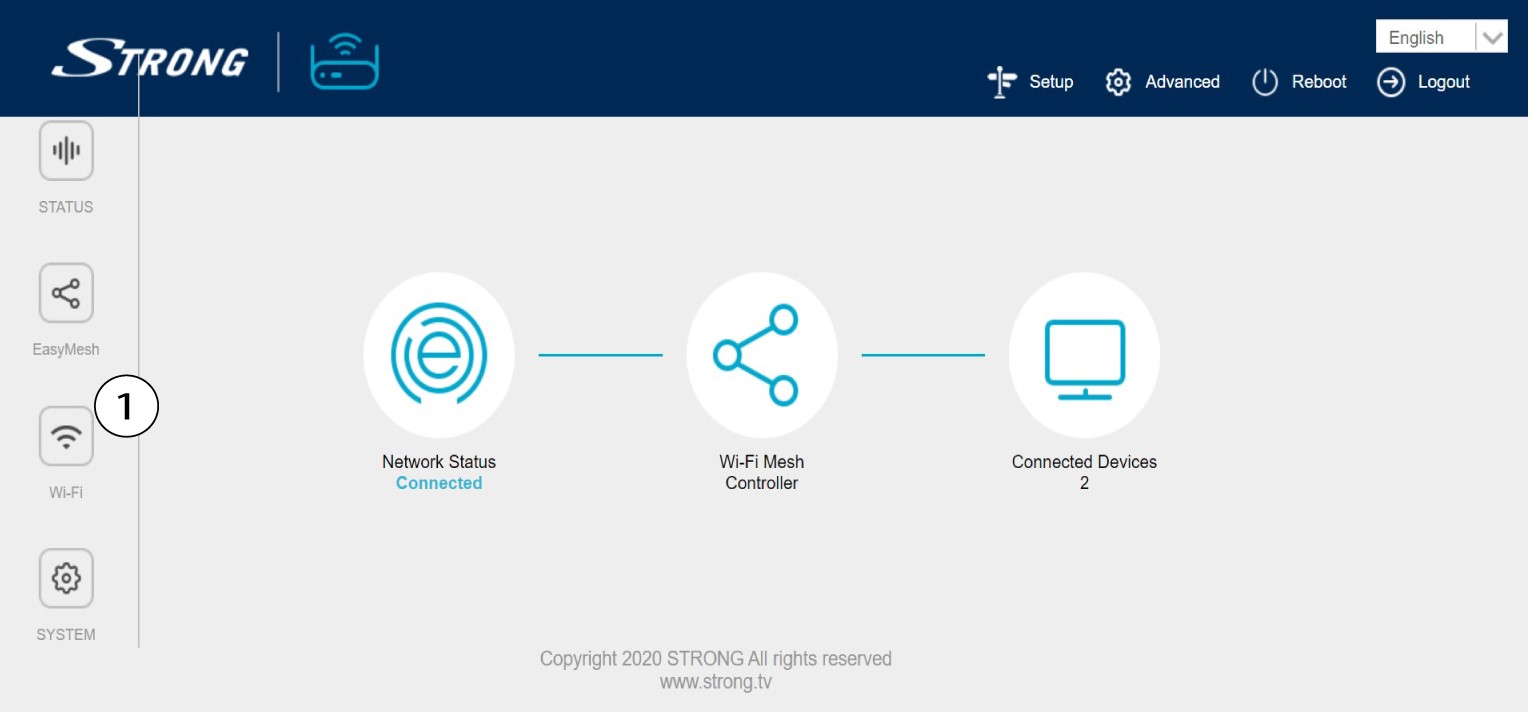
3Change the Wi-Fi Network Information
Click 5 G WLAN or 2.4 G WLAN. Then, enter the following information before clicking Apply:
o SSID: Enter a new network name
o Wi-Fi Key: Enter a new password. (check the display box to confirm that you wrote the right
password that you wanted)
Please note that you need to enter a password between 8 and 32 characters containing uppercase, lowercase, number and at least one special character (@, $, !, %, *, ?, &)

4Write down the new network information
Write down the new network information on a piece of paper.
