ATRIA Mesh 1200 Add-on | MESH1200ADDON
No items found.
No items found.
All questions
ATRIA Mesh 1200 Add-on | MESH1200ADDON
No items found.
No items found.
How can I identify the IP addresses of the different Mesh units of my Network?
How can I identify the IP addresses of the different Mesh units of my Network? (Web UI)
1Connect to the Wi-Fi of the mesh
Connect to the Wi-Fi of the main mesh unit.

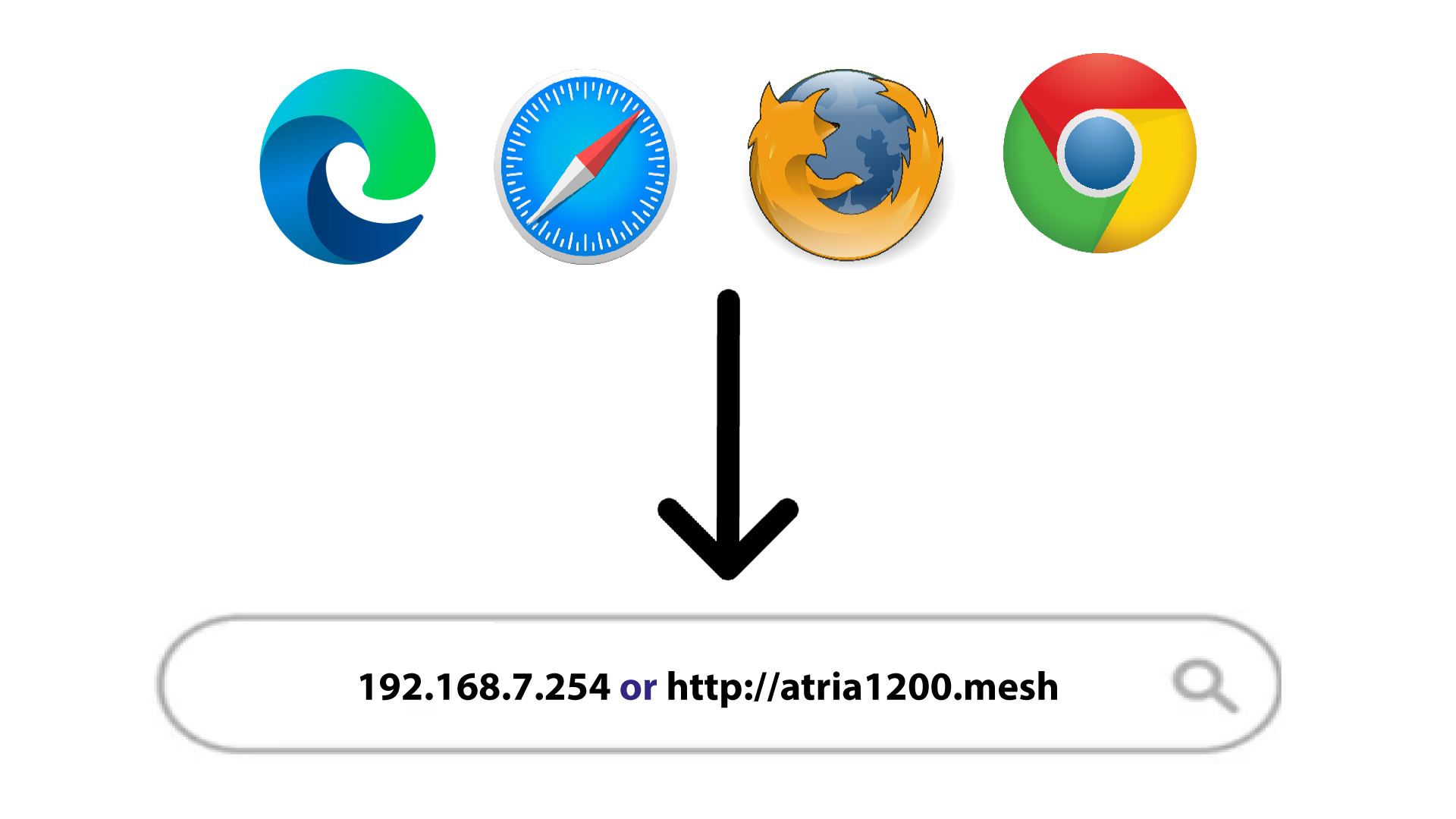
2Browse to the Web UI IP Address
Then, you must browse to the Web UI IP address
3Easy mesh Settings
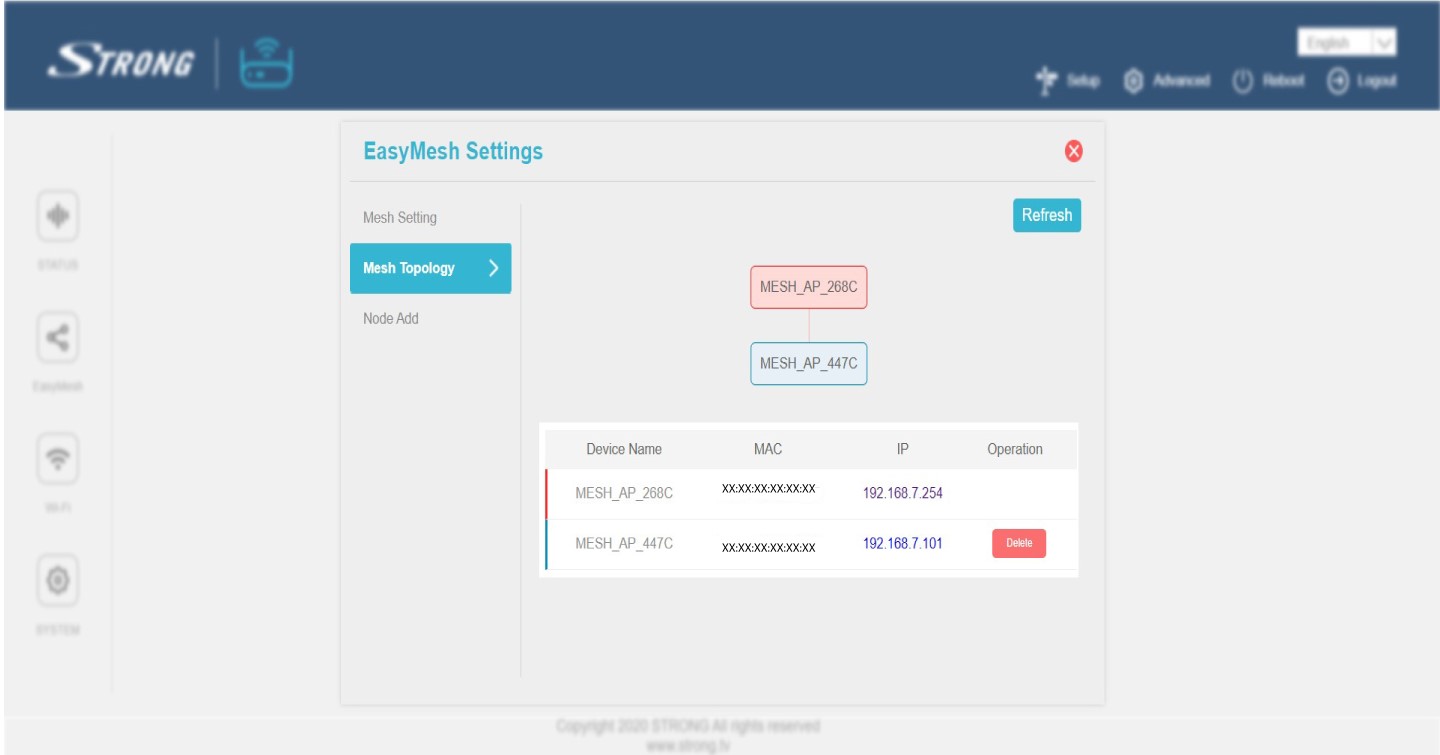
Click on Easy Mesh in the left bar.

4Mesh Topology
Then, all the IP addresses of the Mesh units of your network are displayed in the Mesh Topology.
5Write down the IP Addresses
Write down the IP Addresses on a piece of paper. Then, type them in your browser to access the Web UI.