ATRIA Mesh 1200 Add-on | MESH1200ADDON
No items found.
No items found.
All questions
ATRIA Mesh 1200 Add-on | MESH1200ADDON
No items found.
No items found.
How can I add new Mesh units to the existing network I just configured? (CASE1: WPS Button)
How can I add new Mesh units to the existing network I just configured? (Case 1: WPS Button)
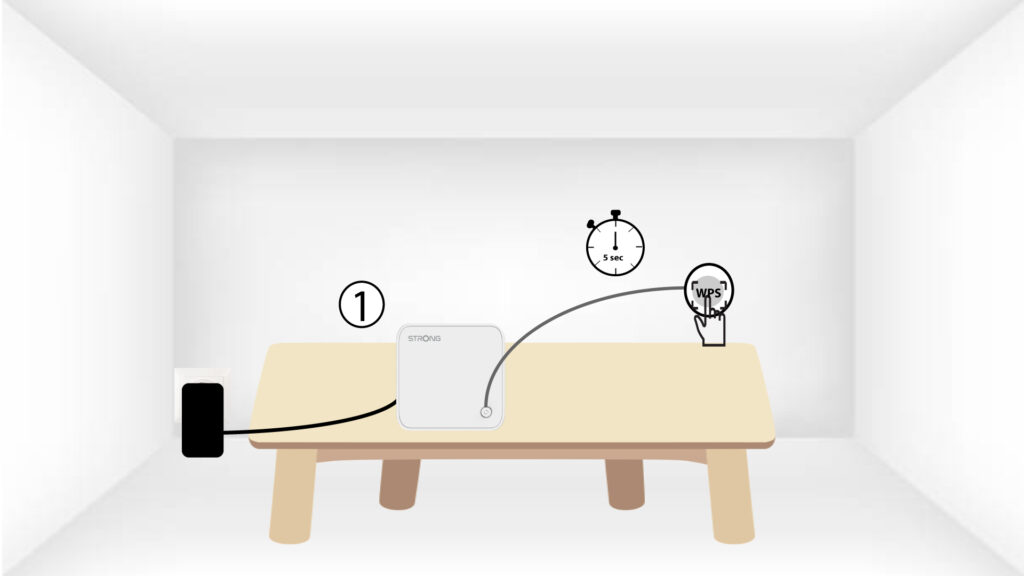
1Press the WPS button on the main mesh unit
To do so, press the WPS button for 5 seconds on the Mesh unit that is connected to your router/modem by RJ45.
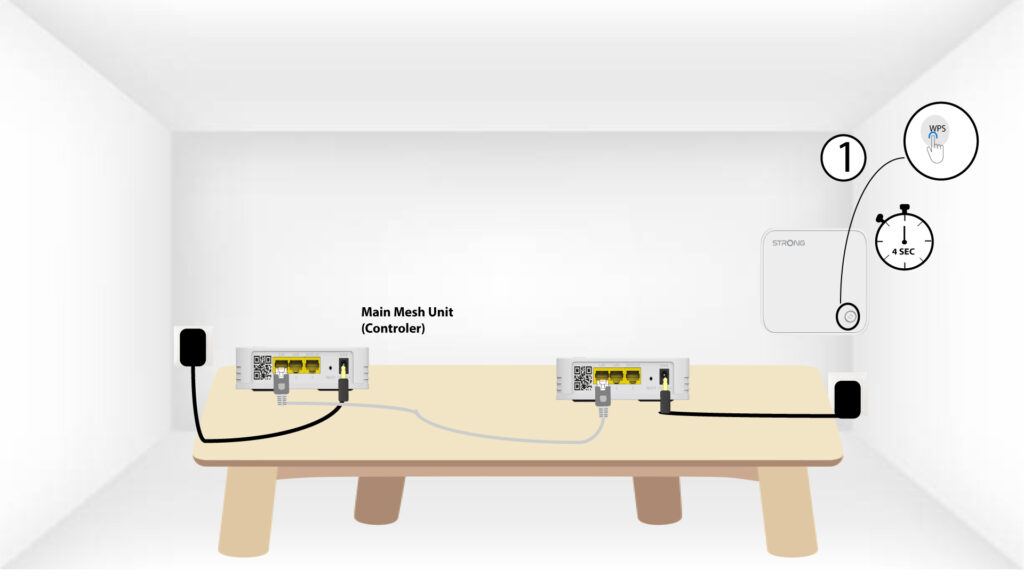
2Press the WPS button on the mesh unit
Then, press the WPS button on the new mesh unit for 5 seconds.