ATRIA Mesh 1200 Add-on | MESH1200ADDON
All questions
ATRIA Mesh 1200 Add-on | MESH1200ADDON
How can I set/allocate a static IP address for my Atria Mesh 1200 unit? (App)
It can be interesting to set a static IP for you mesh controller to have an easier access to the Web
UI on your network in the Atria Mesh app.
You can also allocate dedicated IP Addresses to the devices connected on your mesh network in
the Web UI.
1Connect to the Wi-Fi of your mesh
To do so, connect to the Wi-Fi of your mesh network.

2Access the App
Connect to the Atria Mesh App.

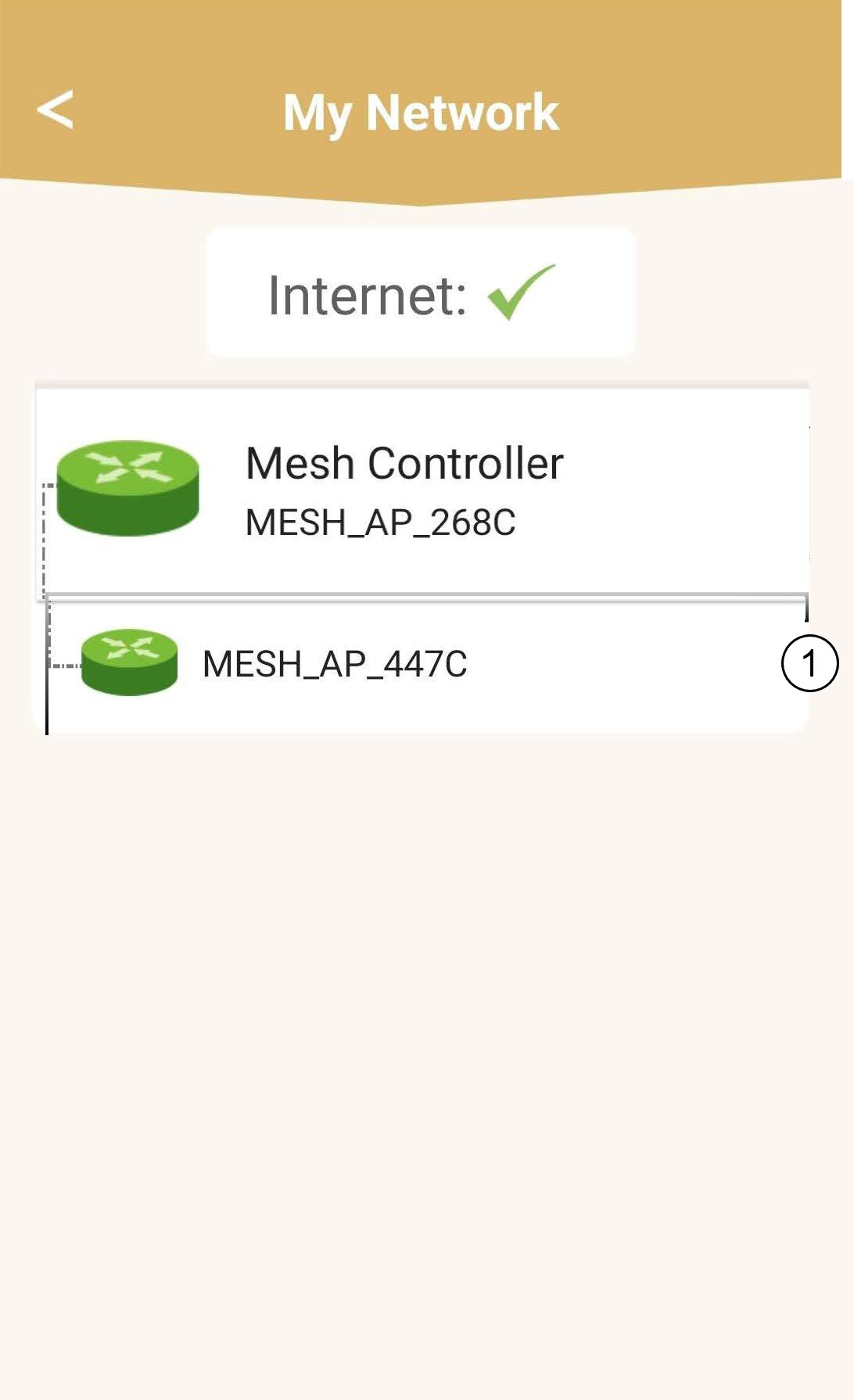
3Network
Click My Network.

4Select the main mesh unit
Click the Name of the Mesh Agent in the list.
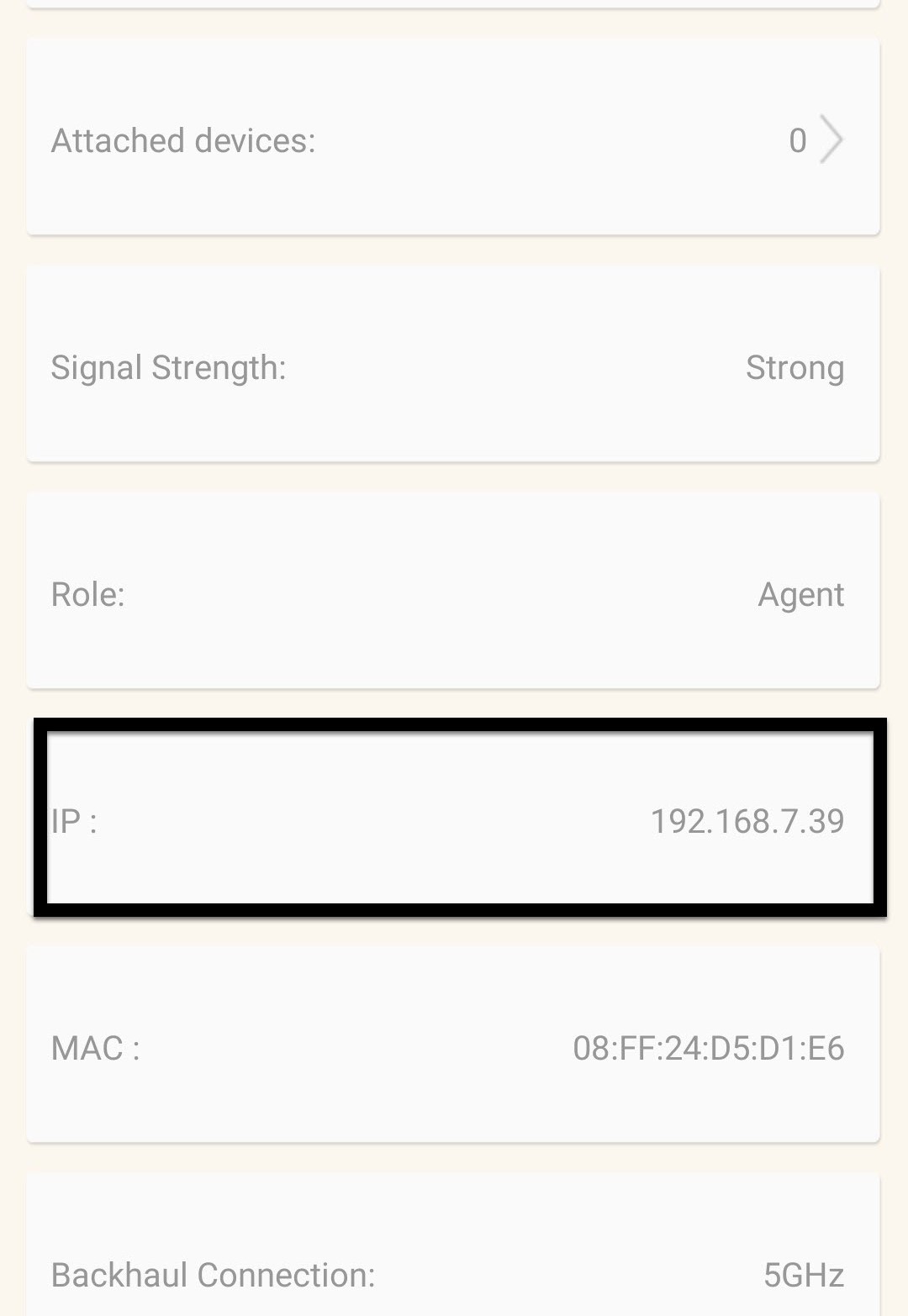
5Find the IP Address
Identify its IP Address and MAC Address.
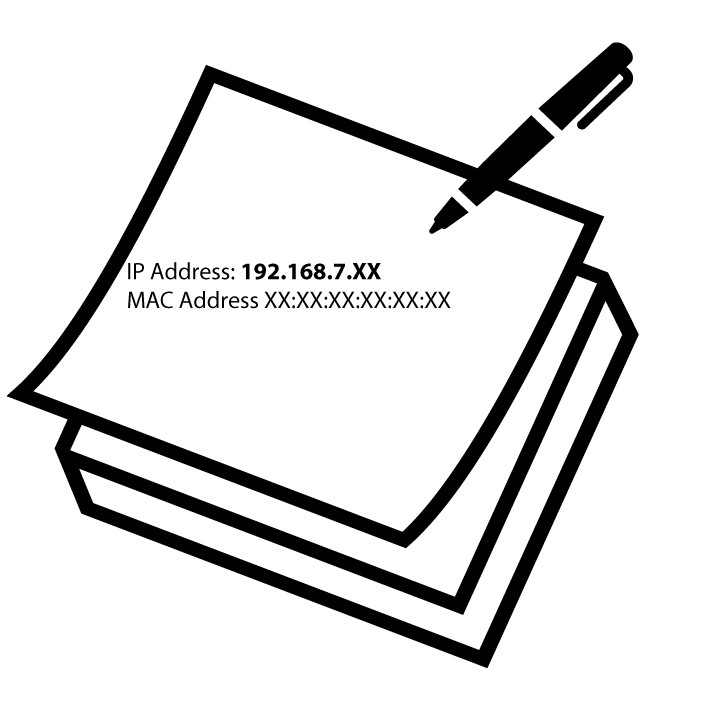
6Write down the IP Address
Write down the IP Address and MAC Address.
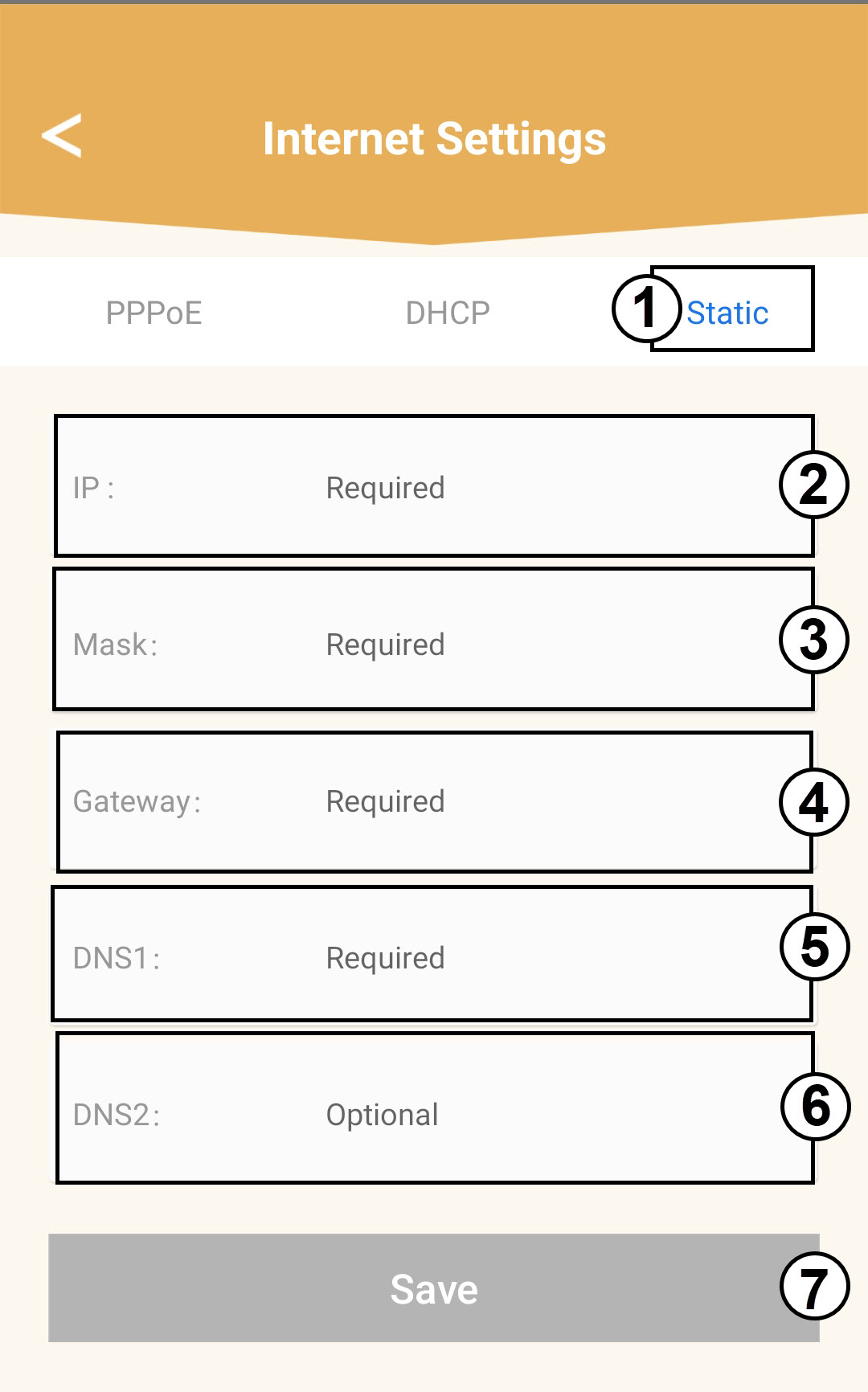
7Internet Settings
Click Internet Settings.
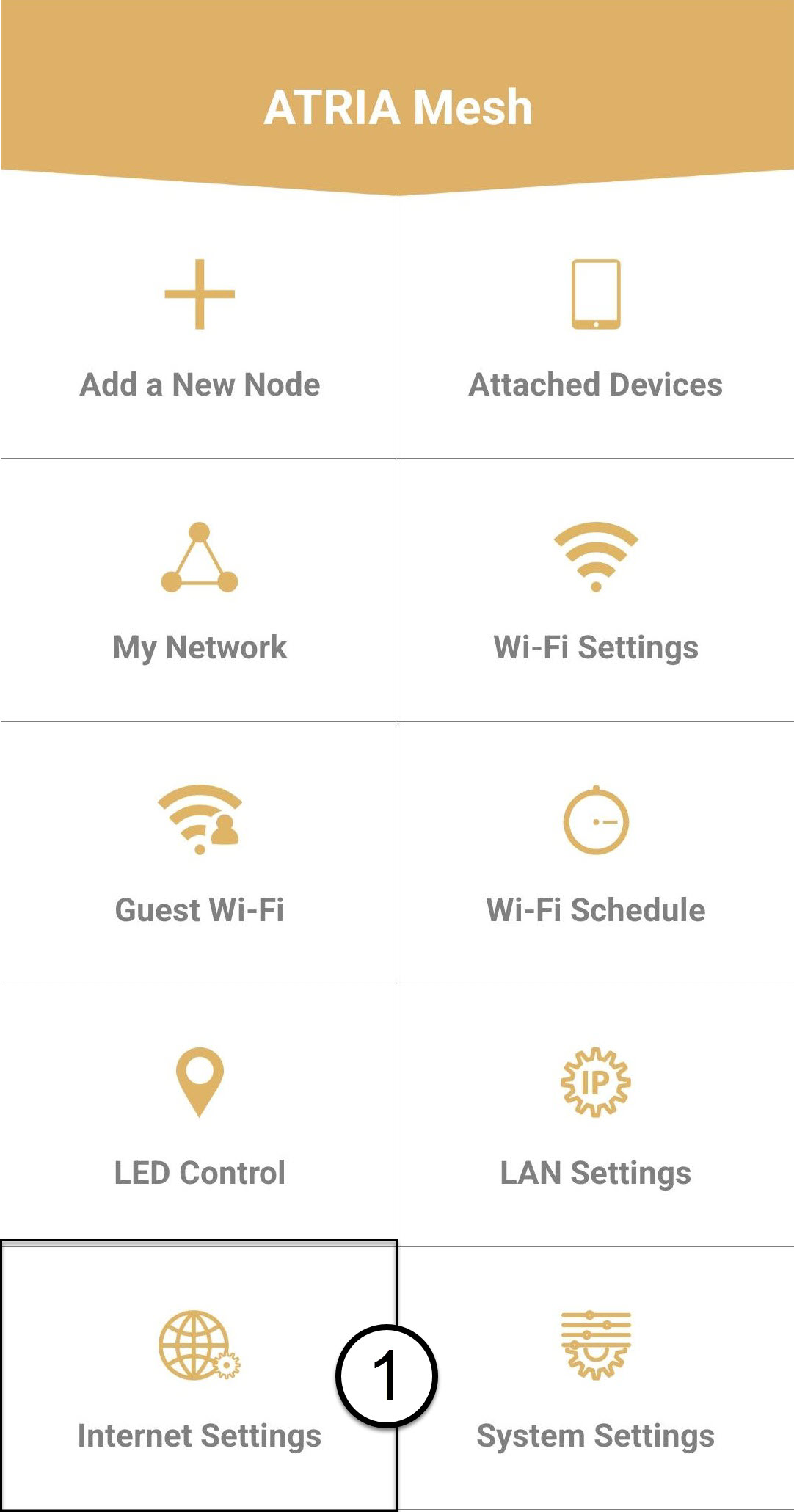
8Static IP
Select Static IP. Enter the following information before clicking Save:
o IP: Enter the IP Address of the Agent
o Mask: The field is automatically populated with the appropriate value
o Gateway: The field is automatically populated with the appropriate value
o DNS1: Enter the primary DNS address (you can find this information in the Web UI :
Network > LAN -> Enable Manual DNS)
o DNS2: Enter the secondary DNS address (you can find this information in the Web UI
: Network > LAN -> Enable Manual DNS)