ATRIA Mesh 1200 Add-on | MESH1200ADDON
No items found.
No items found.
All questions
ATRIA Mesh 1200 Add-on | MESH1200ADDON
No items found.
No items found.
How do I access the Web UI?
To access the Web UI, you must be connected to the Wi-Fi of your device after plugin the Mesh to the power plug and to your internet box.
1Connect to the Wi-Fi of your mesh
To do so, enter the SSID (Wi-Fi Network Name) and Wi-Fi password of the router in your device:

2Browse to the IP Address
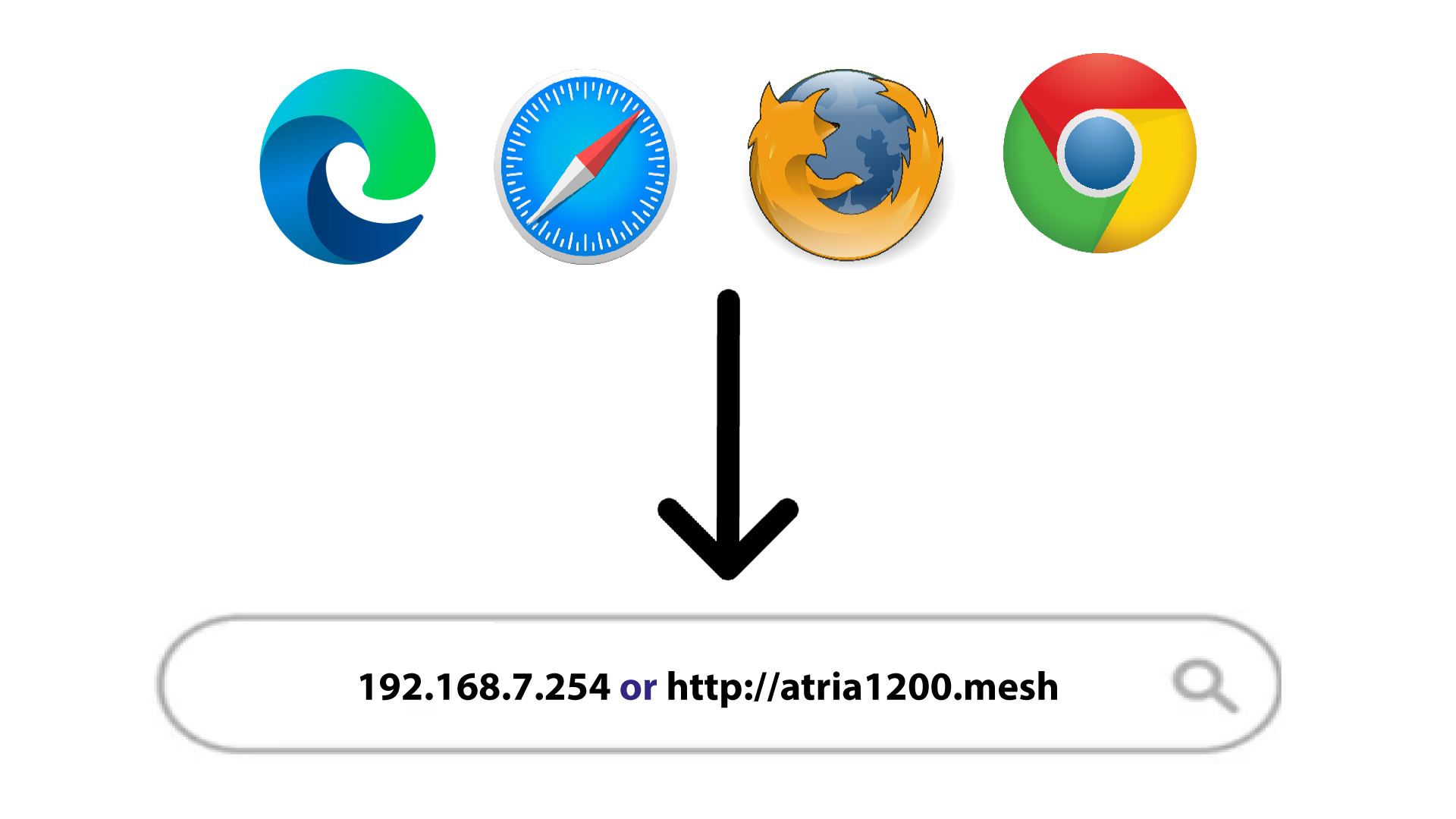
Then, enter the following IP address in your browser: 192.168.7.254 or type the following address : http://atria1200.mesh
3Enter your credentials
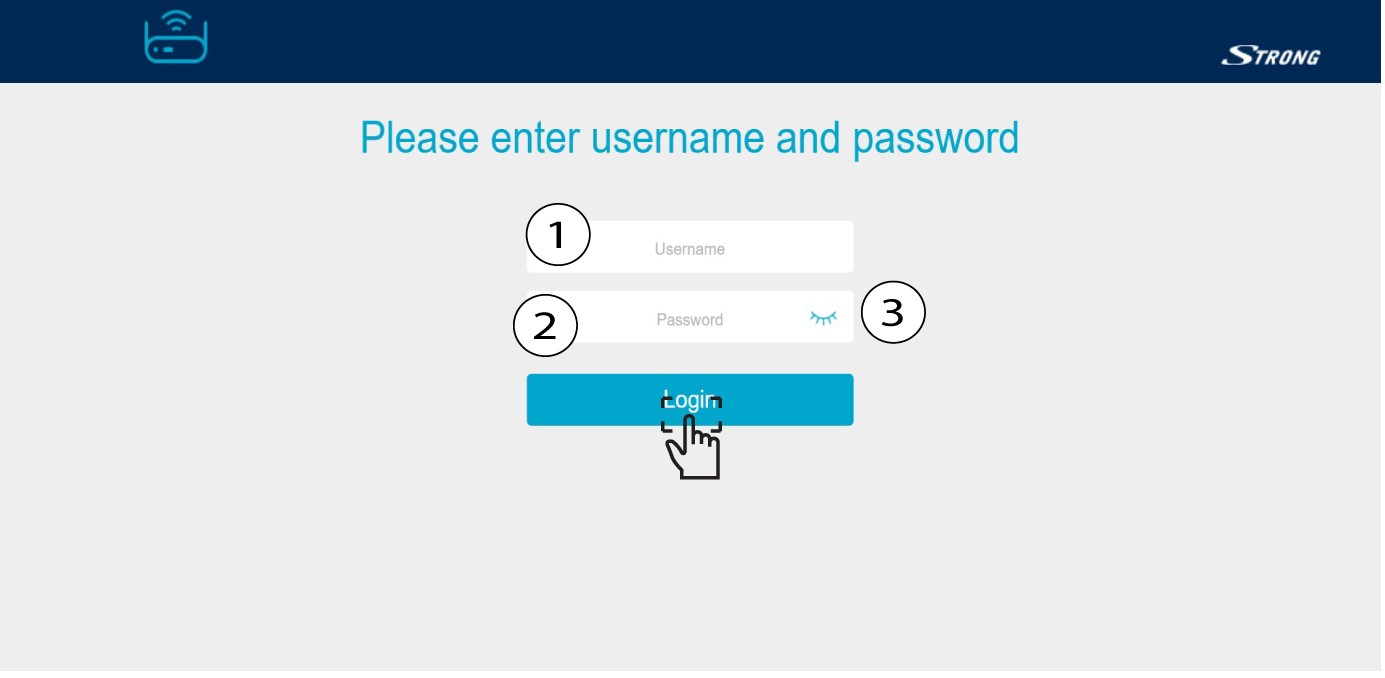
You must enter the Username (admin) and Password (admin). Then, click Login.
Warning: Please note that after the first connection, you will create your personal admin password, which means that the password written on the product label will not work any more.