ATRIA Wi-Fi 6 Mesh System 3000 UK (2-pack)
No items found.
No items found.
All questions
ATRIA Wi-Fi 6 Mesh System 3000 UK (2-pack)
No items found.
No items found.
How can I identify the IP addresses of the different Mesh units of my Network?
To find the IP addresses of the different Mesh units of your Network you first have to connect to the Web UI or in the app while being connected to the Mesh Network.
1Case 1: Web UI
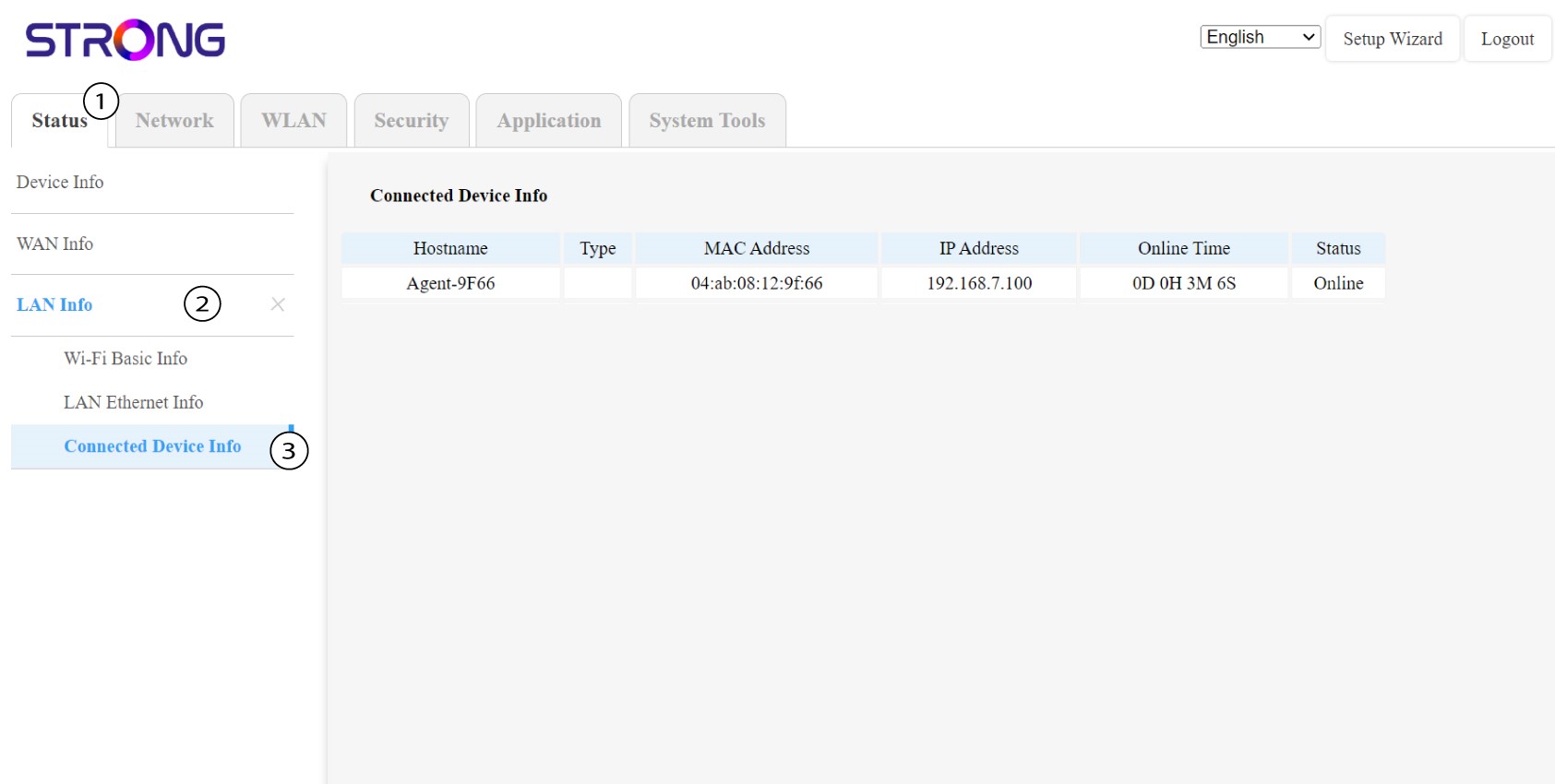
In the Web UI, in Status, LAN Info and Connected Info you can see the IP address of a Mesh named "agent" and write it down.
1Case 2: App
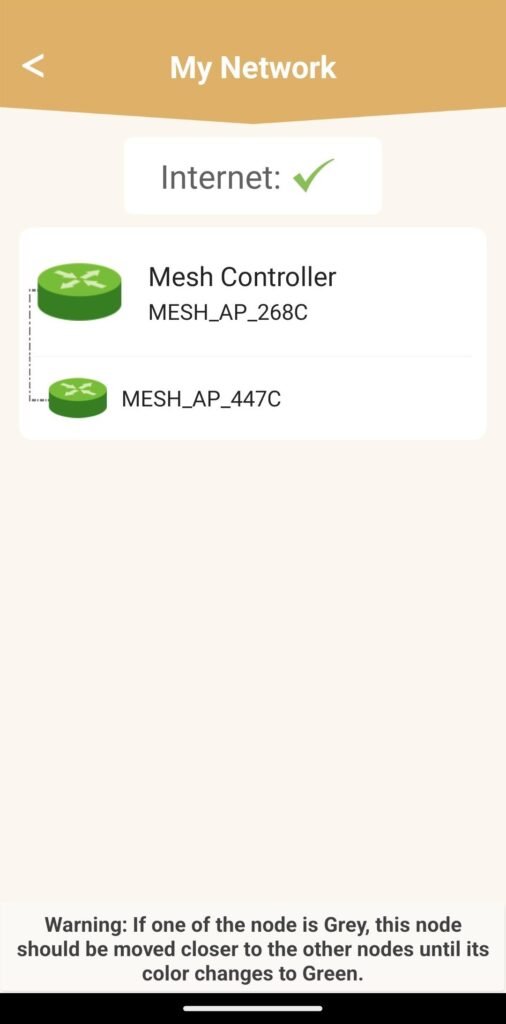
In the Atria App, go to My Network then click on the name of the device you are looking for and write down its IP address.