ATRIA Wi-Fi 6 Mesh System 3000 UK (2-pack)
All questions
ATRIA Wi-Fi 6 Mesh System 3000 UK (2-pack)
How do I access the Web UI?
To access the Web UI, you must be connected to the Wi-Fi of your device after connection a Ethernet cable to the WLAN port of your internet box and in the WLAN port of the Mesh unit.
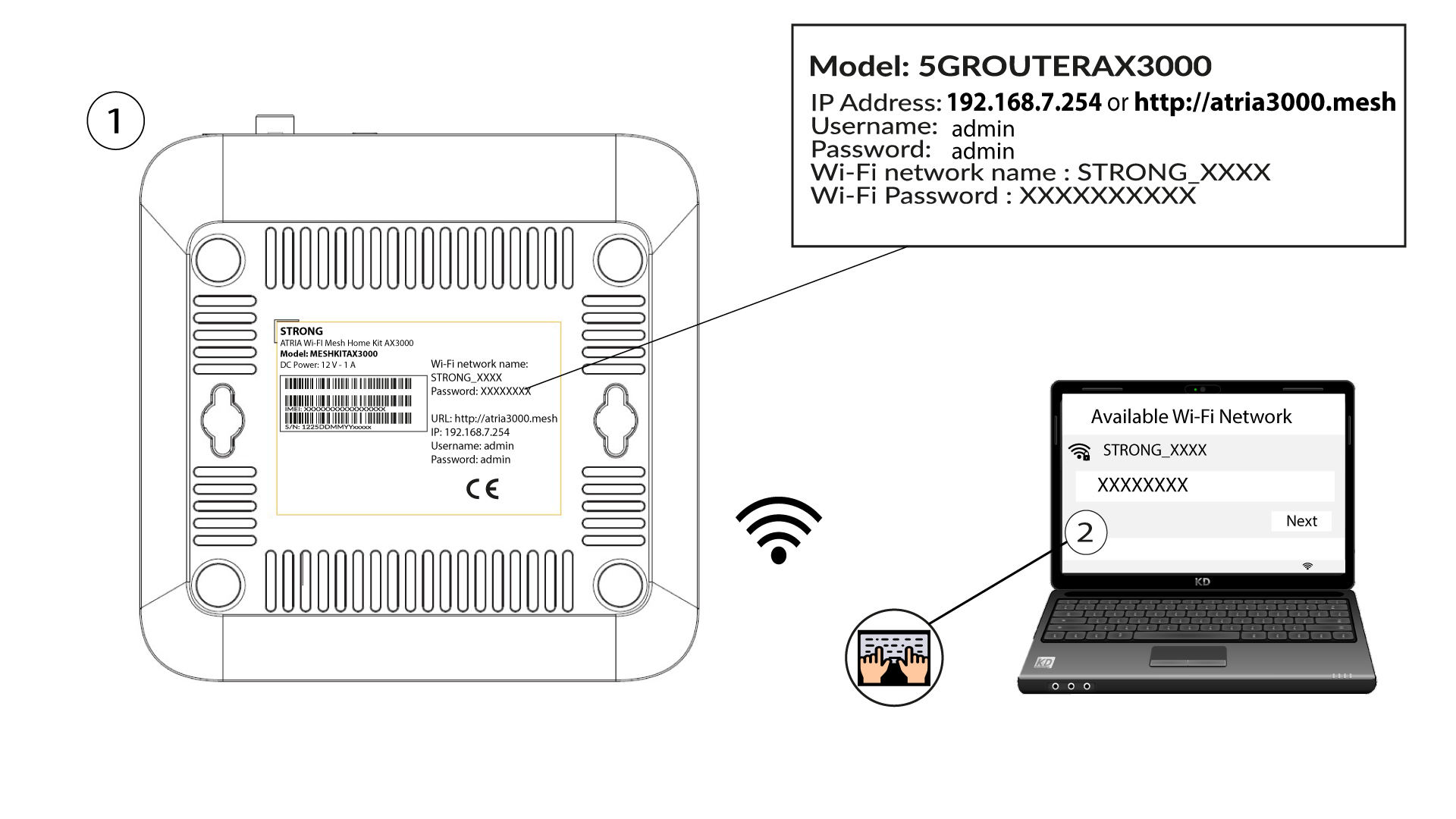
1Connect to the Wi-Fi of the device
To do so, enter the SSID (Wi-Fi Network Name) and Wi-Fi password of the router in your device:
2Browse to the Web UI IP Address
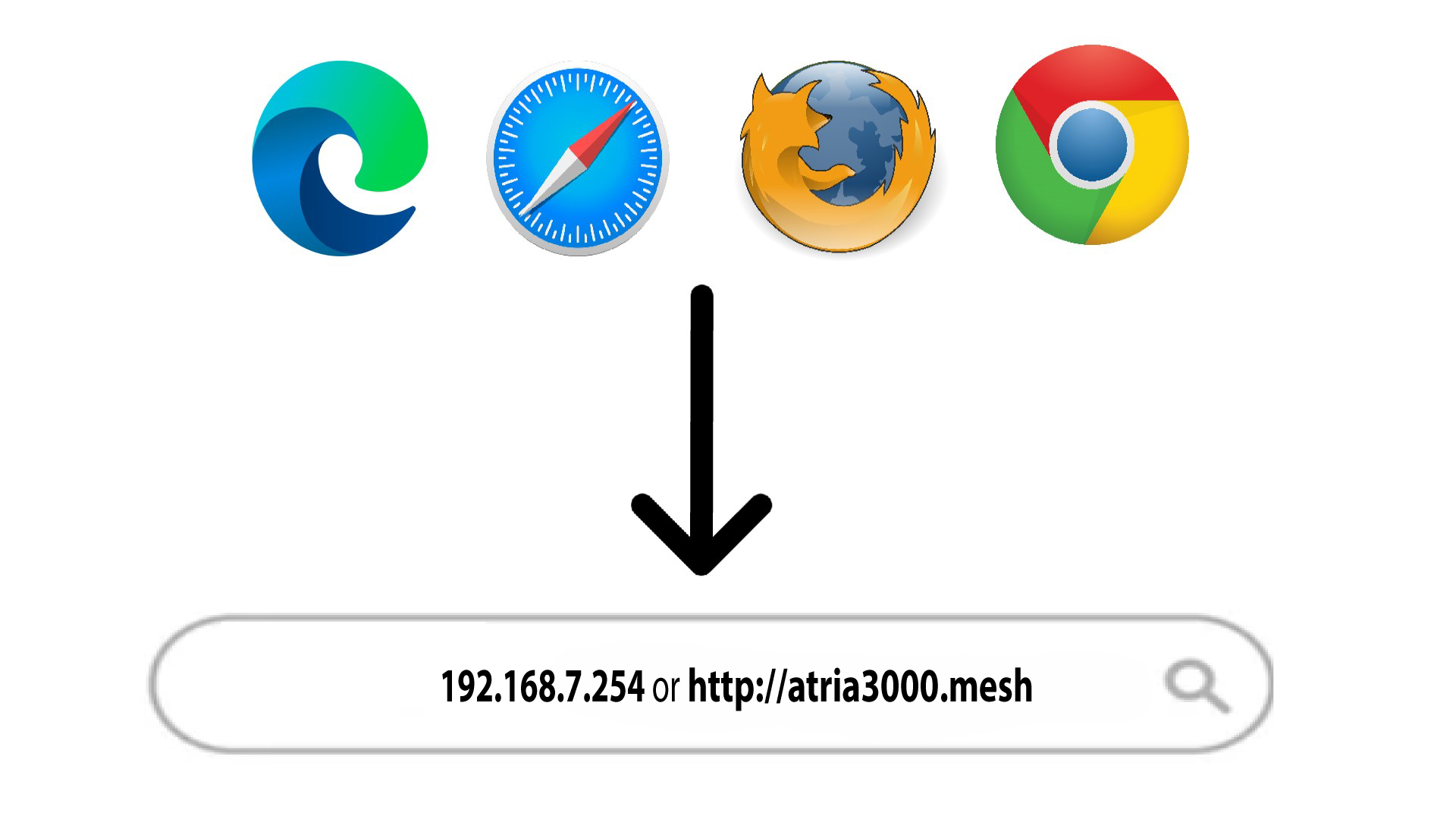
Then, enter the following IP address in your browser: 192.168.7.254 or type the following address : http://atria3000.mesh
3Enter your credentials
You must enter the Username (admin) and Password (admin) (please note that after the first connection you will create your personal admin password which means that the password written on the product label will not work any more). Then, click Login.

4Main page
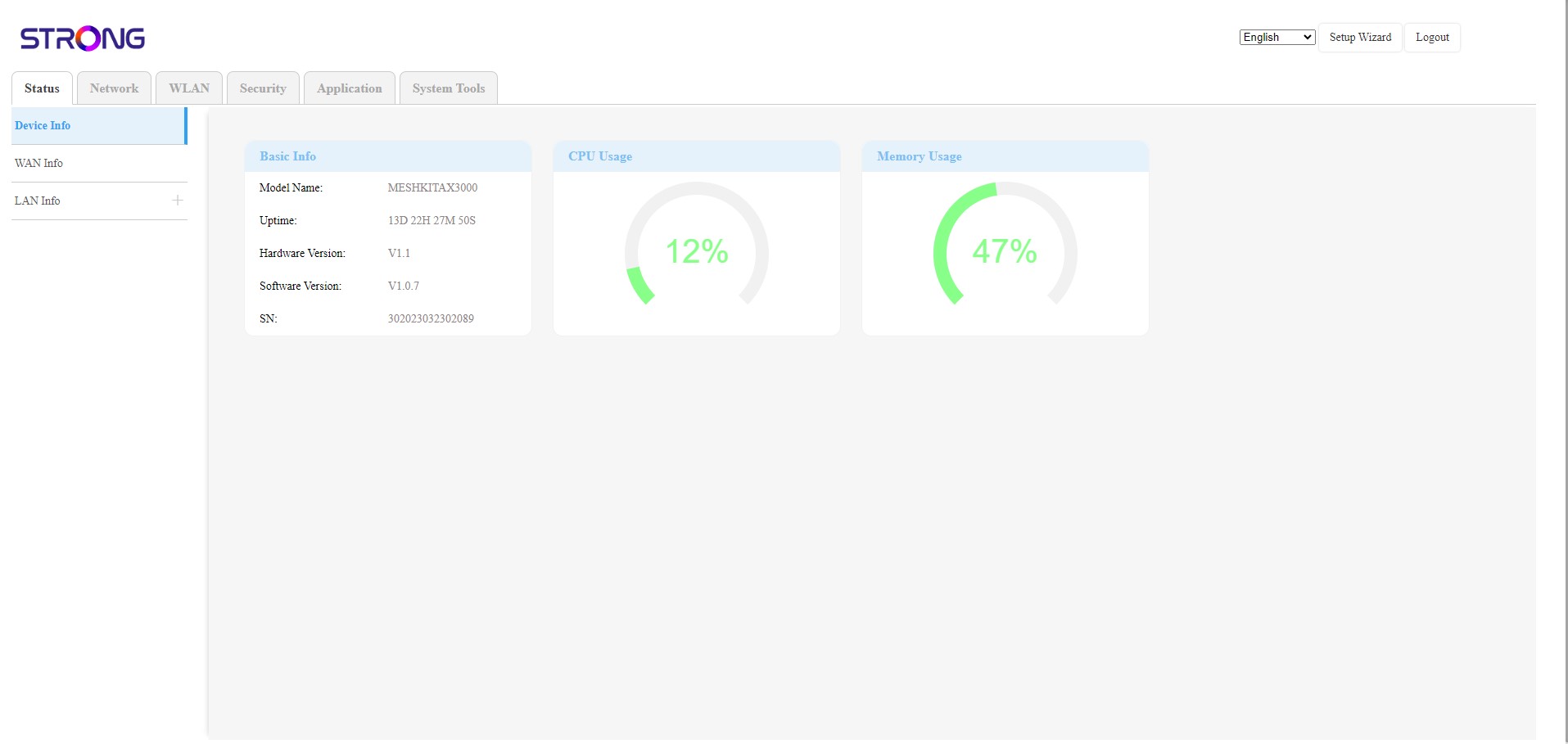
You are now on the main page of the Web UI. You may need to change the password for the Web UI after your first connexion, to do so please do the following instructions.