ATRIA Wi-Fi 6 Mesh System 3000 UK (2-pack)
All questions
ATRIA Wi-Fi 6 Mesh System 3000 UK (2-pack)
How do I reset my Mesh units to the factory settings?
There are 2 ways to restore your devices to their factory settings.
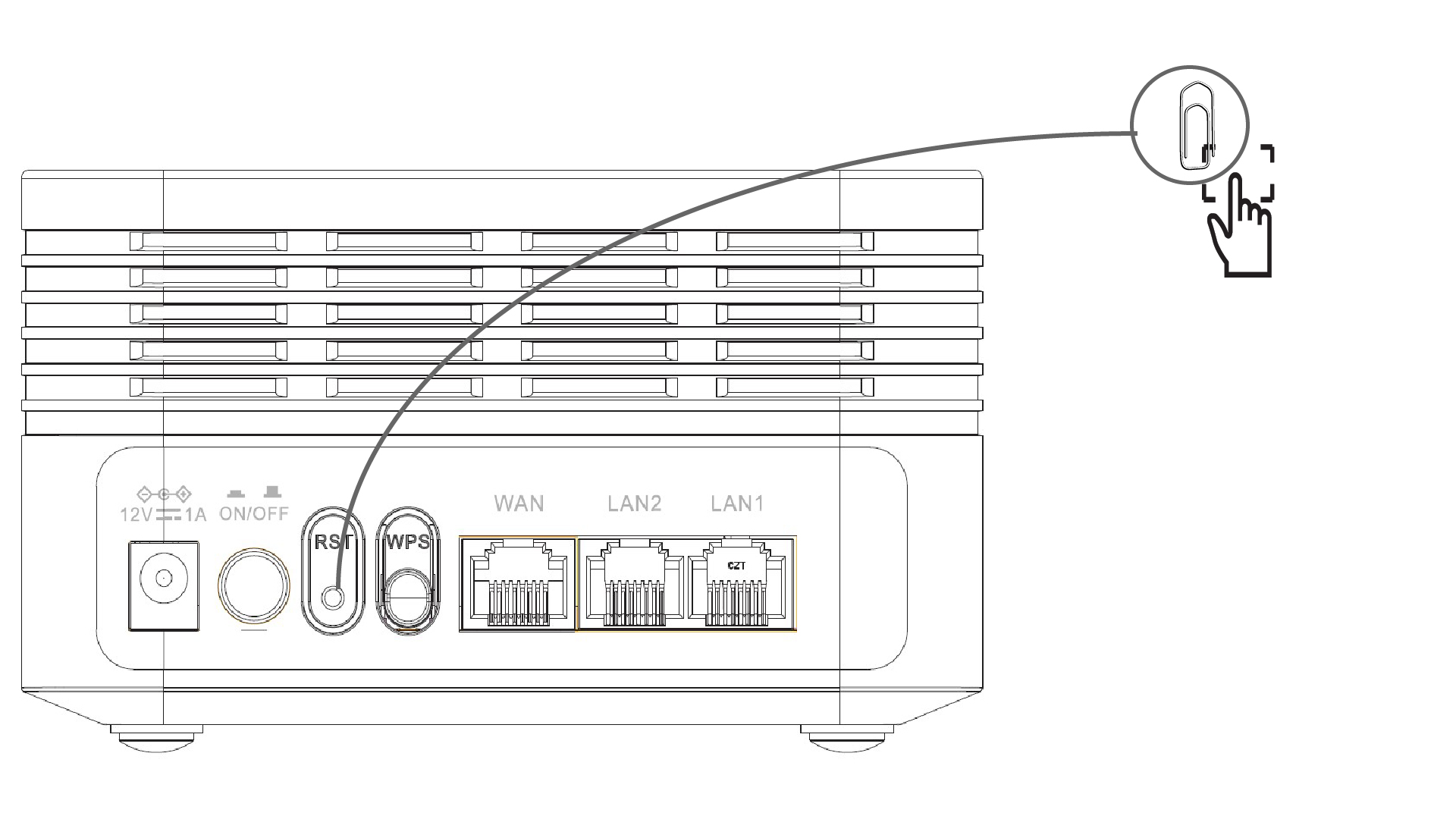
1Case 1: Reset button
To do so, insert a paper clip in the RST hole at the back of the device to press the reset button. Press the reset button for 10 seconds. The LEDS will switch off and turn back on again.
1Case 2: Web UI
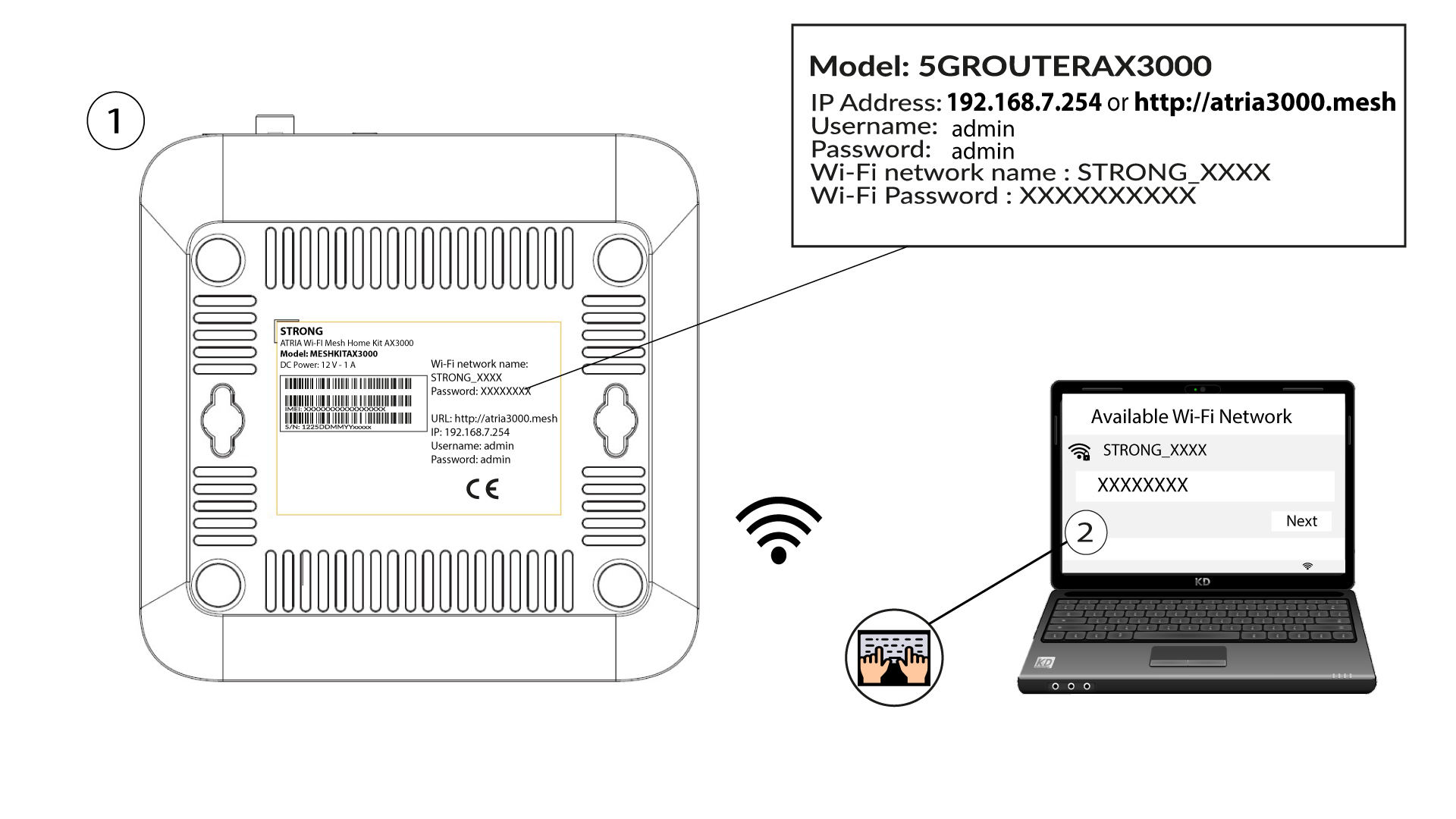
To do so, enter the SSID (Wi-Fi Network Name) and Wi-Fi password of the router in your device:
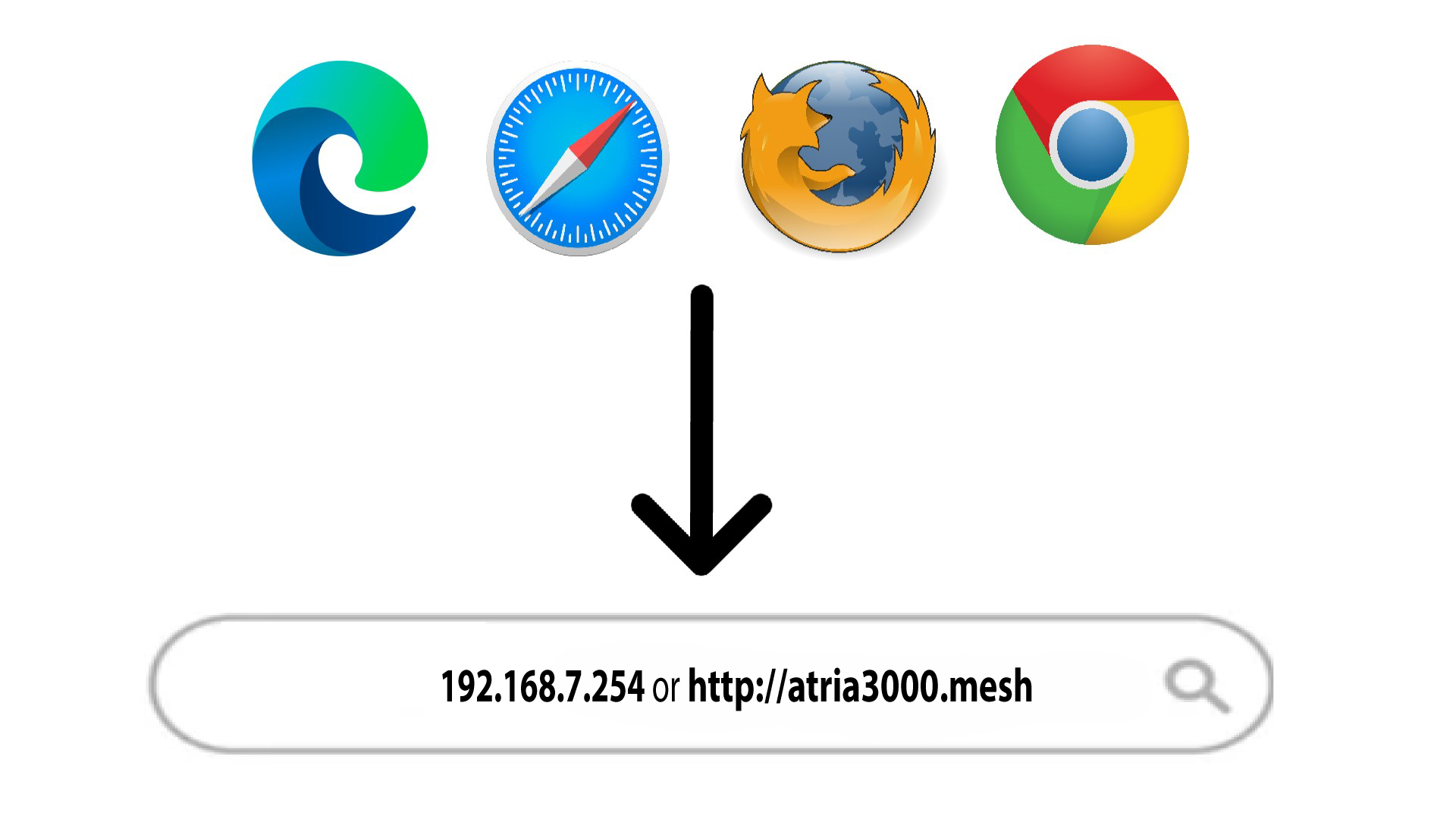
2Browse to the Web UI IP Address
Then, enter the following IP address in your browser: 192.168.7.254 or type the following address : http://atria3000.mesh
3Enter your credentials
You must enter the Username (admin) and Password (admin) (please note that after the first connection you will create your personal admin password which means that the password written on the product label will not work any more). Then, click Login.

4Restore default
Then, in the top bar, click System Tools, then go on the Device Management section and click on Restore Default.

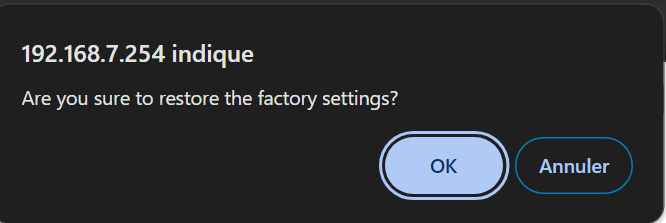
5Pop-up
Then, click OK in the pop-up window.