ATRIA Wi-Fi 6 Mesh System 3000 UK (2-pack)
All questions
ATRIA Wi-Fi 6 Mesh System 3000 UK (2-pack)
Can I configure a Guest Network for my Mesh network? (Case 2: Atria App)
To access the Web UI, you must be connected to the Wi-Fi of your device after connection the RJ45 cable in the WLAN port of your device and of the internet box.
1Case 2: Atria App
Download the application for smartphone "ATRIA MESH" on the App Store or the Google Play Store.

2Enter your credentials
Then you need to be connected to the Wi-Fi of the Mesh with your smartphone and then login to the app with your credentials that should be "admin" and "admin" if you did not changed it.

3Guest Wi-Fi
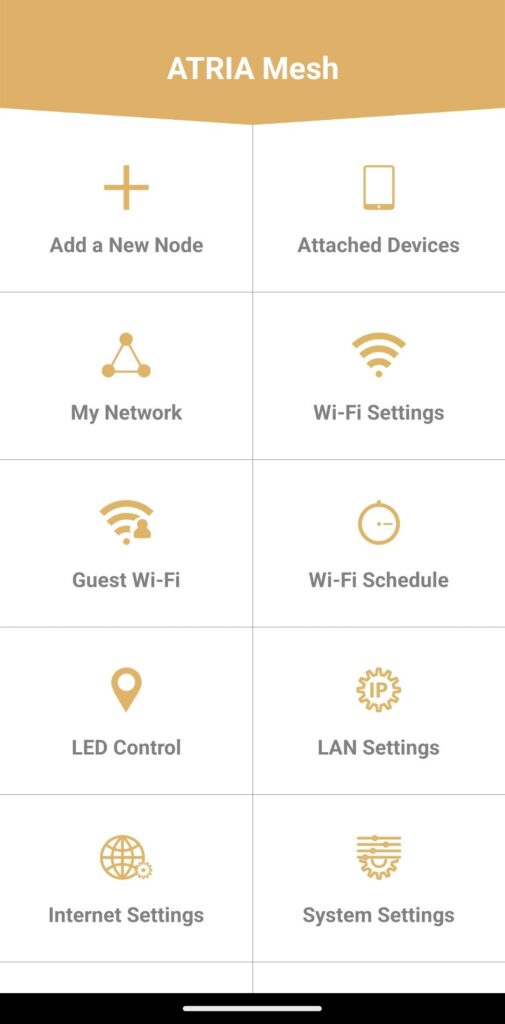
Now you are on the main page, click on Guest Wi-Fi.
4Set-up a Guest Wi-Fi
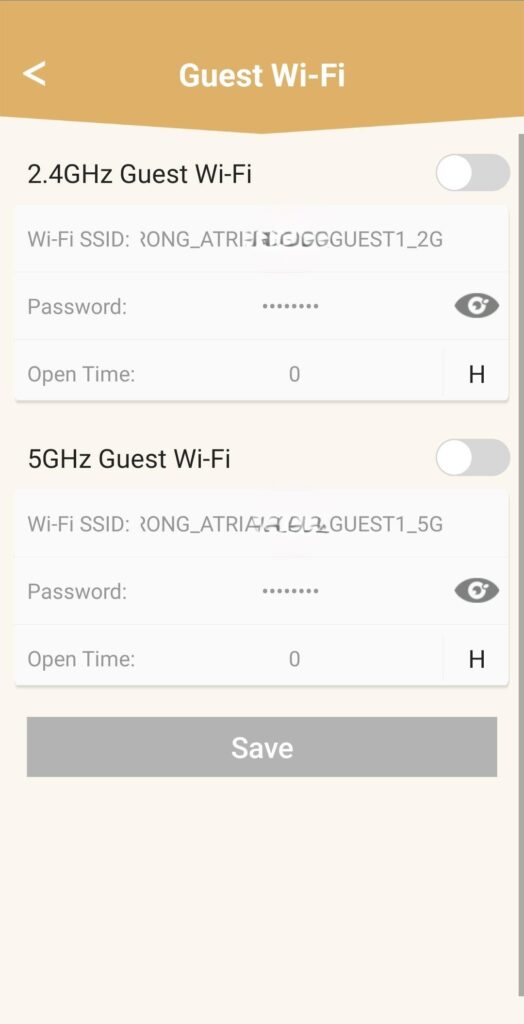
Then here, you can add a 2.4GHz or 5GHz Guest Wi-Fi Network.
• Press the toggle button of the network you want.
• Set up a unique SSID (Wi-Fi Network Name) and a unique Password.
• Then you can choose a time planning for when you want the Guest Wi-Fi to be active or not in Open Time.
• Click on Save.
5Check the new Wi-Fi Network
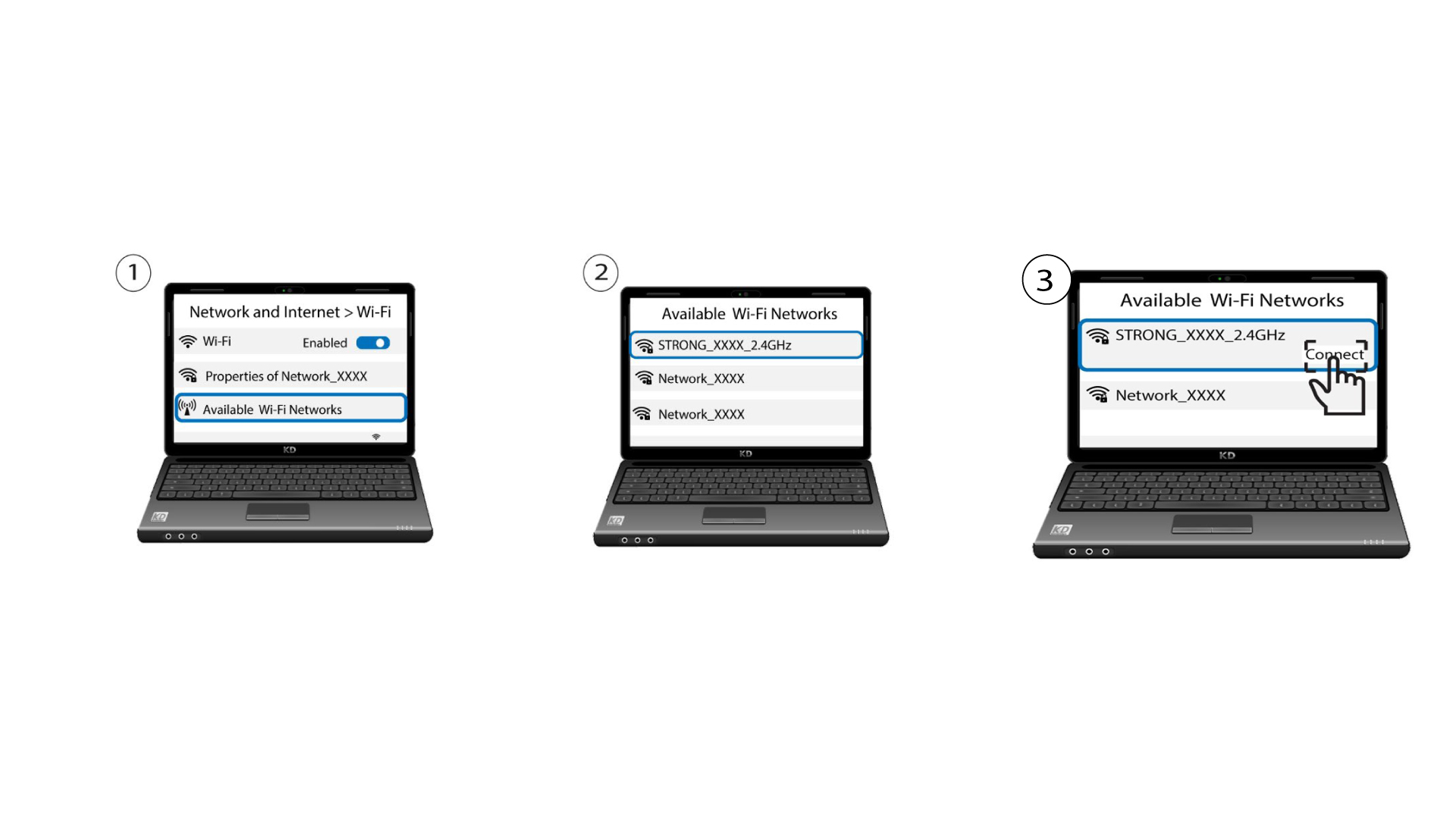
The new guest network is now visible in the Wi-Fi Network list of your devices.