
No items found.
No items found.
2K+ SMART HOME CAMERA
All questions
No items found.
No items found.
2K+ SMART HOME CAMERA
How do I share my device?
You can share your device with your family.
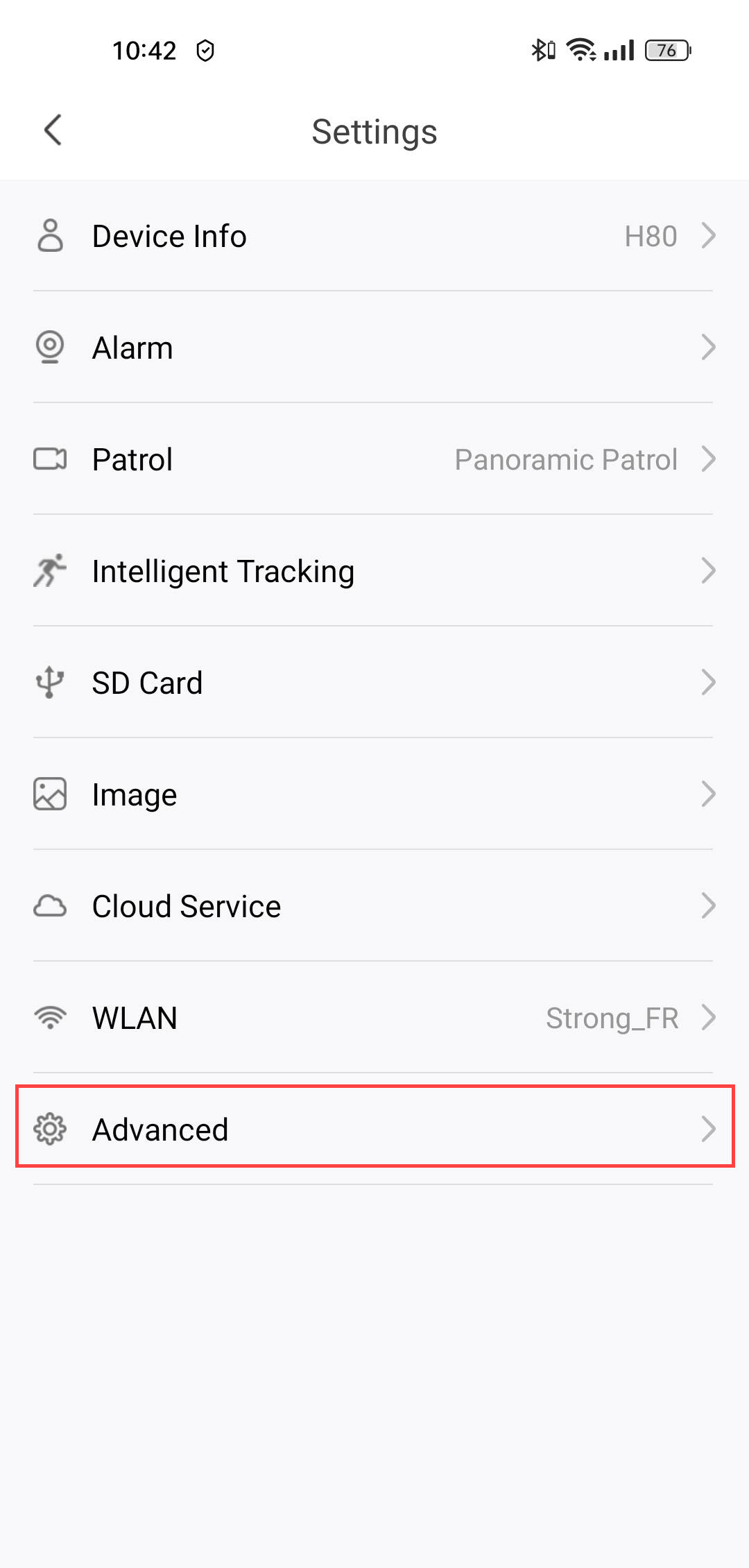
1Open Settings
To do so, click Settings.
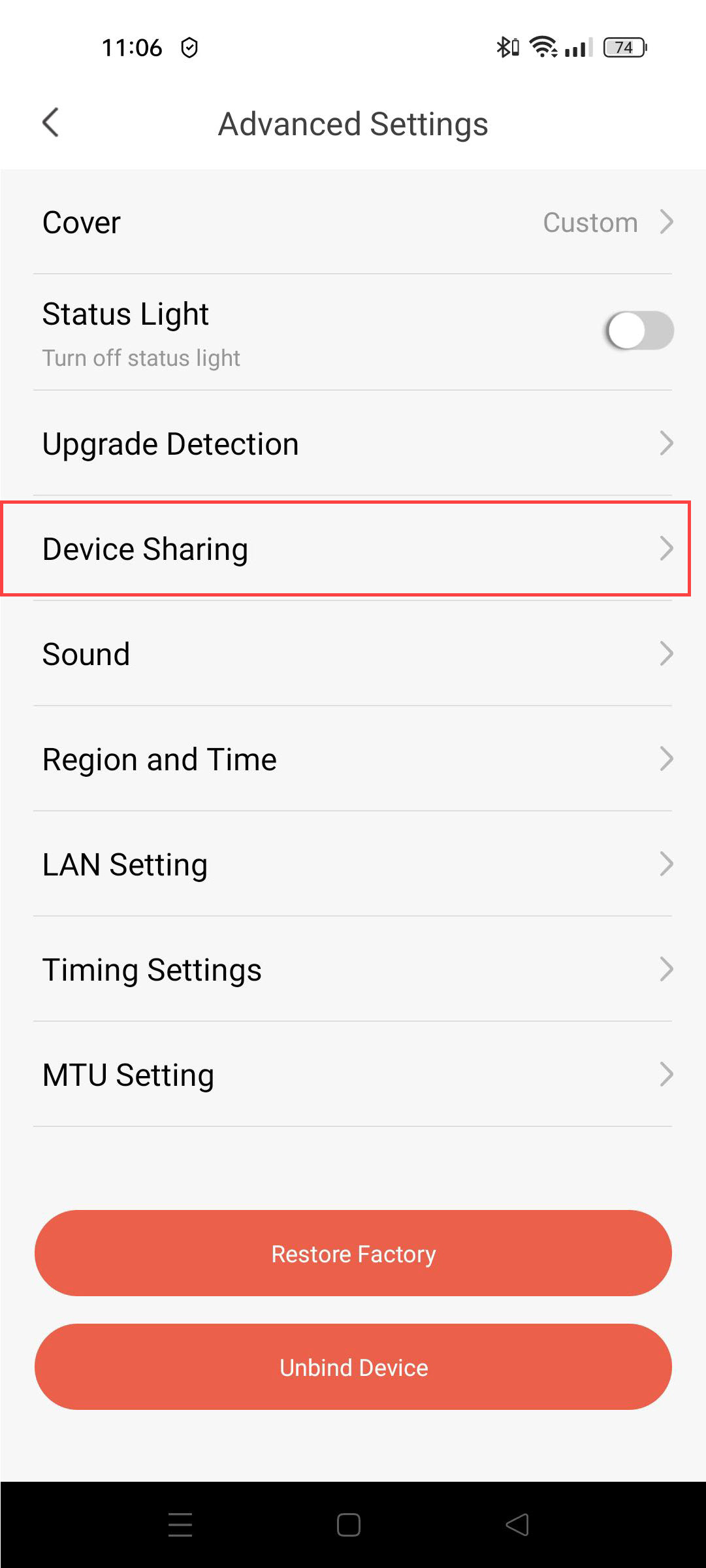
2Go to Device Sharing
Click Device Sharing.
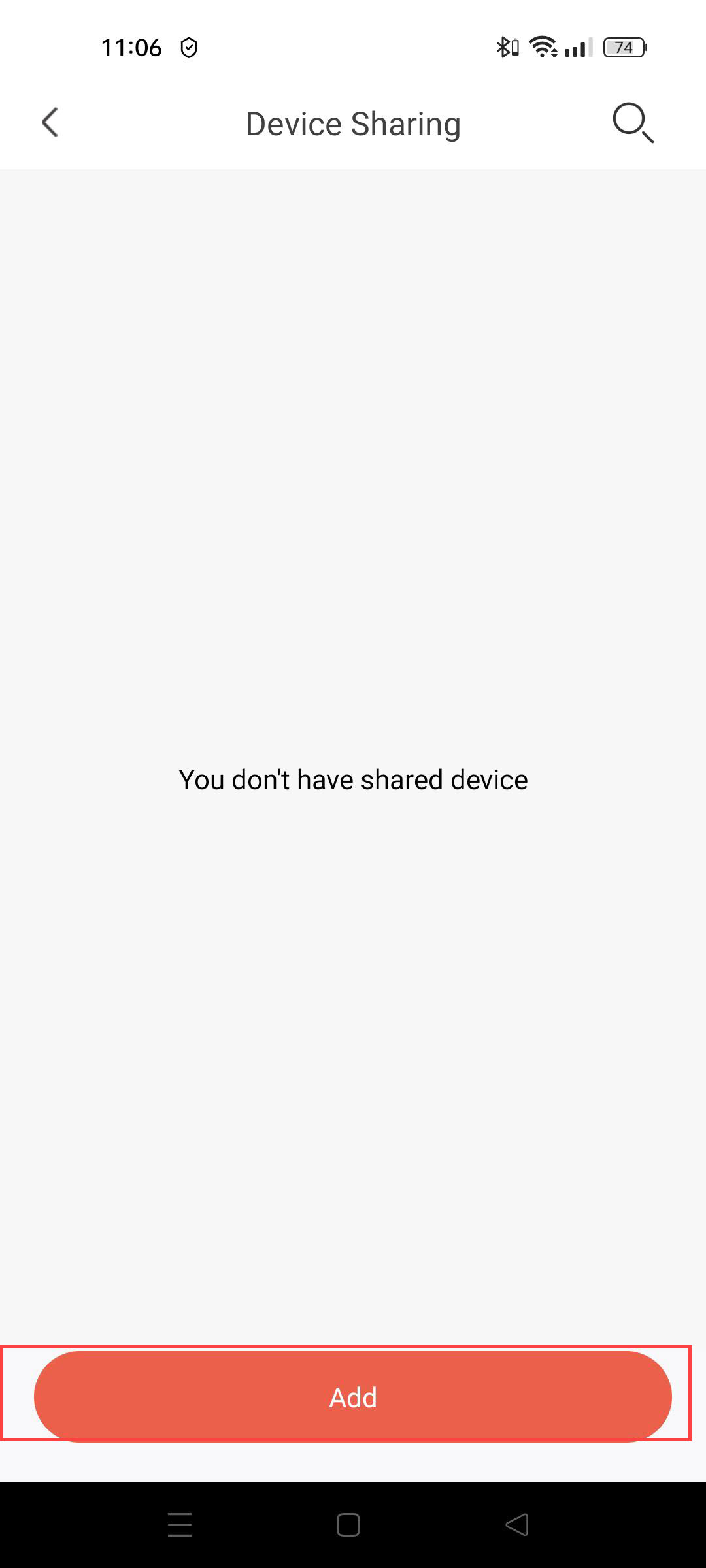
3Add a New User
Then, click Add.
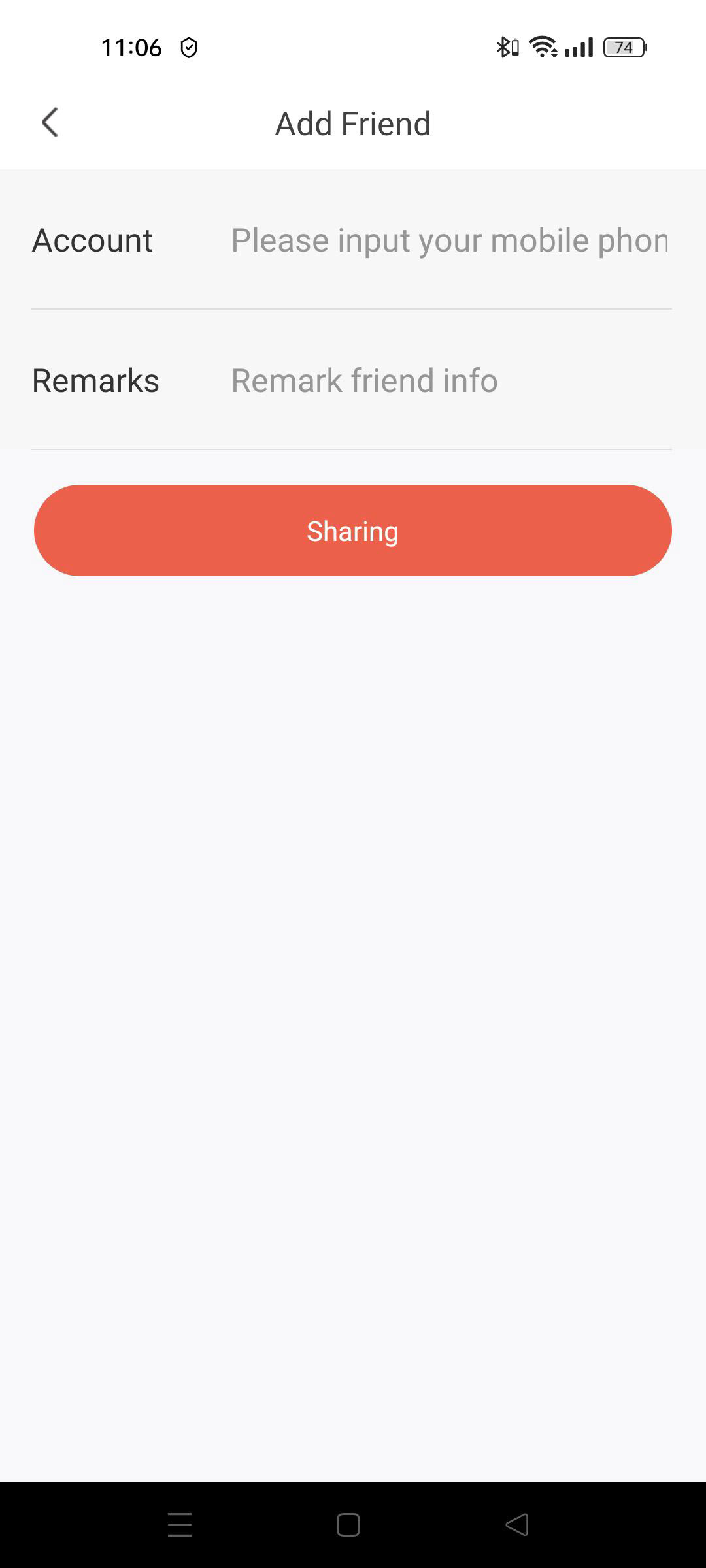
4Enter Email Address
Enter the email address of the person with whom you want to share the device and click Sharing.

Warning: When a camera is shared with you, the owner assigns specific rights to you.