No items found.
No items found.
2K+ SMART HOME CAMERA
All questions
No items found.
No items found.
2K+ SMART HOME CAMERA
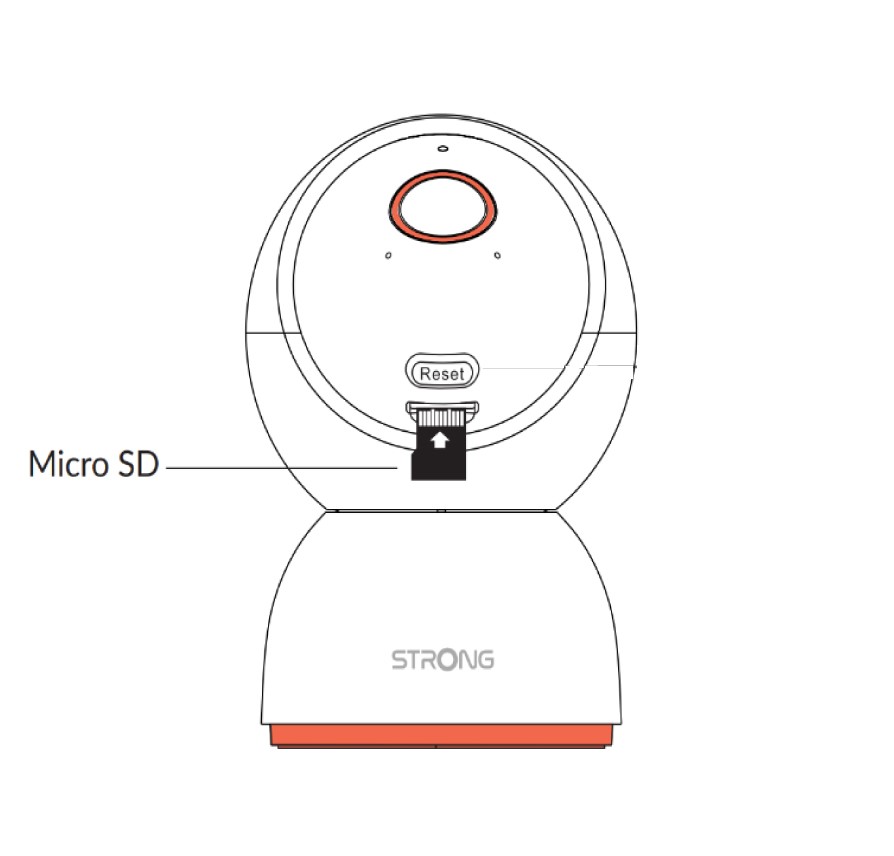
How do I install the SD card in my camera?
Before plugging in the camera, insert the SD card into the slot located at the bottom of the camera head. To do so, gently slide the camera head upward to reveal the SD card slot. Then, insert the SD card as shown in the illustration below.