
No items found.
No items found.
2K+ SMART HOME CAMERA
All questions
No items found.
No items found.
2K+ SMART HOME CAMERA
How do I perform a hard reset on my camera (without using the app)
If you can’t use the app, you can reset the camera with the button on the device.
To do so, you need to follow the steps below.
1Find the Reset Button
Turn the camera lens to find the reset button.
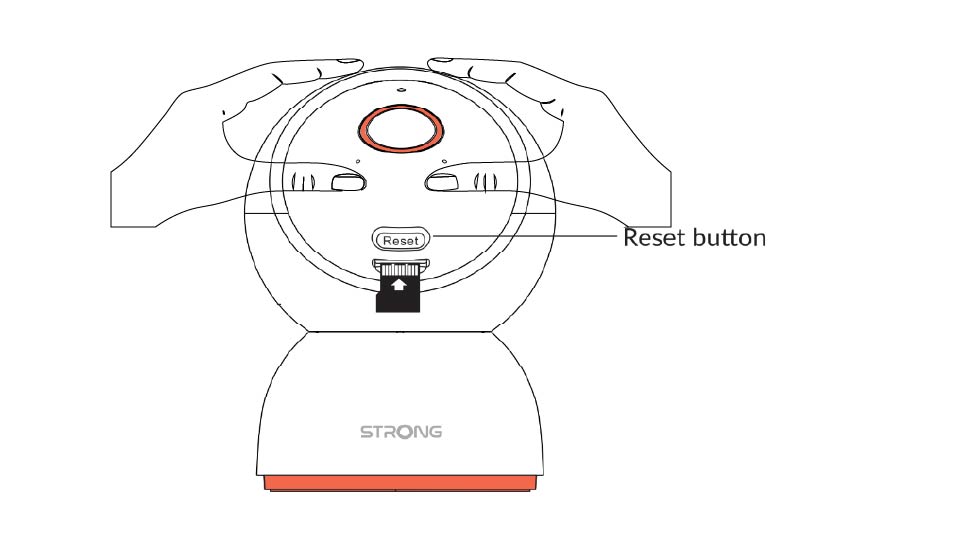
2Press the Reset Button
Press and hold the button for 5 seconds.
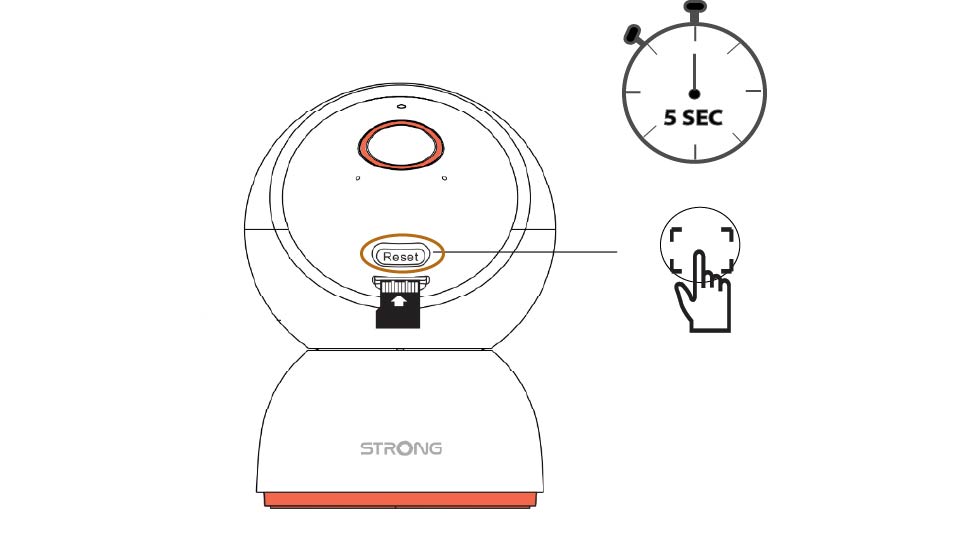
3Wait for the Reset Message
Once you have completed this step, you will hear: "The camera is being reset." The camera will then restart automatically.
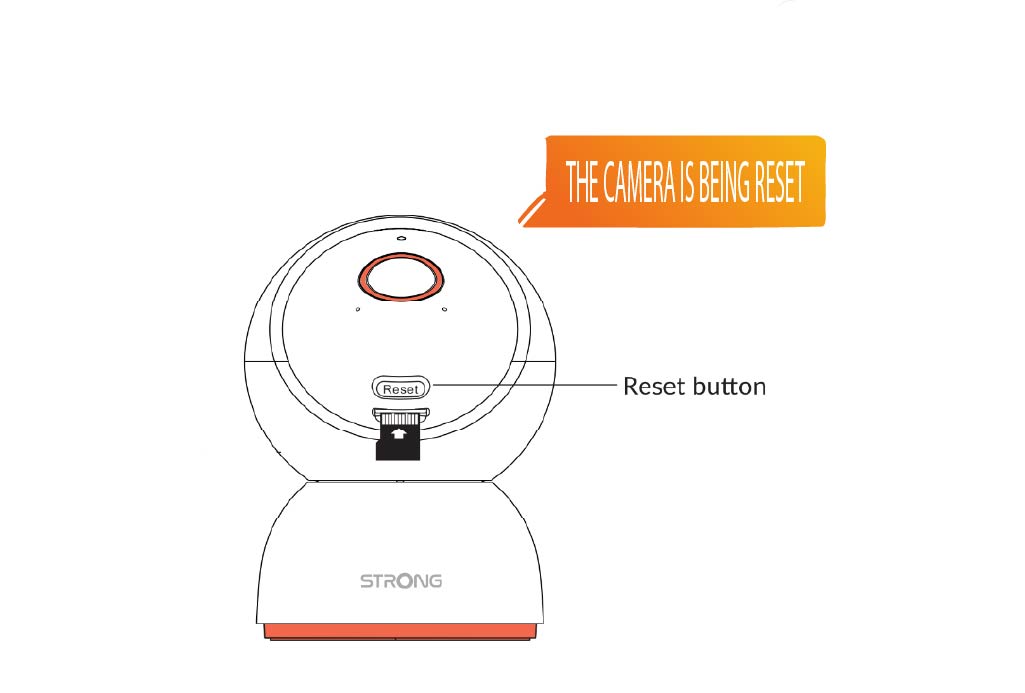
4Welcome Message
When it’s ready, it will say: “Welcome to use smart camera.”
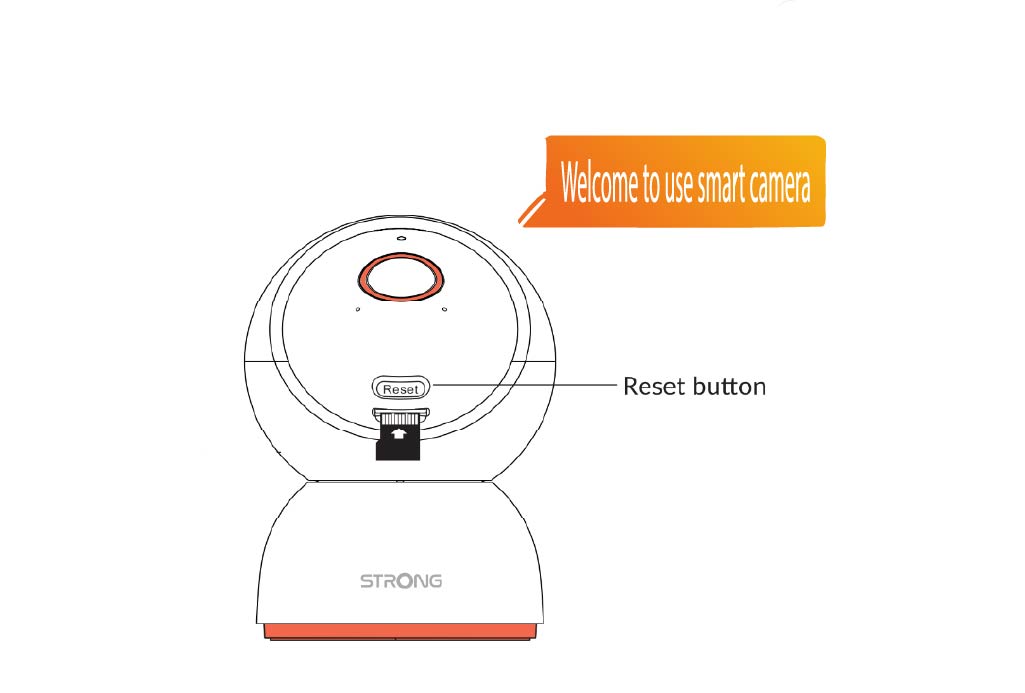
TIP : Once the reset is done, open the app and add the camera again.