No items found.
No items found.
2K+ SMART HOME CAMERA
All questions
No items found.
No items found.
2K+ SMART HOME CAMERA
How do I set up Motion Detection on my camera?
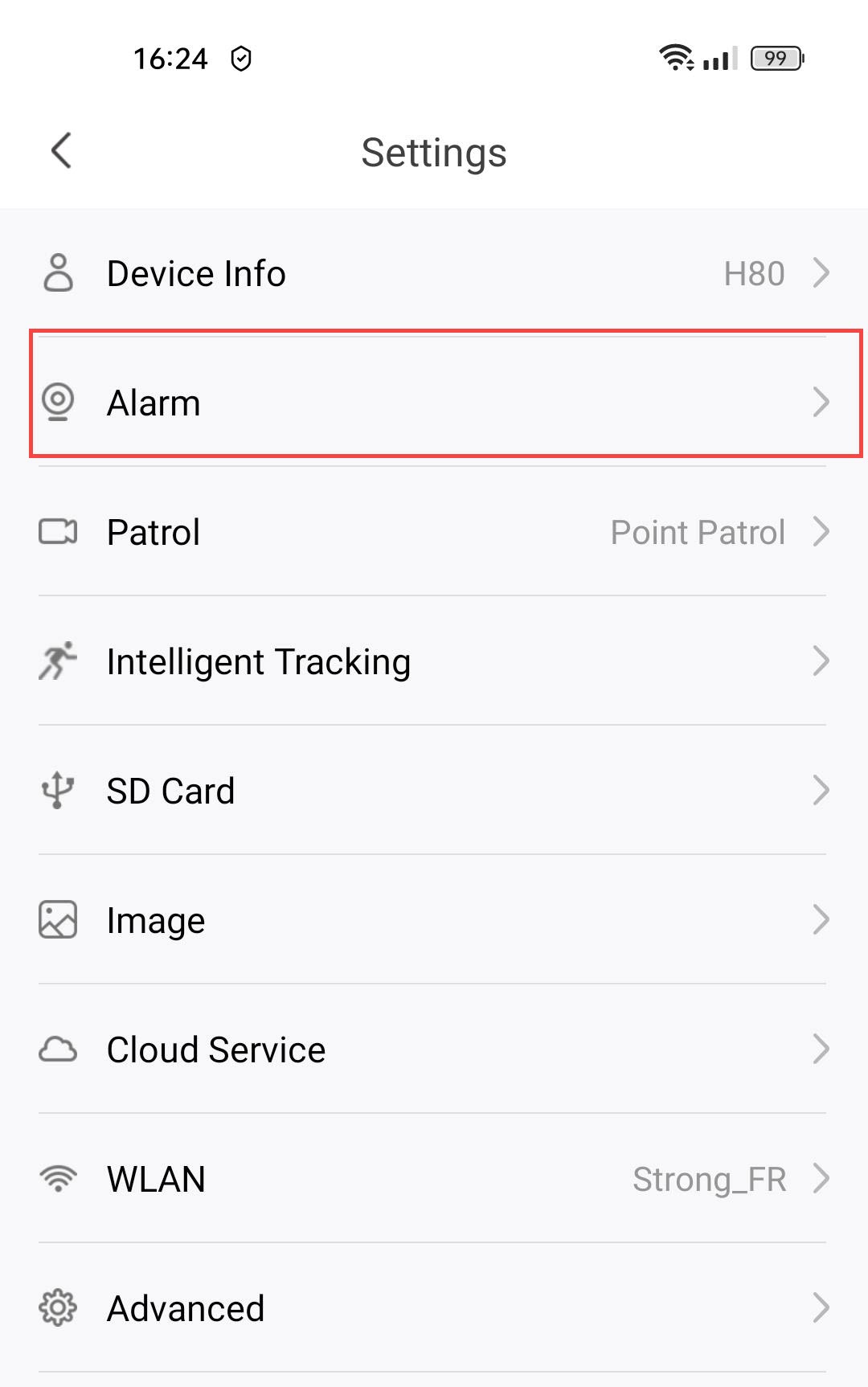
1Open Camera Settings
Click Settings.

2Access Alarm Settings
Select Alarm.
3Enable Motion Detection
Then, press the Motion Detection toggle.
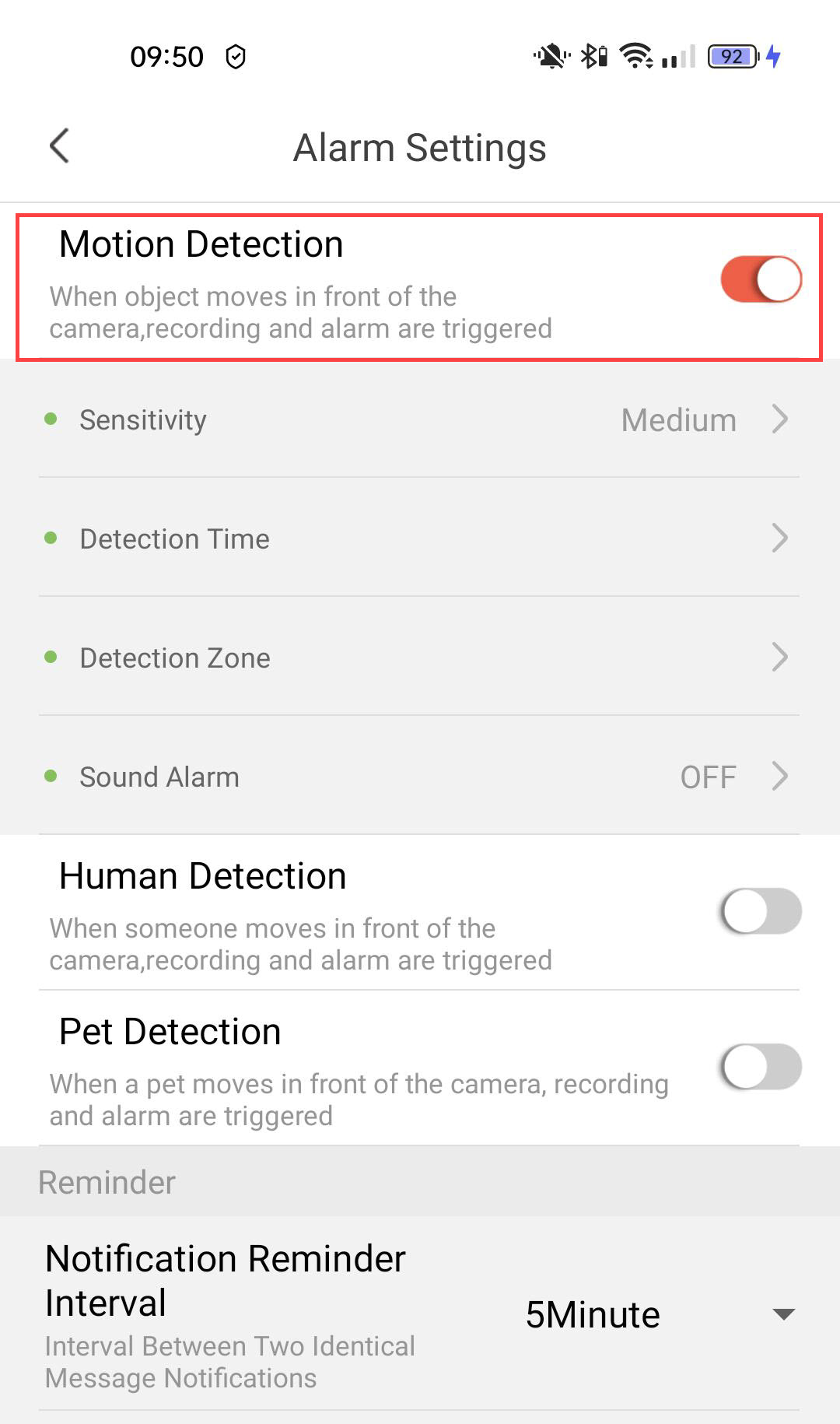
4Set Detection Sensitivity
Select Sensitivity (choose the level between low, medium, and high to improve the accuracy of the detection).

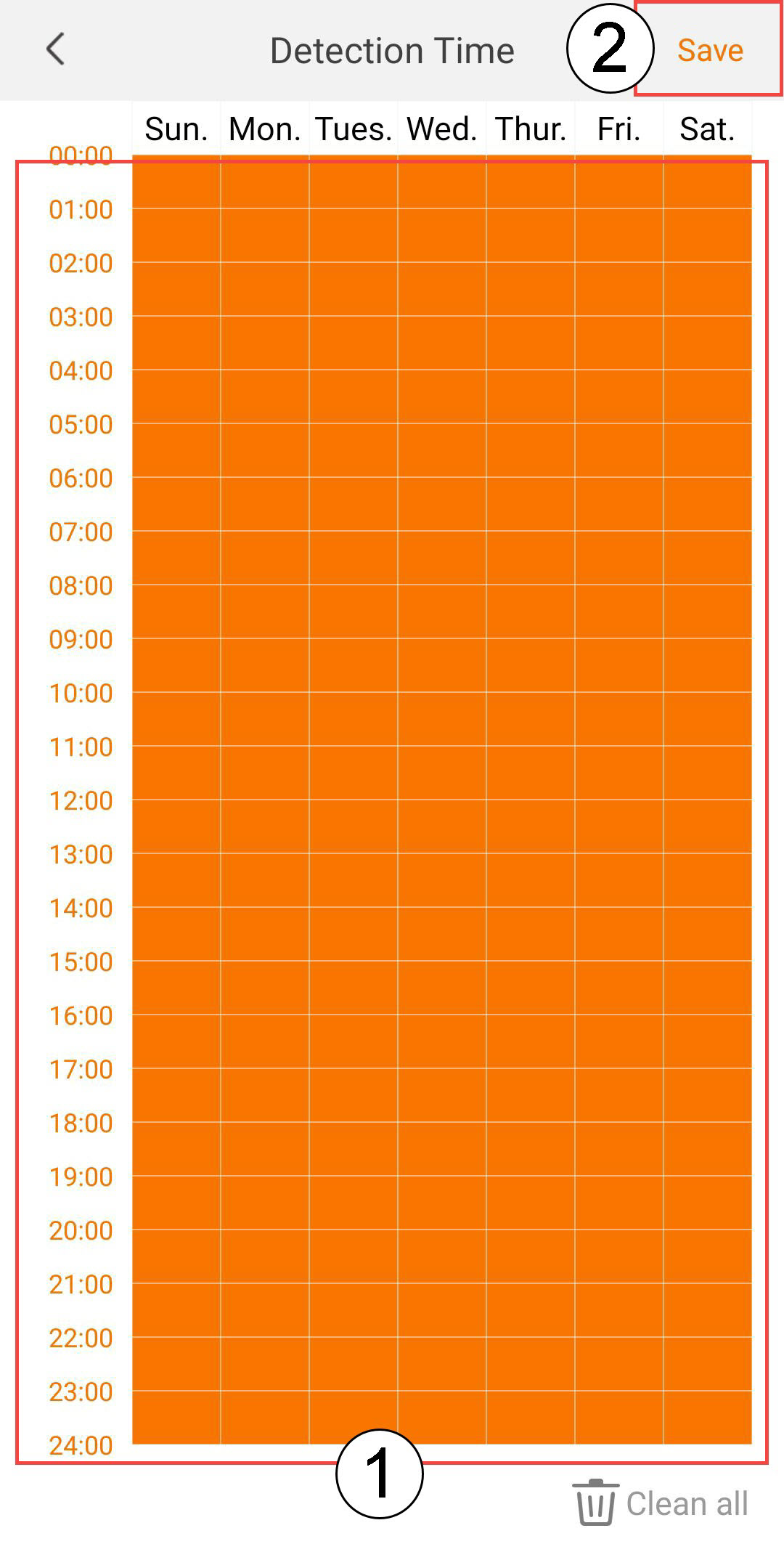
5Configure Detection Time
Select Detection Time (select the days and times when you want the alarm to be triggered in case of detection, then click Save).
6Define the Detection Zone
Select Detection Zone (create a detection zone on the grid and click Save. The alarm will be triggered if anything is detected in this zone).

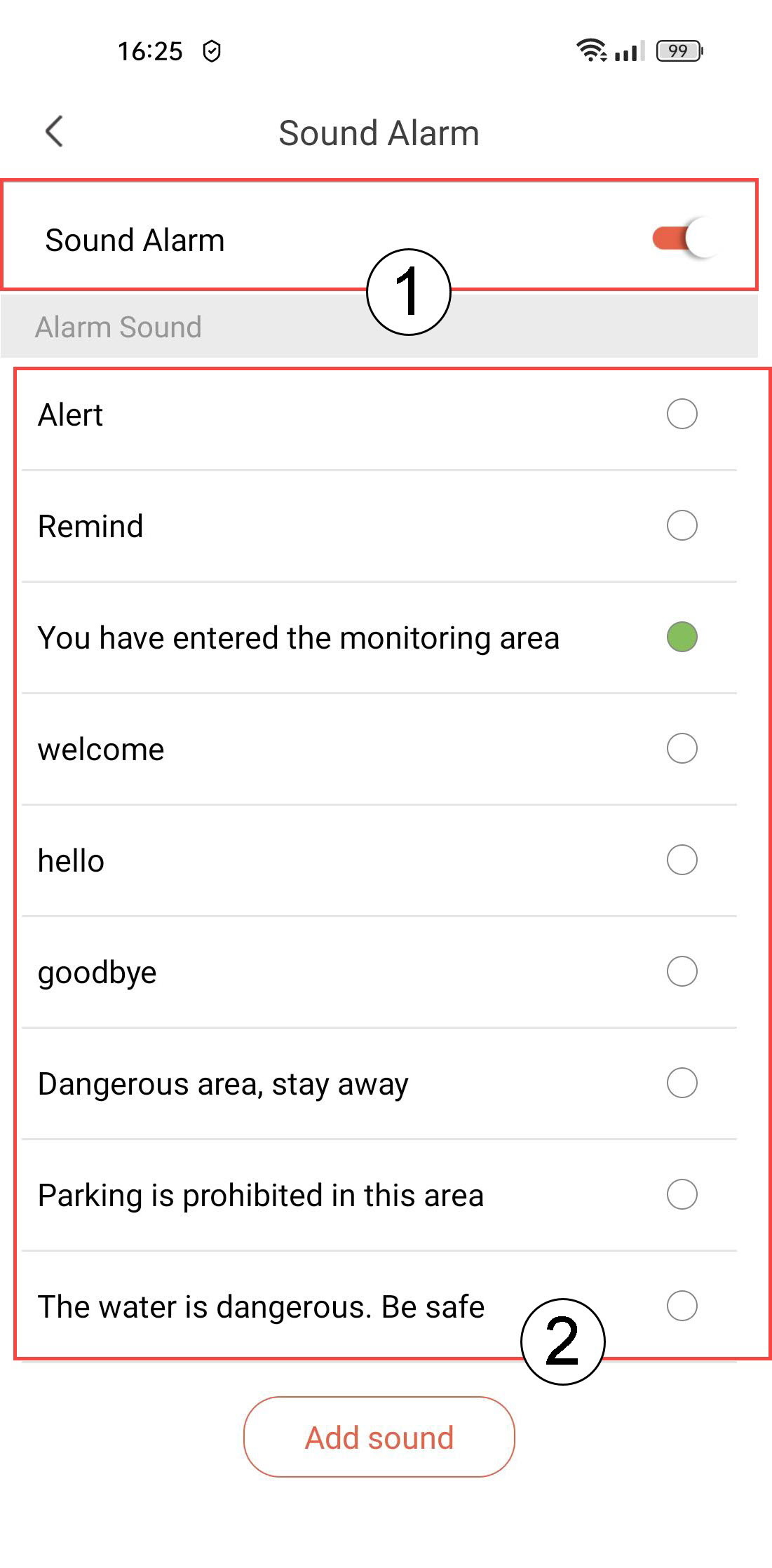
7Activate Sound Alarm
Select Sound Alarm (press the toggle to activate the alarm and select a sound from the list).
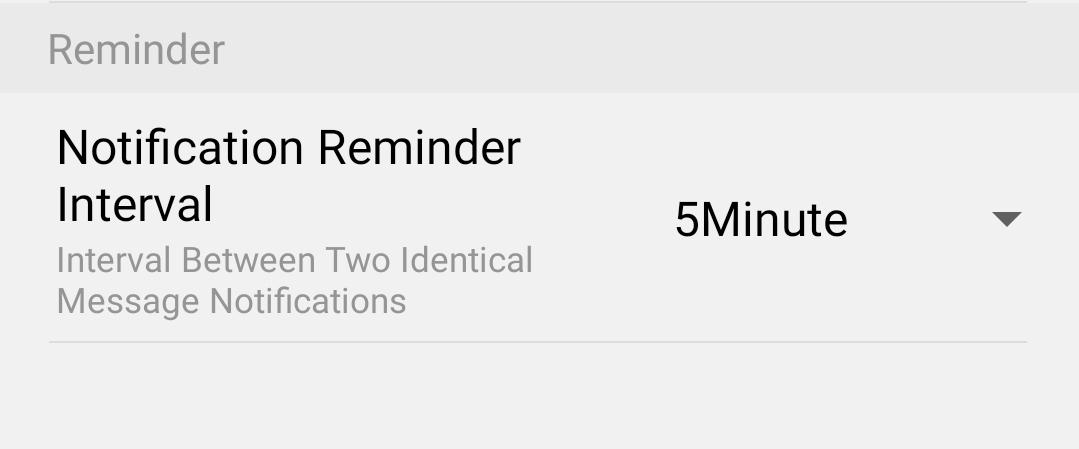
8Set Reminder Interval
Select Reminder (set the notification interval between two identical events. You have to choose a value from 30 seconds to 30 minutes).