
4G+ AIRSPOT 510 Mobile Wi-Fi
No items found.
No items found.
All questions
4G+ AIRSPOT 510 Mobile Wi-Fi
No items found.
No items found.
What type of SIM card can I use in my router?
A nano SIM card must be inserted into the 4G PORTABLE HOTSPOT 900's SIM card slot before switching on the device.
Follow the steps in the illustration below:
- Take your nano SIM card.
- Remove the back cover to see the battery and remove the battery.
- Insert the SIM card.
- Put the battery and the back cover and switch on the device.
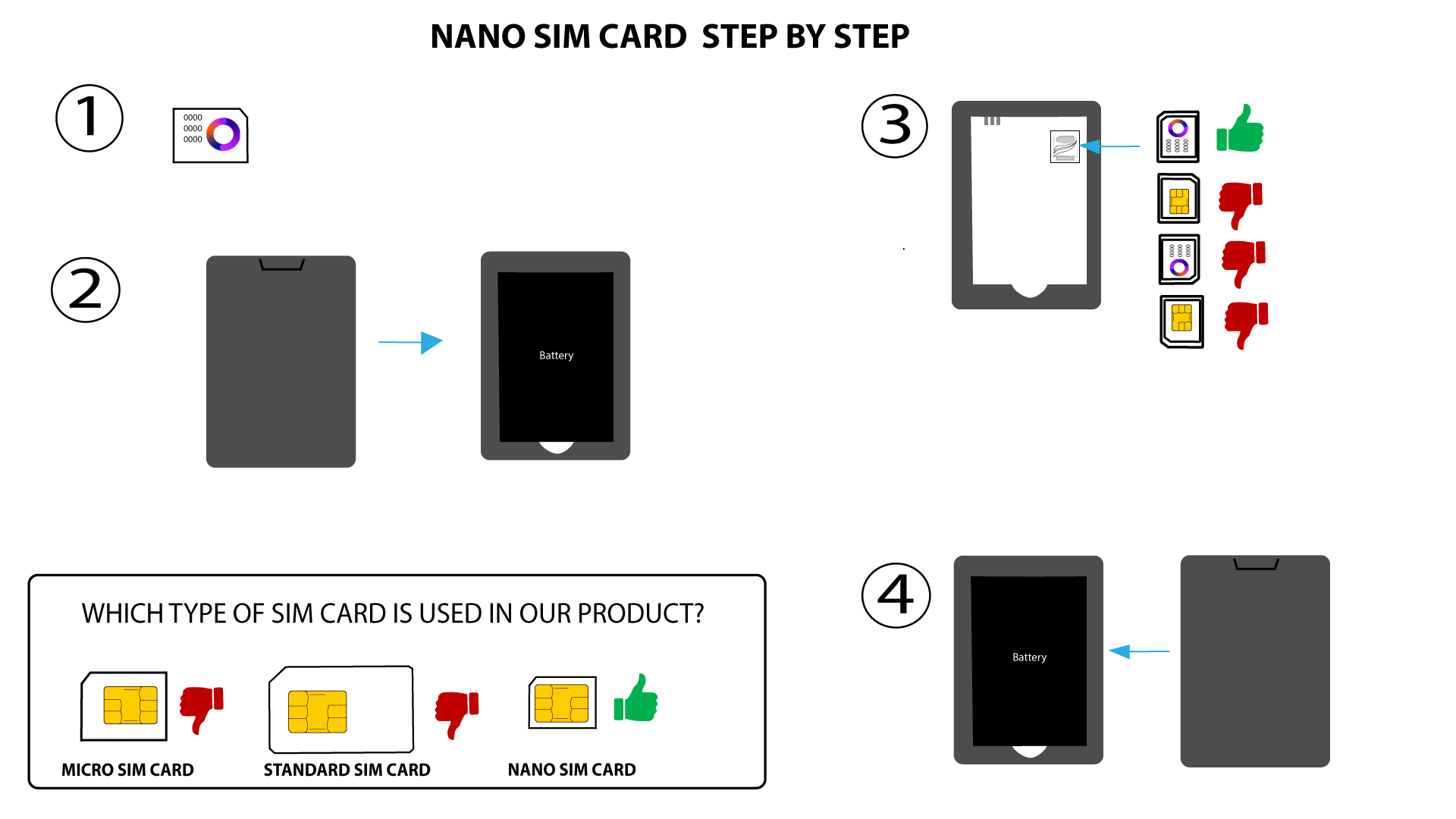

WARNING: If your SIM card is not detected by the device, double-check that it is inserted in the correct orientation. If you are using an adapter, ensure it is fully inserted.