4G+ AIRSPOT 510 Mobile Wi-Fi
No items found.
No items found.
All questions
4G+ AIRSPOT 510 Mobile Wi-Fi
No items found.
No items found.
How do I change the SSID (Wi-Fi Network Name) and Wi-Fi Password ? (Web UI)
1Access the Web UI
Please follow the steps listed here to connect to the web UI: How do I access the Web UI?
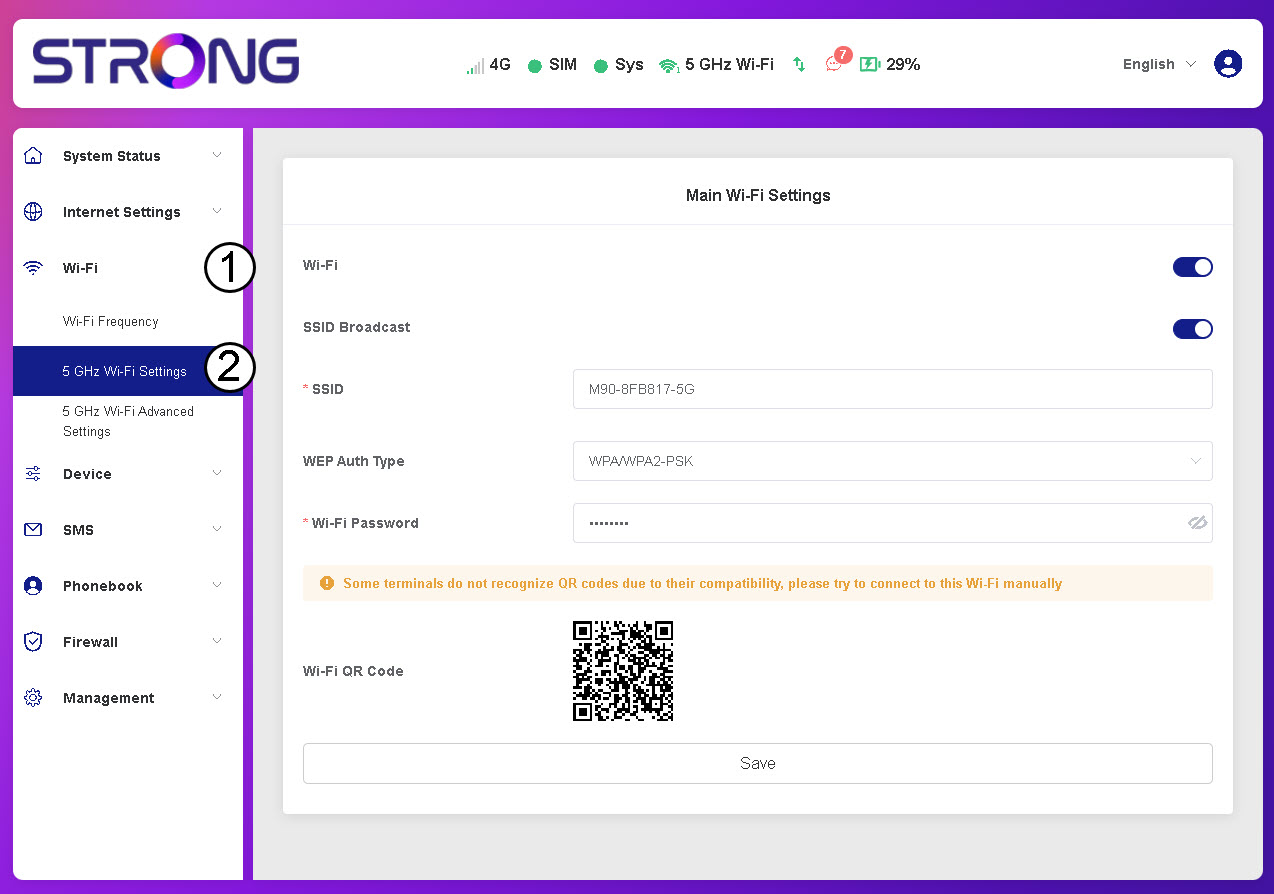
2Go to Wi-Fi Settings
Click Wi-Fi and 5 GHz Wi-Fi Settings.
3Edit Network Name and Password
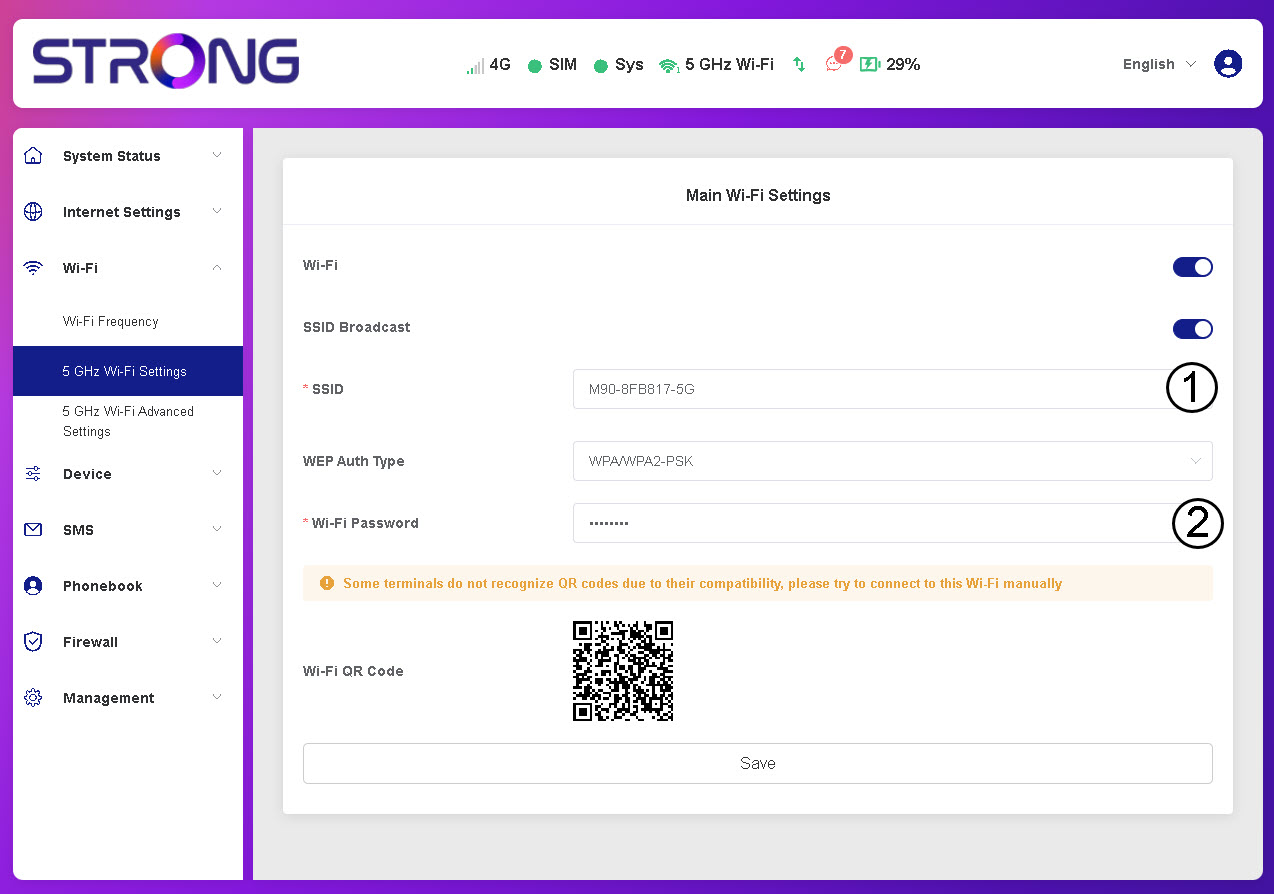
Edit the SSID and Wi-Fi Password and click Save.
4Save Your New Credentials
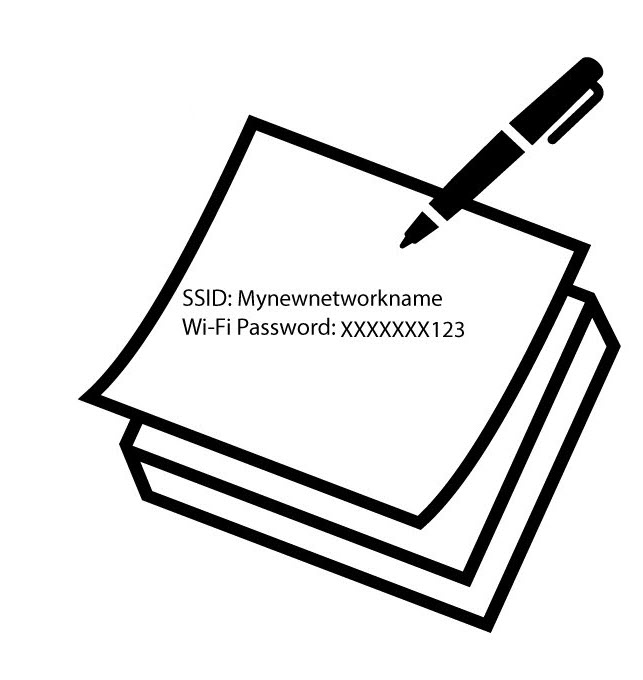
Write down the new network information.