4G+ AIRSPOT 510 Mobile Wi-Fi
No items found.
No items found.
All questions
4G+ AIRSPOT 510 Mobile Wi-Fi
No items found.
No items found.
How do I update the firmware of the device?
You can perform an automatic upgrade or a manual upgrade in the Web UI.
Case 1: Automatic upgrade
1Access the Web Interface
Follow the procedure below to access the Web UI: How do I access the Web UI?
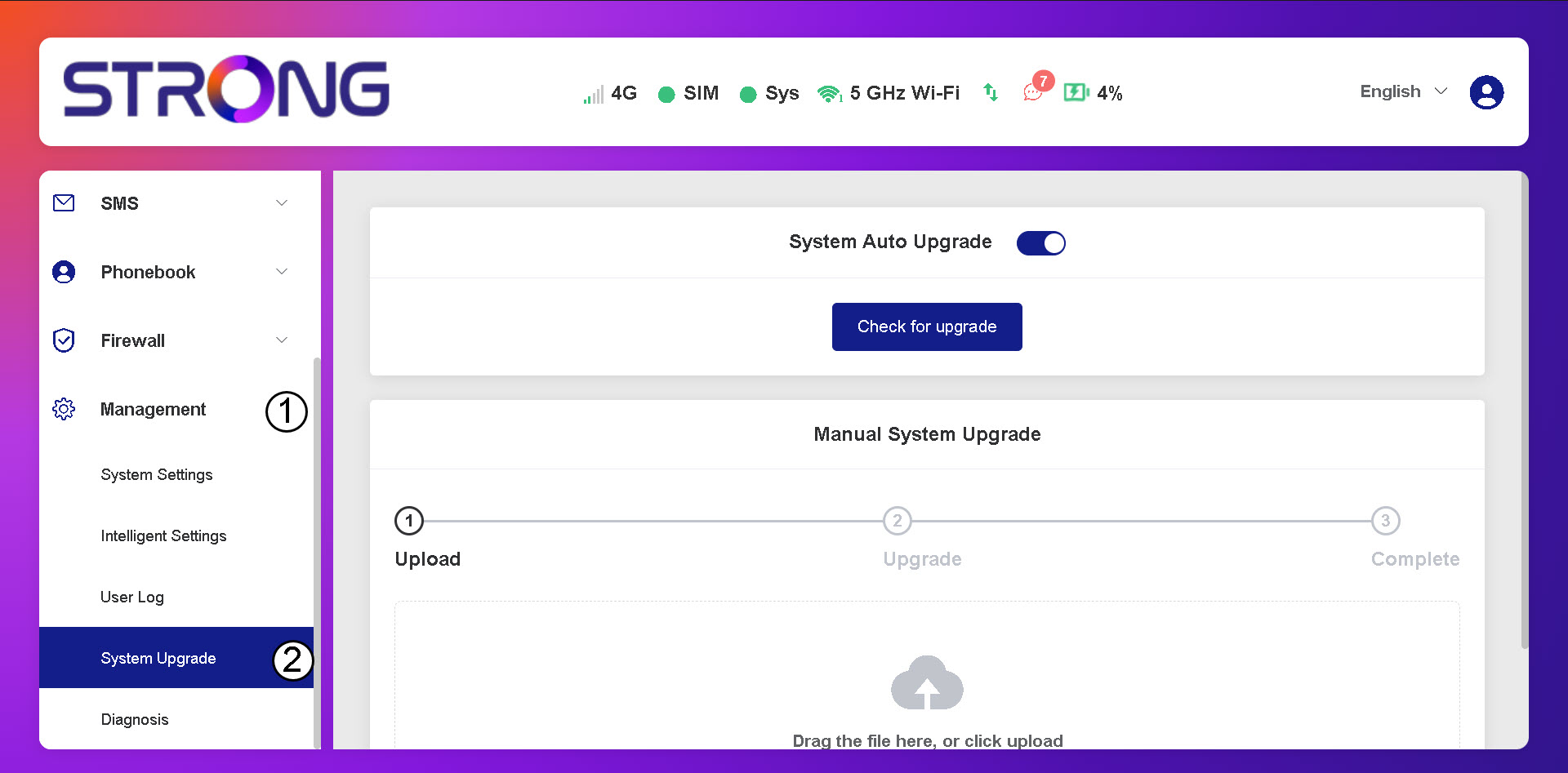
2Open System Upgrade Settings
Click Management and System Upgrade.
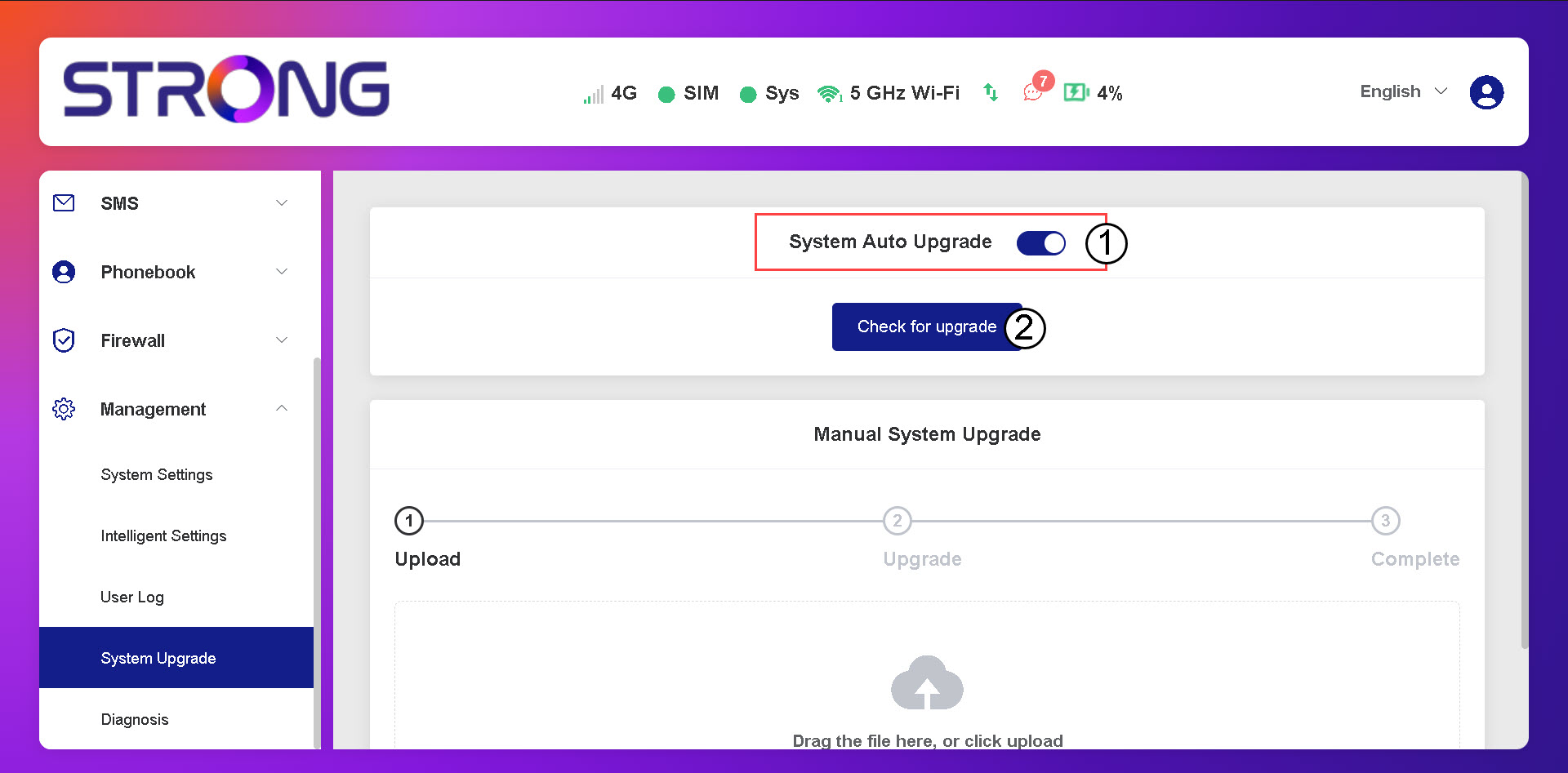
3Check for Automatic Updates
Check if the System auto upgrade toggle is activated and click the check for upgrade button.
4Wait for the Upgrade Check
Wait for the system to look for the upgrade if there is one the system will ask you to download it.

5Confirm System Status
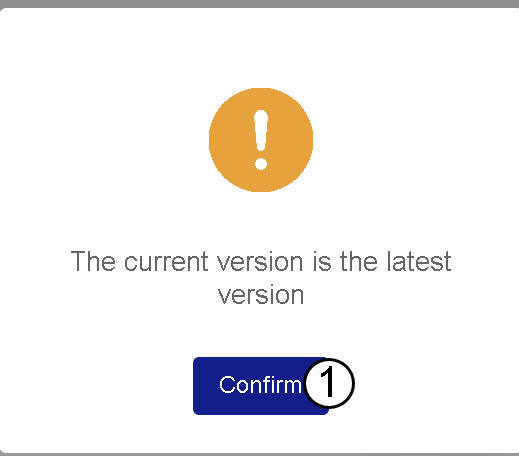
If your device is up-to-date the following message is displayed.