Repeater AX1800
No items found.
No items found.
All questions
Repeater AX1800
No items found.
No items found.
I cannot access the Web UI (http://setup.strong) after setting up my repeater, why?

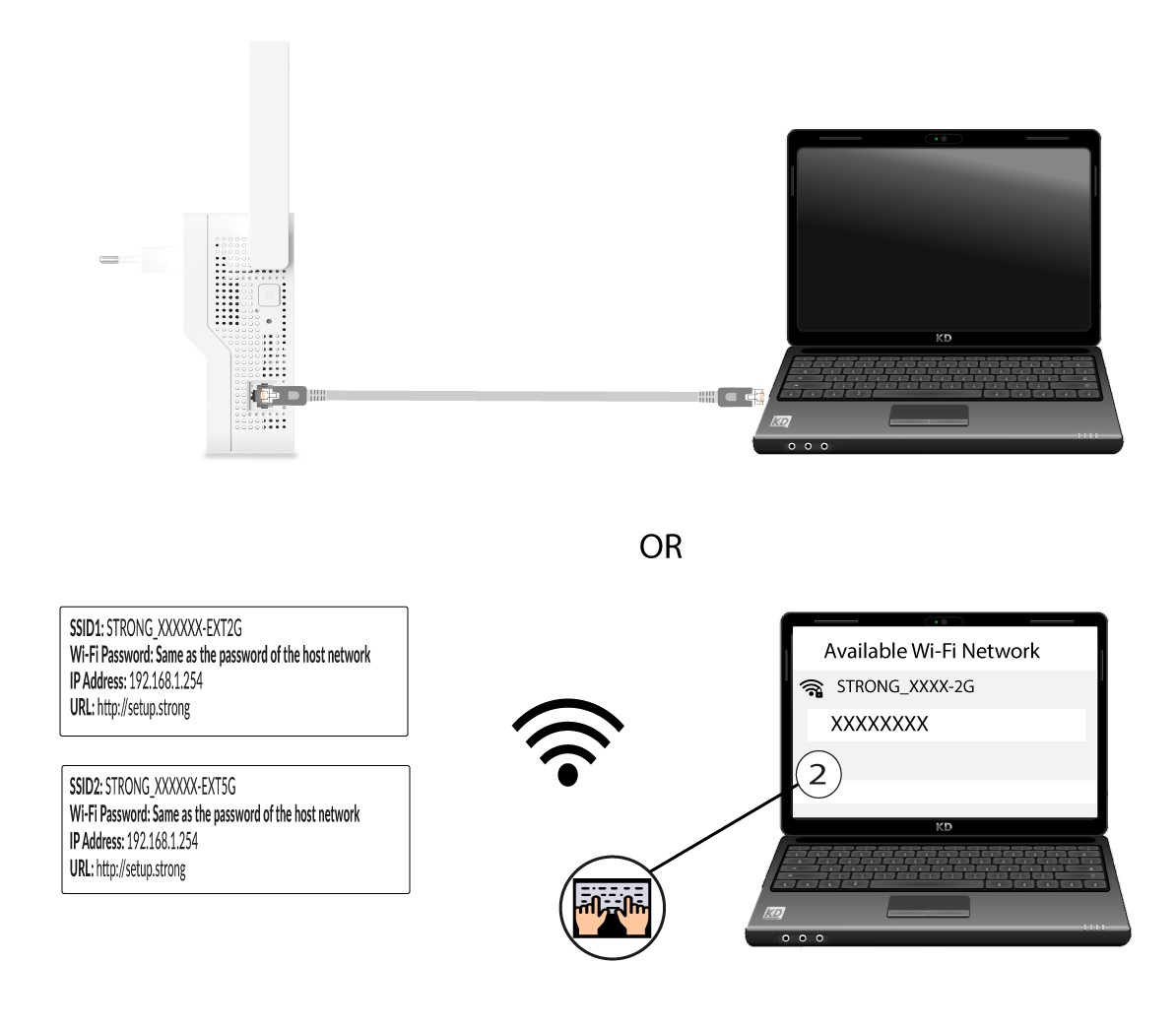
Warning: It is normal that you cannot connect to the Web UI after the set up because the connection information are changed. Indeed, two Wi-Fi networks are created when the set up is completed. You must connect to one of this network to access the Web UI.
1Connect to Wi-Fi or Internet Network of your repeater
You need to connect to the repeater by RJ45 or to connect to one of the Wi-Fi networks that was created after the configuration.
2Browse to the Web UI
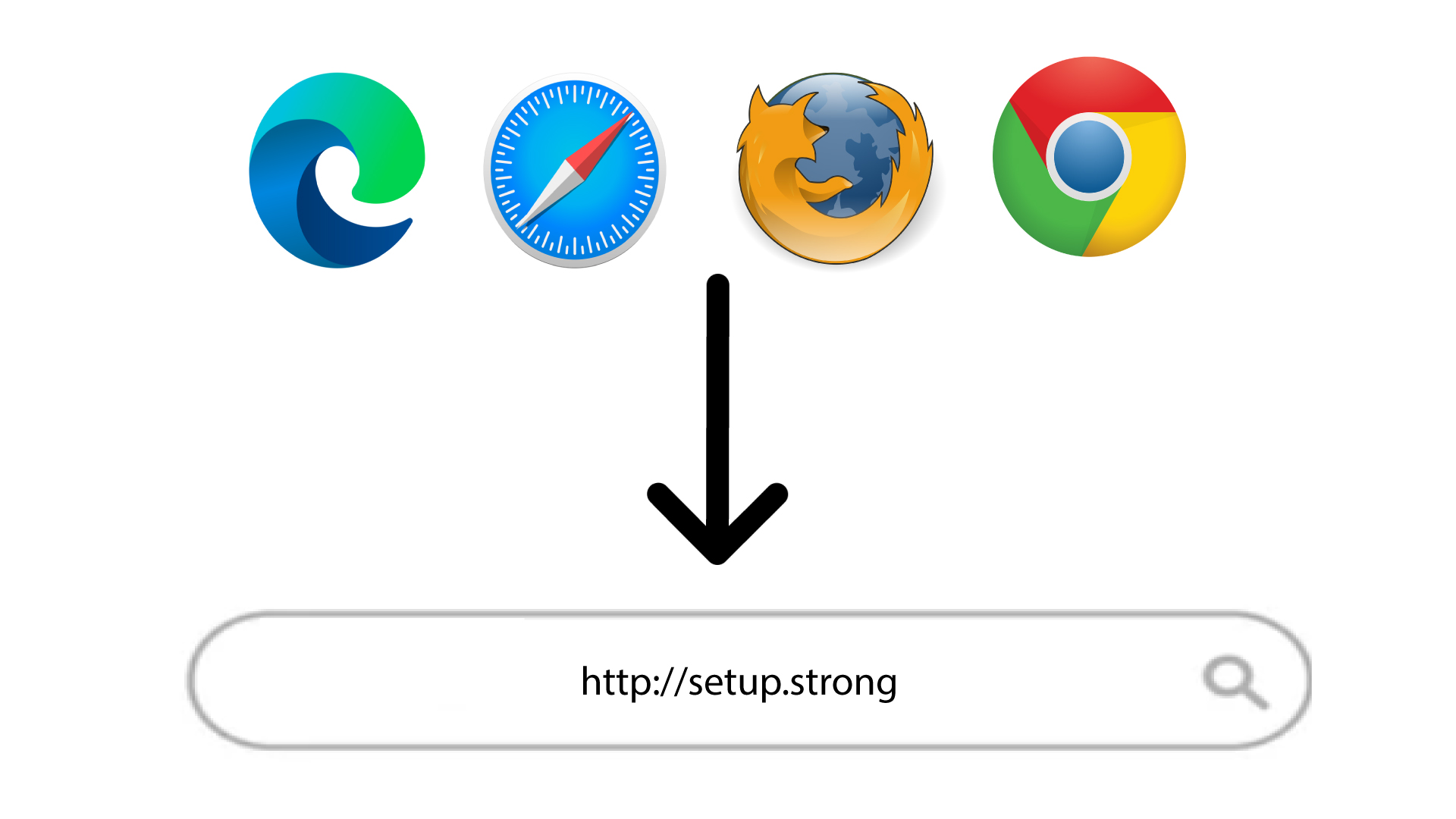
Browse to the following URL: http://setup.strong
3Enter your credentials
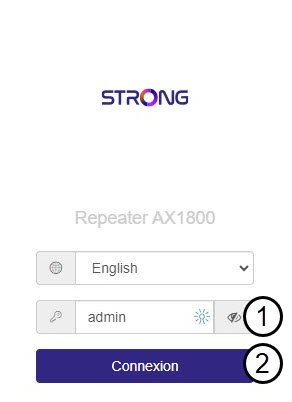
Enter the password and click Connexion.
4Look for the IP address of the repeater
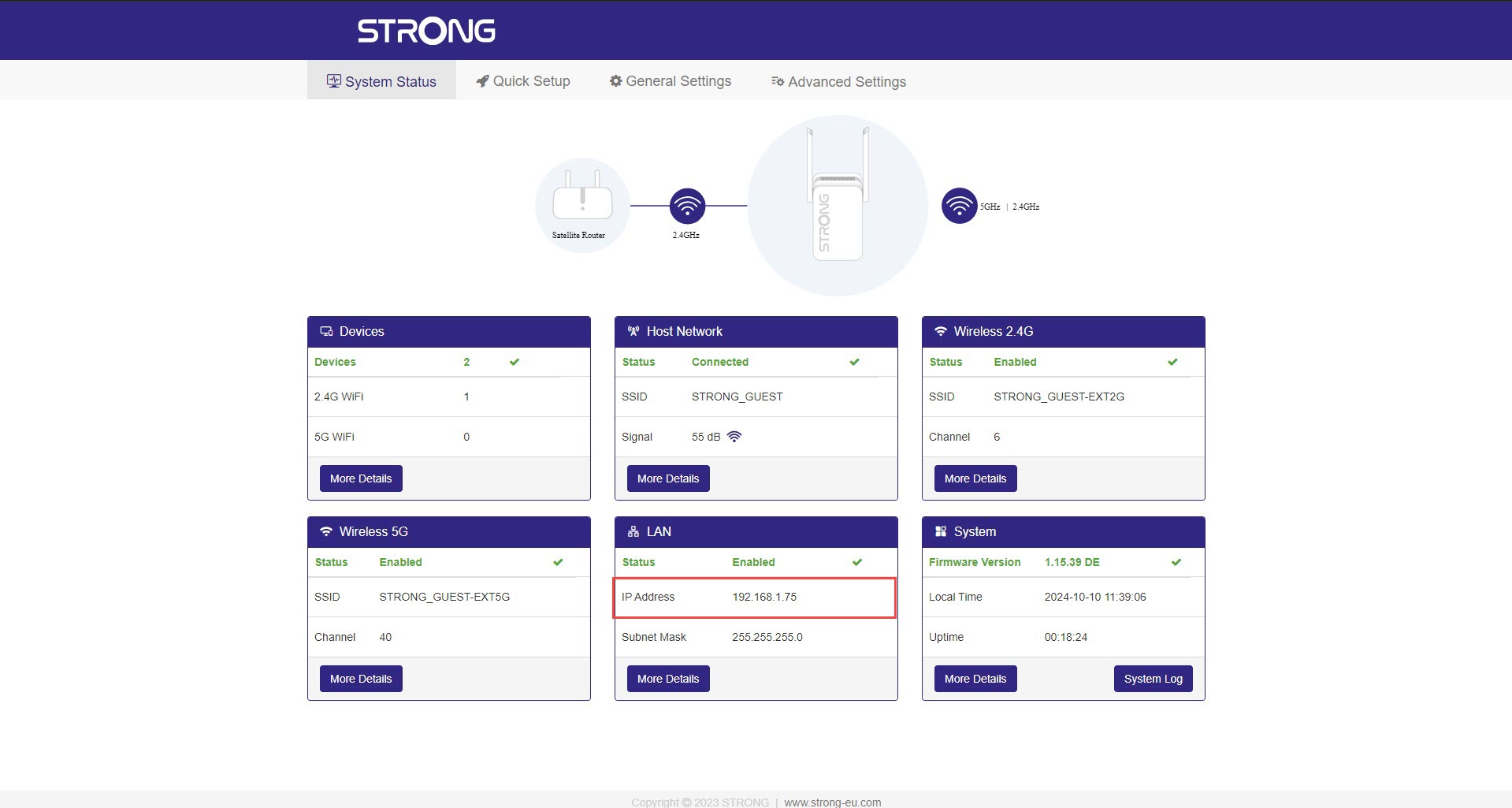
In the device information, look for the IP address of the repeater.