
Repeater AX1800
No items found.
No items found.
All questions
Repeater AX1800
No items found.
No items found.
How do I connect to the WPS?
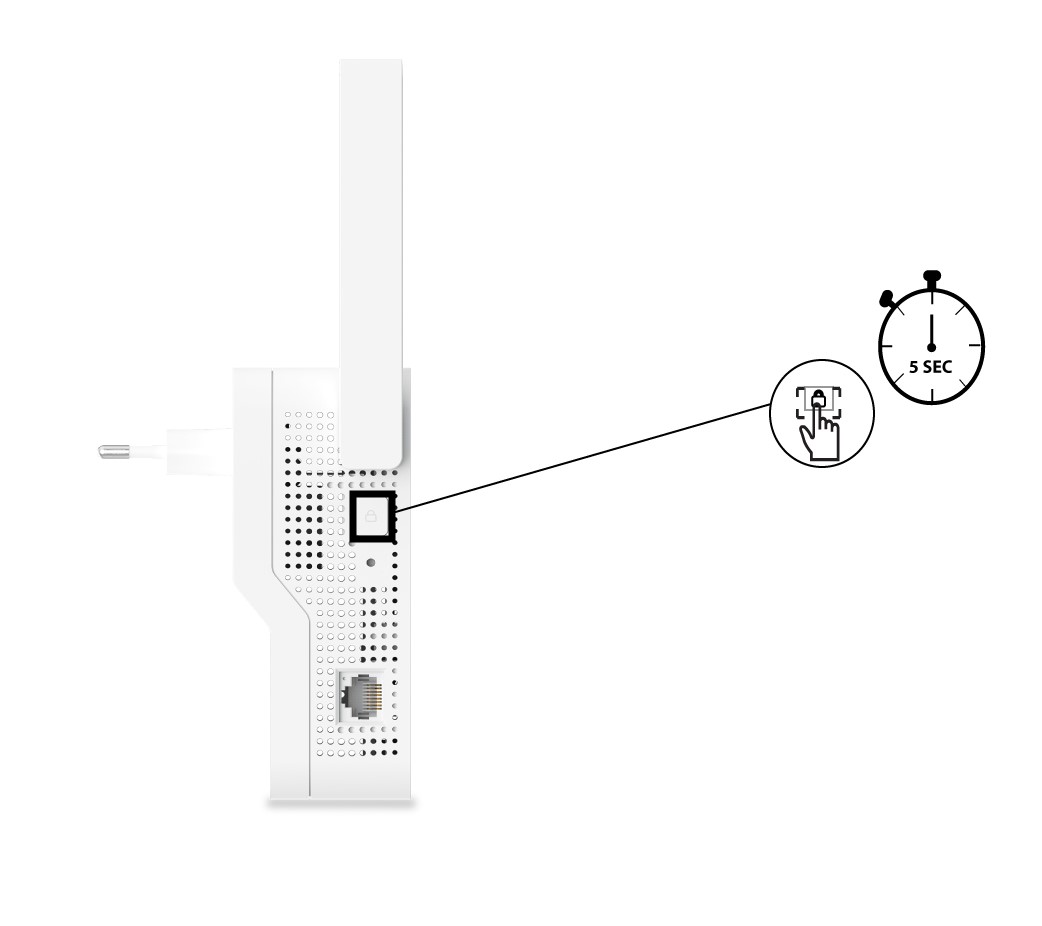
1Press the WPS button of the repeater
To activate the WPS, press the button located on the left side of your repeater from approximately 5 seconds (until the WPS LED is flashing).
2Press the WPS Button of your router
Press the WPS of your Internet box/router so that the repeater connects to it. Usually the WPS
button is indicated by two arrows.