Repeater AX1800
No items found.
No items found.
All questions
Repeater AX1800
No items found.
No items found.
How do I reset my repeater to its factory settings? (Web UI)
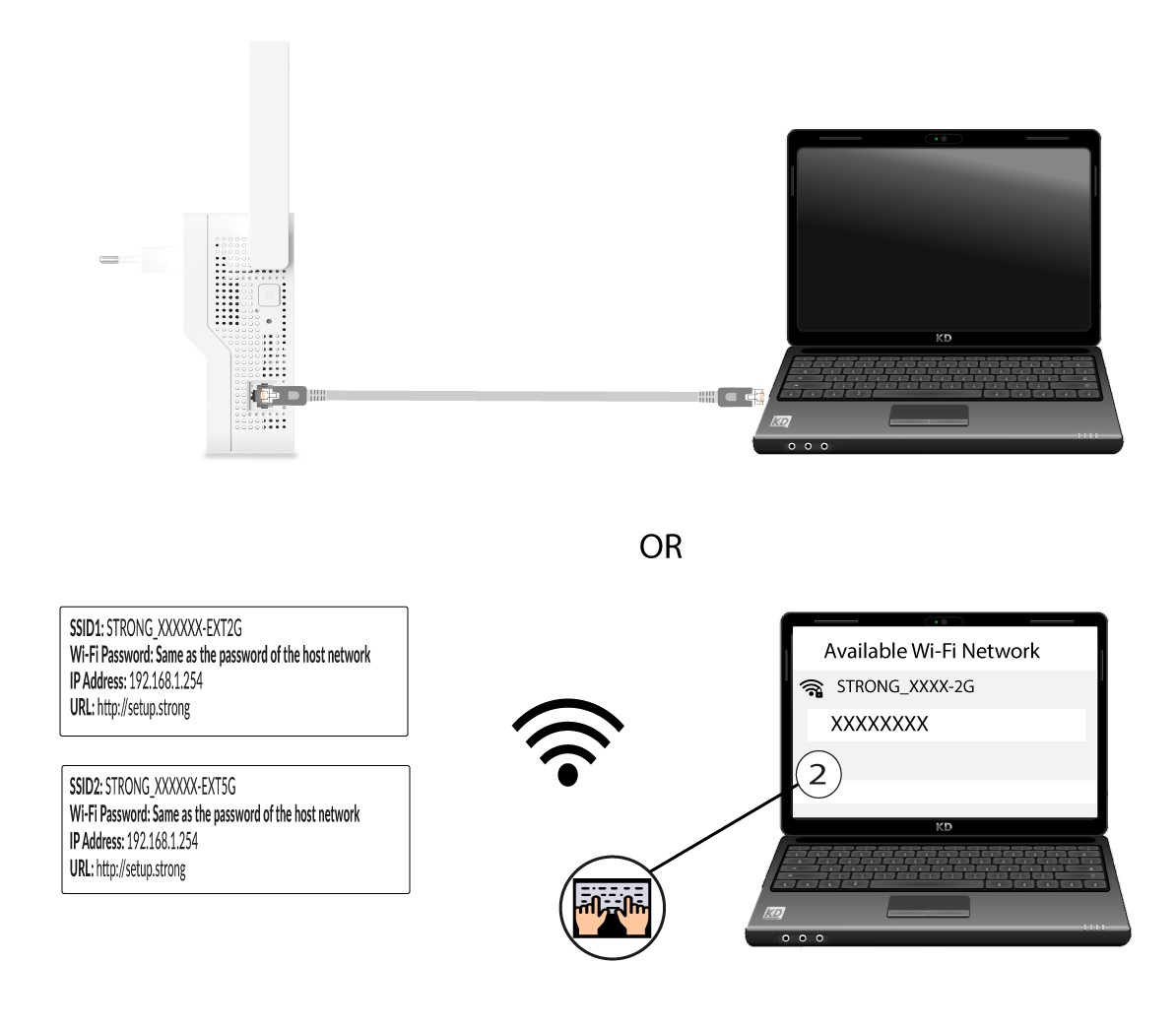
1Connect to Wi-Fi or Internet Network of your repeater
You need to connect to the repeater by RJ45 or to connect to one of the Wi-Fi networks that was created after the configuration.
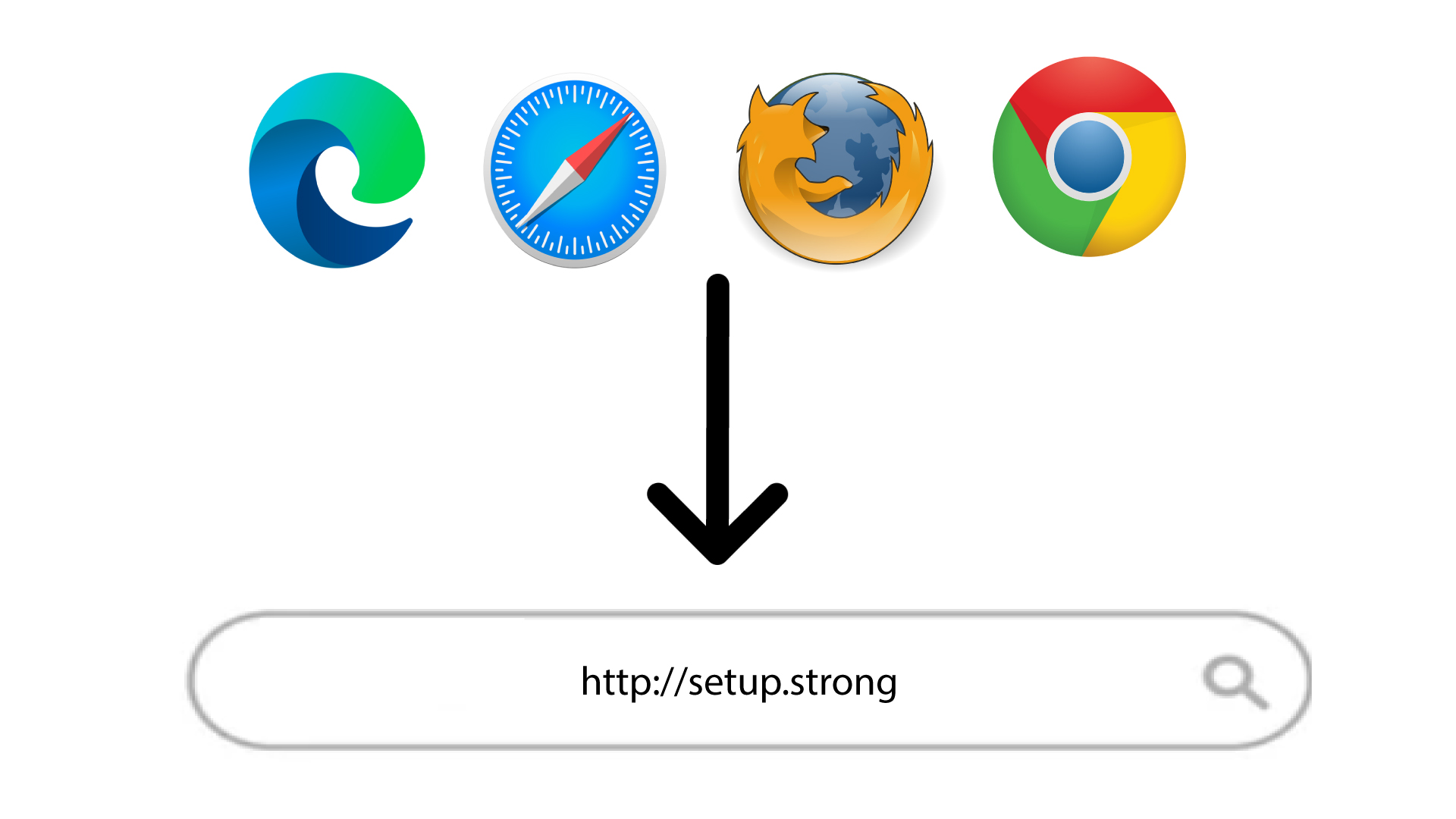
2Browse to the Web UI
Browse to the following URL: http://setup.strong
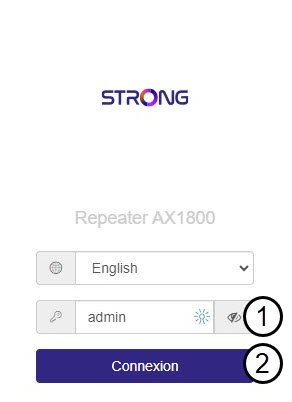
3Enter your credentials
Enter the password and click Connexion.
4Reset
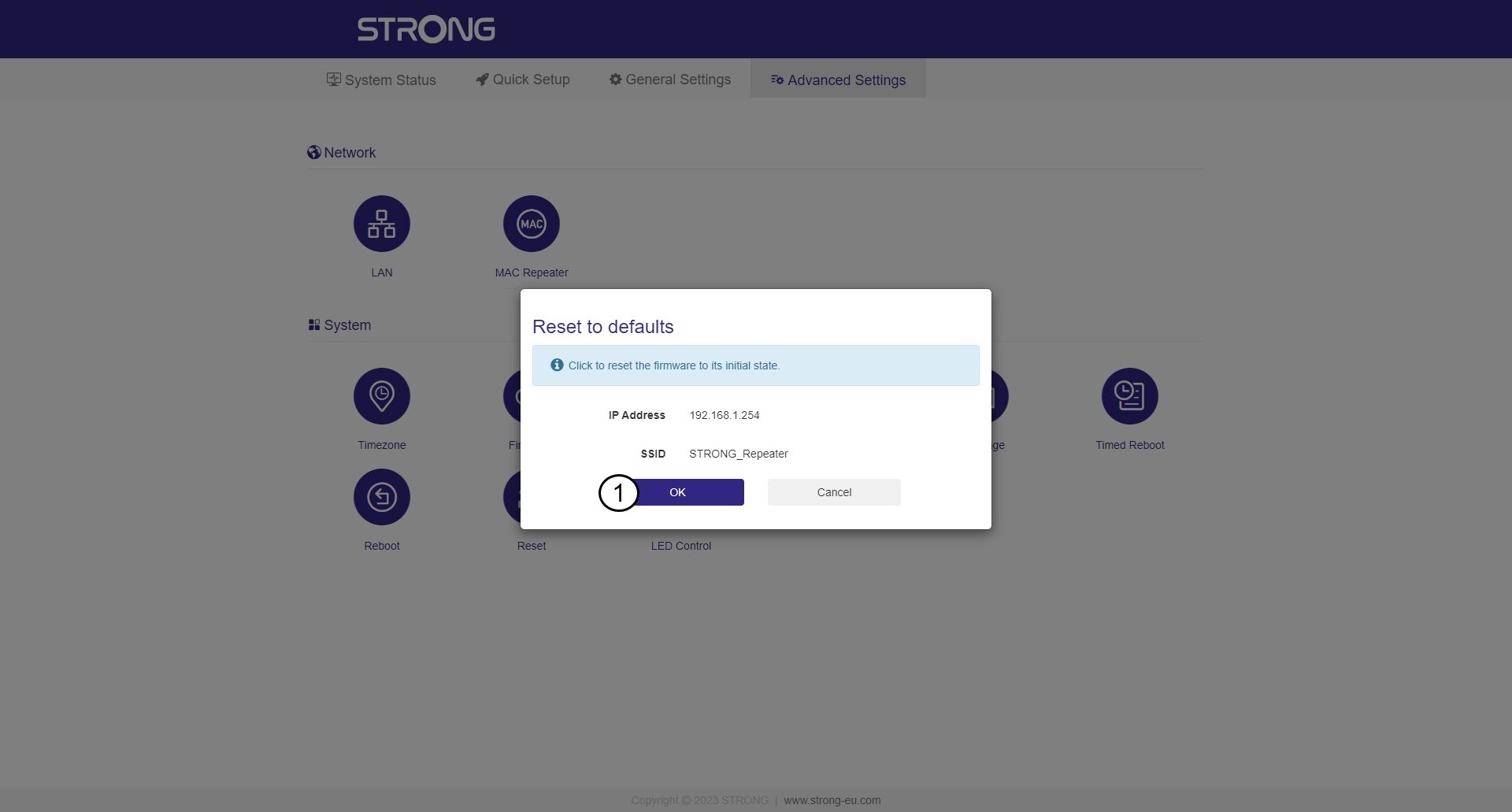
Click Advanced Settings and Reset.
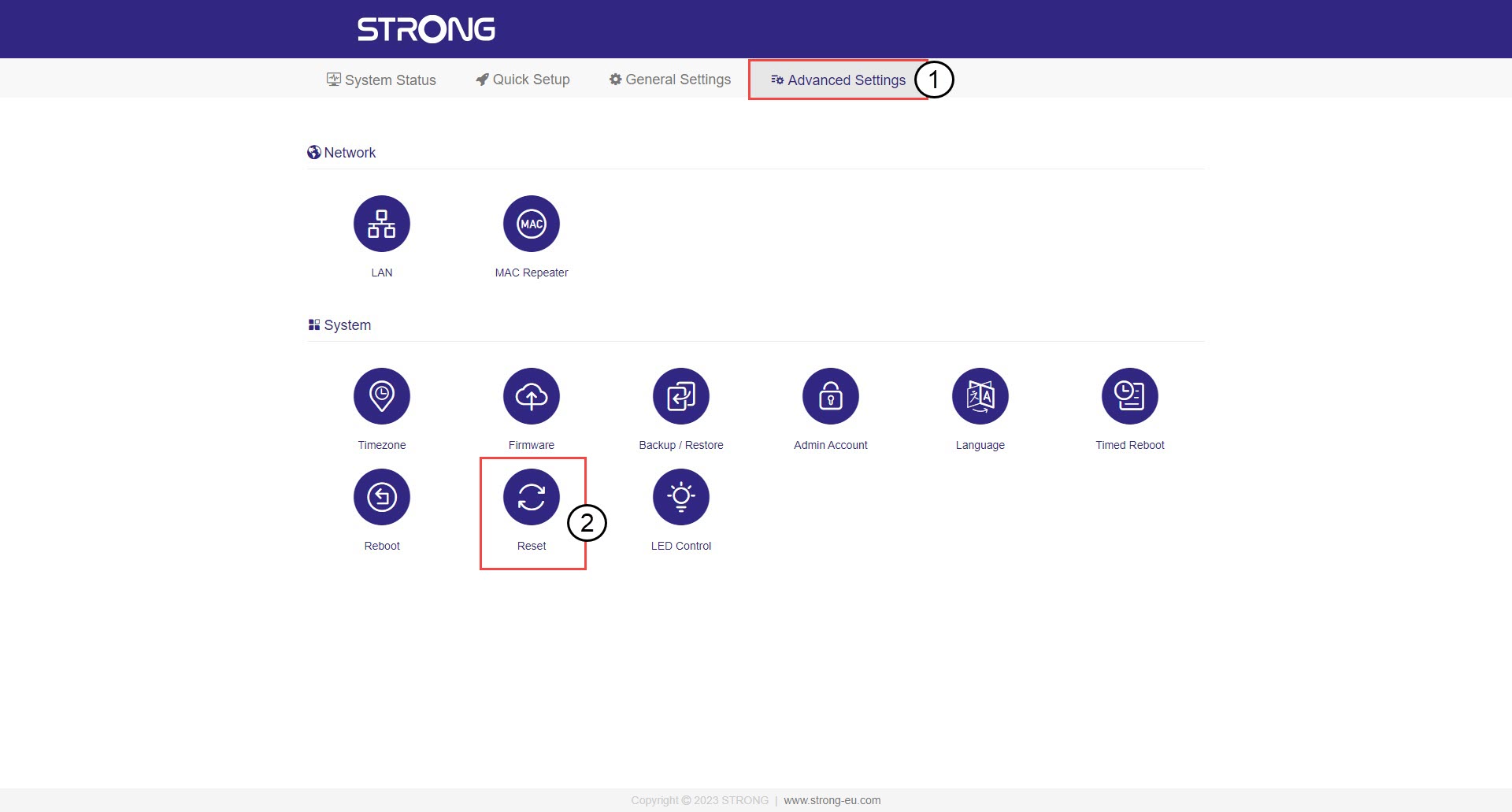
5Confirm the reset
Click OK.