Universal Repeater 300 V2
No items found.
No items found.
All questions
Universal Repeater 300 V2
No items found.
No items found.
I cannot access the Web UI (http://strong.ap300) of my repeater after completing its setup, why?
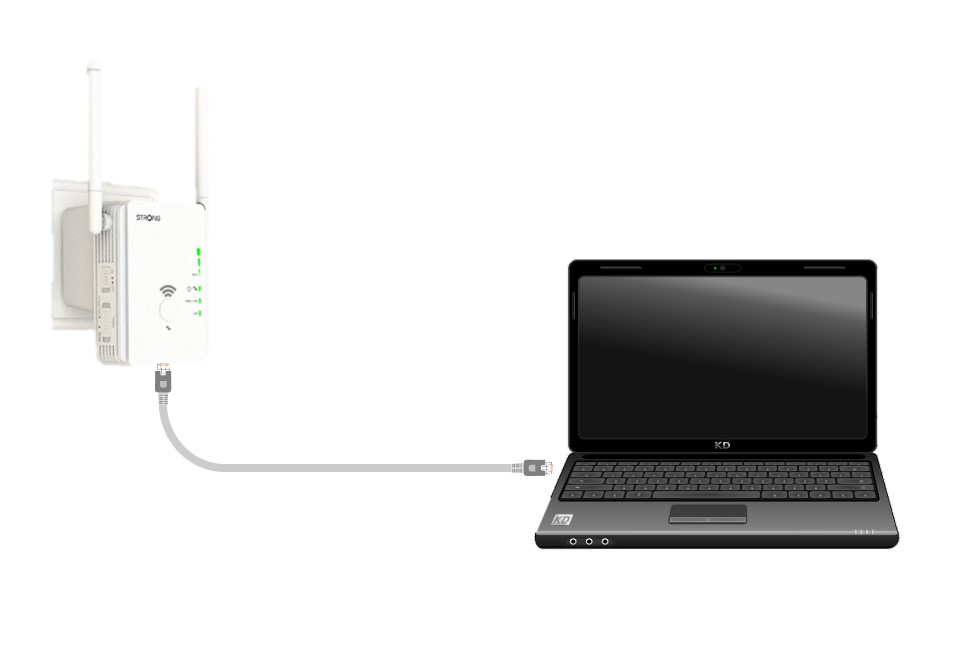
1Connect the repeater to a device with a RJ45 Port
Use a laptop and connect it to Universal Repeater 300 with a RJ45 cable.
2Browse to the IP Address of the Web UI
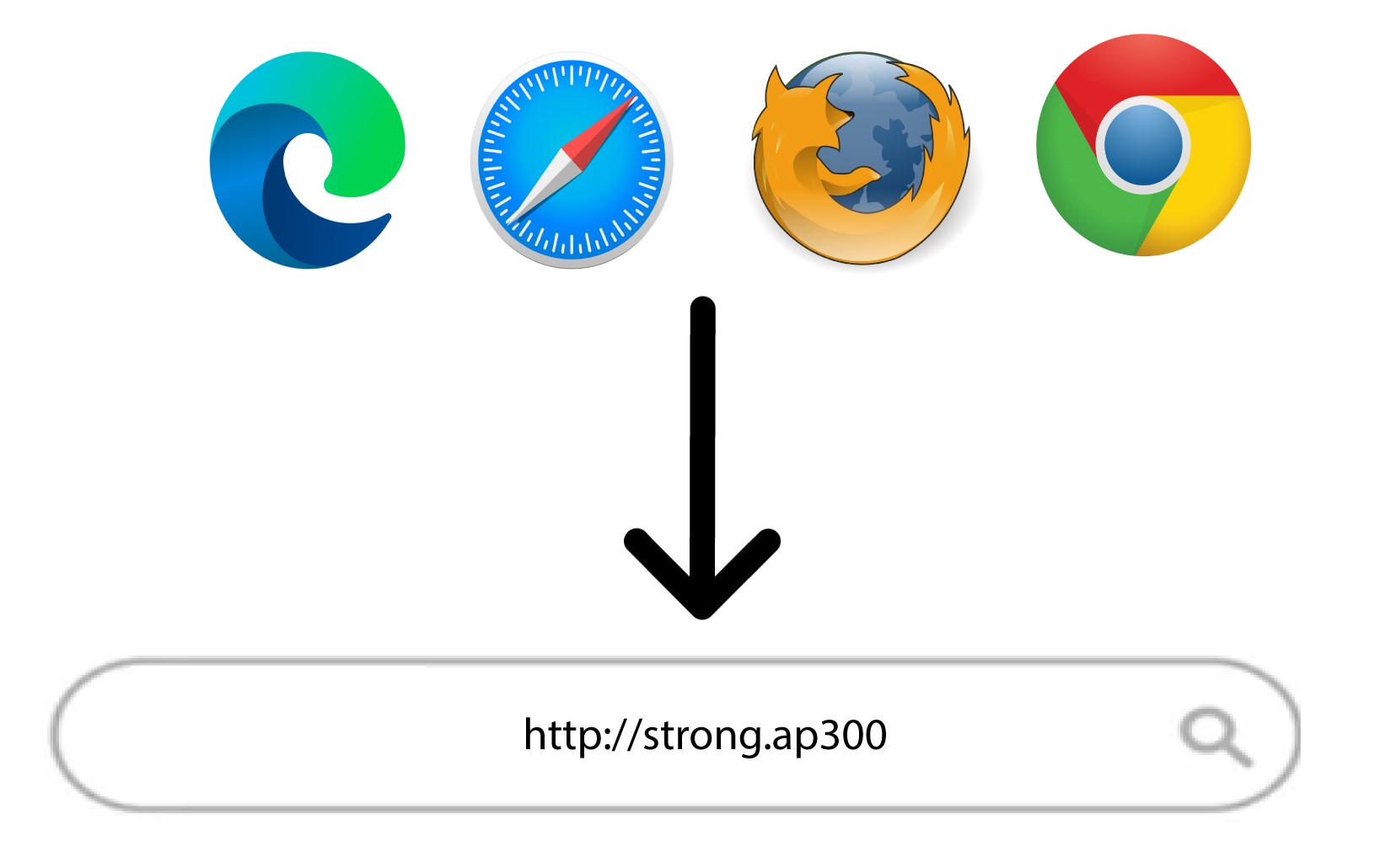
Enter the IP address of Universal Repeater 300 in the search bar of your web browser.
3Enter your credentials
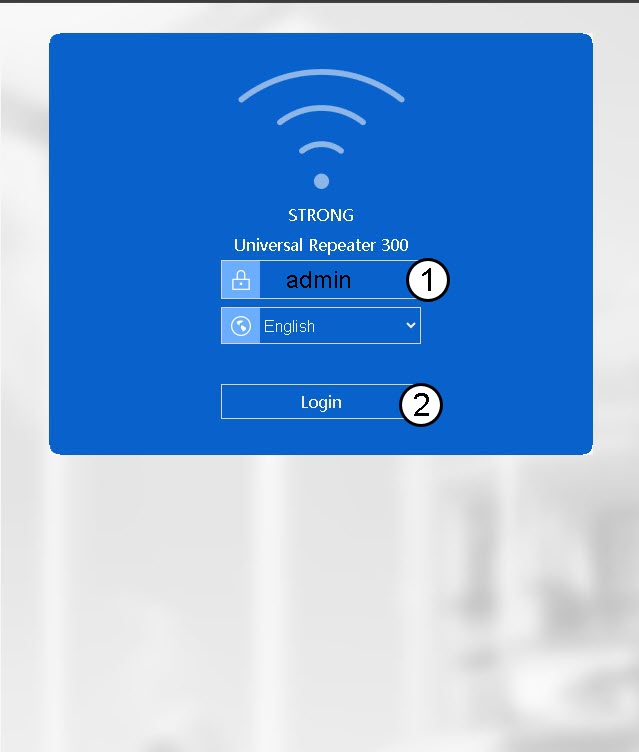
Enter your username (admin) and your password (admin) before clicking Login.
4Look for the IP address
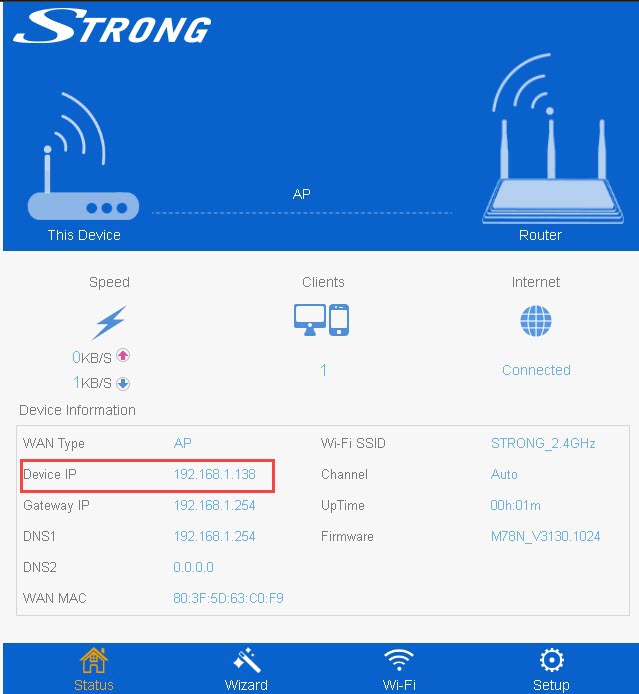
Look for the IP Address of your repeater.