
Universal Repeater 300 V2
No items found.
No items found.
All questions
Universal Repeater 300 V2
No items found.
No items found.
How can I connect my device to my Universal Repeater 300 for the installation?
There are two options to connect a device to Universal Repeater 300 for the installation
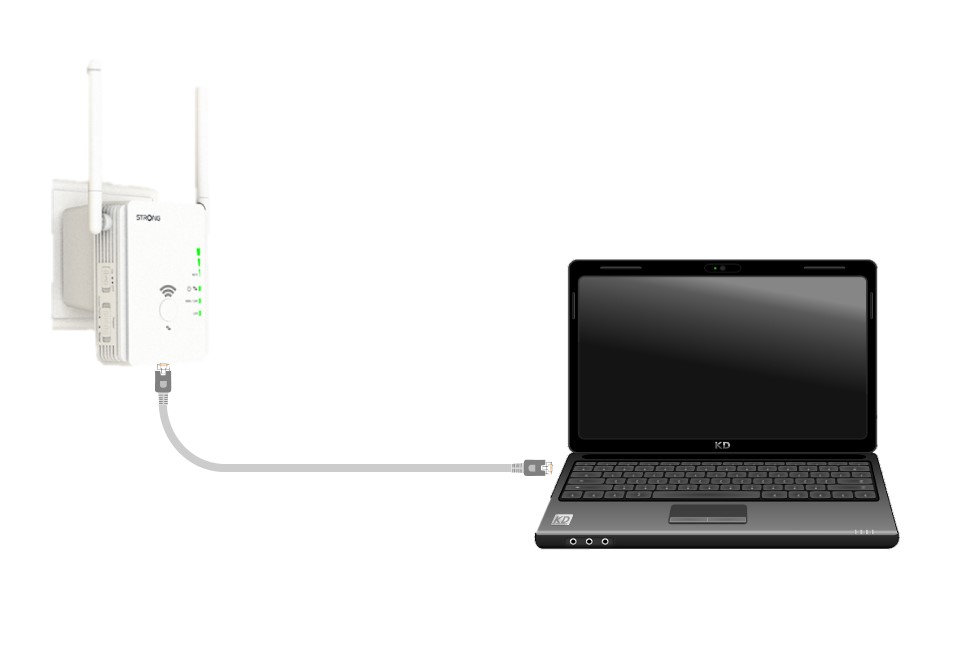
1CASE 1: Connect the repeater to a device with a RJ45 Port
Use a laptop and connect it to Universal Repeater 300 with an RJ45 Ethernet cable.
2CASE 2: Connect to the Wi-Fi of the repeater
Connect to the Wi-Fi of the repeater. The Network information is written on the label located under your repeater.
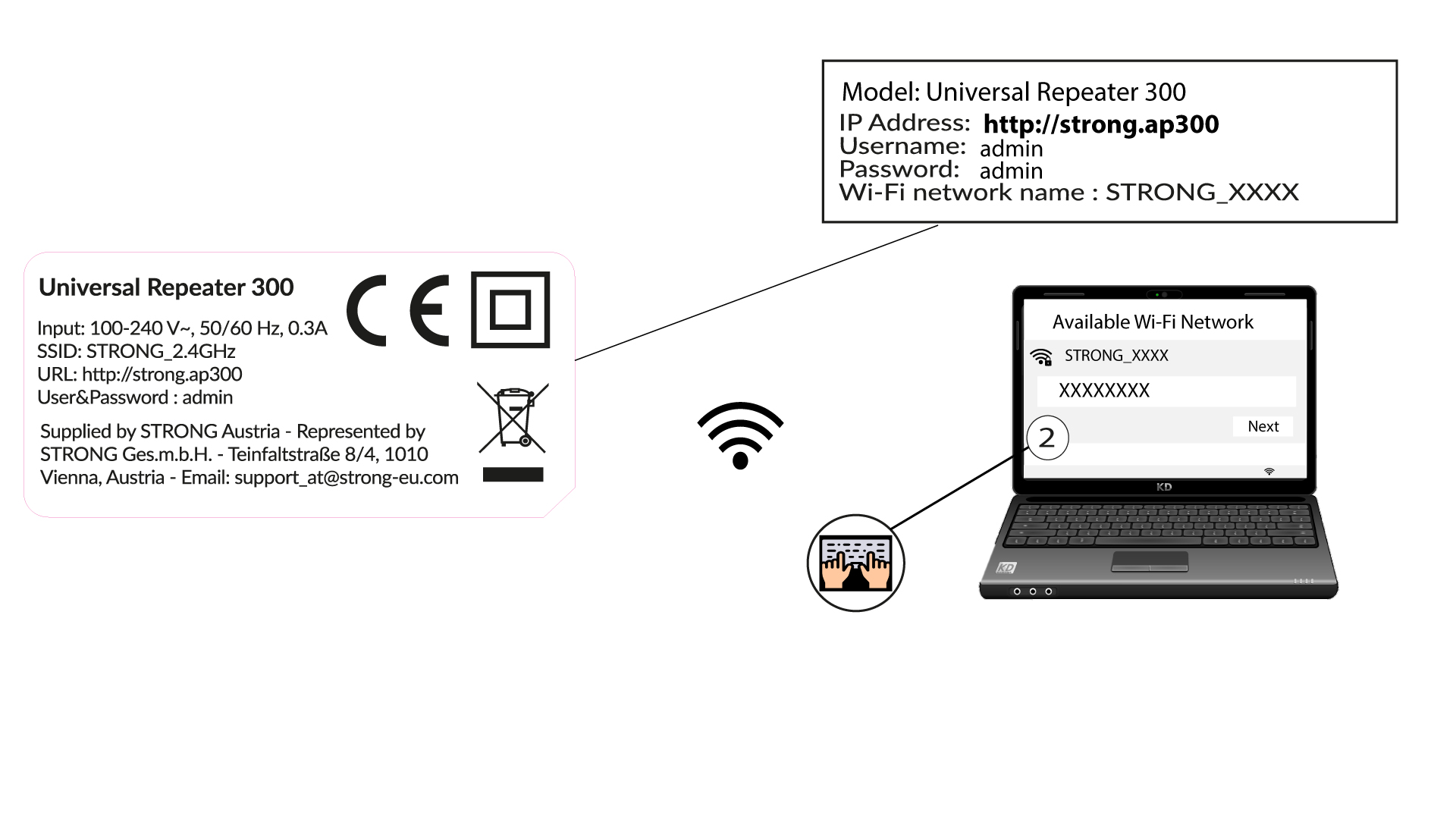

The Wi-Fi Network of your repeater does not have a password. Its default name is STRONG_2.4GHz.