
Universal Repeater 300 V2
No items found.
No items found.
All questions
Universal Repeater 300 V2
No items found.
No items found.
How do I access the Web UI?
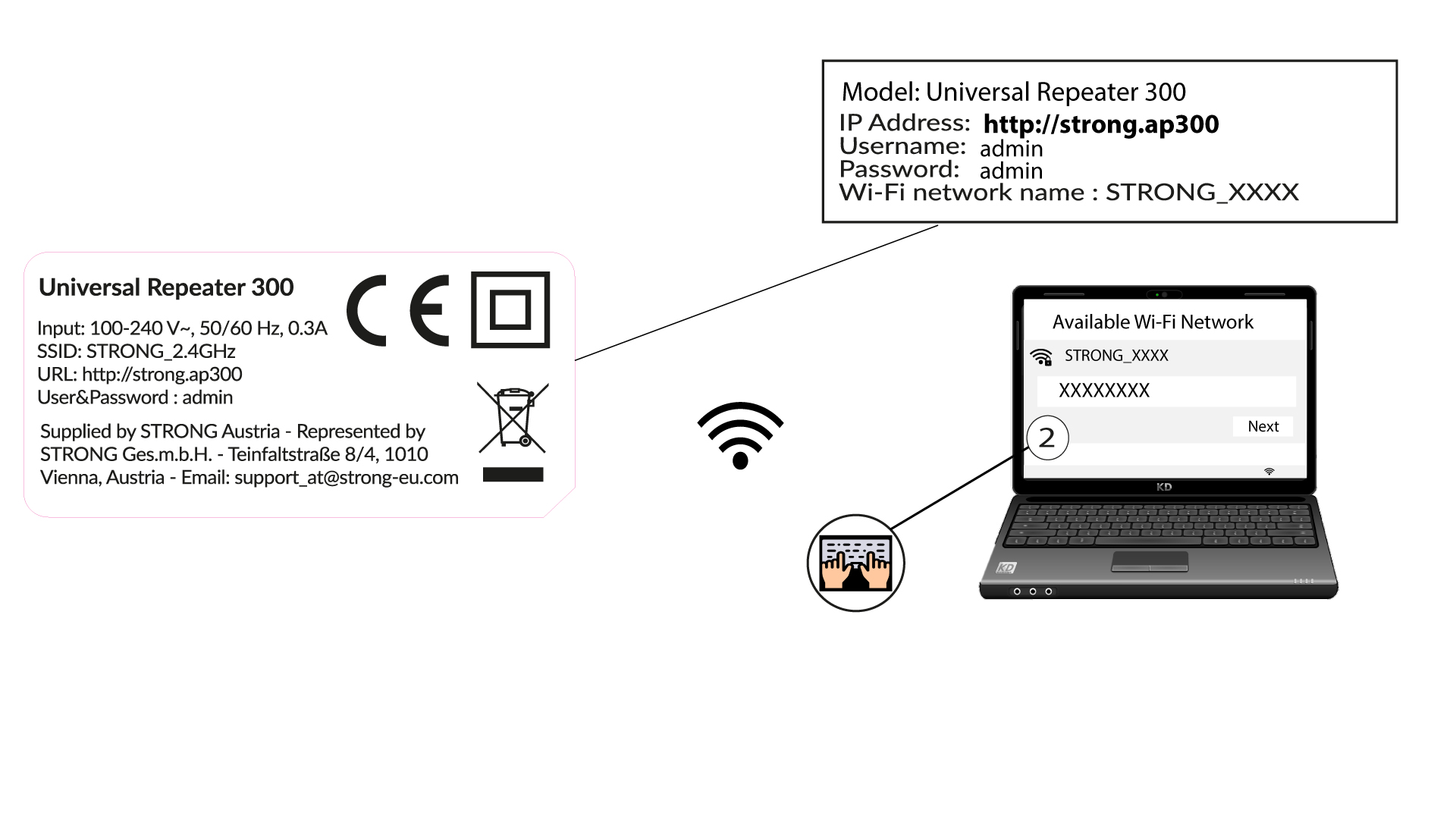
1Connect to the Wi-Fi of the repeater
Connect to the Wi-Fi of the repeater by referring to the product label.
There is no password for the Wi-Fi network of your repeater. The new Wi-Fi network information will be set during the configuration after the first connection to the UI.
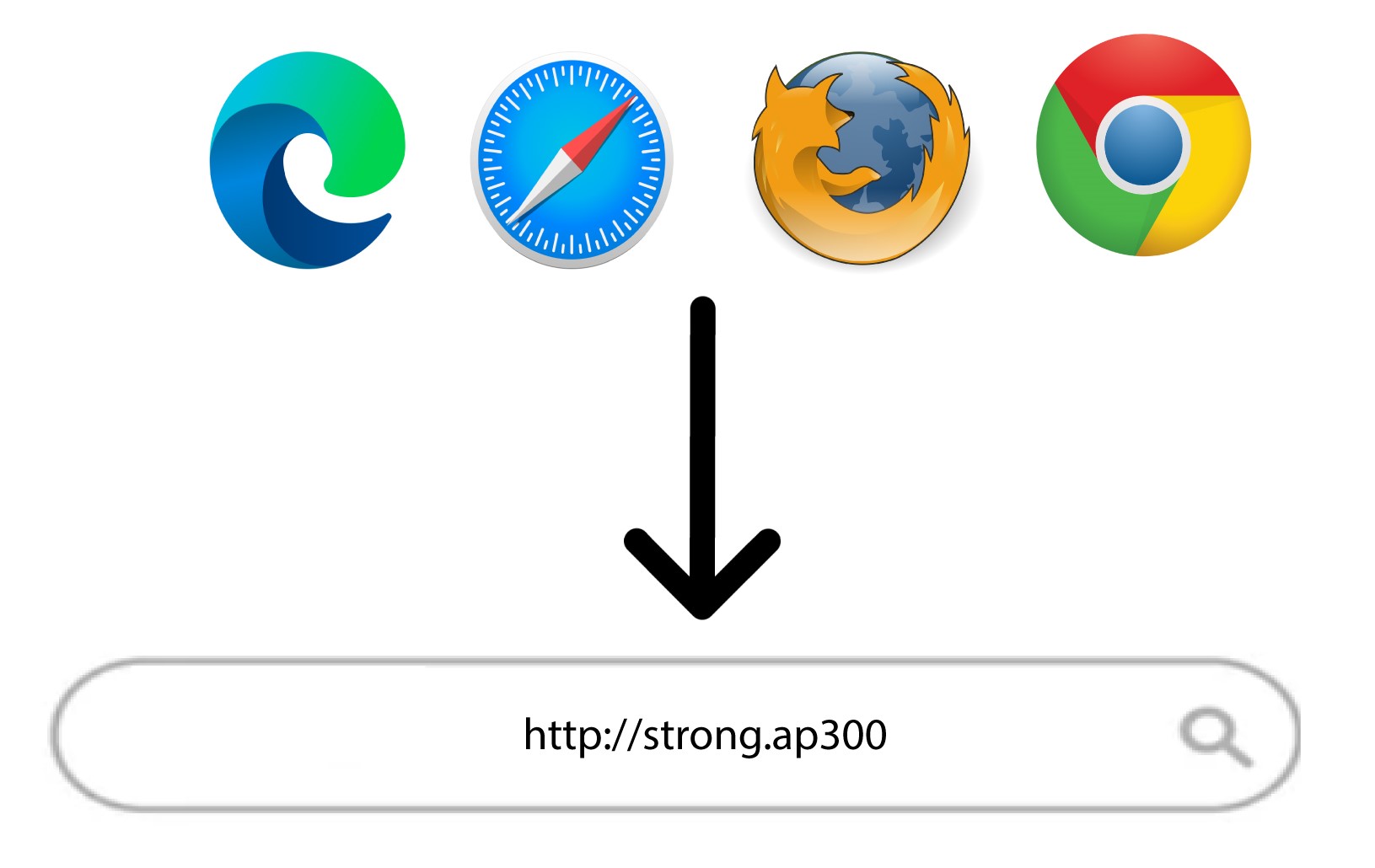
2Browse to the Web UI
Browse to the following URL: http://strong.ap300/
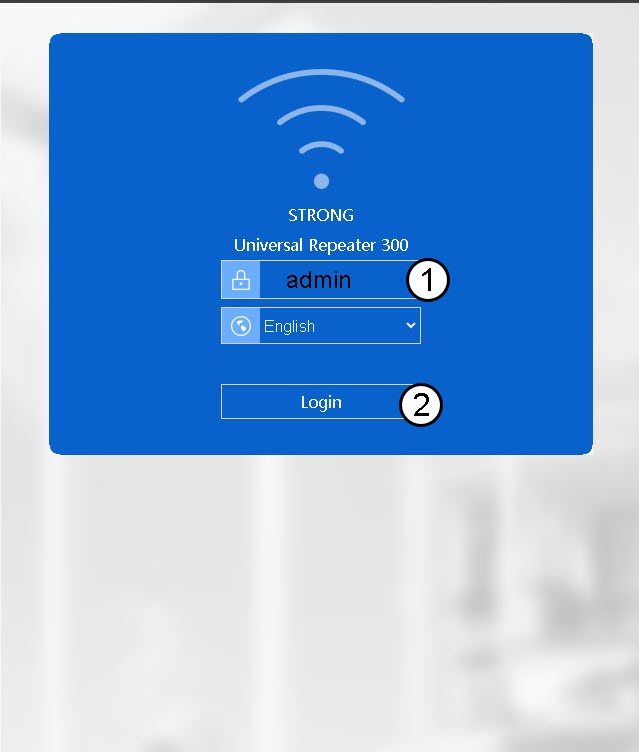
3Login
Enter the password and click Login.

Warning: We strongly recommend changing the administration password to prevent hacking.