4G AIRSPOT 220 Mobile Wi-Fi with Display
No items found.
No items found.
All questions
4G AIRSPOT 220 Mobile Wi-Fi with Display
No items found.
No items found.
How to insert the SD card in the hotspot 150?
How to insert the SD card in the hotspot 150?
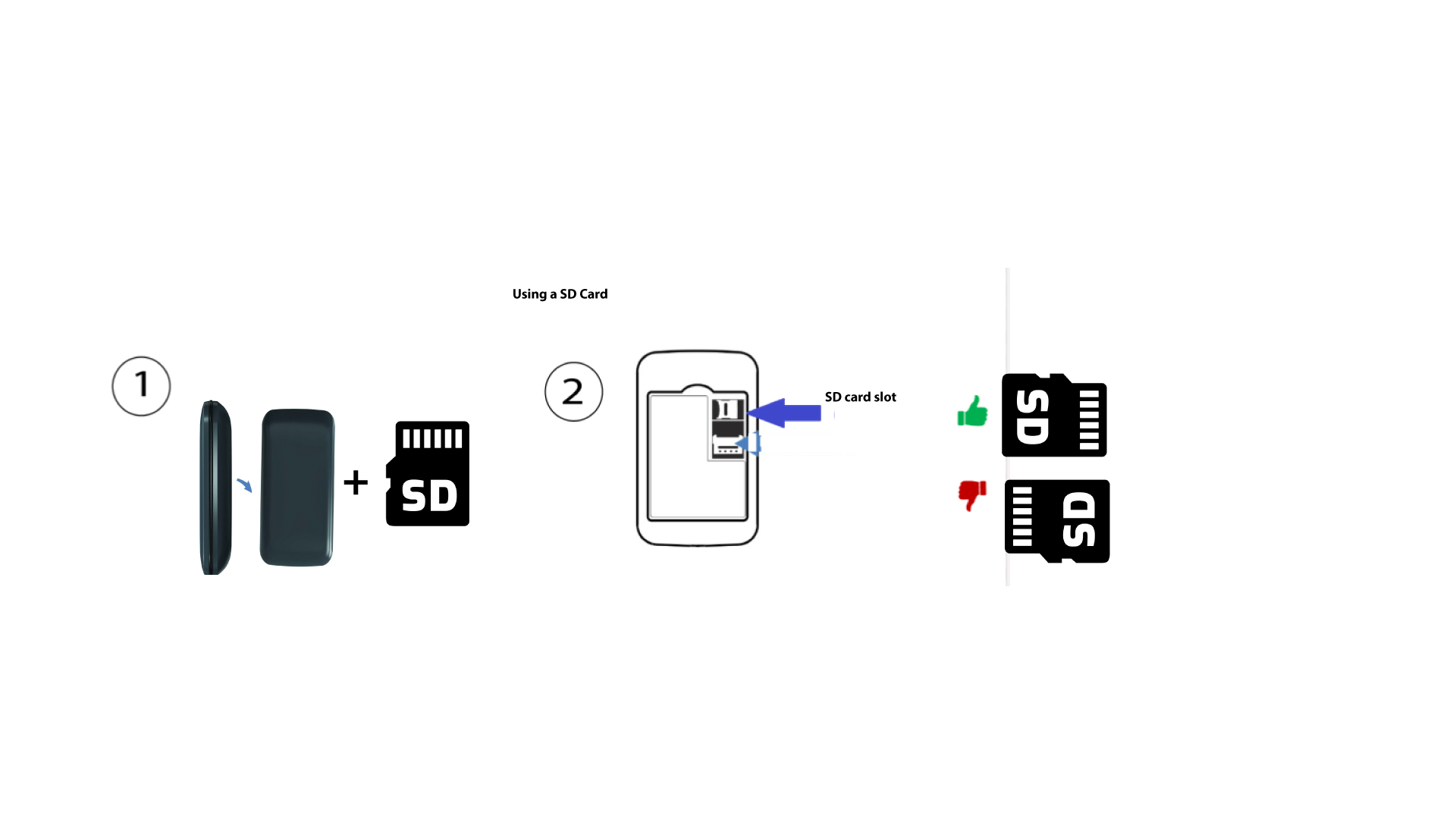
To insert the SD Card in the router, you first need to turn off the device by pressing the power button for five seconds.
1
Put the SD Card in
Then, remove the cover, put the SD Card in the slot provided in the top right-hand corner at- the rear of the device.