4G AIRSPOT 220 Mobile Wi-Fi with Display
No items found.
No items found.
All questions
4G AIRSPOT 220 Mobile Wi-Fi with Display
No items found.
No items found.
How do I enter my SIM PIN code?
1Connect to the Router Wi-Fi Network
To enter your SIM PIN code, you must connect to the Web UI. To do so, enter the SSID (Wi-Fi Network Name) and Wi-Fi password of the router in your device.

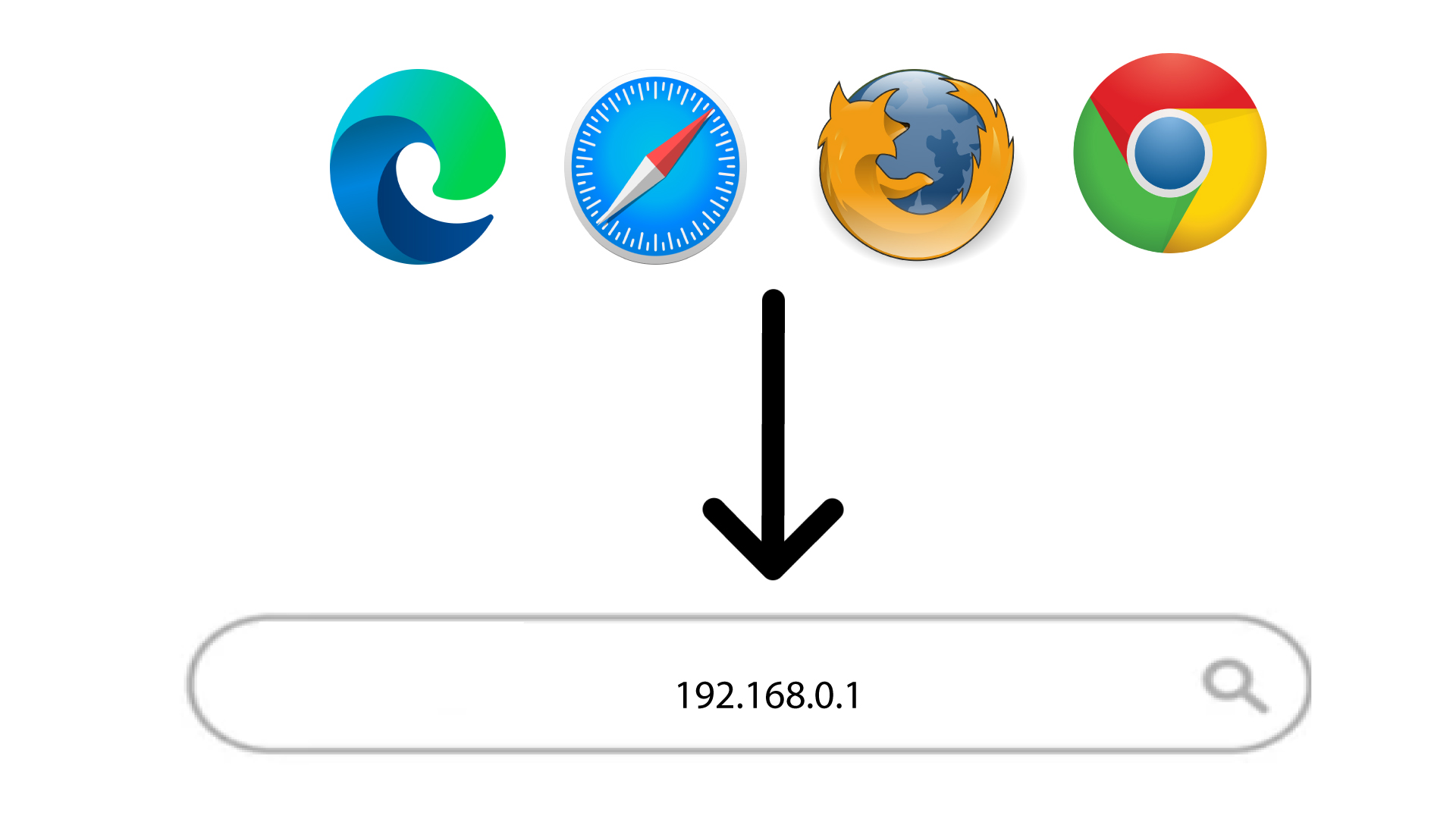
2Browse to the Web UI IP Address
Then, enter the following IP address in your browser: 192.168.188.1
3Login
Once you have browsed to the IP Address, you must enter the password and click Login.

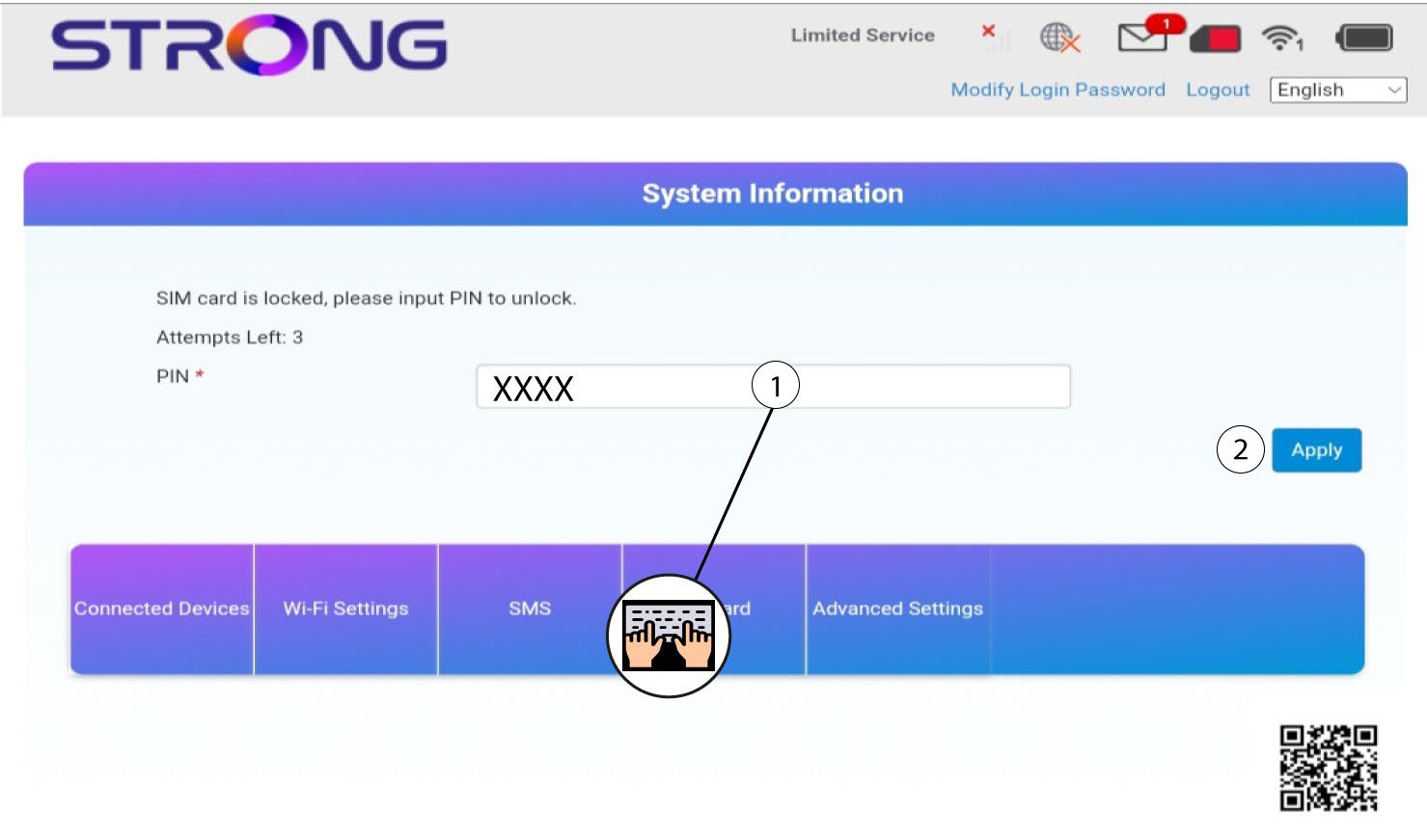
4Enter PIN code
Enter your SIM PIN code and click Apply.