No items found.
LEAP 41 | 4K Google TV with HDR10+
No items found.
All questions
No items found.
LEAP 41 | 4K Google TV with HDR10+
No items found.
How do I reset the device to its factory settings?
1Turn on your TV and the receiver
Turn on your TV and your receiver.
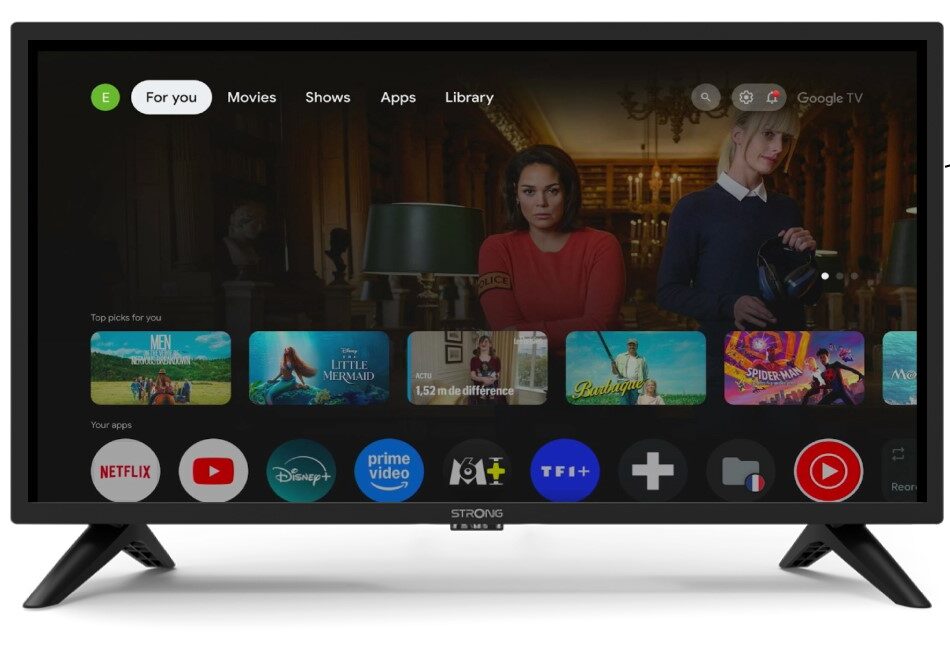
2Settings
Press the gear icon on your Remote Control.
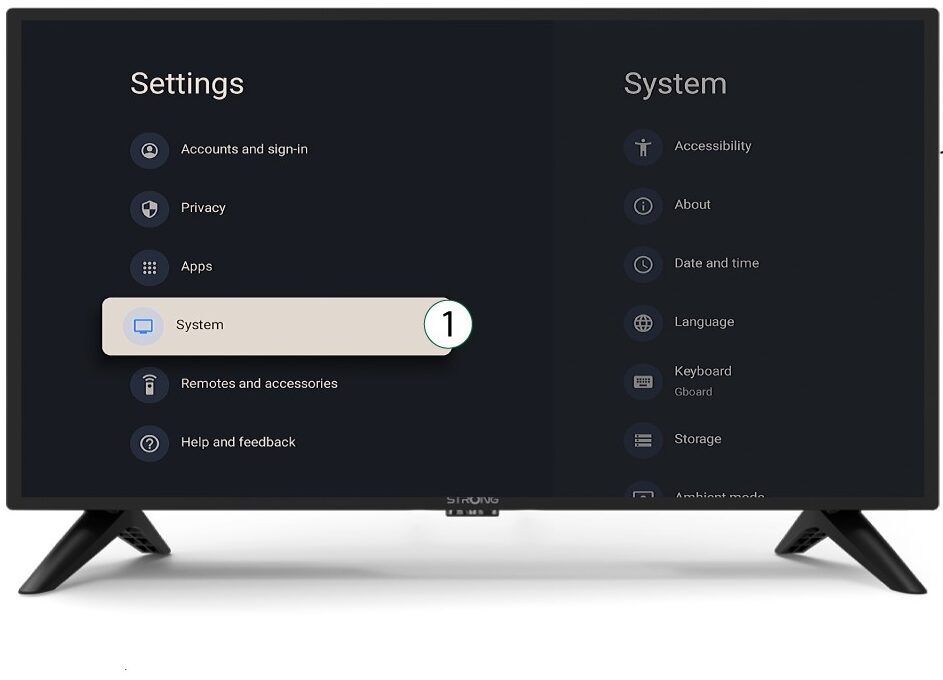
3System
In the Settings Menu, select System and press OK.
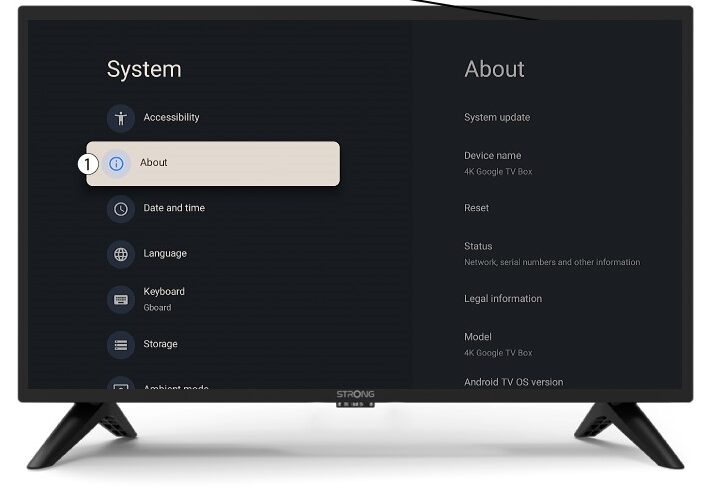
4About
Select About in the system menu and press OK.
5Reset
Select Reset.
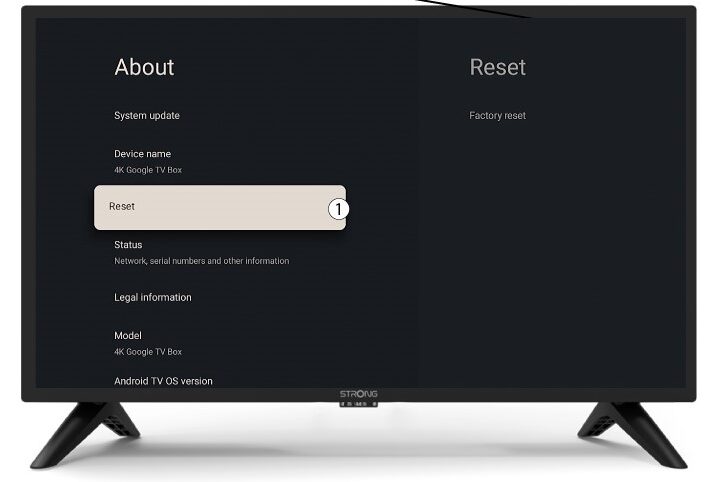
6Factory Reset
Select Factory Reset and press OK.
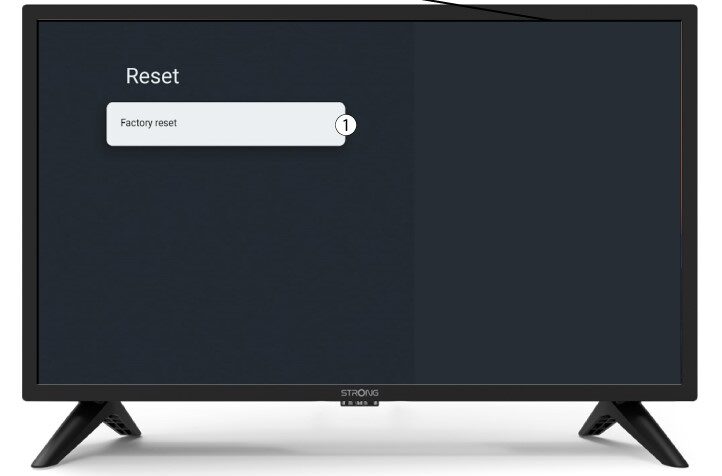
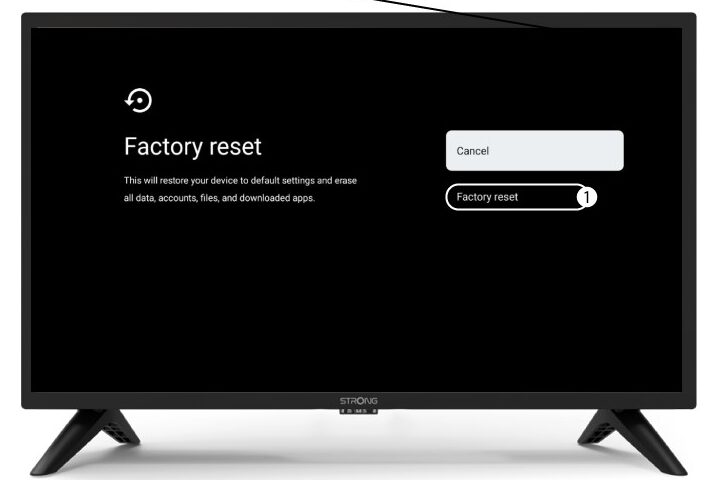
7Confirm reset
Select Factory Reset in the Factory Reset page.