
5G AIRHOME 1050 | Wi-Fi 6
No items found.
No items found.
All questions
5G AIRHOME 1050 | Wi-Fi 6
No items found.
No items found.
How do I connect my landline phone with the router?

Warning: Only one landline phone can be connected at the same time to the router.
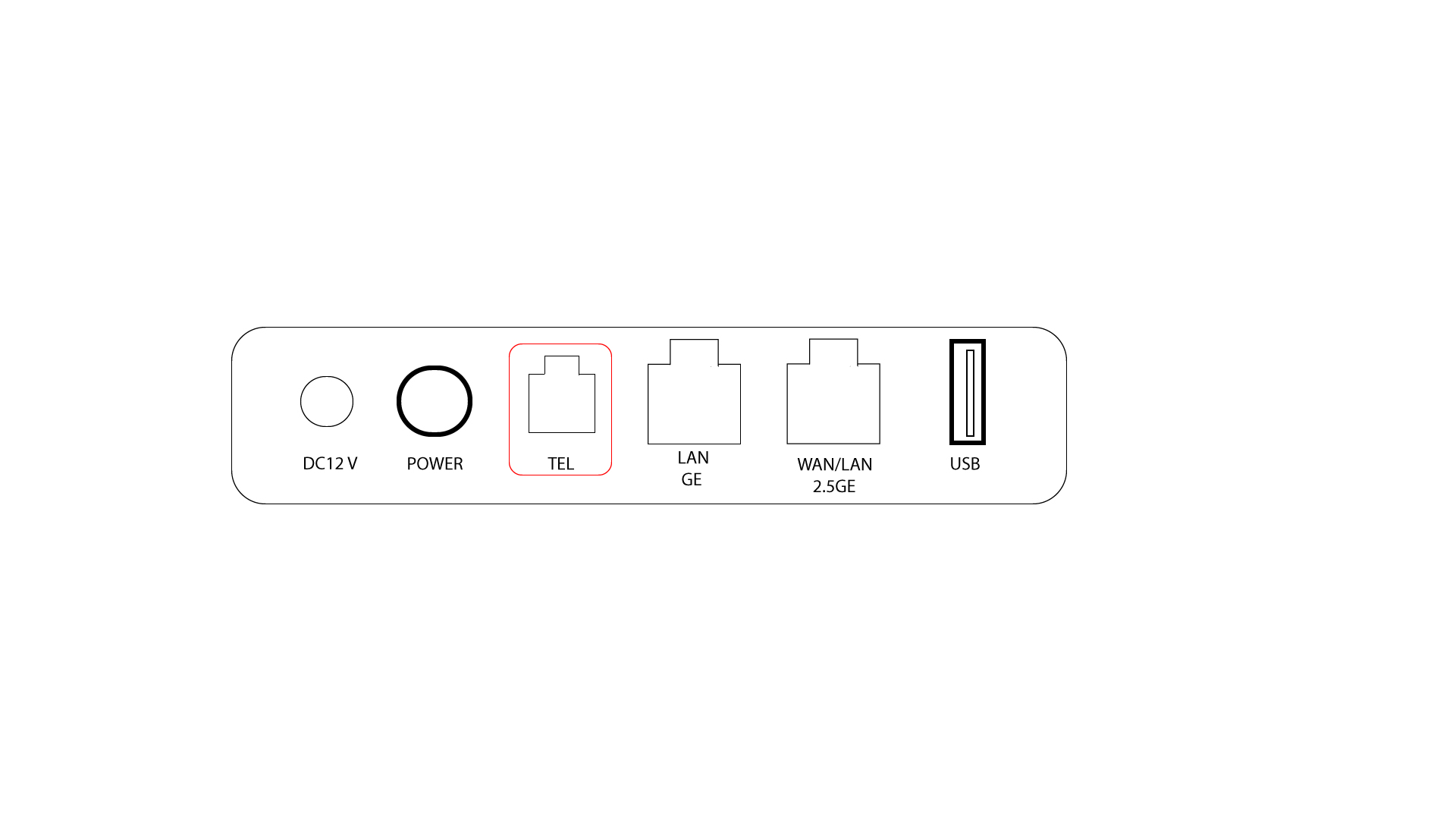
1TEL Port
The TEL port is at the rear side of the device. Simply connect your landline phone cable (RJ11) to this port and the process is finished. You can now make and receive call from your landline phone thanks to the AX 3000 router.
TIPS: The default caller ID format is FSK on 5GROUTERAX3000. Some operators may use another, non-compatible format; therefore, the phone number display on the LCD of the phone may not always be possible.