No items found.
LEAP-S1
No items found.
All questions
No items found.
LEAP-S1
No items found.
Why is the USB port inactive when the device is in standby mode ?
The Android 12 version takes into consideration the new European requirements in terms of energy saving. Under Android 12, USB ports are inactive by default when the device is in standby mode.
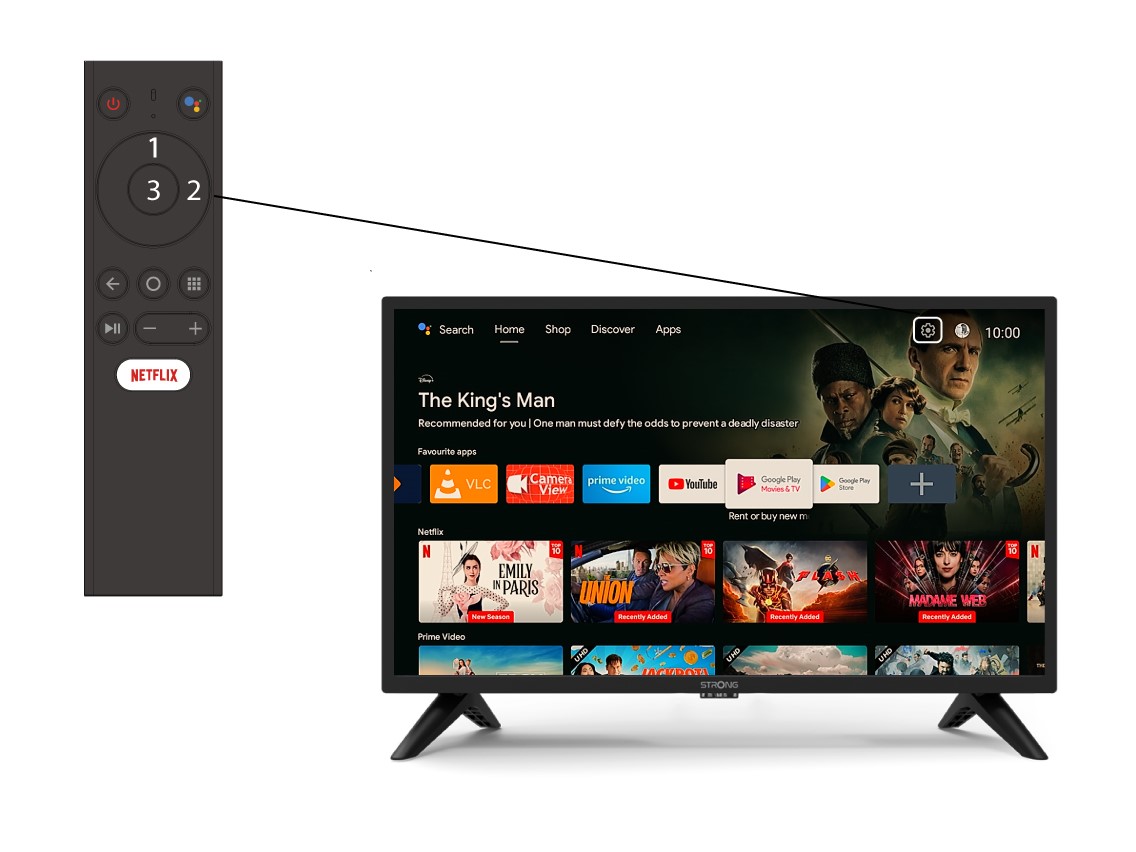
1Settings
Select the Settings Menu (Cogwheel icon) by pressing the top and right keys on your remote control and press OK.
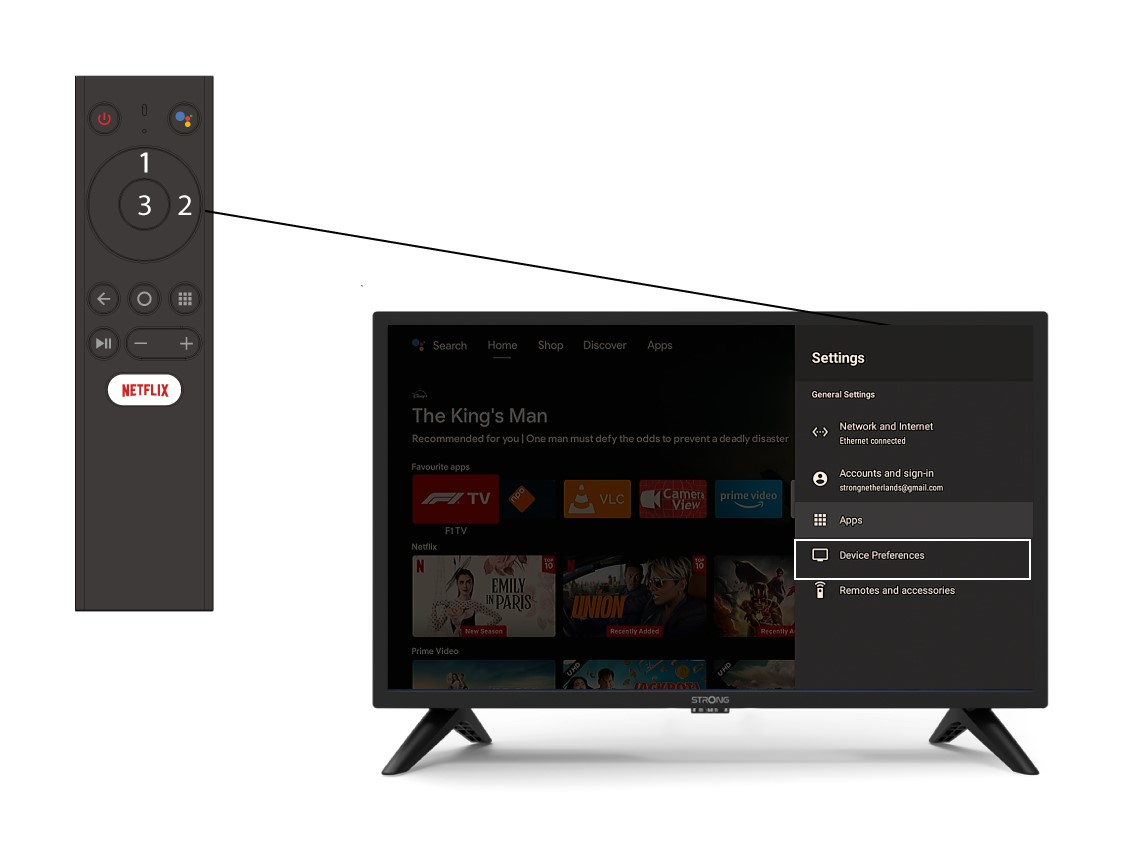
2Devices Preferences
In the Settings Menu, select Device Preferences and press OK.
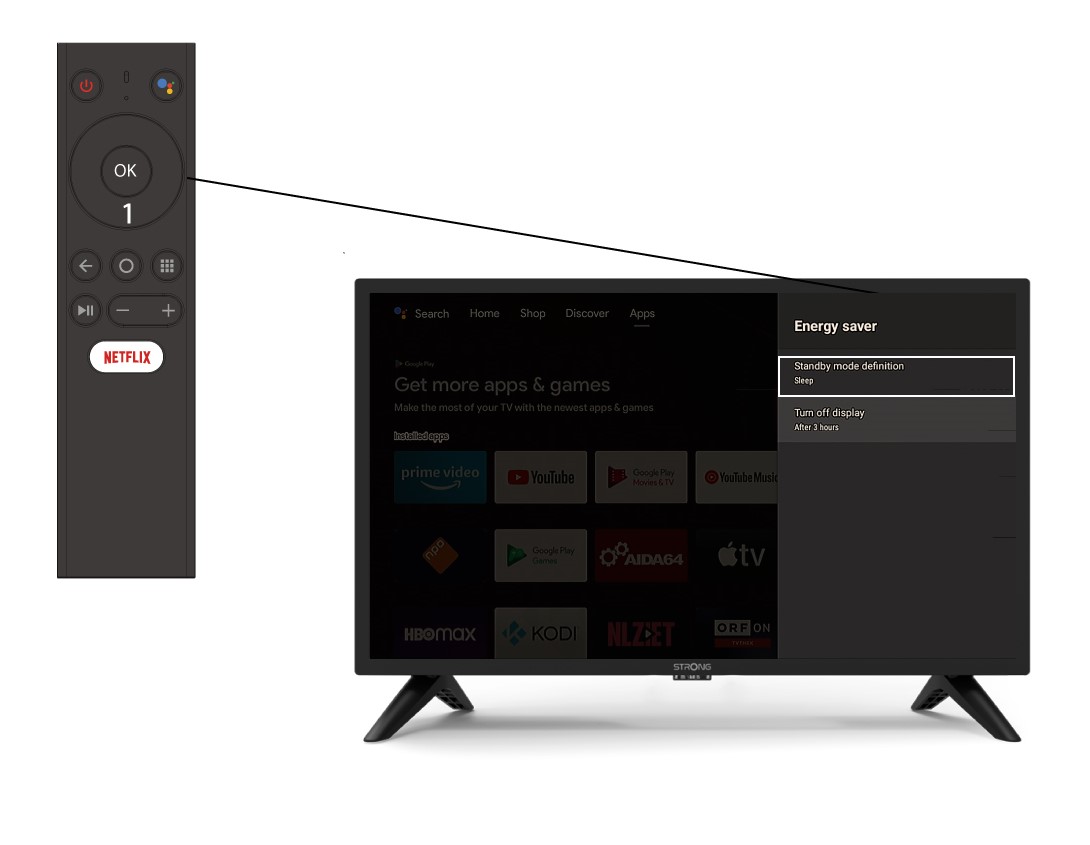
3Energy Saving
Select Energy Saving. Then in the energy saving menu, click standby mode definition and press OK.