
Dual Band Repeater 750
No items found.
No items found.
All questions
Dual Band Repeater 750
No items found.
No items found.
I cannot access the Web UI (http://strong.ap750) after setting up my repeater, why?

WARNING: It is normal that you cannot connect to the Web UI after the set up because the connection information are changed. Indeed, two Wi-Fi networks are created when the set up is completed. You must connect to one of this network to access the Web UI.
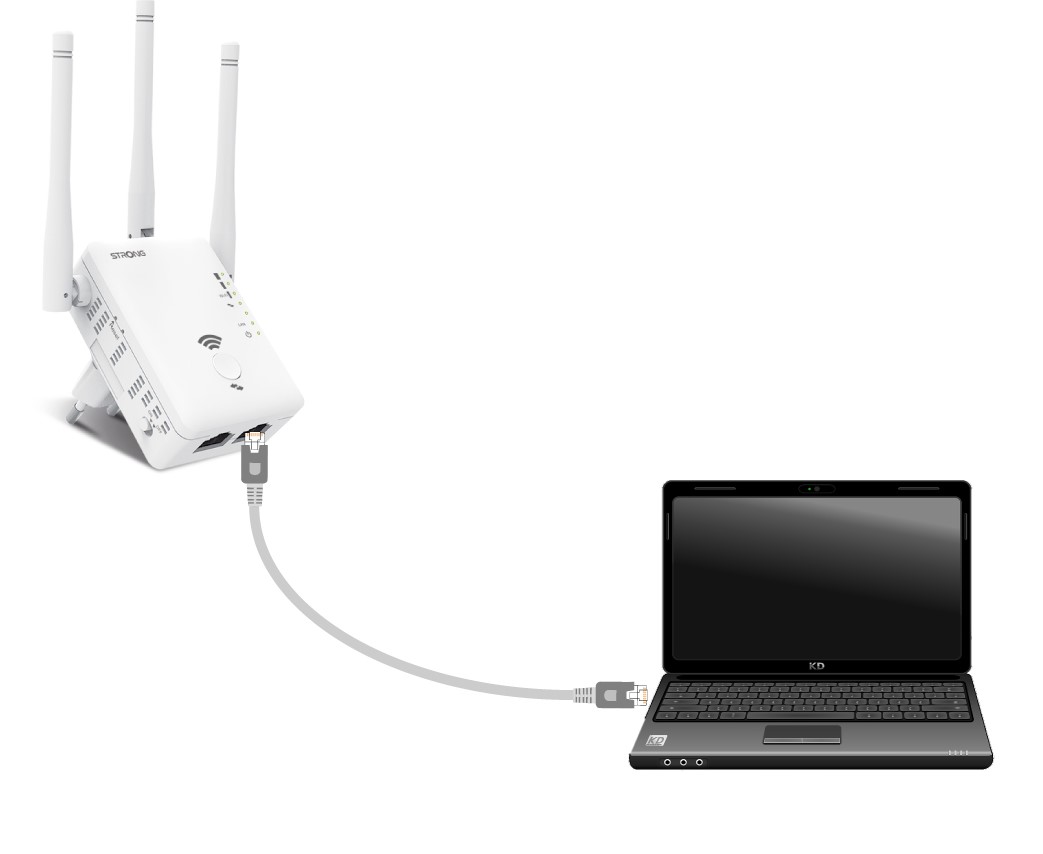
1Connect your router with a RJ45 cable
Connect your repeater to a computer via RJ45 cable.
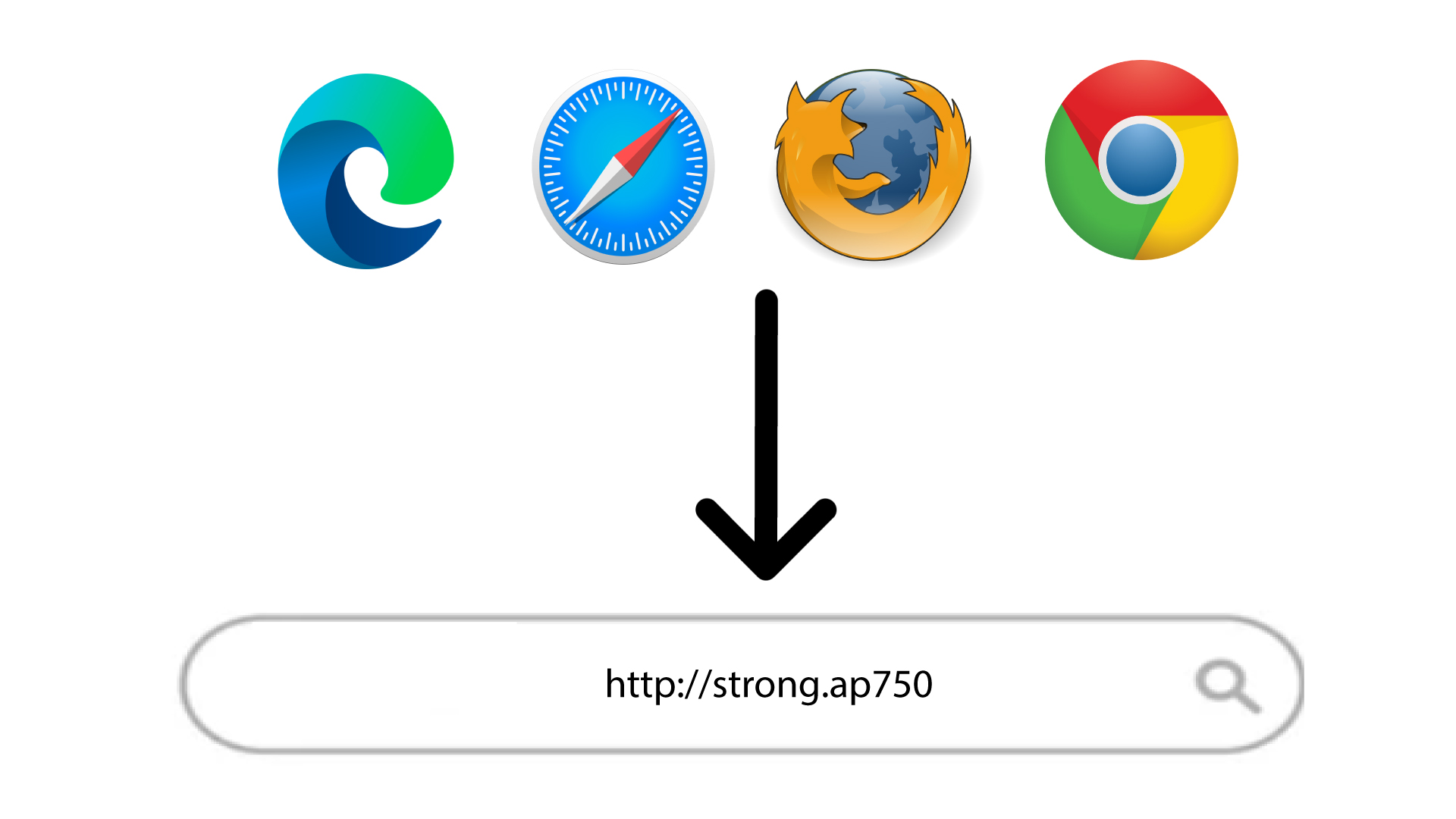
2Browse to the Web UI URL
Type the URL in your browser.
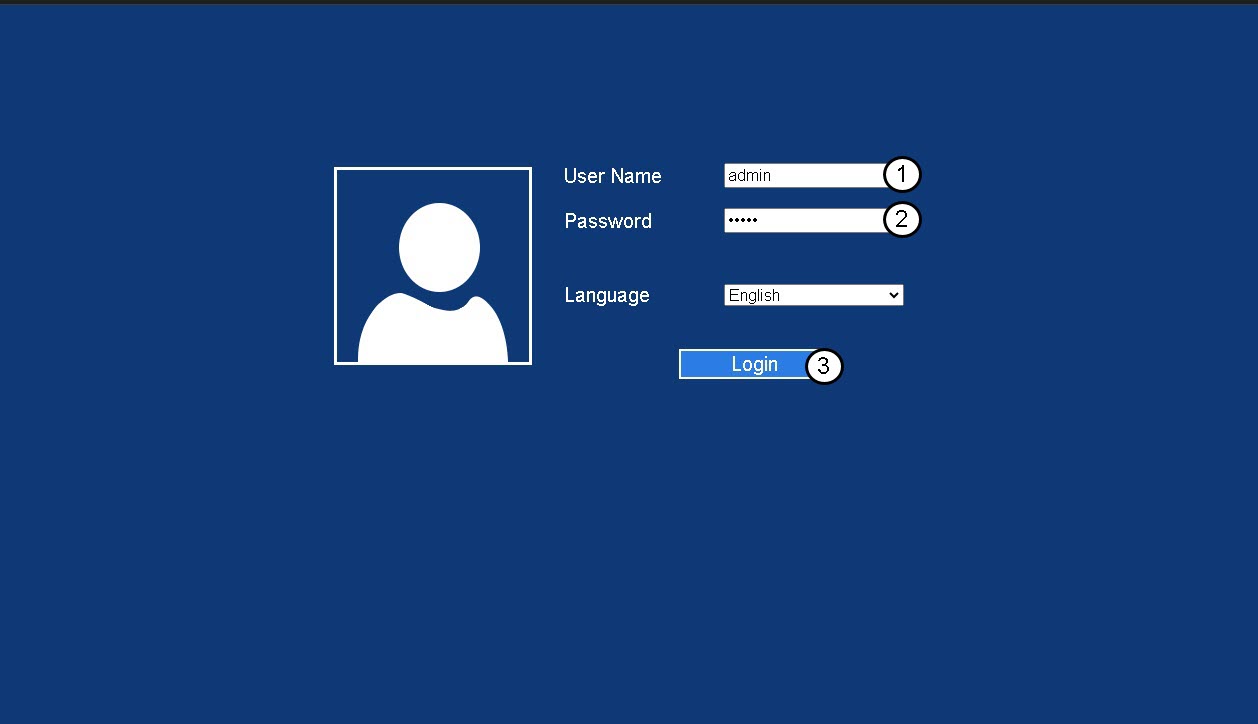
3Login Page
Enter your admin password and click Login.
4Look for the IP Address of the router
In the device information look for the IP address of the repeater
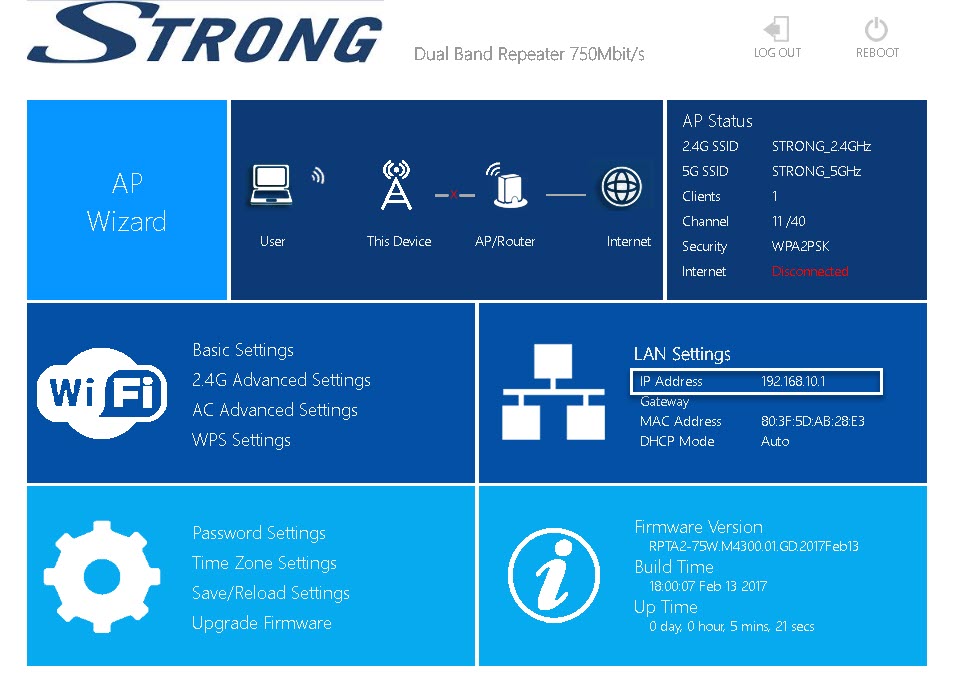
TIP: The IP address of your repeater changes once it is configured to the Wi-Fi host.