Dual Band Repeater 750
No items found.
No items found.
All questions
Dual Band Repeater 750
No items found.
No items found.
How do I set a static IP for my repeater?
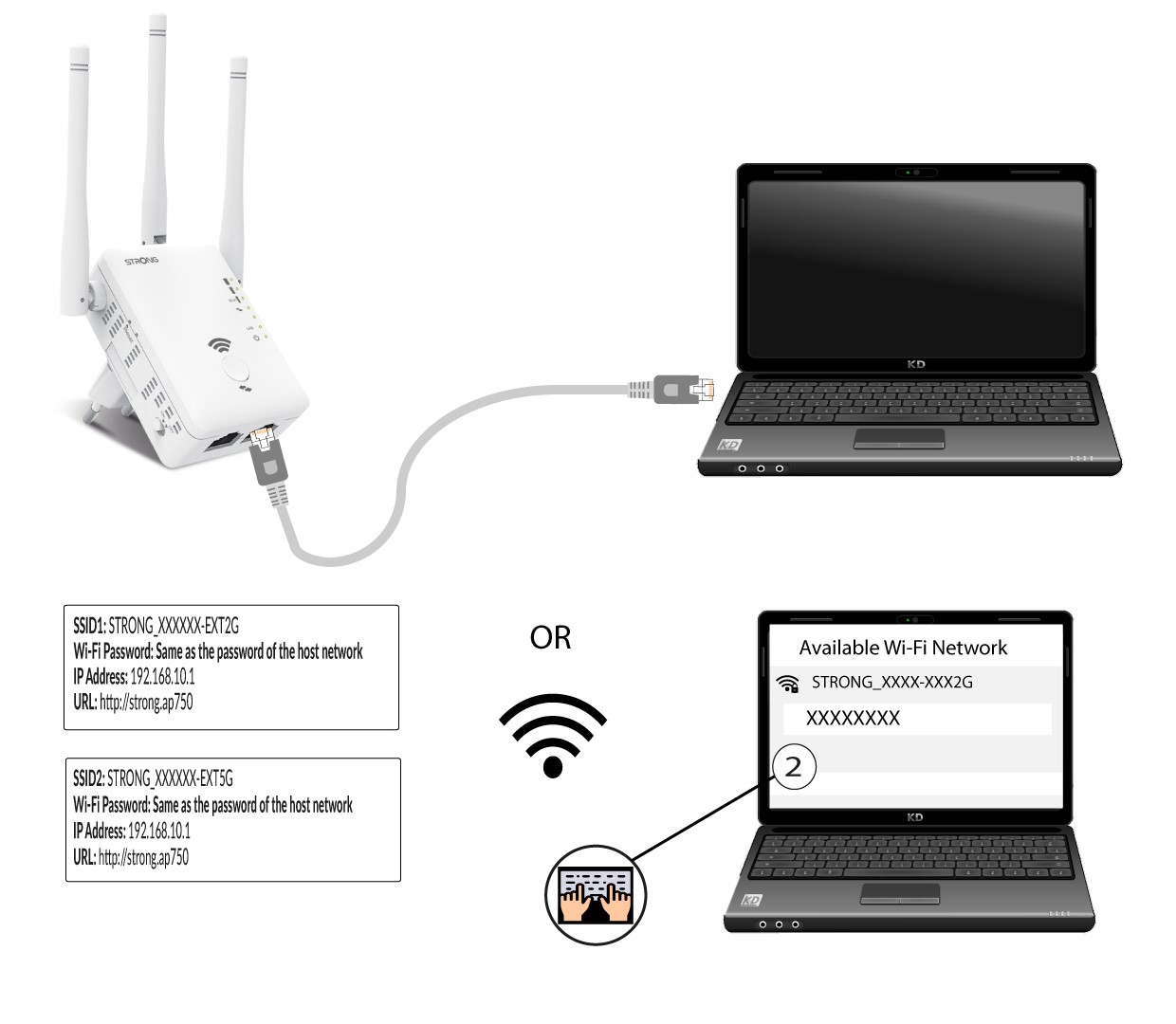
1Connect your repeater Wi-Fi Network
You need to connect to the repeater by RJ45 or to connect to one of the Wi-Fi networks that was created after the configuration.
.
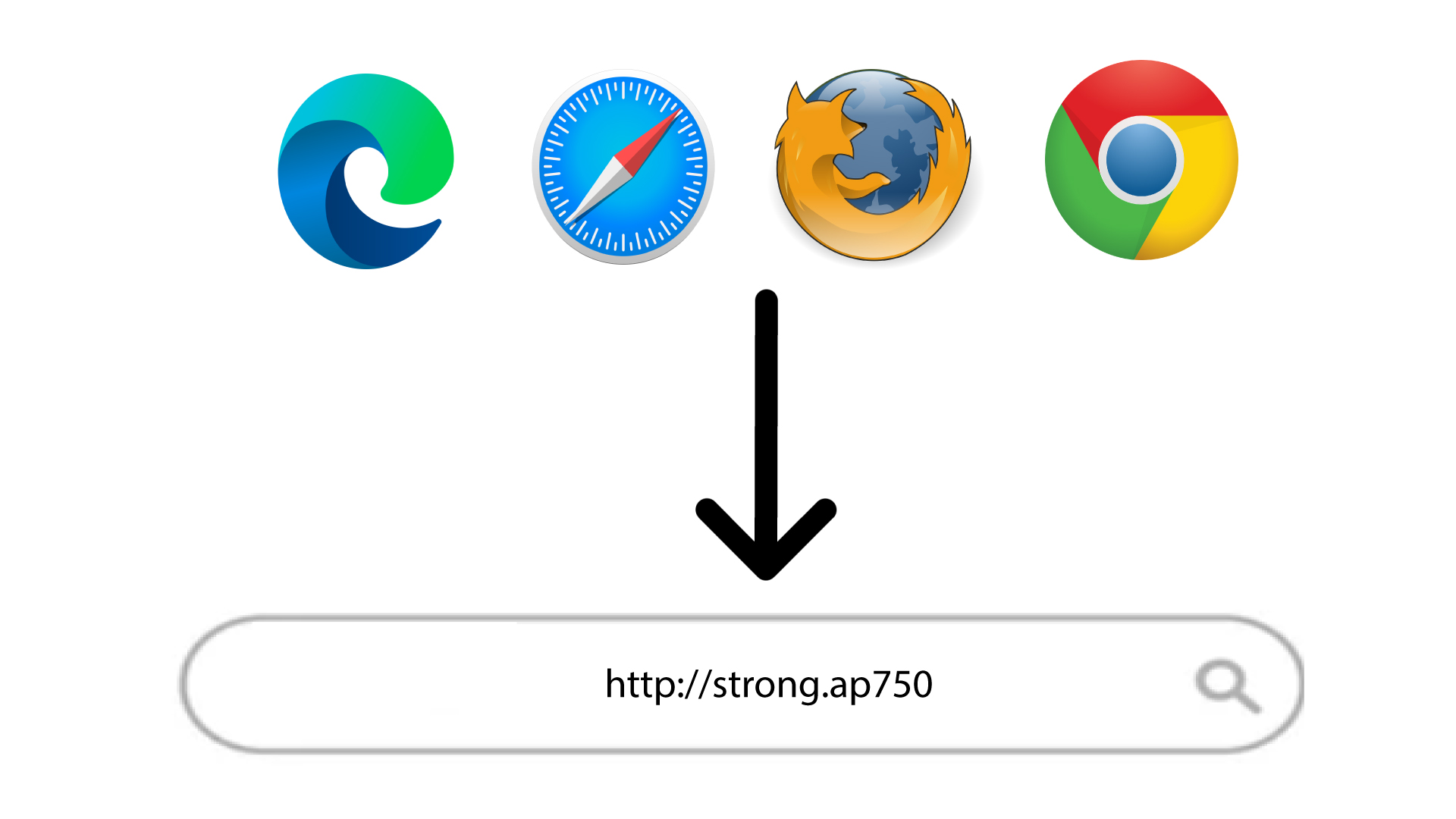
2Browse to the Web UI URL
Type the URL in your browser.
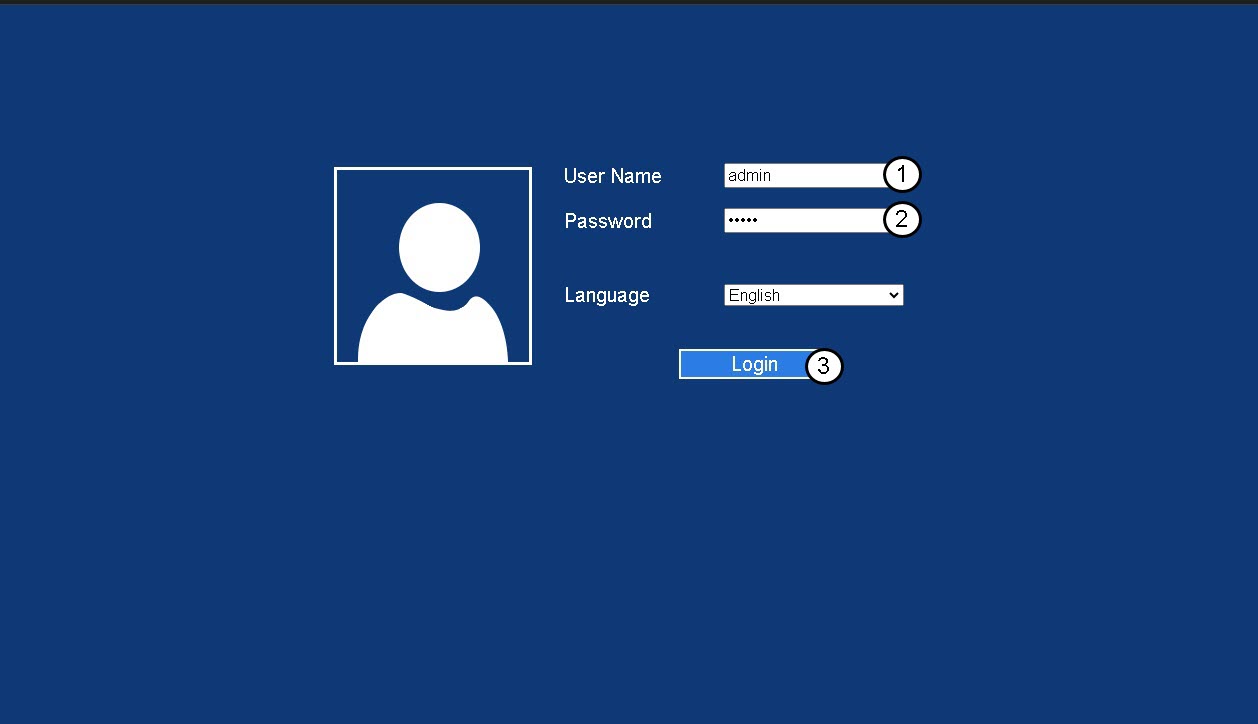
3Login Page
Enter your admin password and click Login.
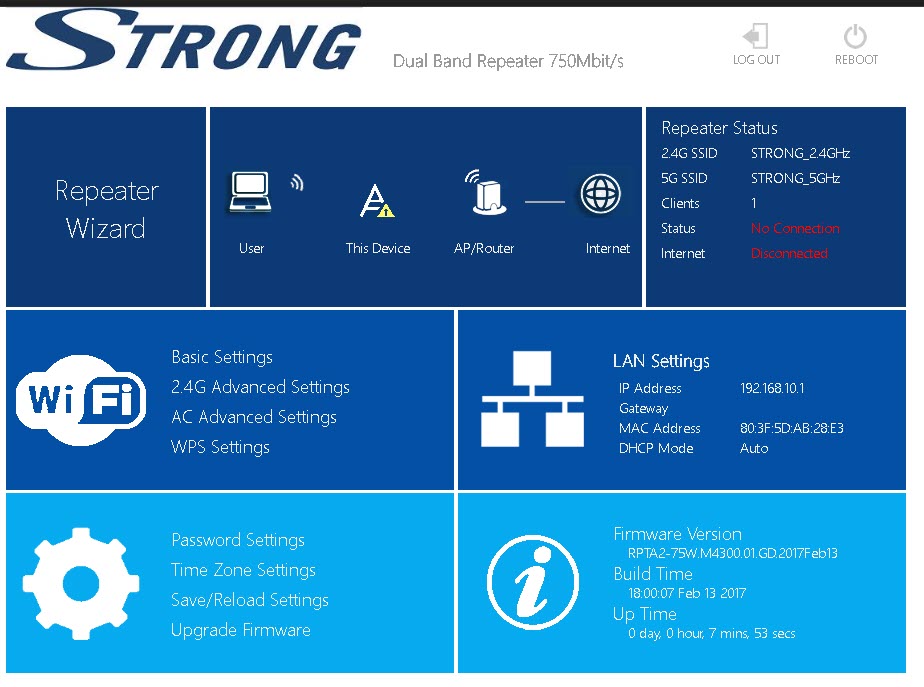
4LAN Settings
Click LAN Settings.
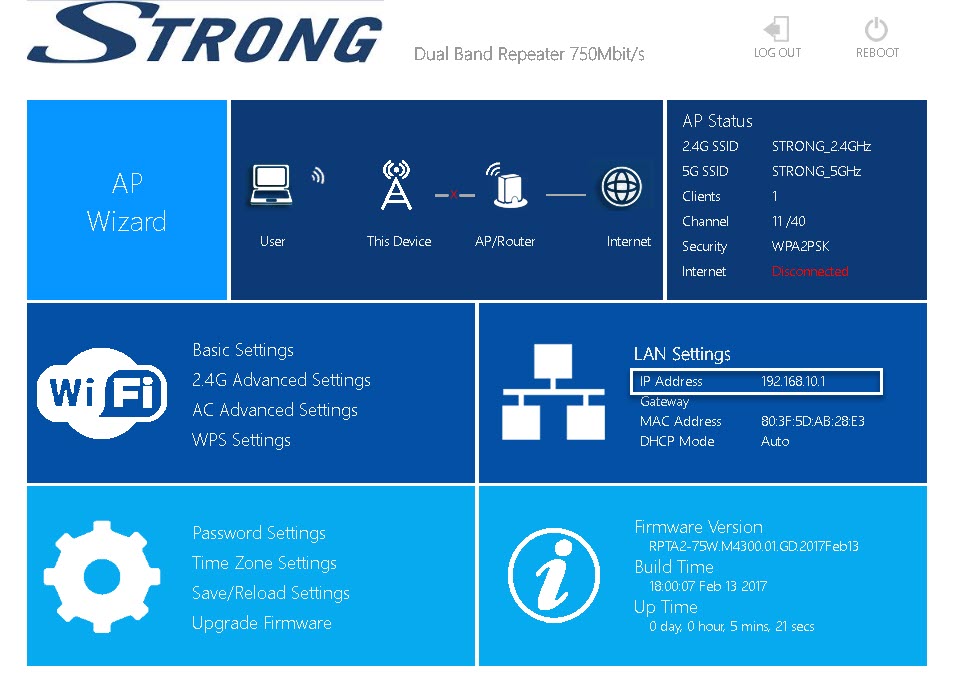
5Fix IP
Click Fix IP. Then, Enter the following information before clicking Apply:
- IP Address: Enter the IP Address for the repeater.
- Subnet Mask: Select the subnet mask in the list
- Gateway: Enter the IP Address of your repeater
- Primary DNS Server: You can enter an IP address.
- Secondary DNS Server: You can enter an Ip address.