
Dual Band Repeater 750
All questions
Dual Band Repeater 750
How do I update the firmware of my repeater?
1Browse to the download section on https://www.strong-eu.com/
Before the update, you must go to the download section of our website to see if there is a new software version available.
2Download
To access the downloads, Click Assistance and Download in the top bar and its submenu.

3Select your product reference
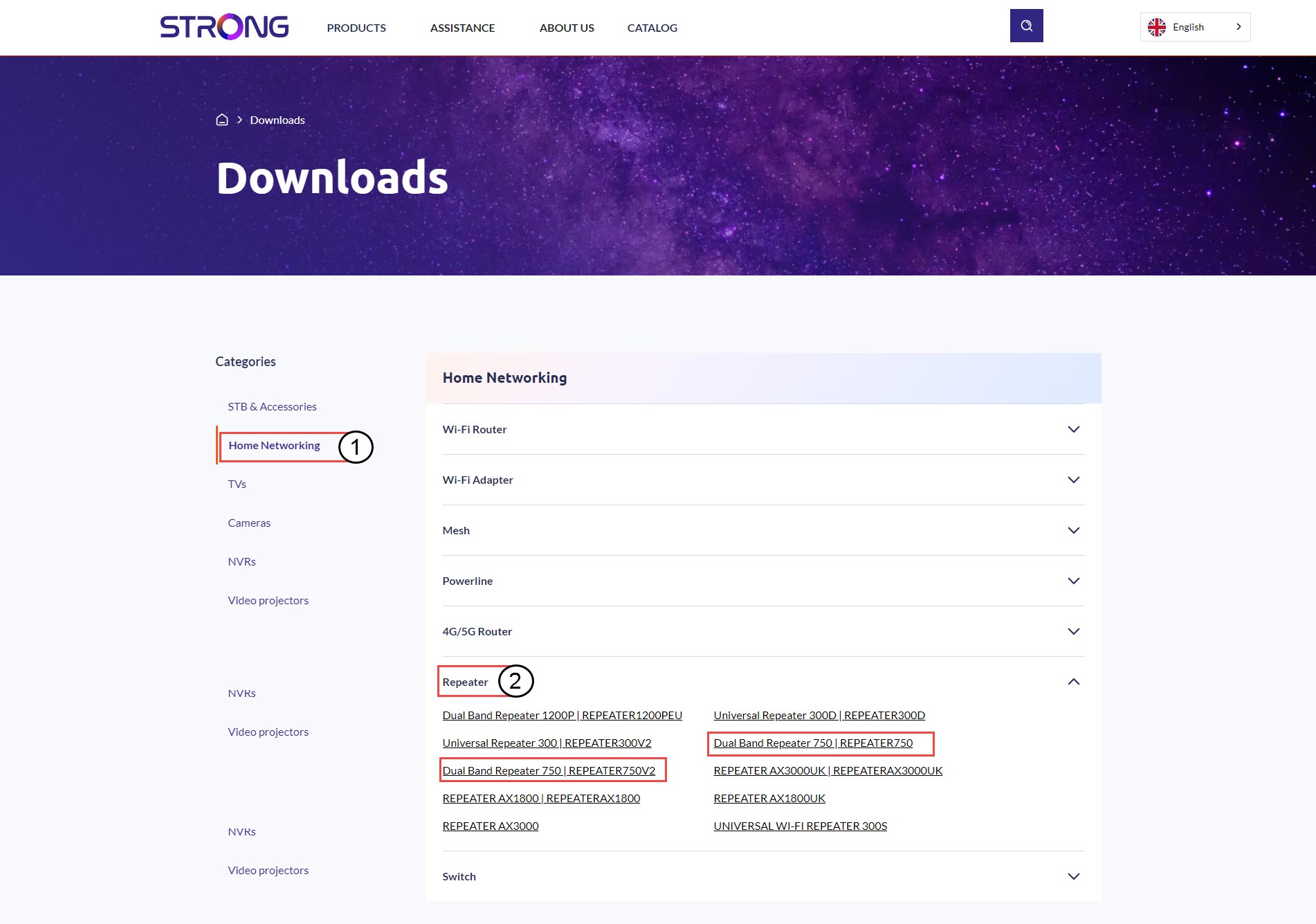
Once, you have browsed to the Downloads page, click Home Networking and repeater and click the product reference.
4Firmware Section
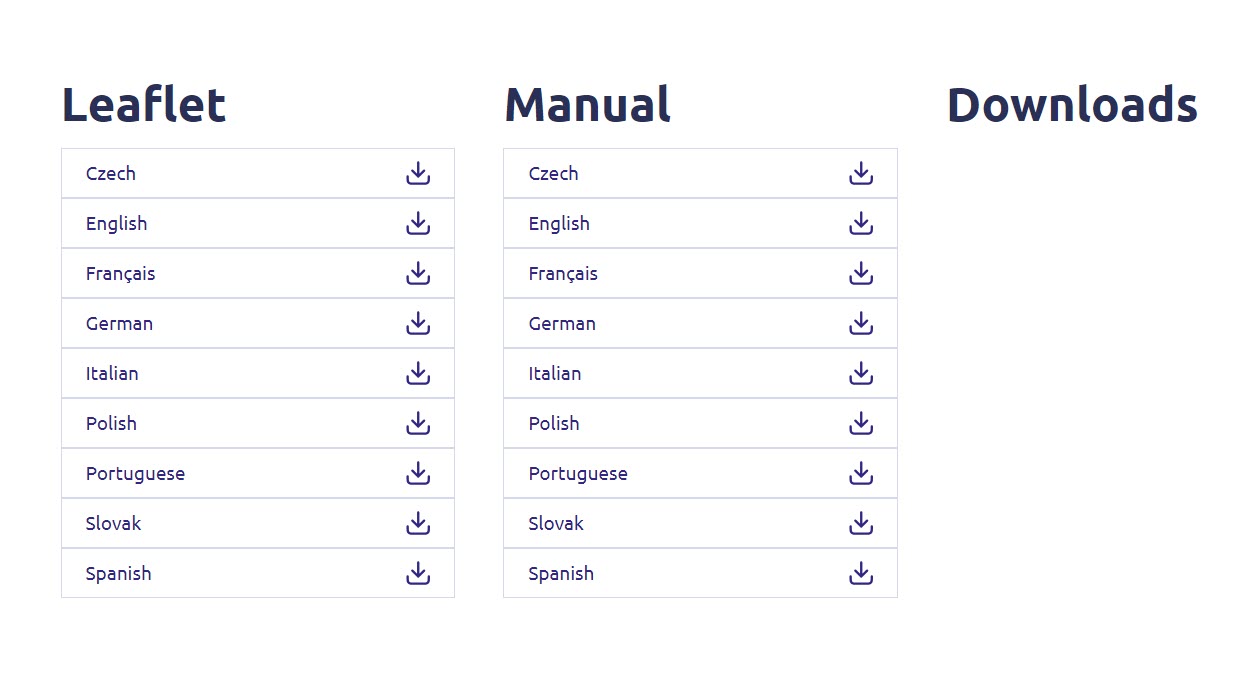
On the page below, you will find the new software version under the firmware section.
If you do not see a firmware section on the download page, it means that there is no new software version available.
5Connect to the Web UI
Follow this procedure to connect to the Web UI.
6Upgrade Firmware
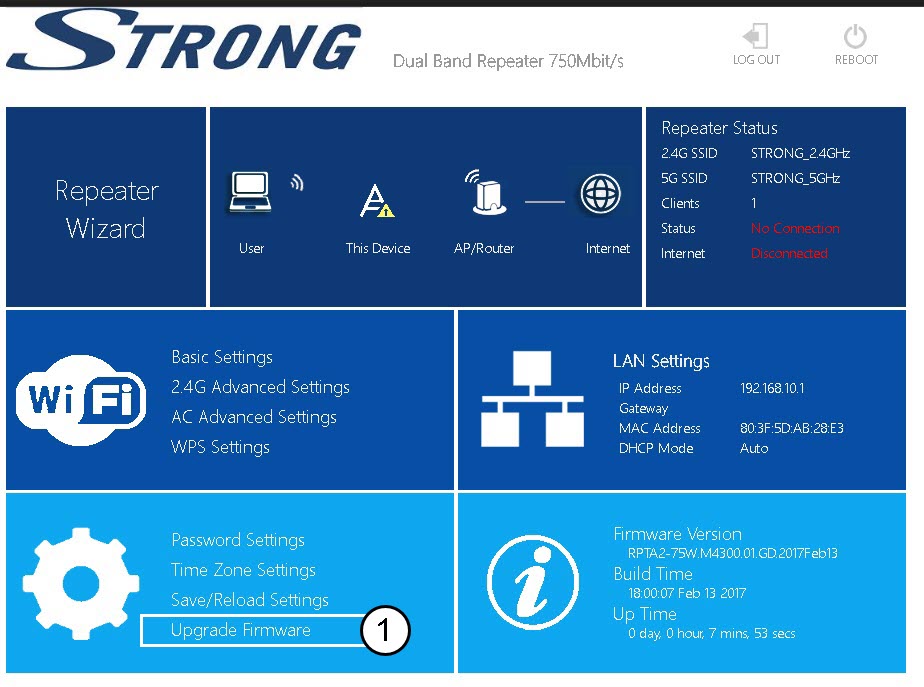
Click Upgrade Firmware.
7Select the firmware file
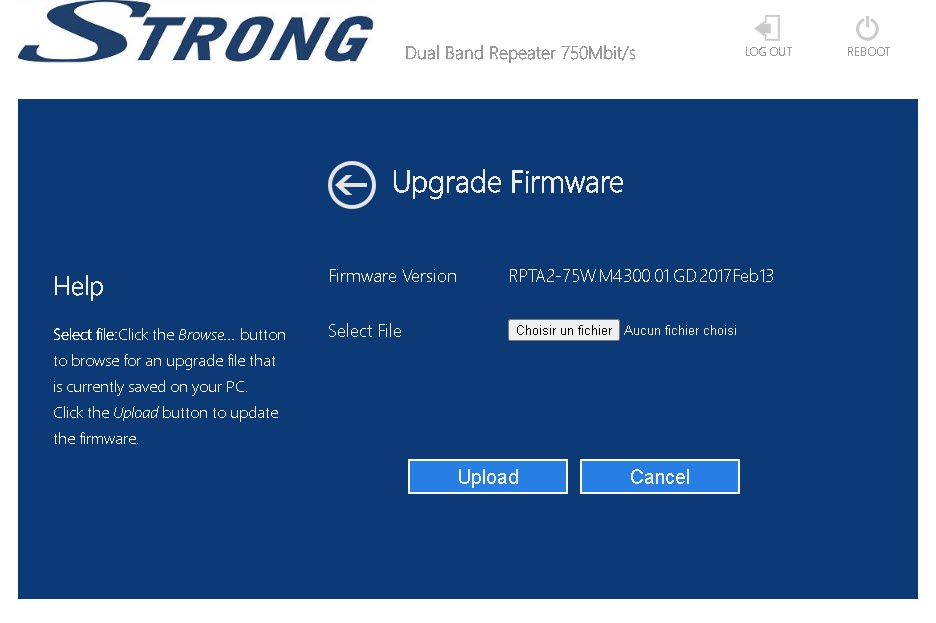
Select your file and click Upload, the update will start automatically.

Warning: Please wait for the update to be completed and for the device to restart. You must reconnect to the Wi-Fi after the update.