Dual Band Repeater 750
All questions
Dual Band Repeater 750
How do I configure my repeater?
Before configuring your repeater, please check the following procedure to determine the location of your repeater: What is the best location for my repeater?
1Connect to the Web UI
Follow one of the procedures below to connect to the Web UI:
- How do I connect to the Web UI of the repeater? (RJ45 Cable)
- How do I connect to the Web UI of the repeater? (Wi-Fi)
2Select the repeater mode
On the mode switch located on the right side of your repeater, select the repeater position.
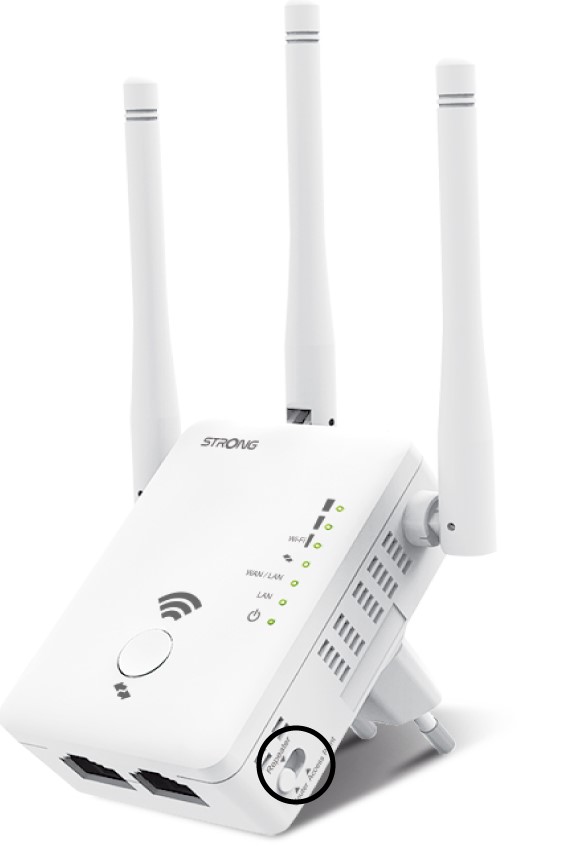
3Repater Wizard
Click Repeater Wizard.
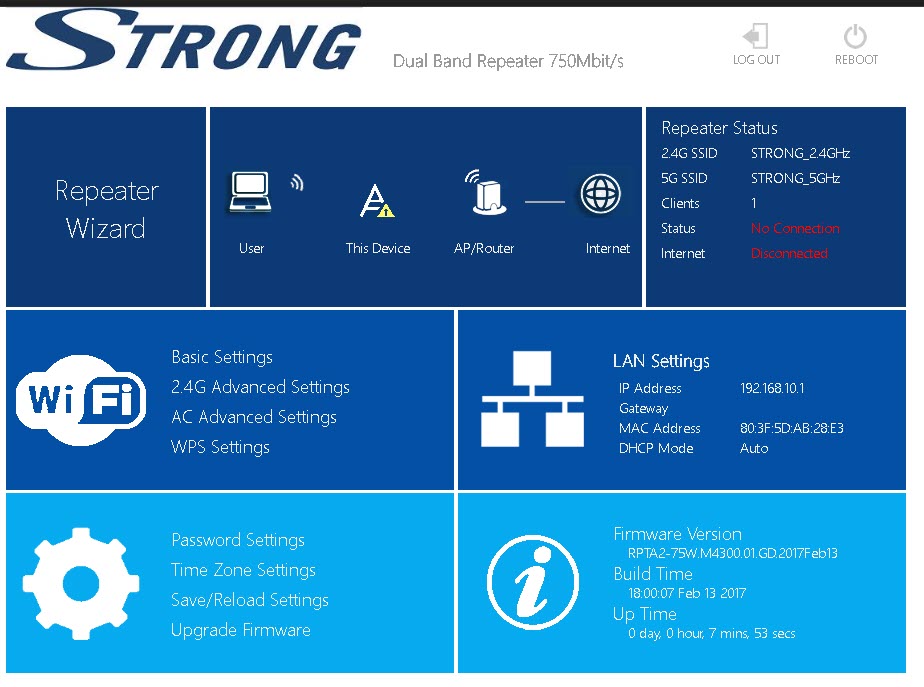
4Network Scan
Your repeater will perform a scan of all the available 2.4G and 5G Wi-Fi Networks to determine the host network. Select the Wi-Fi Network Name of your router. Then, click Apply .
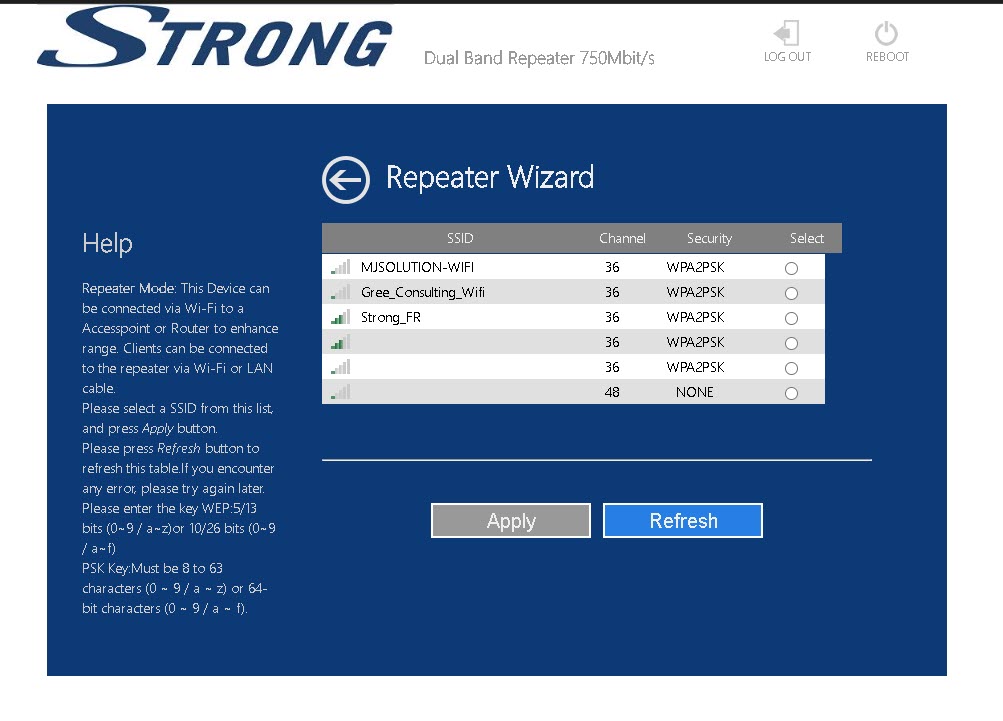
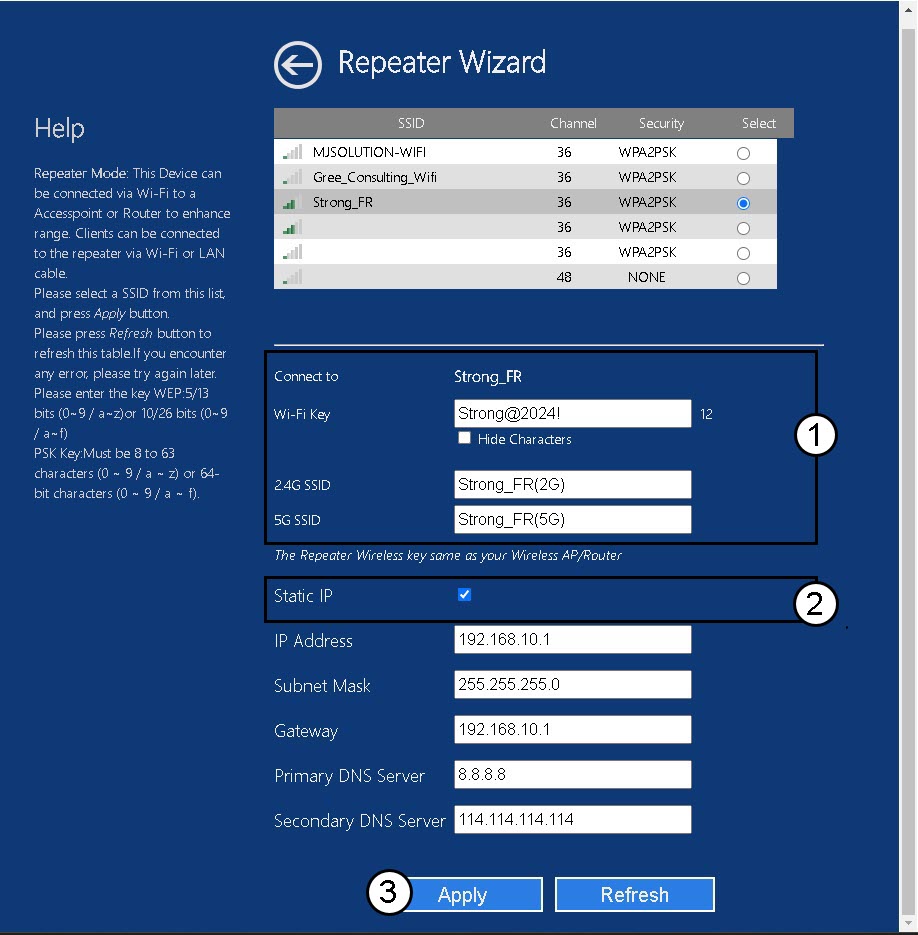
5Enter the information for the host and repeater networks
Enter the Wi-Fi password of your router and define the names for the Wi-Fi Networks of your repeater and click Apply.
TIP: You can check the Static IP box to set up the Static IP of your repeater.
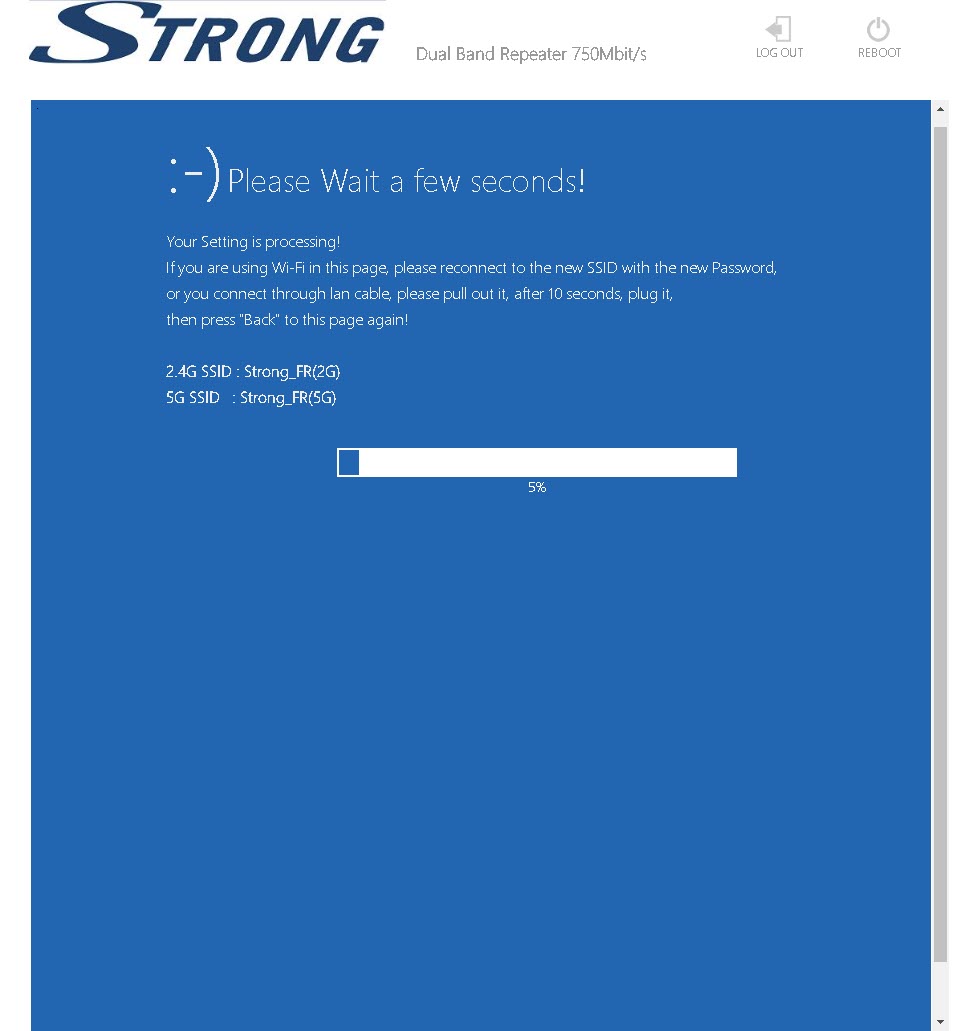
6Wait during the configuration
Please wait while the repeater is configuring.