
No items found.
No items found.
5MP SUPER DARK POE CAMERA
All questions
No items found.
No items found.
5MP SUPER DARK POE CAMERA
How do I update my camera in the Web UI?
TIP: To update your device, please go to the Downloads section of our website and browse to the product page to download the new firmware version of your product.
In the Settings, click System Settings and System upgrade. Then, click the choose file button and select the update file and click the upgrade button.
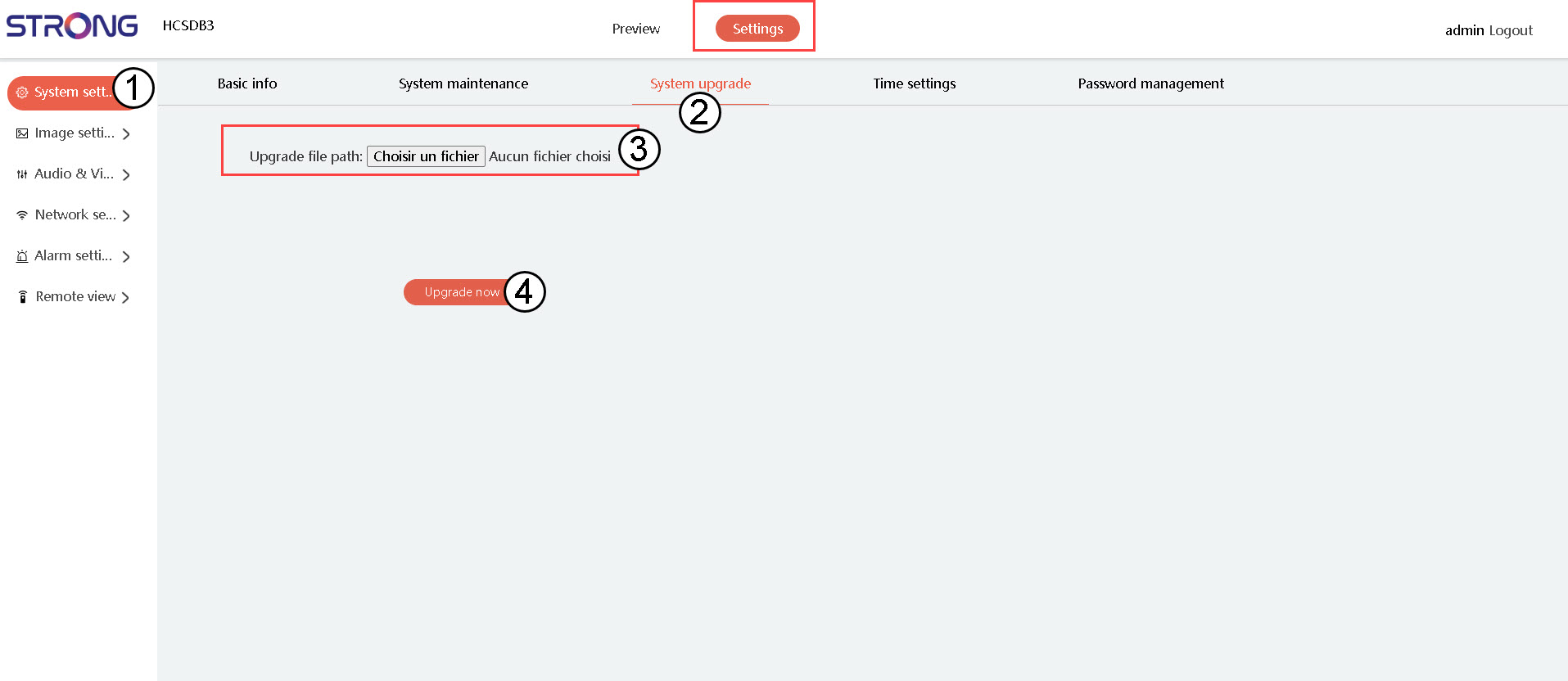

Warning: Please wait for the upgrade to be finished before performing any action on your device.