Dual Band Repeater 1200
No items found.
No items found.
All questions
Dual Band Repeater 1200
No items found.
No items found.
How do I set up a new administration password?
1Connect to the Repeater
You must connect to the repeater by RJ45 or to one of the Wi-Fi networks created after the configuration.

2Access the Web UI
Enter the URL of the Web UI in your browser.

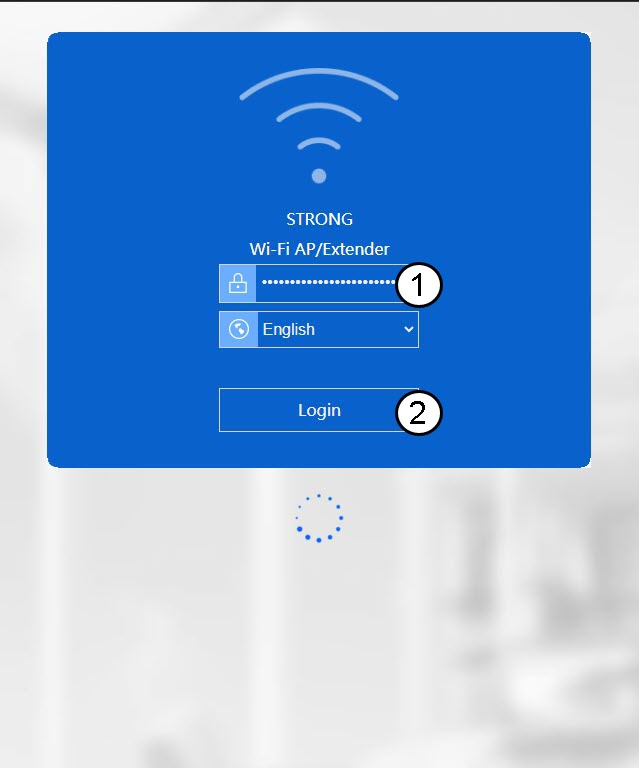
3Log In to the Web Interface
Enter your administration credentials.
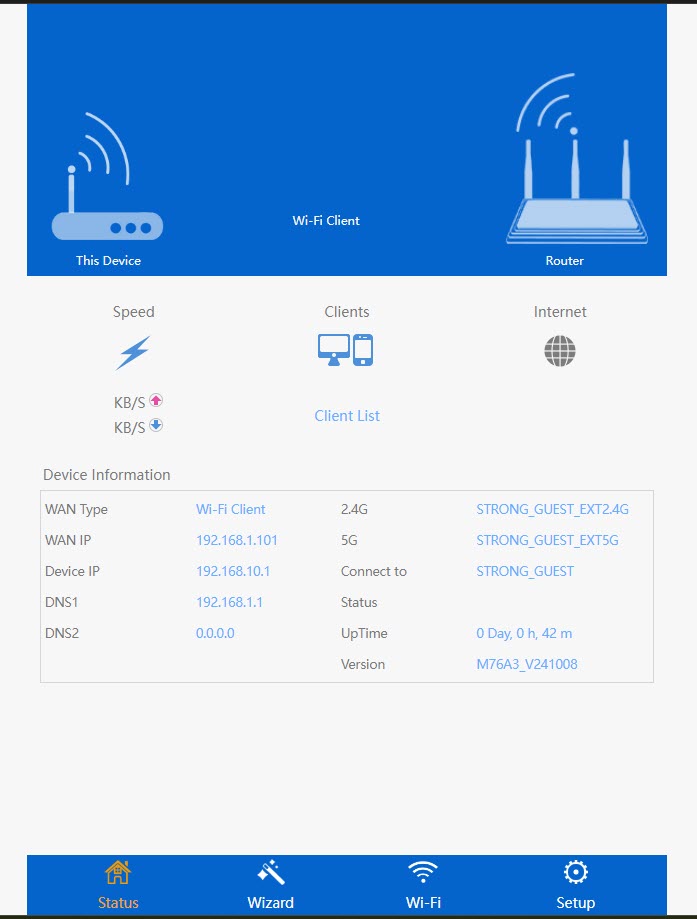
4Open the Setup Menu
Click Setup.
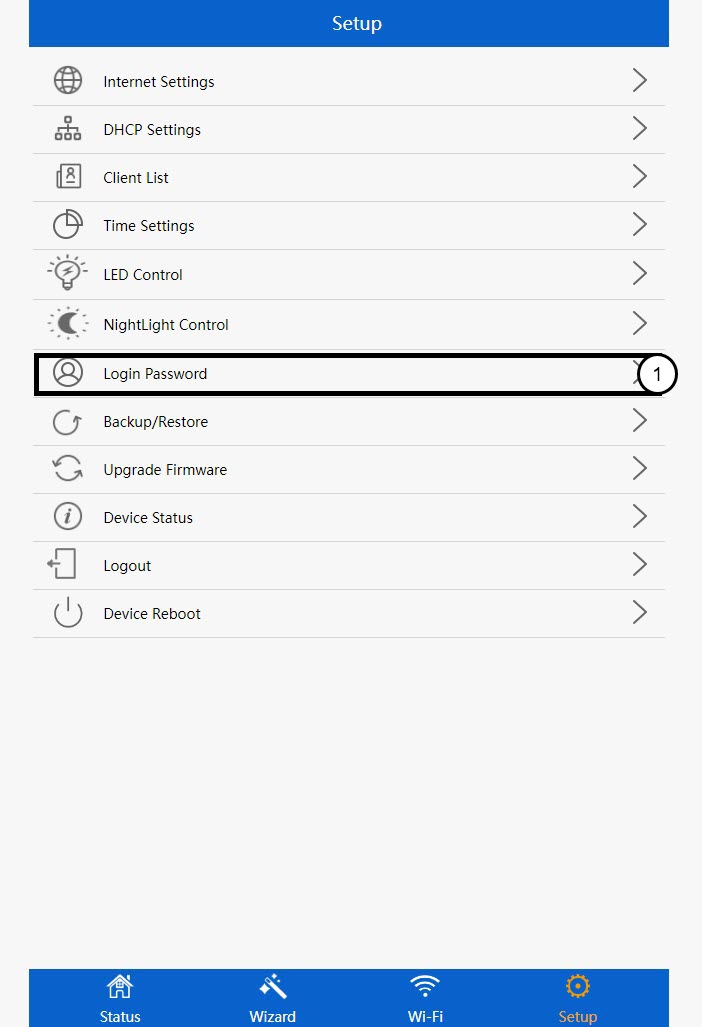
5Access the Login Password Settings
Click Login Password.
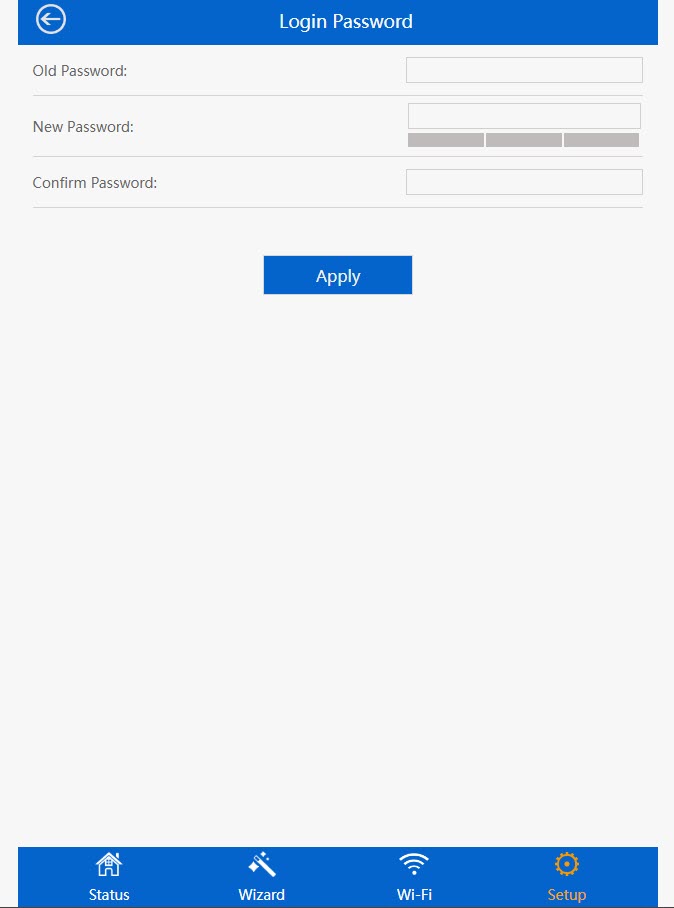
6Change the Admin Password
Enter the following information before clicking Save & Apply:
- Old Password: Enter the default administration password (admin).
- New Password: Enter a new password.
- Confirm Password: Enter the same password as in the previous field.