
Dual Band Repeater 1200
No items found.
No items found.
All questions
Dual Band Repeater 1200
No items found.
No items found.
How do I connect to the WPS?

WARNING: You can use the WPS function to set up the Wi-Fi connection between your repeater and your internet box/router.
1Activate WPS on the Repeater
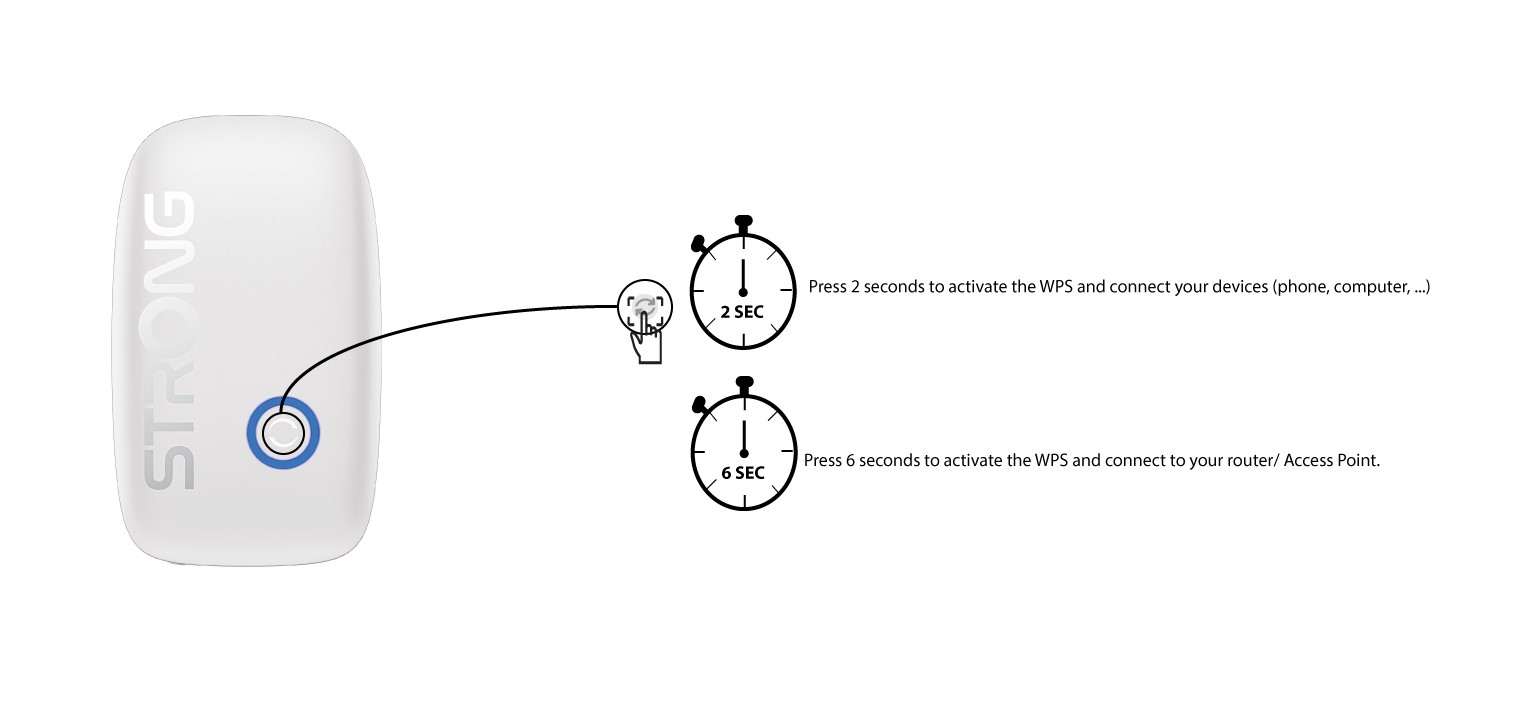
To activate the WPS, press the button located on the front of your repeater:
- If you want to connect your computer by using the WPS, press the WPS button for 2 seconds
- If you want to connect you router or Access Point, press the WPS button for 8 seconds.
2Enable WPS on Your Router
Press the WPS of your Internet box/router so that the repeater connects to it. Usually, the WPS button is indicated by two arrows.