Universal Repeater 300S
No items found.
No items found.
All questions
Universal Repeater 300S
No items found.
No items found.
How do I access the Web UI?
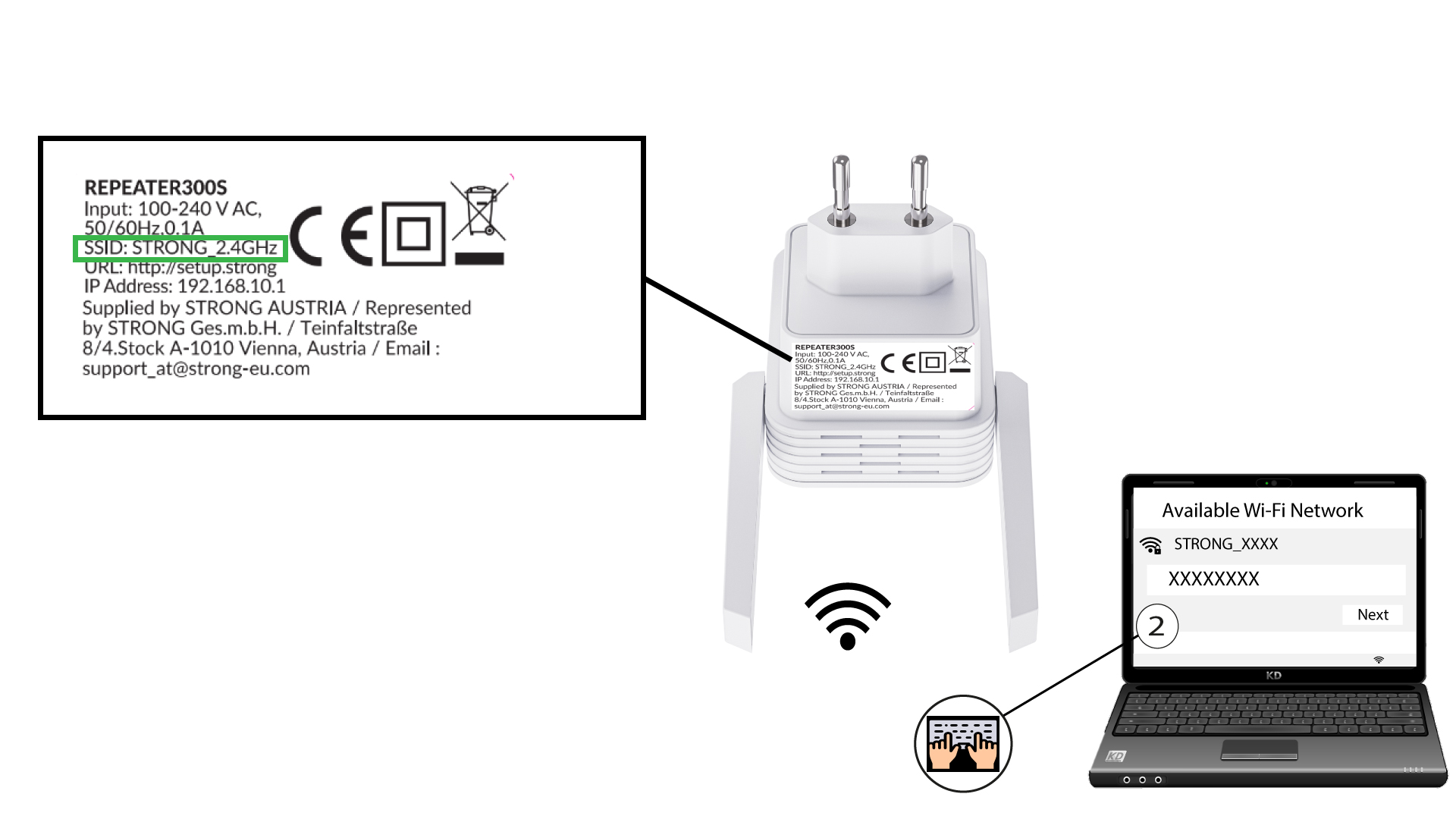
1Connect to the Wi-Fi of the repeater
Connect to the Wi-Fi of the repeater by referring to the product label located under the product.
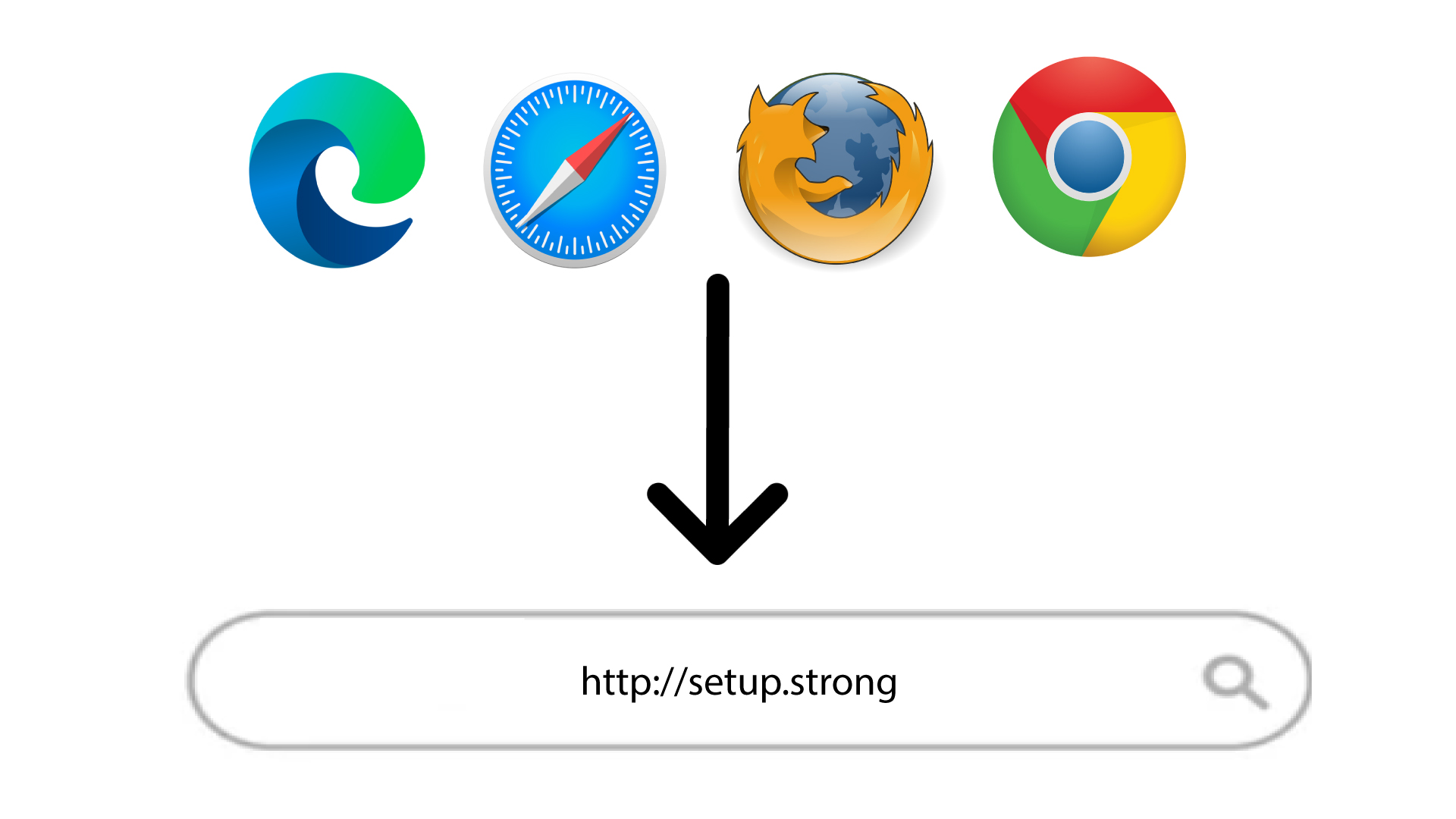
2Browse to the URL of the Web UI
Browse to the URL of the Web UI: http://setup.strong
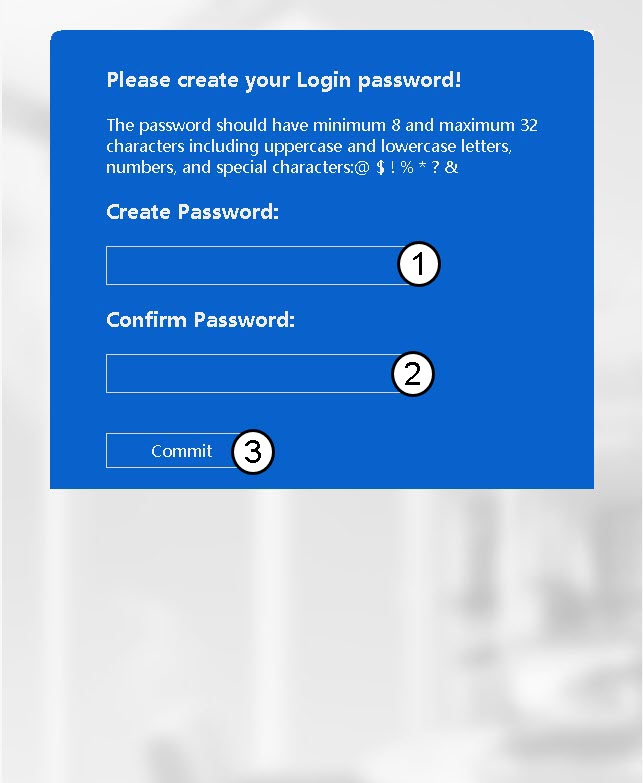
3Create your admin password
Enter the following information before clicking Commit:
- Create Password: Enter a password.
- Confirm Password: Enter the same password.
The password must contain between 8 and 32 characters (lowercase, uppercase, special characters). The following special characters are allowed: @ ! § ?* % &
4Enter your credentials
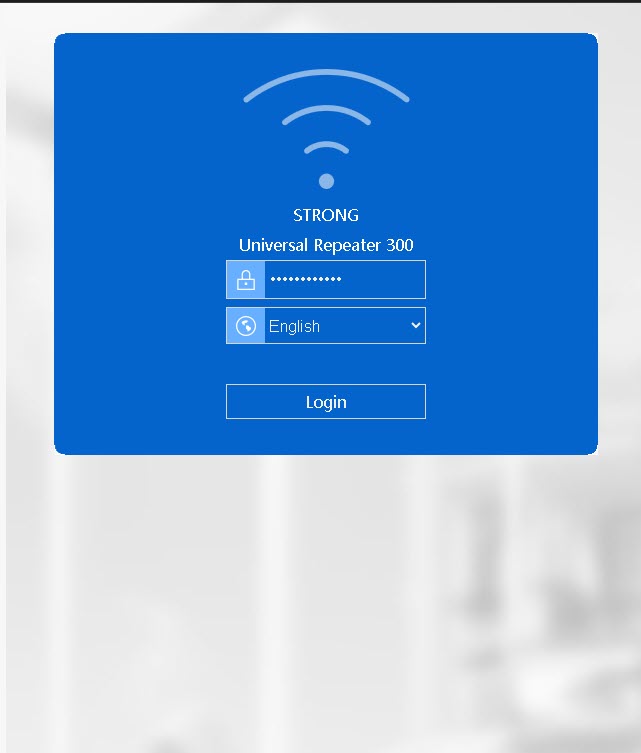
Enter the password that you created and click Login.