Universal Repeater 300S
No items found.
No items found.
All questions
Universal Repeater 300S
No items found.
No items found.
How can I change the settings of the repeater?
You can change all the settings by the web management interface embedded in the product. The URL of the web management interface is http://setup.strong
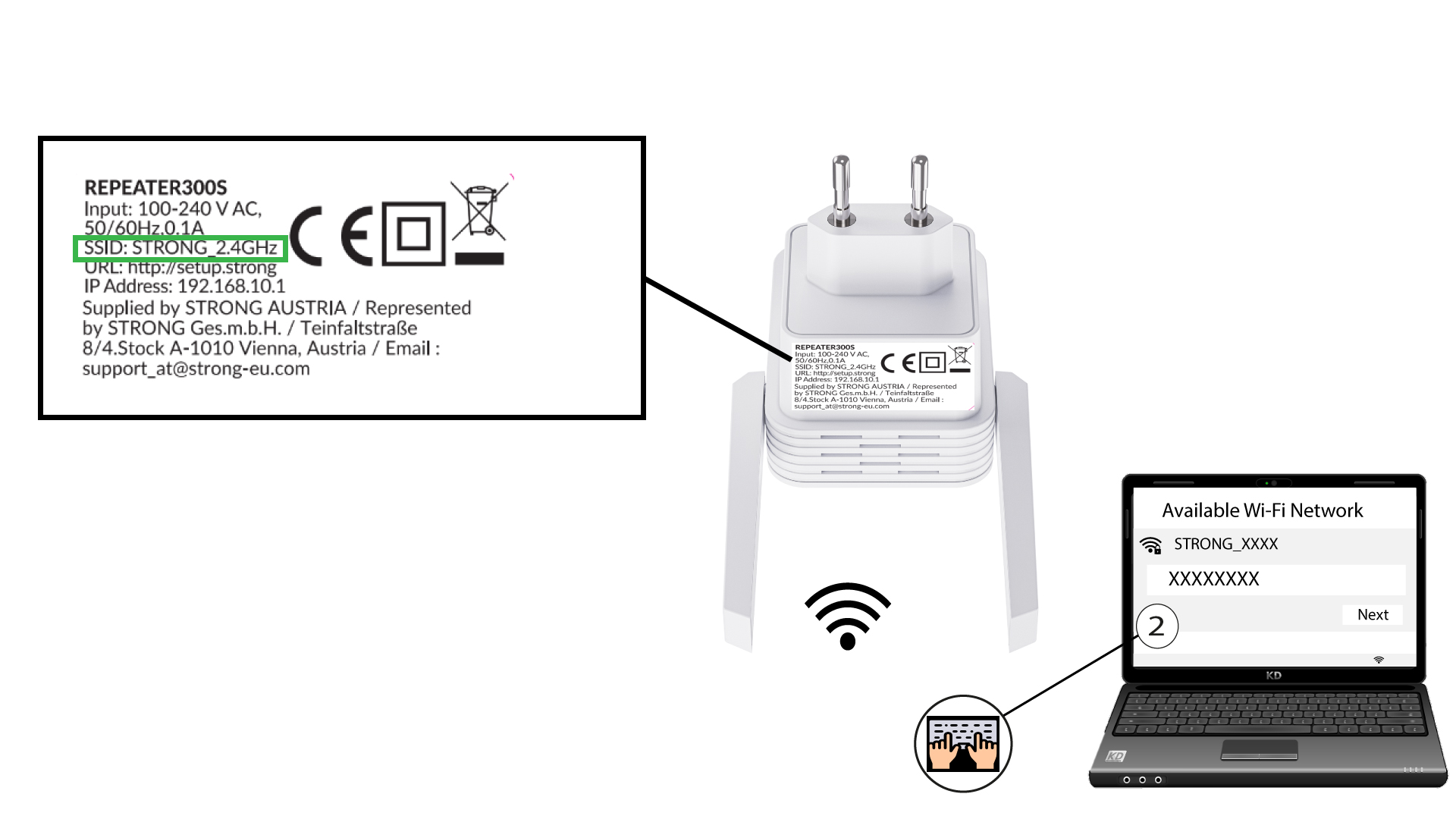
1Connect to the Wi-Fi of the repeater
Connect to the Wi-Fi of the repeater. The Network information is written on the label located under your repeater.
2Browse to the URL
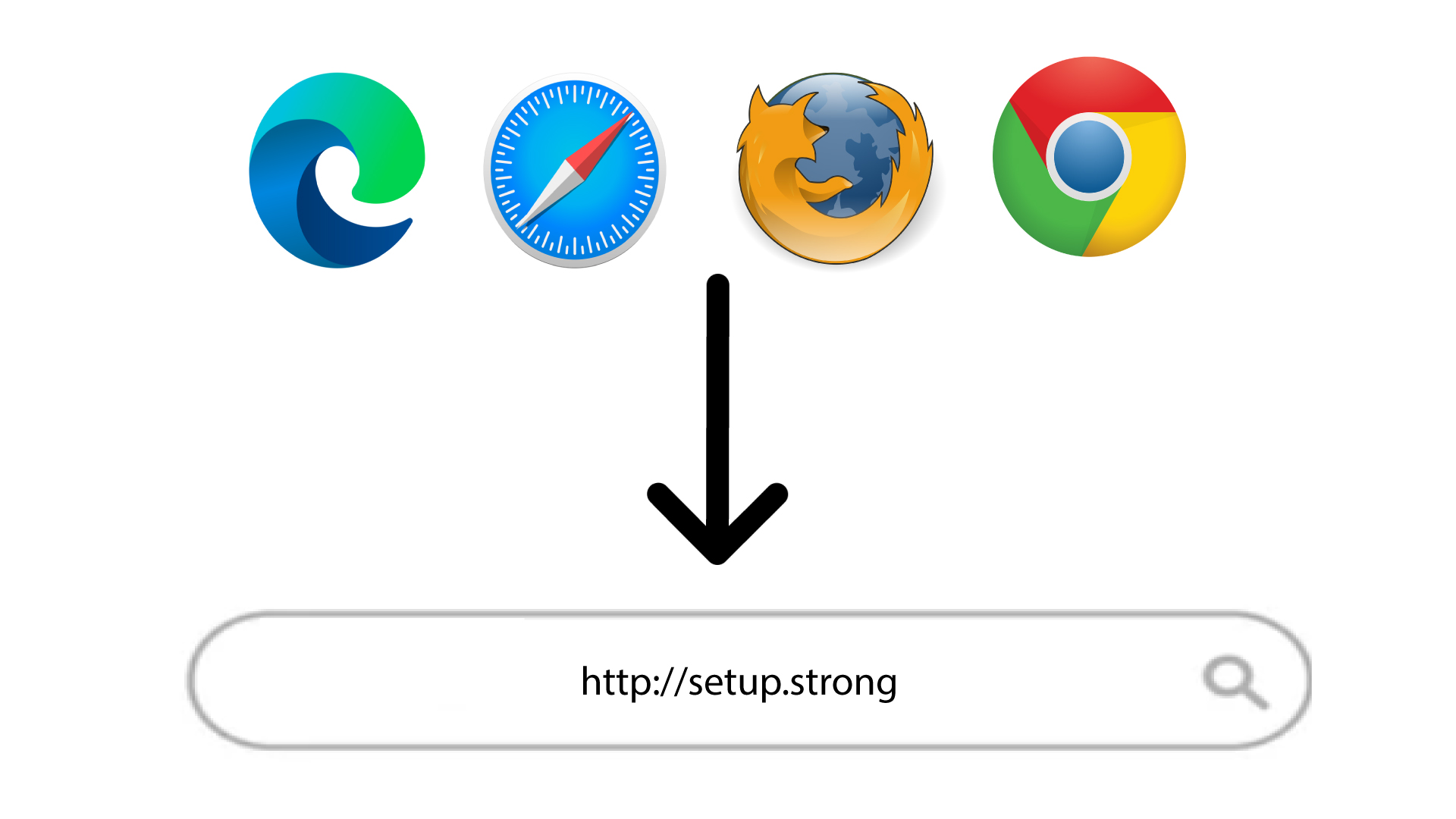
Enter the following URL: http://setup.strong
3Login Page
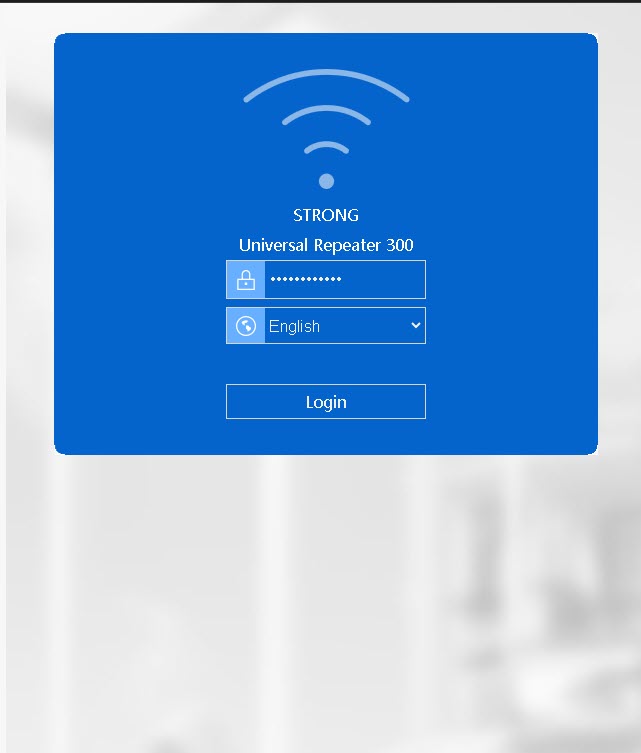
On the Login page of the web UI, enter your password. Then, click Login.