
4G+ AIRSPOT 520 Mobile Wi-Fi with Touchscreen
No items found.
No items found.
All questions
4G+ AIRSPOT 520 Mobile Wi-Fi with Touchscreen
No items found.
No items found.
How do I enter my PIN code? (Mi-Fi Screen)
When you insert your SIM card for the first time, the device will prompt you to enter the PIN code.
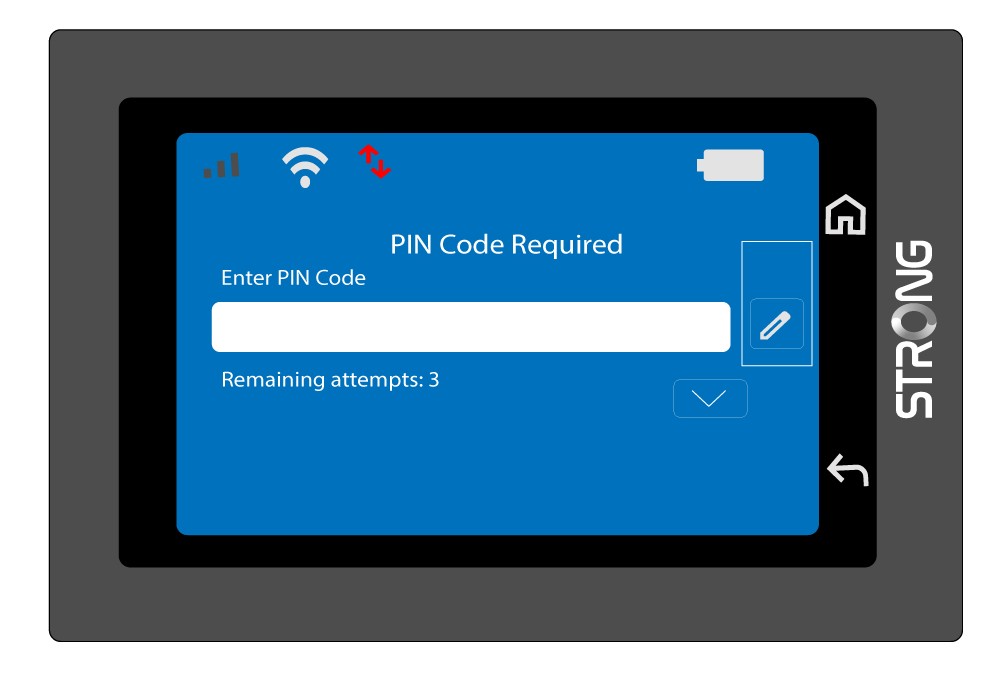
1Access the keypad
Click the pen icon to access the numeric keypad.
2Enter the PIN code
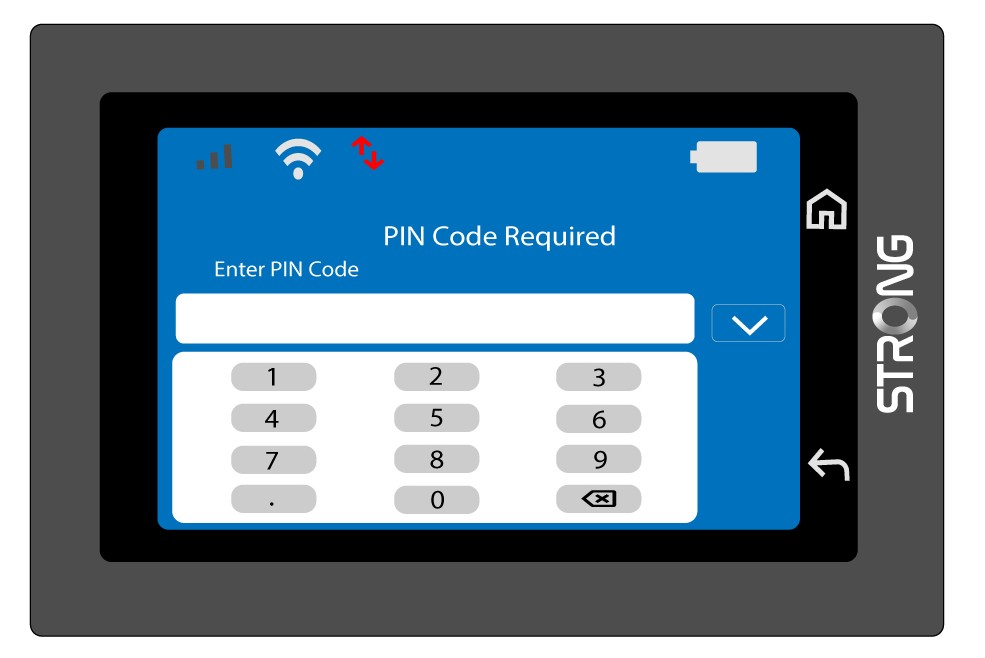
Enter your PIN code using the numeric keypad, then tap the (v) icon to confirm.
3Confirm the code
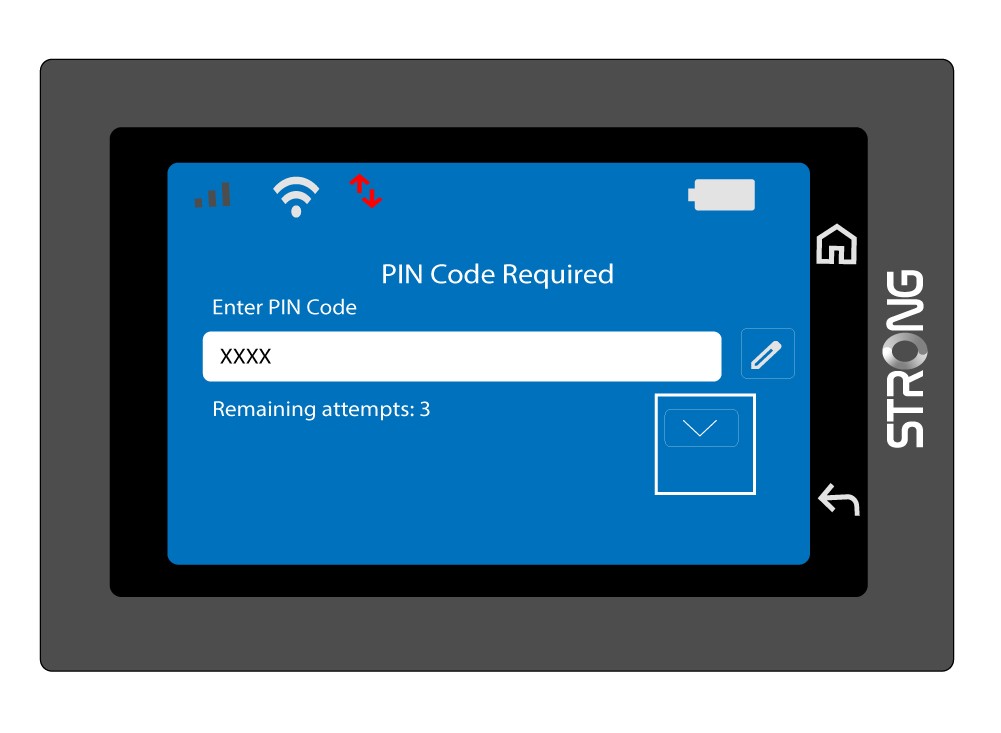
Validate the PIN code on the main screen.
4Wait for confirmation
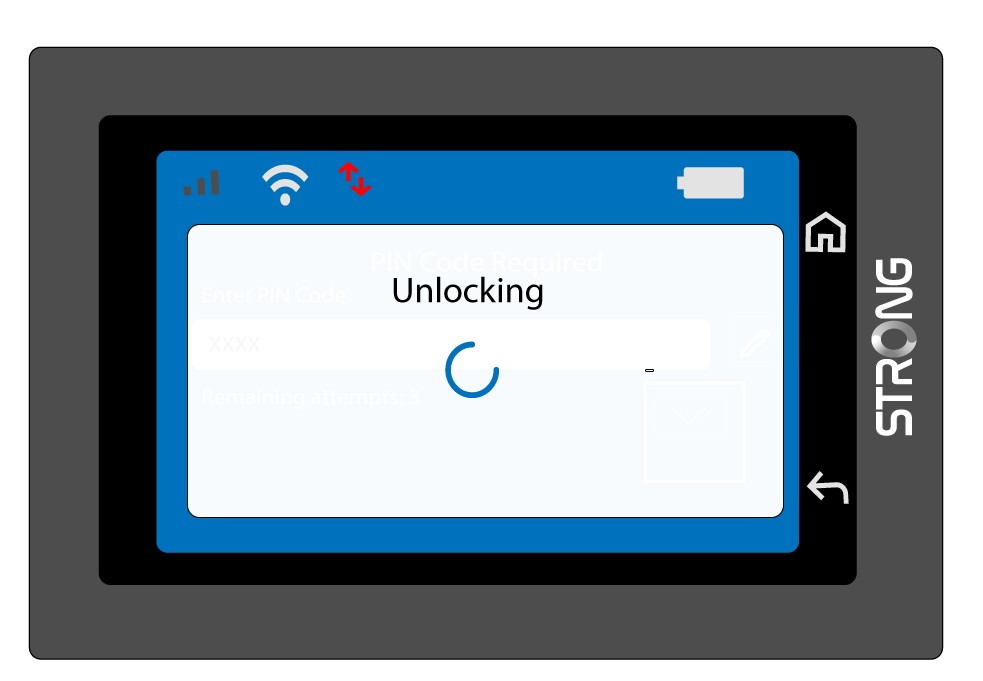
Wait until the unlocking message disappears from the screen.
5Ready to use
You should see the following screen.
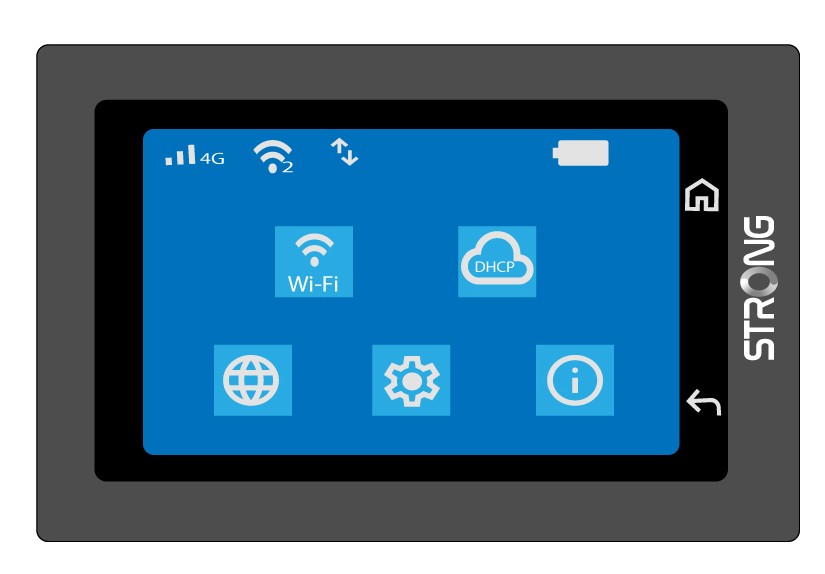
After the first successful entry, the Mi-Fi will memorize your PIN code.