4G+ AIRSPOT 520 Mobile Wi-Fi with Touchscreen
No items found.
No items found.
All questions
4G+ AIRSPOT 520 Mobile Wi-Fi with Touchscreen
No items found.
No items found.
How do I reset my router to its factory settings? (Mi-Fi screen)
You can reset your device to its factory settings from the screen.
1Power On the Device
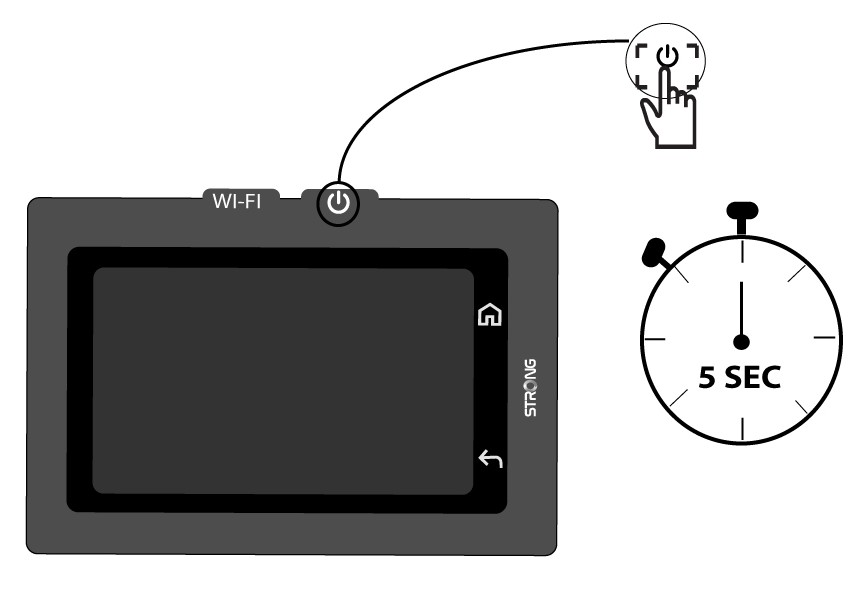
Turn on your device by pressing its power button for 5 seconds.
2Access the System Menu
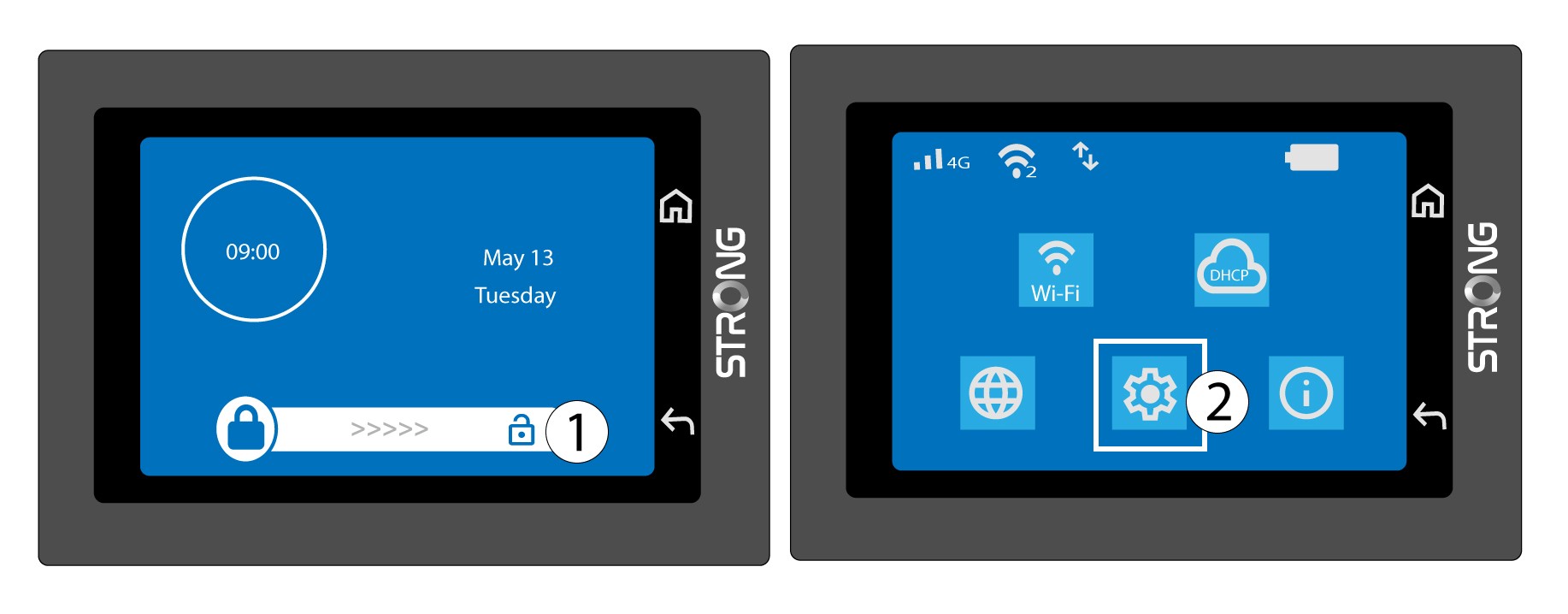
Then, unlock the screen and press the system icon.
3Select the Restore Option
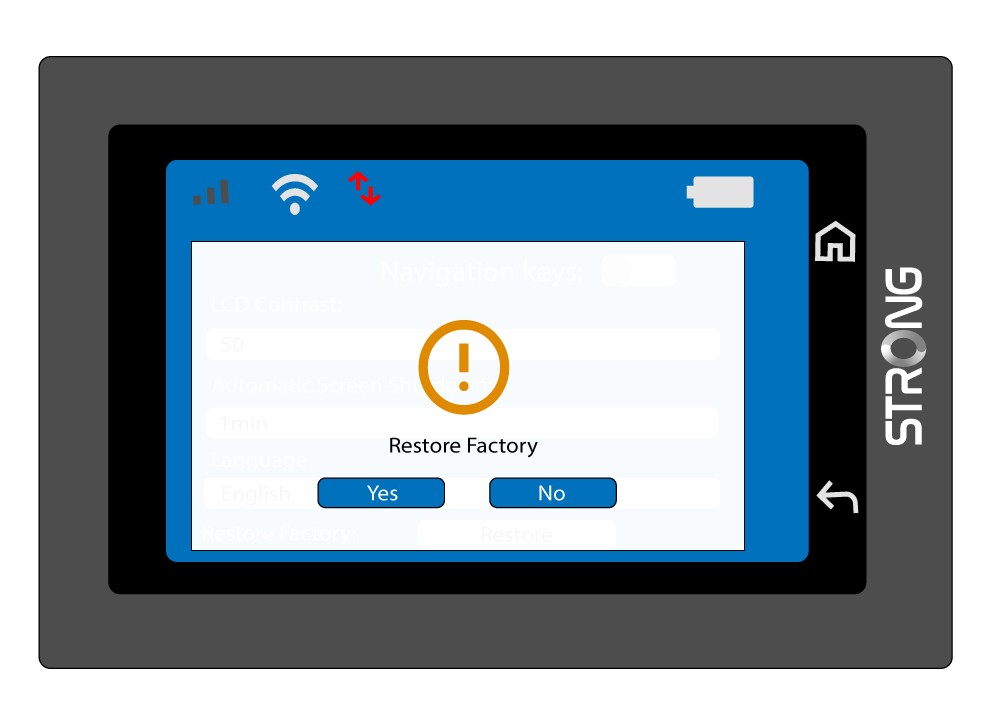
Scroll down the menu to press Restore.

4Confirm the Factory Reset
Press Yes.