
5MP DUAL-LIGHT POE BULLET CAMERA
All questions
5MP DUAL-LIGHT POE BULLET CAMERA
How do I add my camera in the app?

WARNING: If you do not manage to add your camera in the app, please connect to the administration interface of you internet router to find the IP address of the camera. For more information about the factory reset, please see Reset to factory settings.
You can configure your camera by using the Vision by Strong app. Follow the steps below to connect your camera and start monitoring.
1Get the App
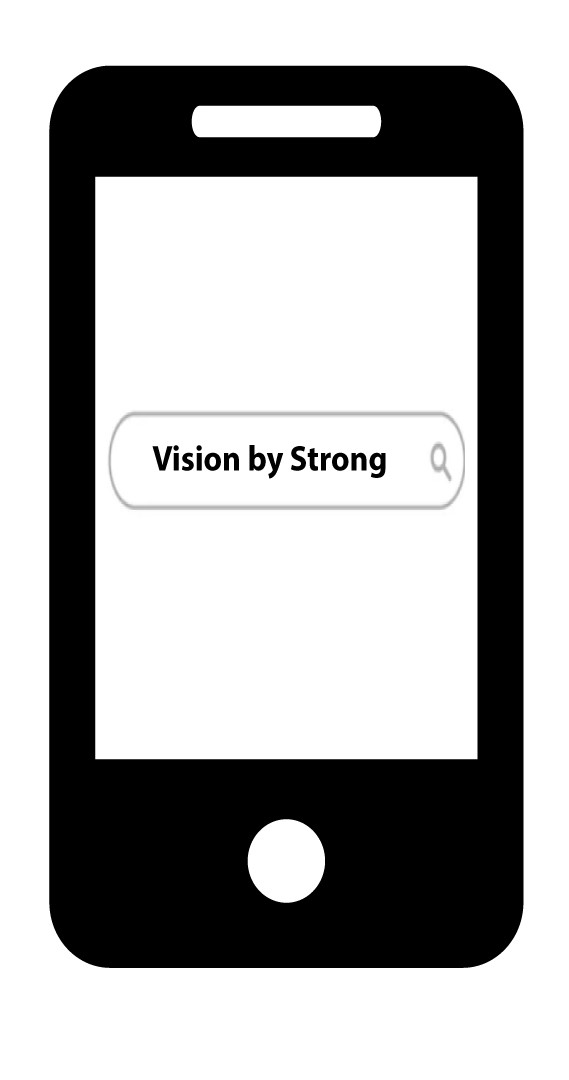
Search for the app in the Google Play store and Apple App store. Alternatively, you can find the .apk file on our website to install it on your phone if it is not available in your app catalogue.
2Install and Launch
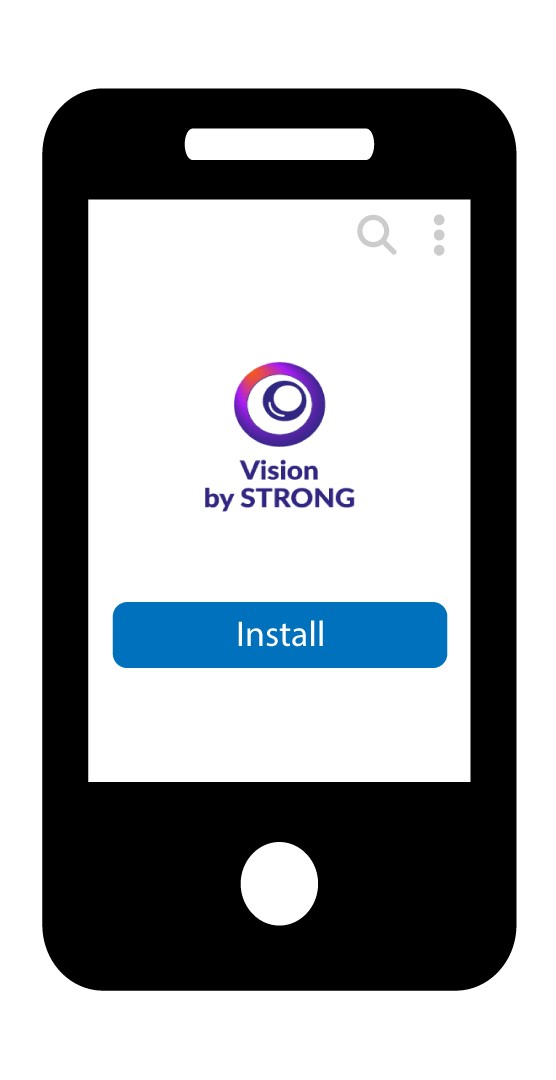
Install the app.
3Set Up Your Camera
You can either plug your camera to a POE port or connect it to a 12V power supply (not provided).
4Connect a New Camera
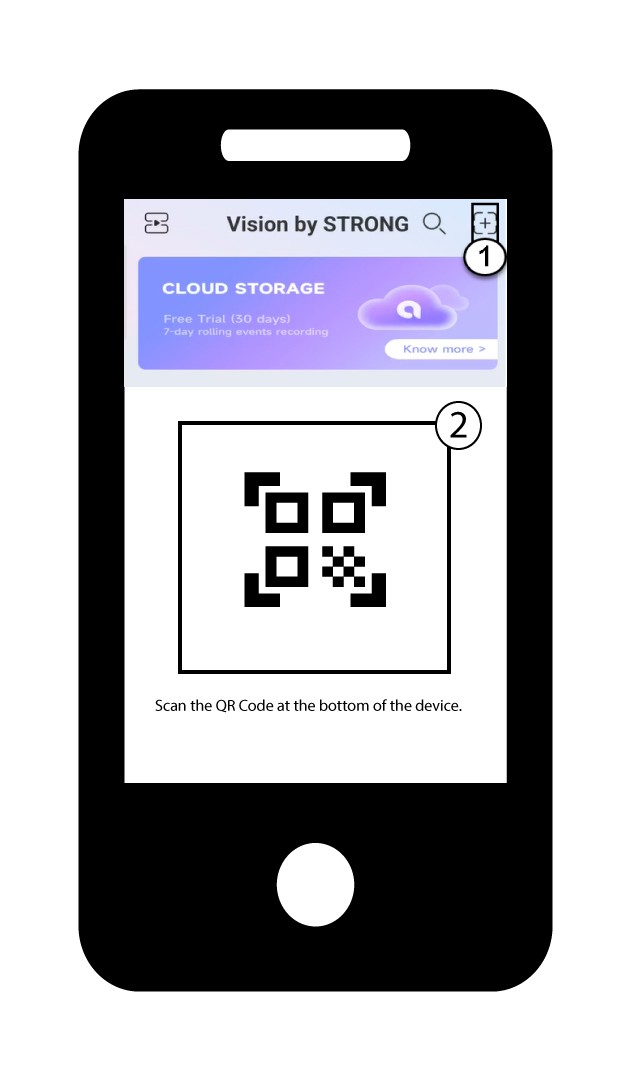
Then, click the + button in the app to add your camera by scanning the QR Code located on the product.
5Please Wait While the Camera Connects
Wait for the app to connect the device.