
4G AIRHOME 210 UK with Fixed 4G antennas
No items found.
No items found.
All questions
4G AIRHOME 210 UK with Fixed 4G antennas
No items found.
No items found.
How do I change the admin password?
1Access the Web UI
To connect to the Web UI, please follow the guidelines written in: How do I access the Web UI?
2Modify Login Password
Once this is done, click the Modify Login Password in the top bar.
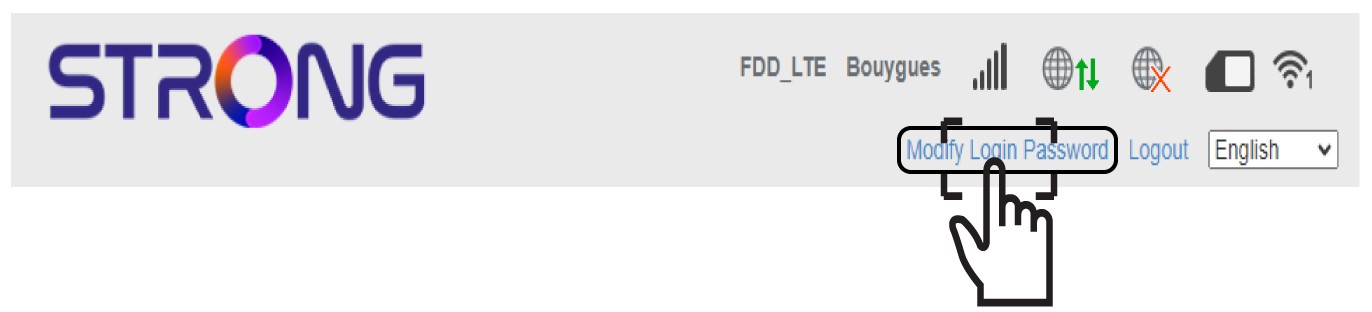
3Enter the new admin password
Enter the following information before clicking Apply:
- Current Password: Enter the current password.
- New Password: Enter the new password.
- Confirm New Password: Enter the same password as in the previous field.

4Write down the new password
Write down the new password to access the Web UI.
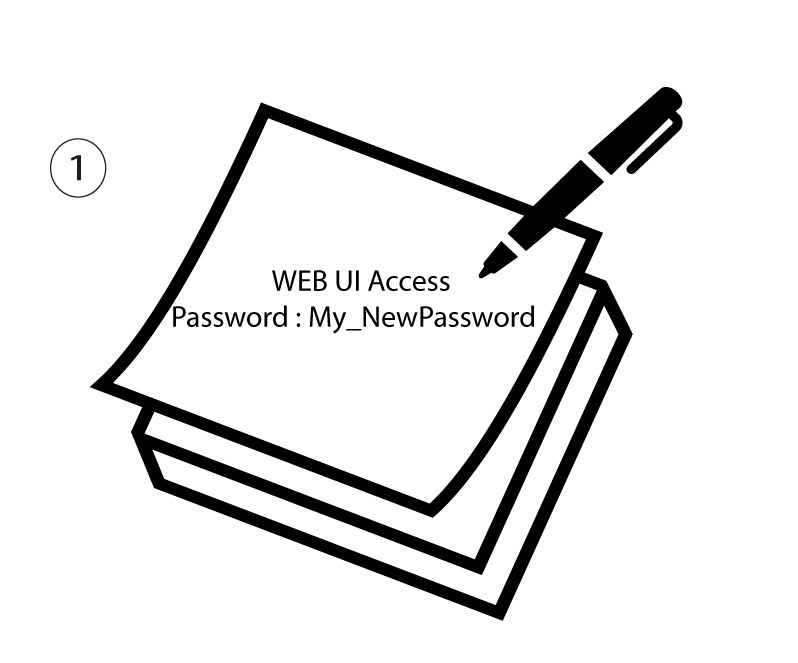
The new password can contain up to 32 characters including numbers, lower case, upper case, and special characters (! # $ * + , - . % : = ? @ [ ] ^ _ { | } ~).