POWERL1300DUOFR
No items found.
No items found.
All questions
POWERL1300DUOFR
No items found.
No items found.
How to add a new strong powerline product to your existing powerline network with High Security Level 1?
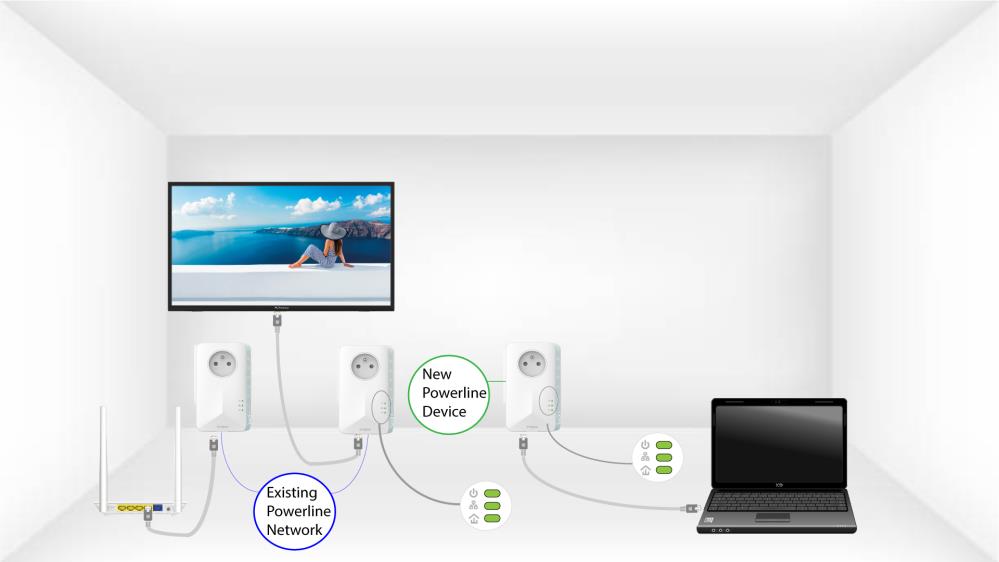
As your existing network has been set with the High Security Level 1 configuration, adding a product is simply Plug & Play. No action is required on the product. Just plug in the new powerline product and it will be automatically added to the network.
Typically, powerline adapters are paired by sets of two or three, so if you need to add additional powerline products to your network that is configured with high security level 1, you must follow the steps below.
1Plug the device in a socket
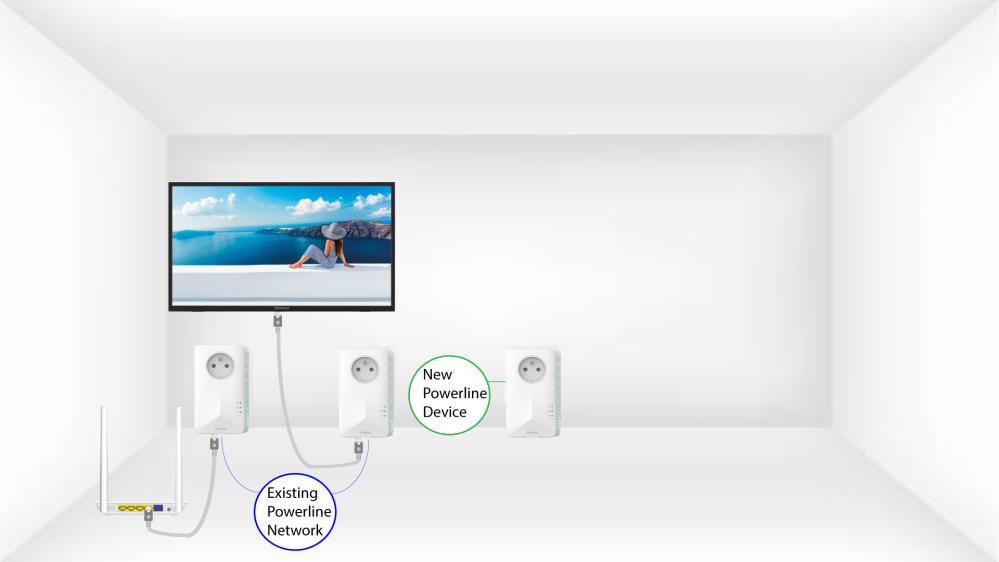
Plug the additional device(s) in a power socket.
2Connect the new adapter to the Internet
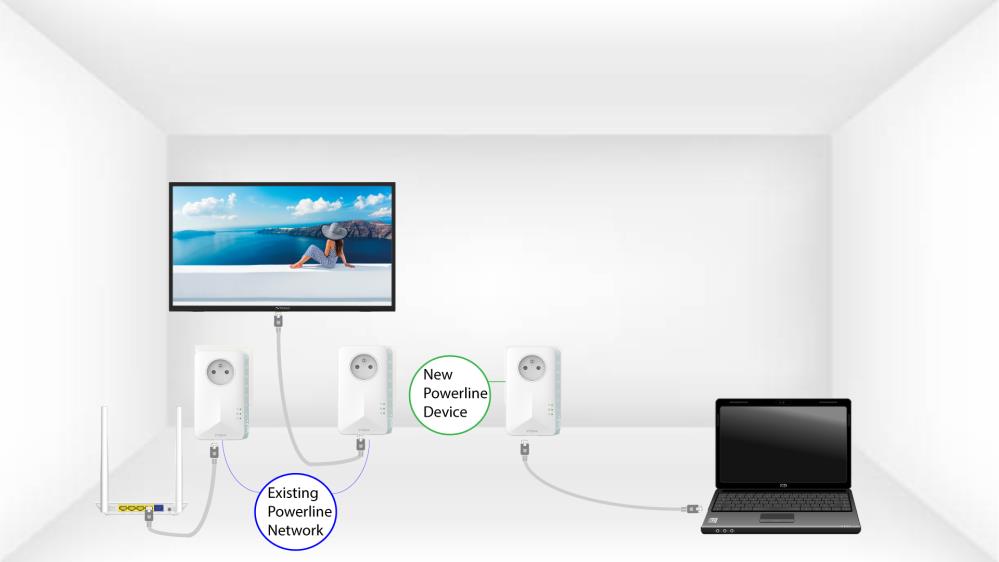
Connect the device to an internet router/gateway by RJ45.
3The new adapter is set
After plugging the new device, all the LEDs are green on all the devices.