ATRIA Wi-Fi 5 Mesh System 2100 UK (2-pack)
No items found.
No items found.
All questions
ATRIA Wi-Fi 5 Mesh System 2100 UK (2-pack)
No items found.
No items found.
How do I use the WPS function?
It is very easy to activate the WPS on your router.
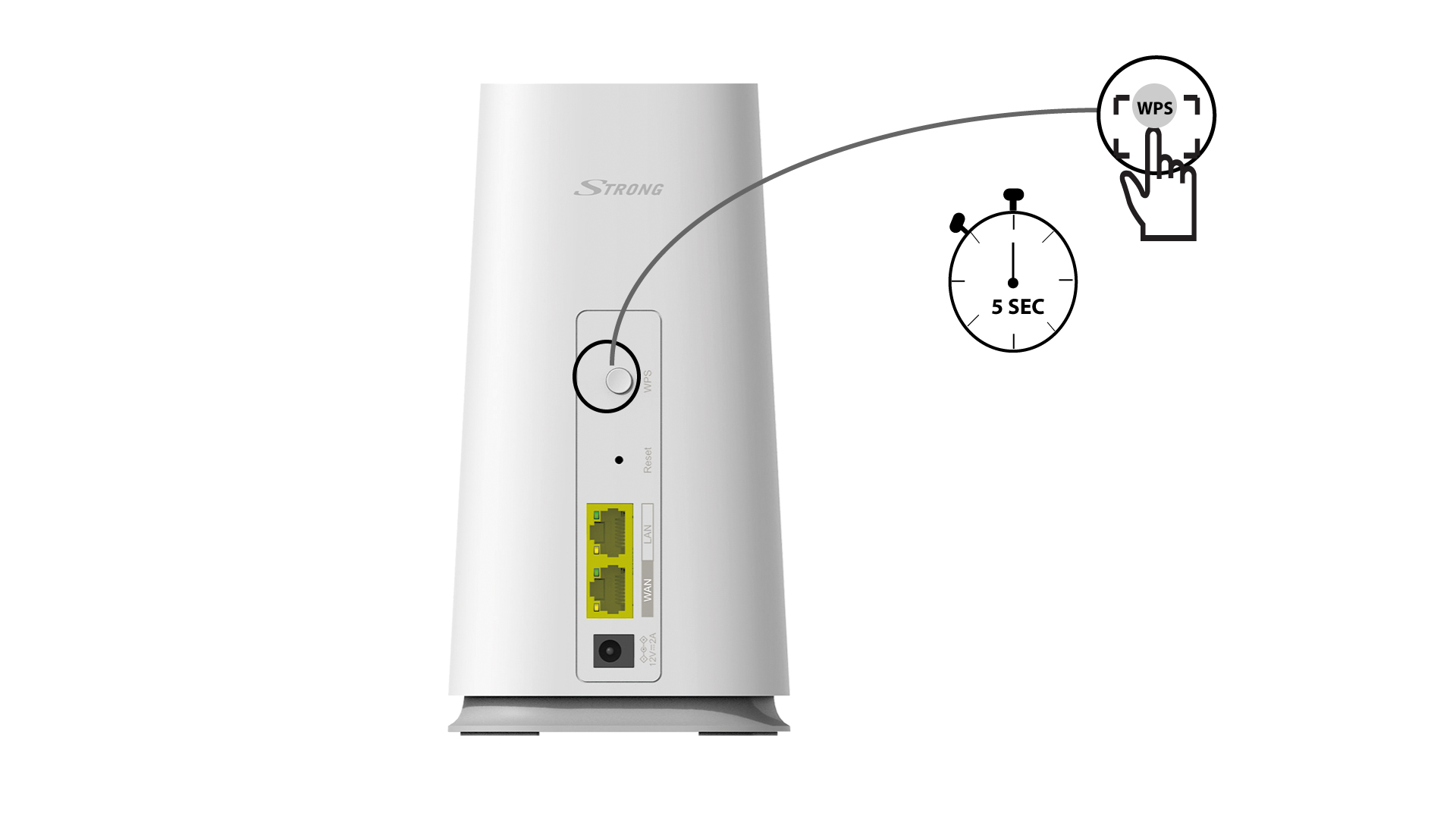
1WPS button
To do so, press the WPS button for 4 seconds on the Mesh unit that is connected to your router/modem by RJ45.
2Wi-Fi devices list
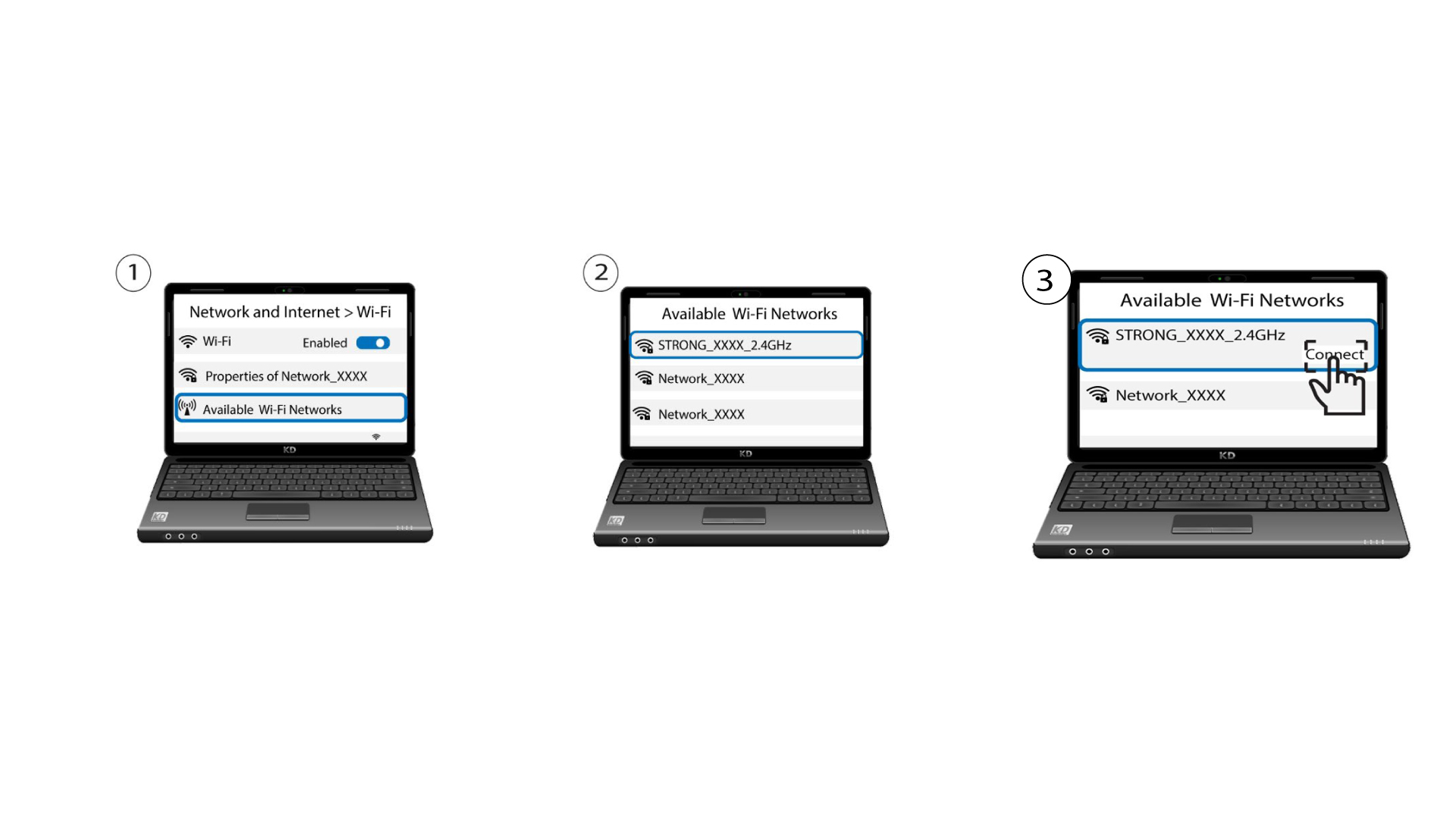
Now go the the Network selection of your device (phone, computer, printer, etc.) and the new device added to the network should appear and you can now connect to its network.