No items found.
4K GOOGLE TV BOX S3+ | DOLBY VISION ATMOS
No items found.
All questions
No items found.
4K GOOGLE TV BOX S3+ | DOLBY VISION ATMOS
No items found.
How do I add or reorder an application in the Home screen?
1Case 1: Adding an app
To add an application on the home screen, go to the Add apps button located at the end of the list of applications already on the home page, and press «OK».
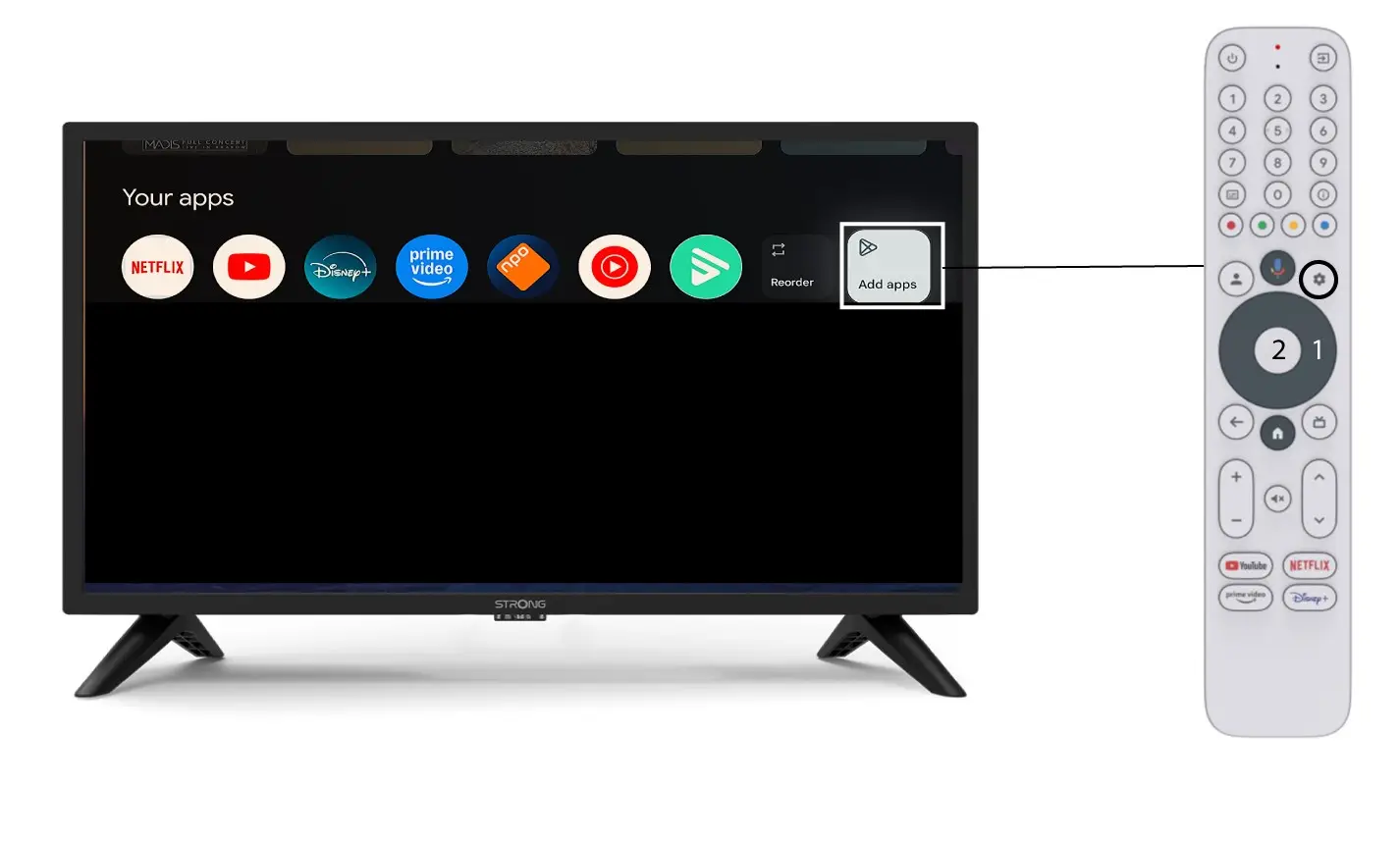
2App list
Then, the list of applications opens, select the application of your choice and press the OK button of your remote.
Please note that it is not possible to remove apps from the favourites. You have to uninstall the app if you want it to disappear from this page.

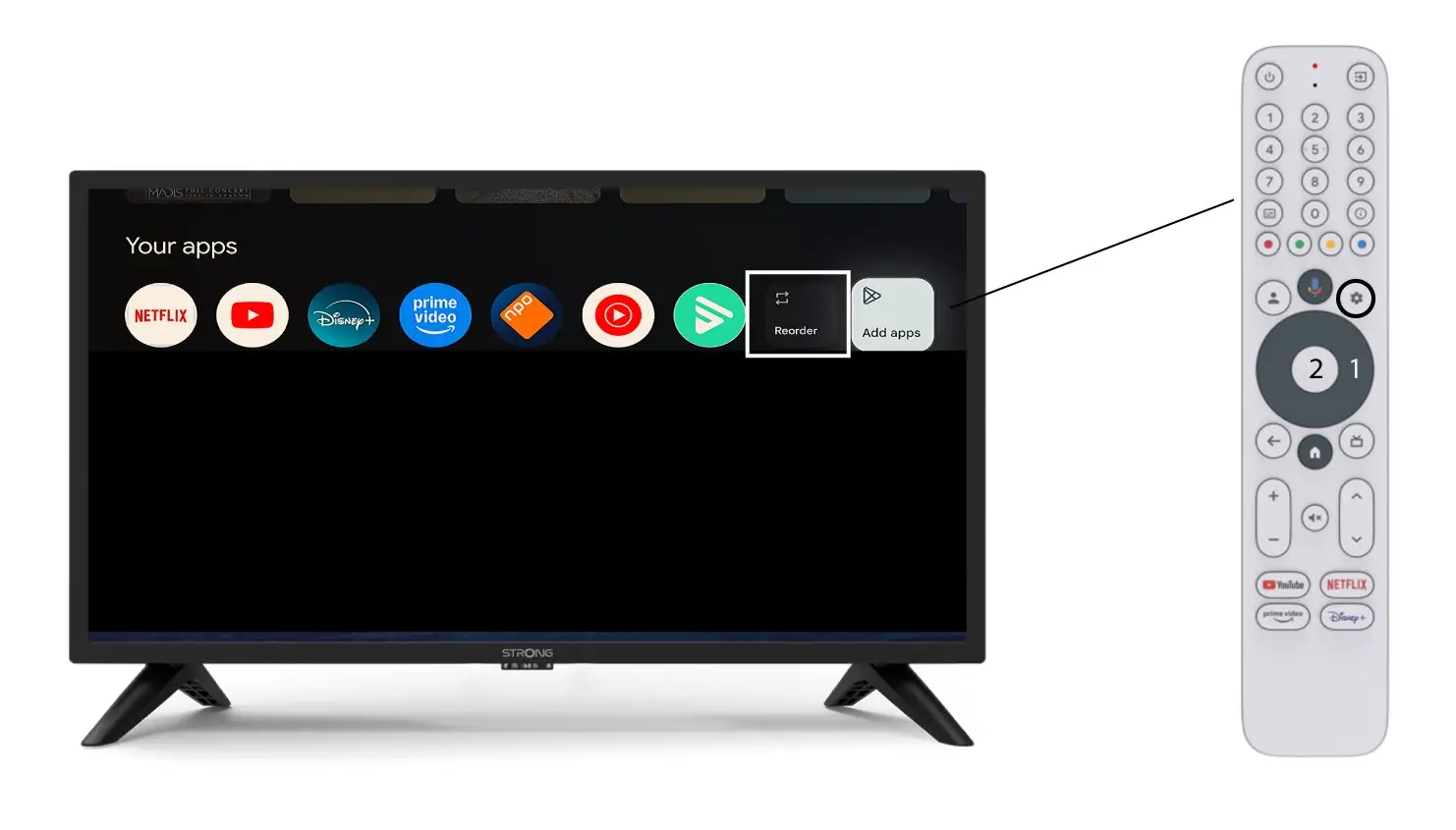
3Case 2: Reordering apps
To change the order of apps displayed on the home page, click reorder.