CPL 600 Duo Wi-Fi FR V2
All questions
CPL 600 Duo Wi-Fi FR V2
Why is my 2.4GHz Wi-Fi experiencing interruptions, and how can changing the channel to 1, 6, or 11 help?
Why is my 2.4GHz Wi-Fi experiencing interruptions, and how can changing the channel to 1, 6, or 11 help?
To minimize interference, we recommend changing your WiFi channel to 1, 6, or 11. These channels are spaced far enough apart to avoid overlapping with each other, which reduces the chances of interference from other networks and devices operating nearby. By selecting one of these channels, you can improve the stability and performance of your WiFi connection.
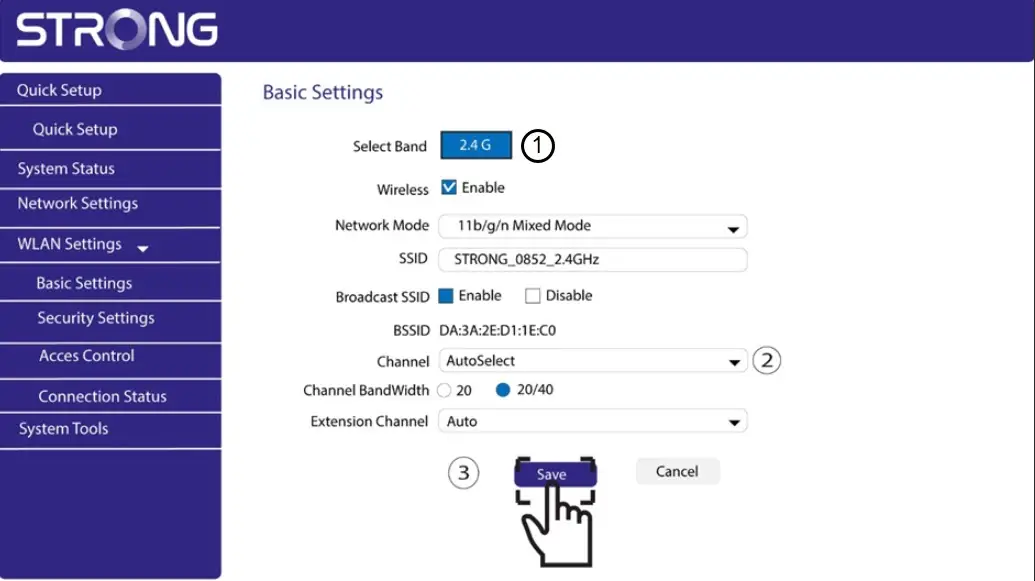
To change the channel, access your Powerline Wi-Fi device settings through its web interface. Look for the WLAN Settings > Basic Settings section, choose Channel 1, 6, or 11.
1Connect to the Wi-Fi
To do so, enter the SSID and password of the router in your device.

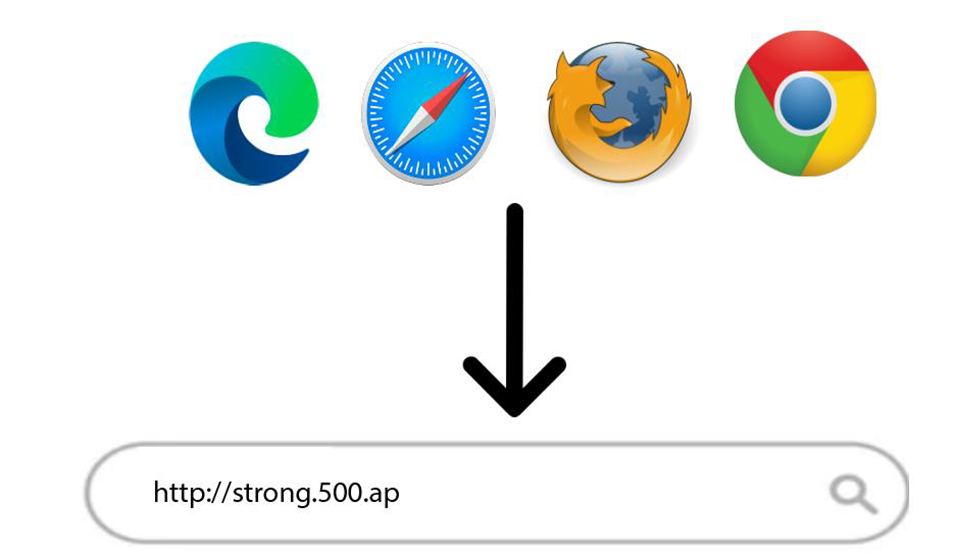
2Enter the Web UI IP Address
Then, enter the following IP address in your browser: http://strong.500.ap
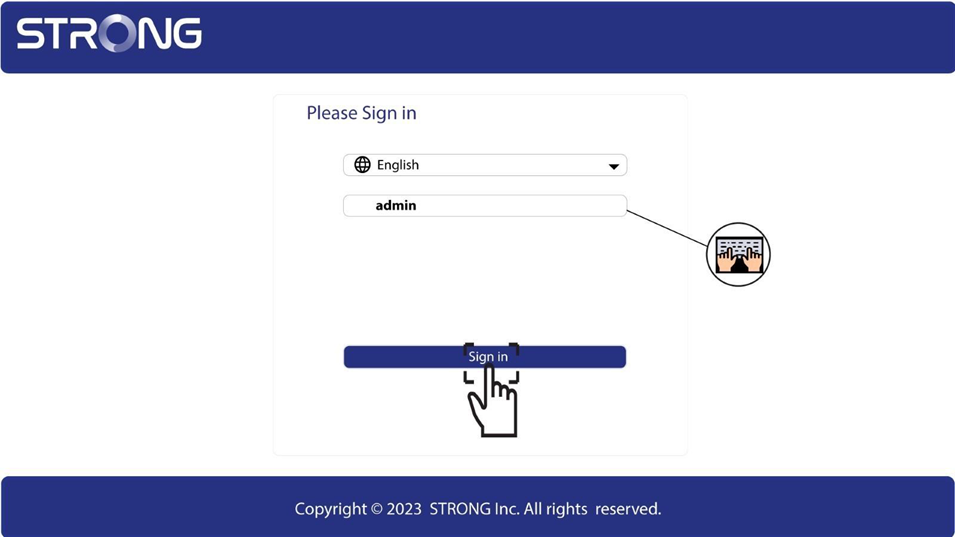
3Login Page
Once you have browsed to the IP Address, click, you must enter the username (admin). Then, click Sign in.
4WLAN Settings
Click on WLAN Settings and Basic Settings.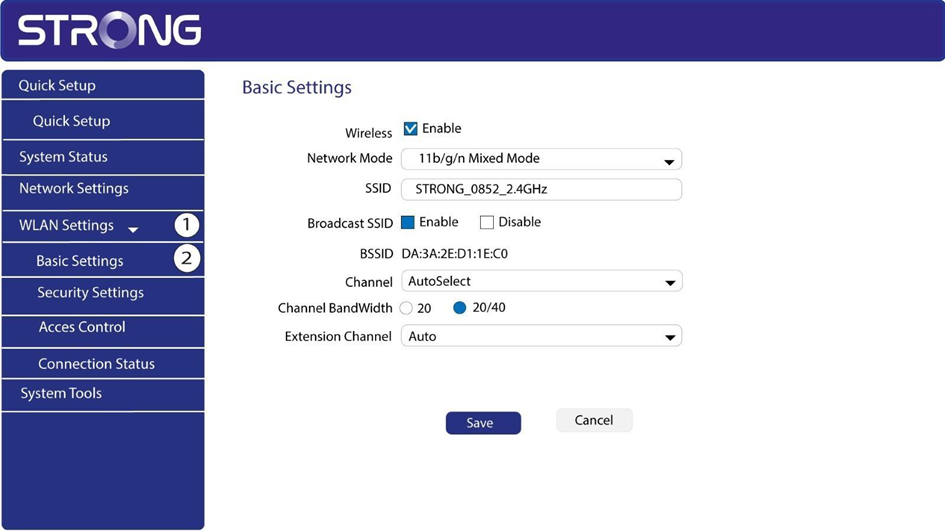
5Select the Network Band
Select the network band between 2.4G. Then, select the channel in the dropdown list (1,6 or 11) and click Save.