
4G Portable Hotspot 150
All questions
4G Portable Hotspot 150
What is the meaning of the different SIM card statuses in the Web UI?

Warning: Before connecting to the Web UI, make sure that your SIM card is properly inserted and that the PIN is disabled or
entered.
1SIM card Status
You can see the status of your SIM card on the screen of the 4G PORTABLE HOTSPOT 150:
Once you are in the Web UI, you can notice that several statuses can be written next to the SIM card status line:
No Sim Card or SIM Card Invalid: The SIM card is inserted and detected but not working due to the PIN code.  The SIM card is not properly inserted in thedevice, or no SIM card is inserted in the slot.
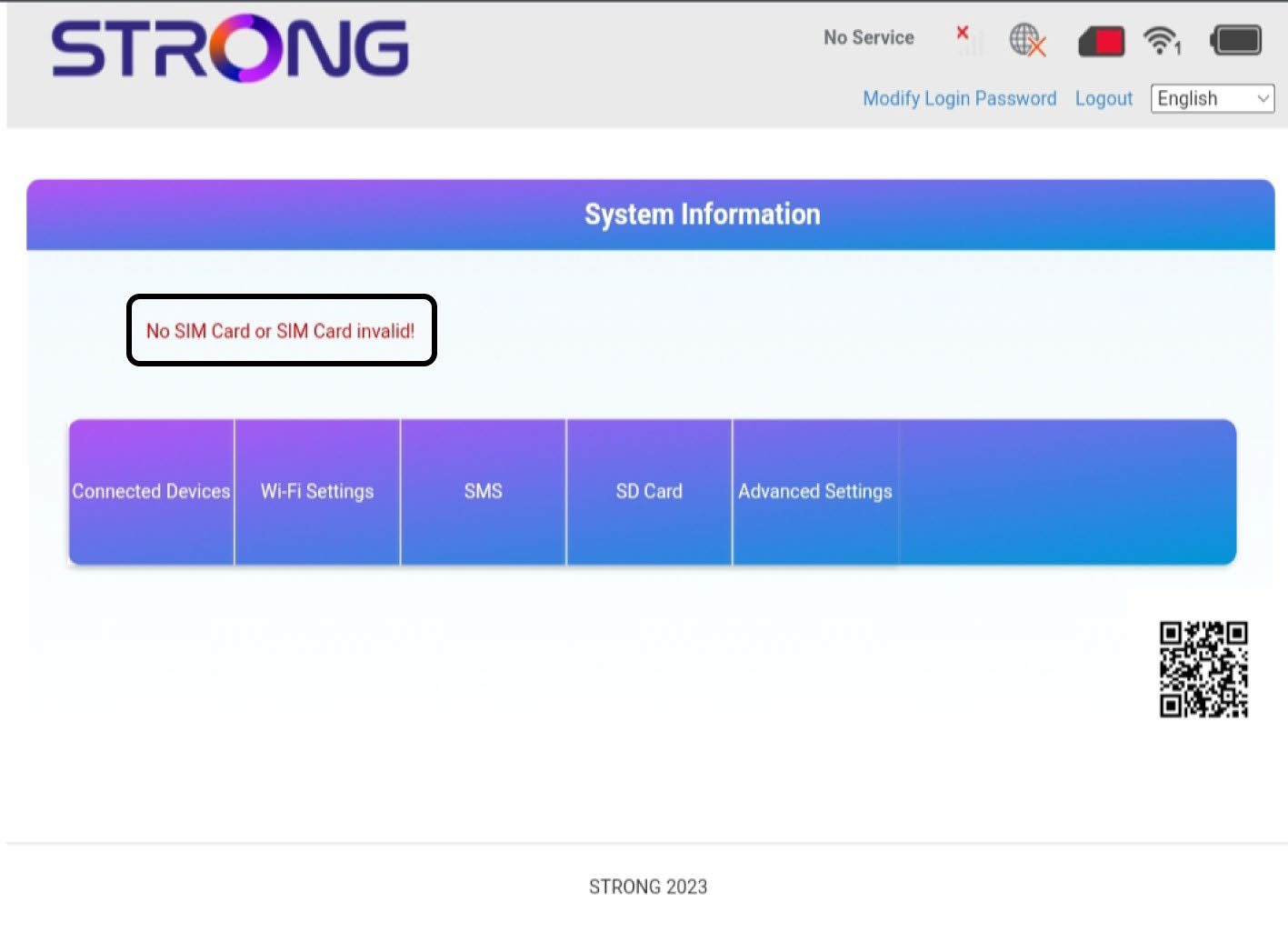
2Status: Normal
Normal: The SIM card is properly inserted in the device and unlocked. You can see the main page of the Web UI.

Warning:
• If the SIM card is locked with a PIN code, you must connect to the Web UI to enter it and unlock the SIM card.
• If the SIM card is not detected, please check that the golden side is not visible when the SIM card is inserted in the slot.
• If the SIM card is not posi????oned properly, reposi????on it in the slot and check that the SIM card is s????ll in the adapter.