No items found.
LEAP AIR | 4K Google TV with HDR10+
No items found.
All questions
No items found.
LEAP AIR | 4K Google TV with HDR10+
No items found.
The remote control does not work after checking the batteries, why?
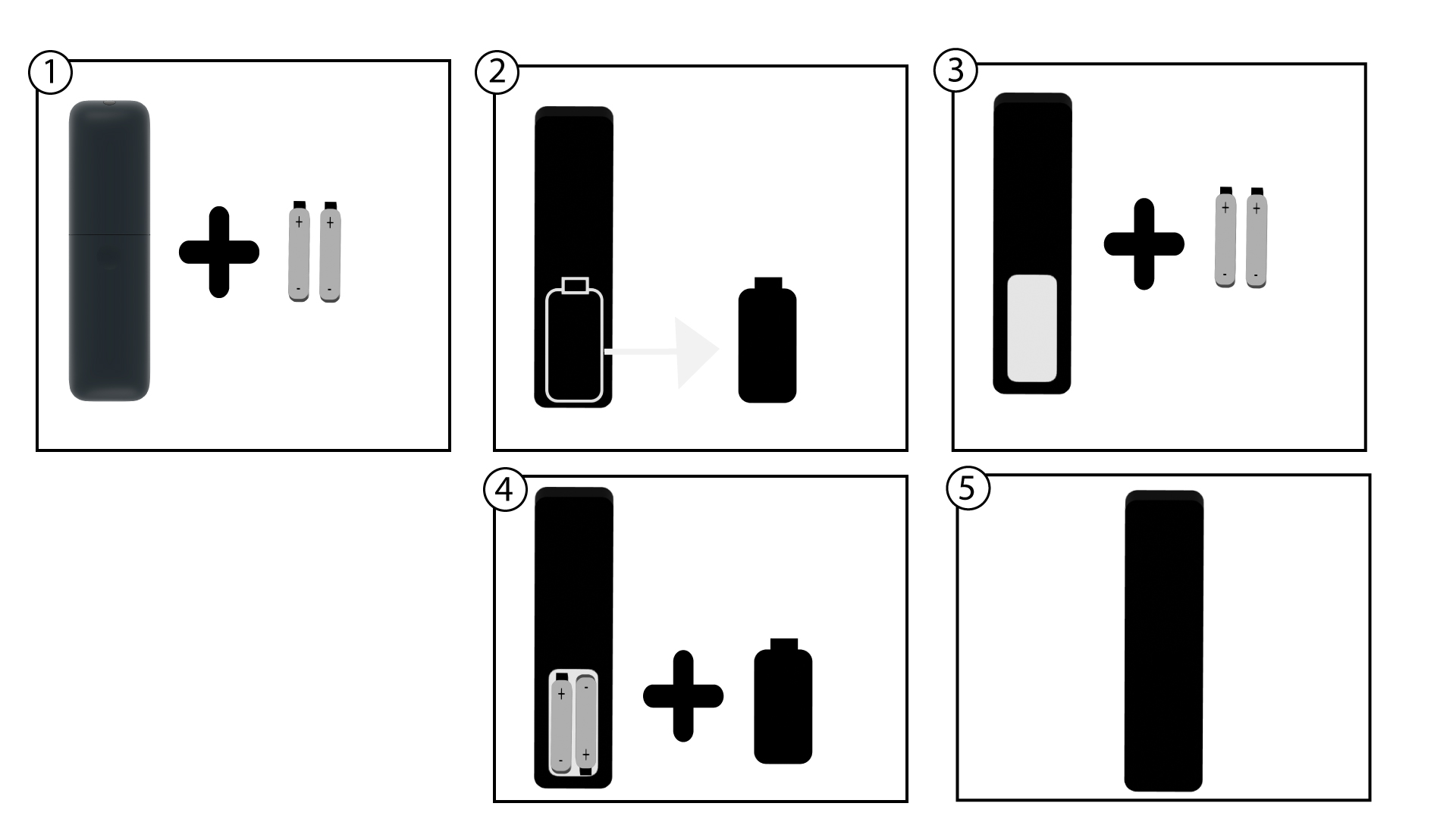
1Change the batteries
It is possible that the batteries are not working any more. Please change the batteries.
2Reboot the LEAP AIR
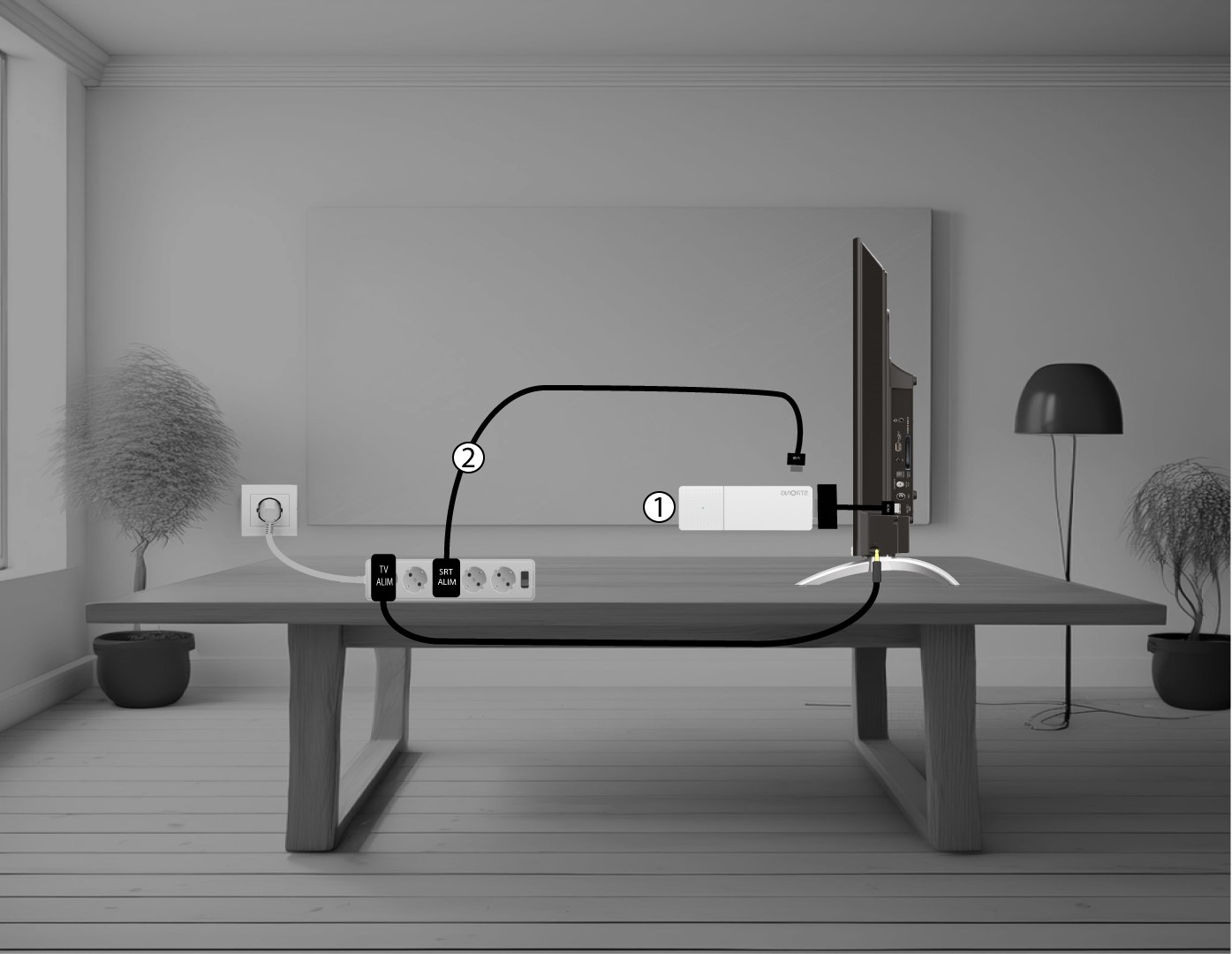
Reboot the LEAP AIR by unplugging the power cable located on the right side of the device.
3Plug in the LEAP AIR
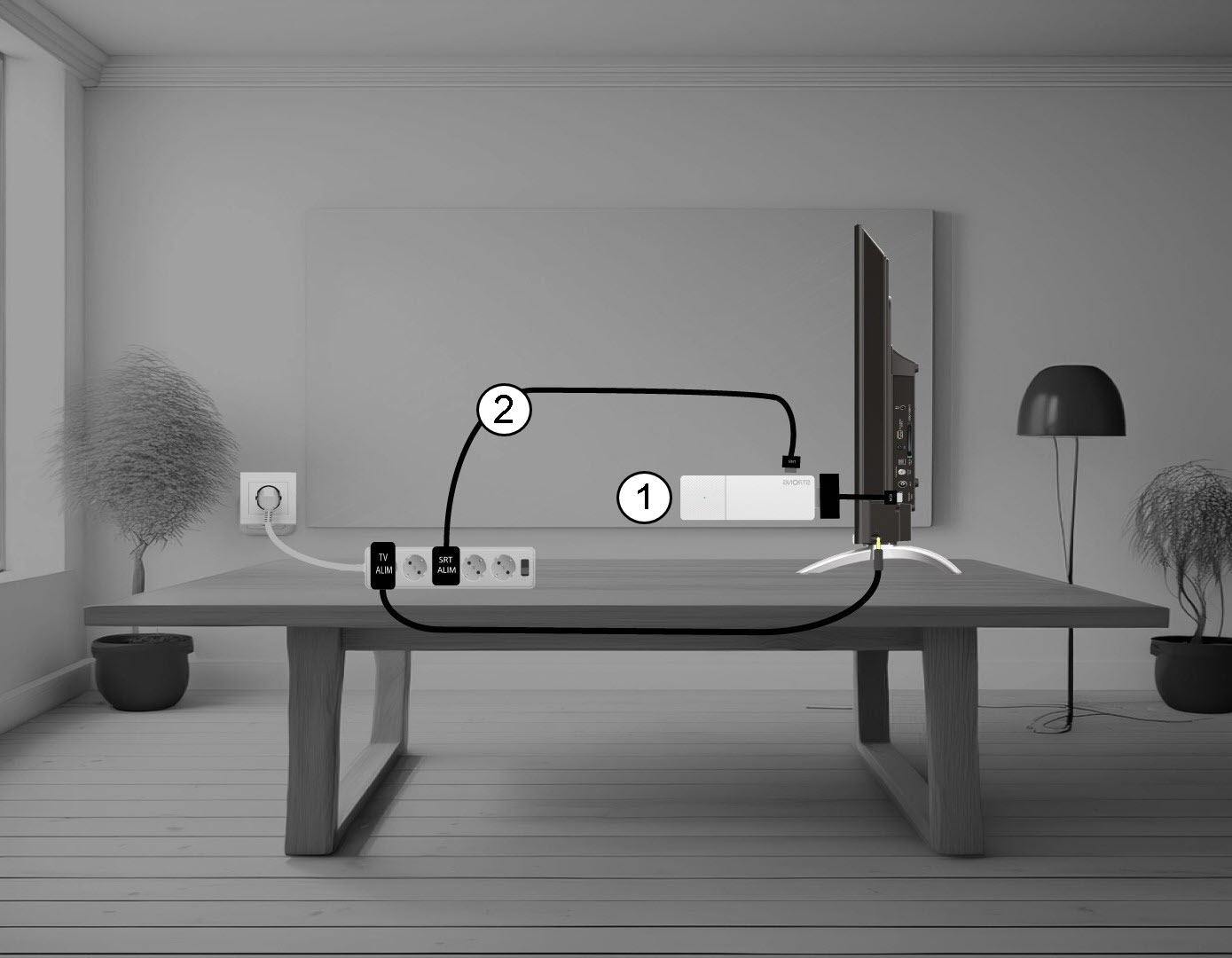
Then, plug in the cable and turn on the device.
4Pair the remote control
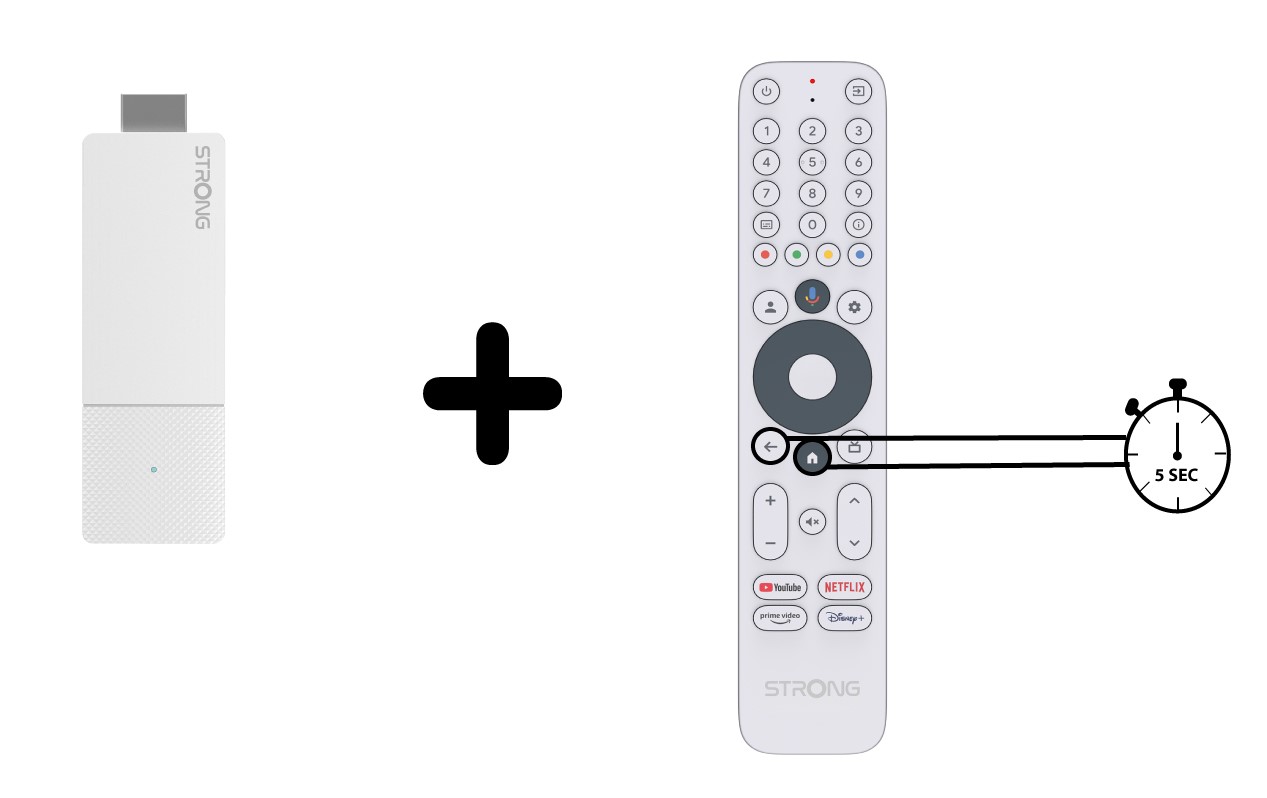
You must pair the remote control with the device again after the reboot. Wait until the Google logo is shown on the screen, then press the BACK and HOME buttons at the same time for 5 seconds, until the LED on the remote blinks.