
Powerline 1000 Duo Wi-Fi Mini UK
No items found.
No items found.
All questions
Powerline 1000 Duo Wi-Fi Mini UK
No items found.
No items found.
How to set up High Security Level 2 on your powerline products?
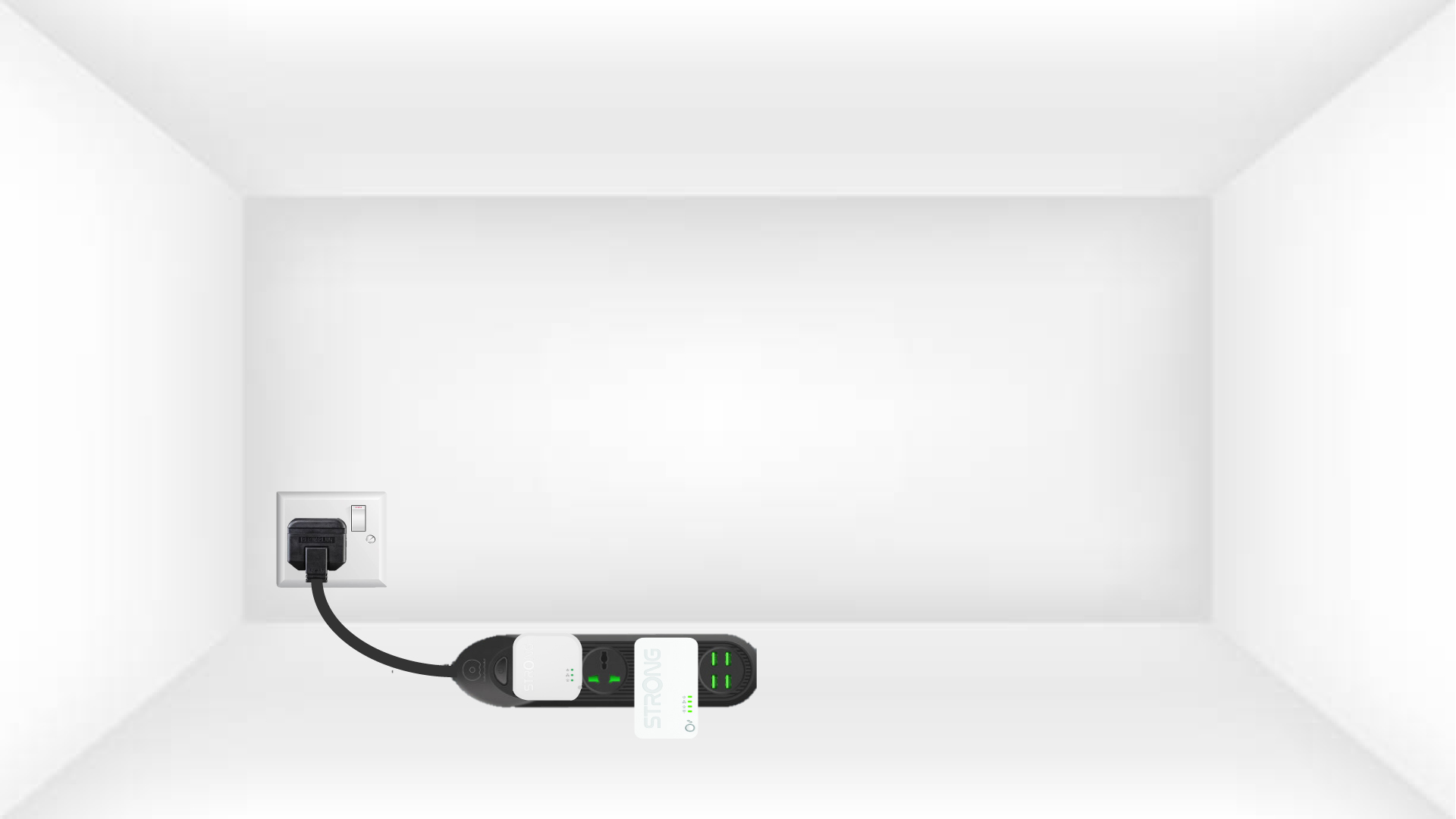
1Put the adapters on a power strip
Take a power strip and plug all the powerline adapters on it.
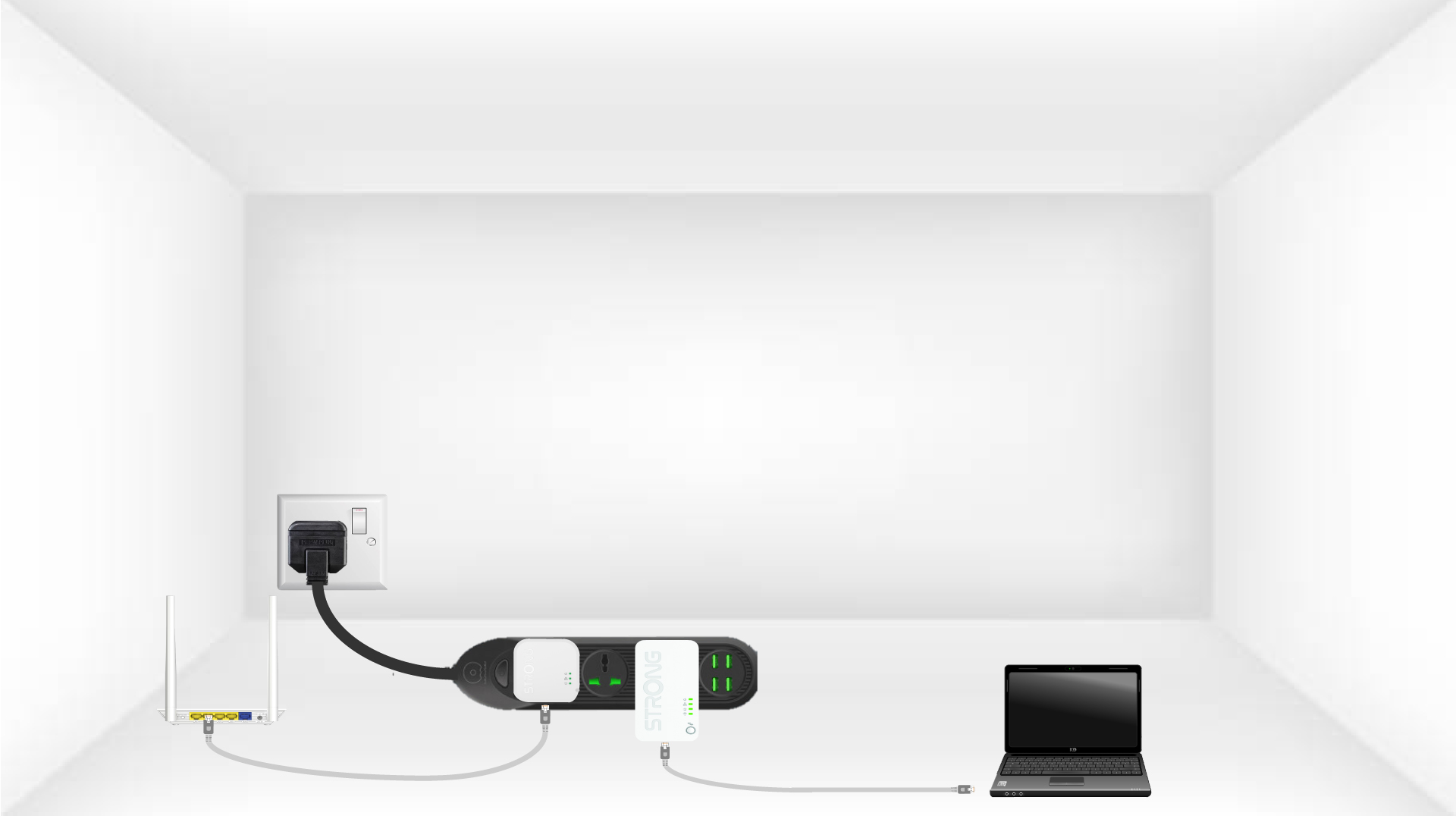
2Connect the adapters to the Internet
Connect one of the adapters to the internet gateway/router with a RJ45 cable.
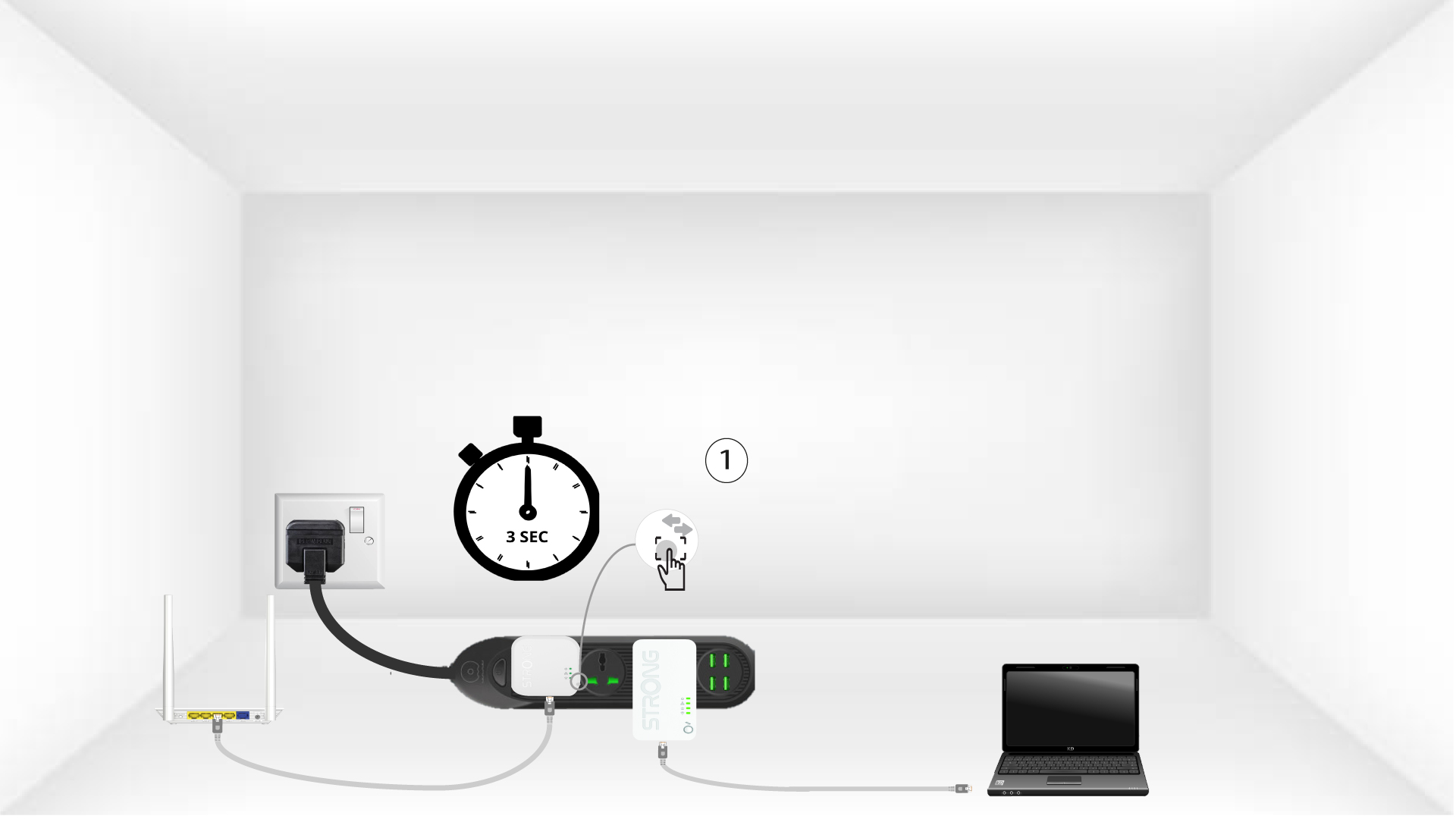
3Press the Connect & Secure button (first adapter)
Then, press the “CONNECT & SECURE” button for 3 seconds on the first device.
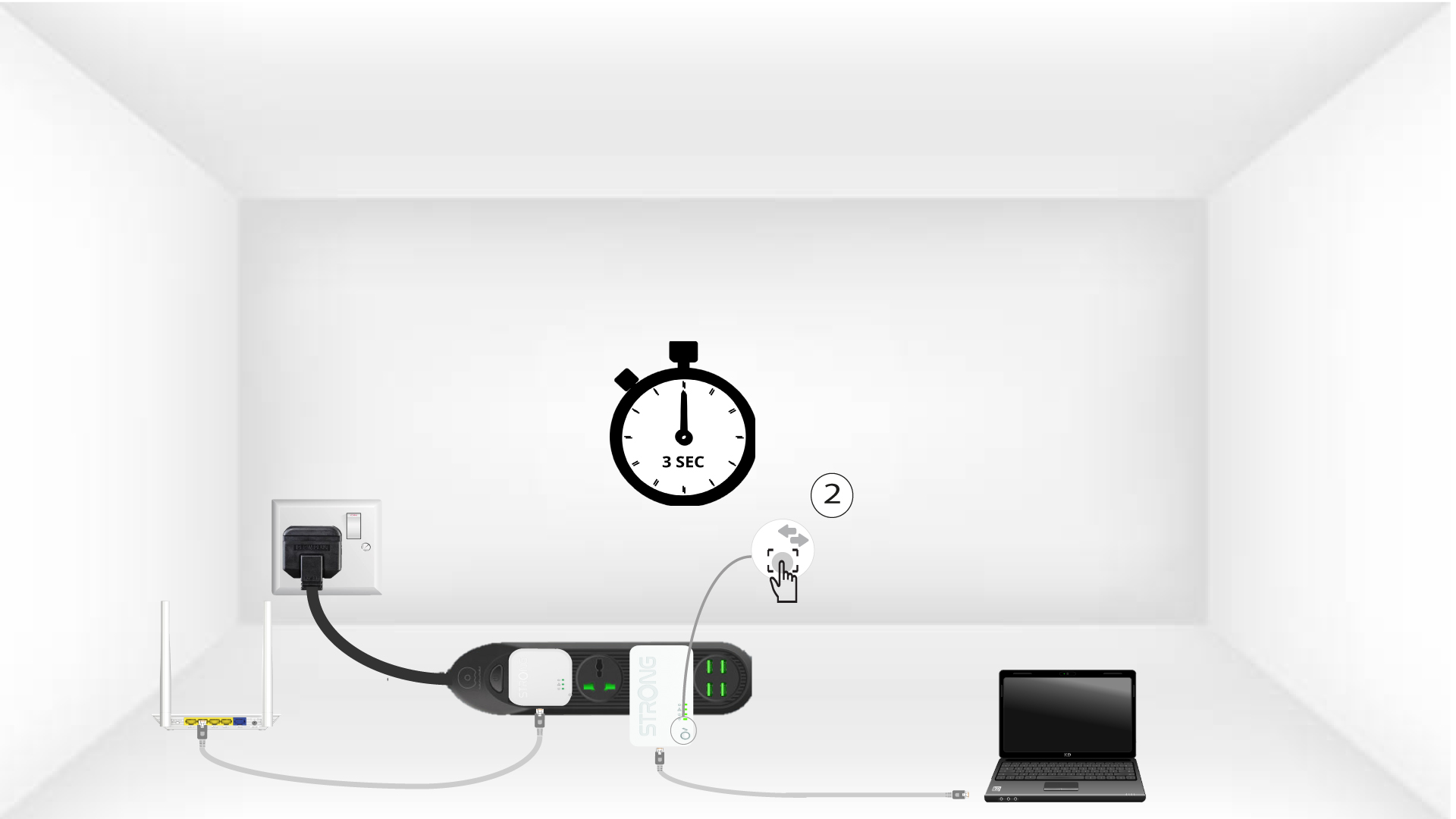
4Press the Connect & Secure button (second adapter)
Then, press the “CONNECT & SECURE” button of the new device for three seconds to add it to the network. You have up to two minutes to press the button.
5Home LED blinks
The home LED should start blinking in green on the devices.
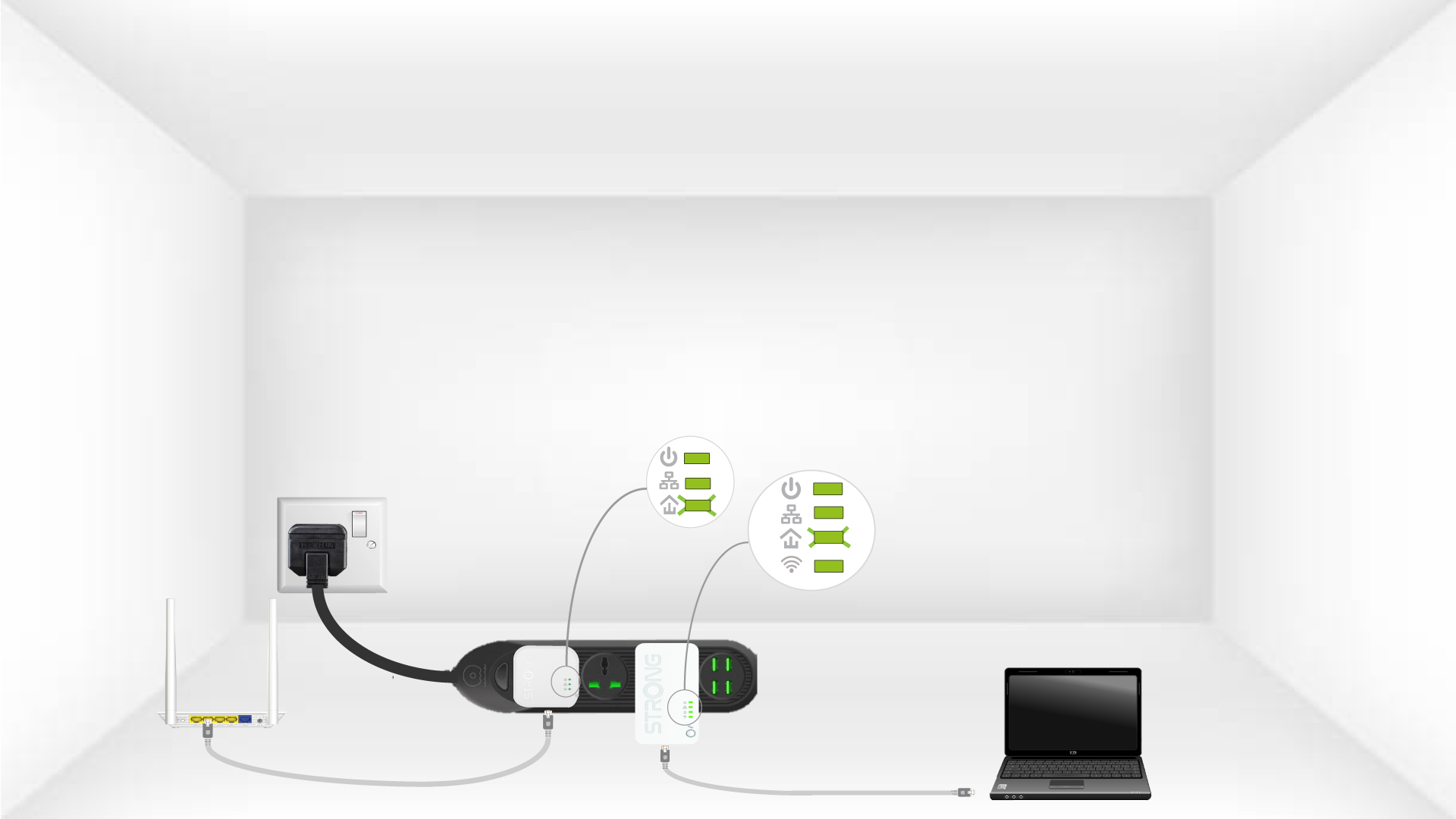
6Unique encryption key is set
Your unique encryption key is now set, and all the LEDs of the devices should be green.
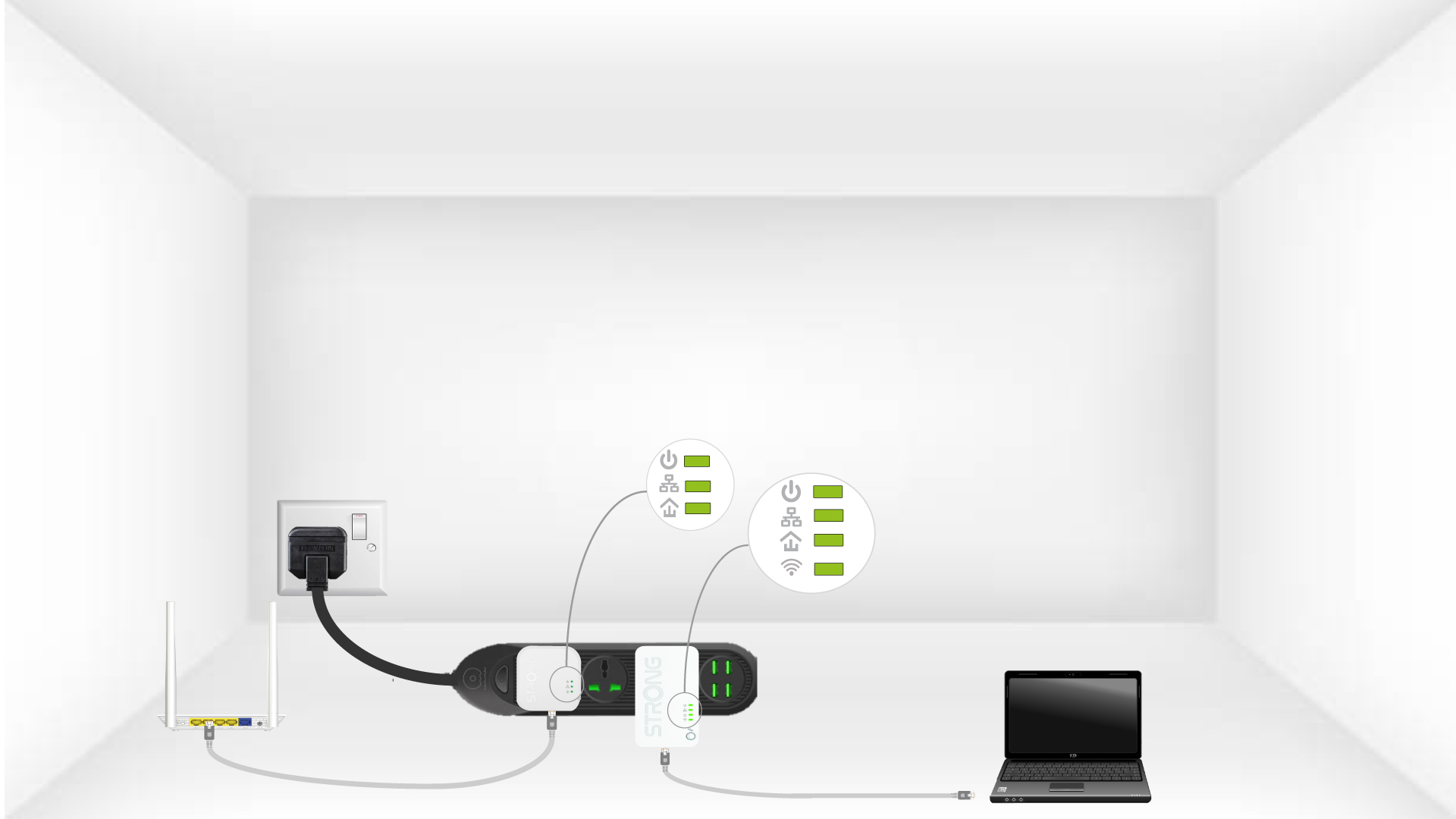
Now, you must install the adapters in the rooms where you need them. We strongly recommend not to put the adapters on a power strip.