
Powerline 500 Duo | POWERL500DUO
No items found.
No items found.
All questions
Powerline 500 Duo | POWERL500DUO
No items found.
No items found.
How to set up High Security Level 2 on your powerline products?
1Put the adapters on a multiplug
Take a multiplug and plug all the powerline adapters on it.

2Connect the adapter to the router
Lorem ipsum dolor sit amet, consectetur adipisicing elit. Culpa enim esse excepturi nemo nesciunt officia officiis optio.

3Pair the first adapter
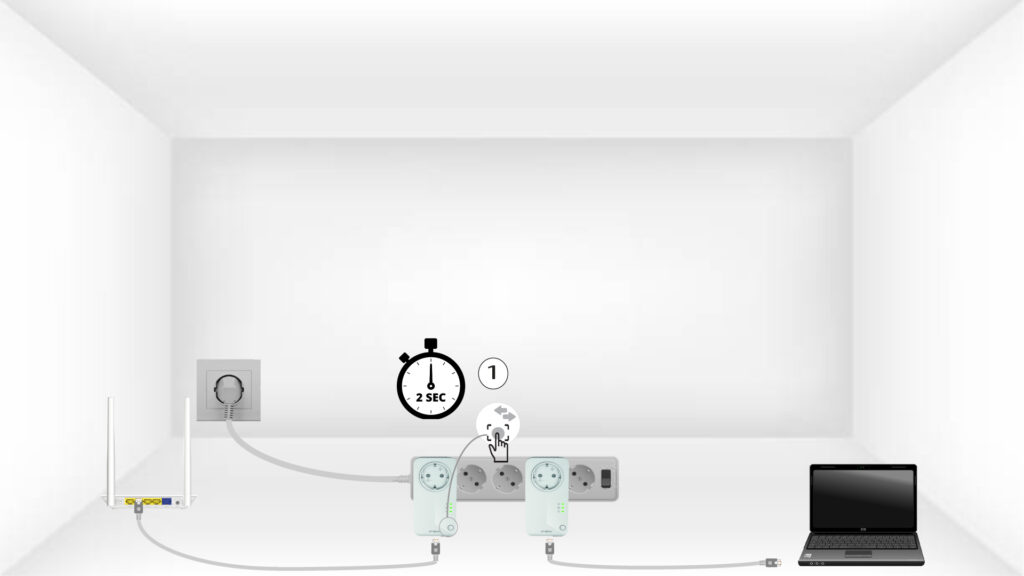
Then, press the “PAIR” button for 2 seconds on the first device.
4Pair the second adapter
Press the” PAIR” button on the second device for 2 seconds. You have up to two minutes to do it.

5The "Home" LED blinks
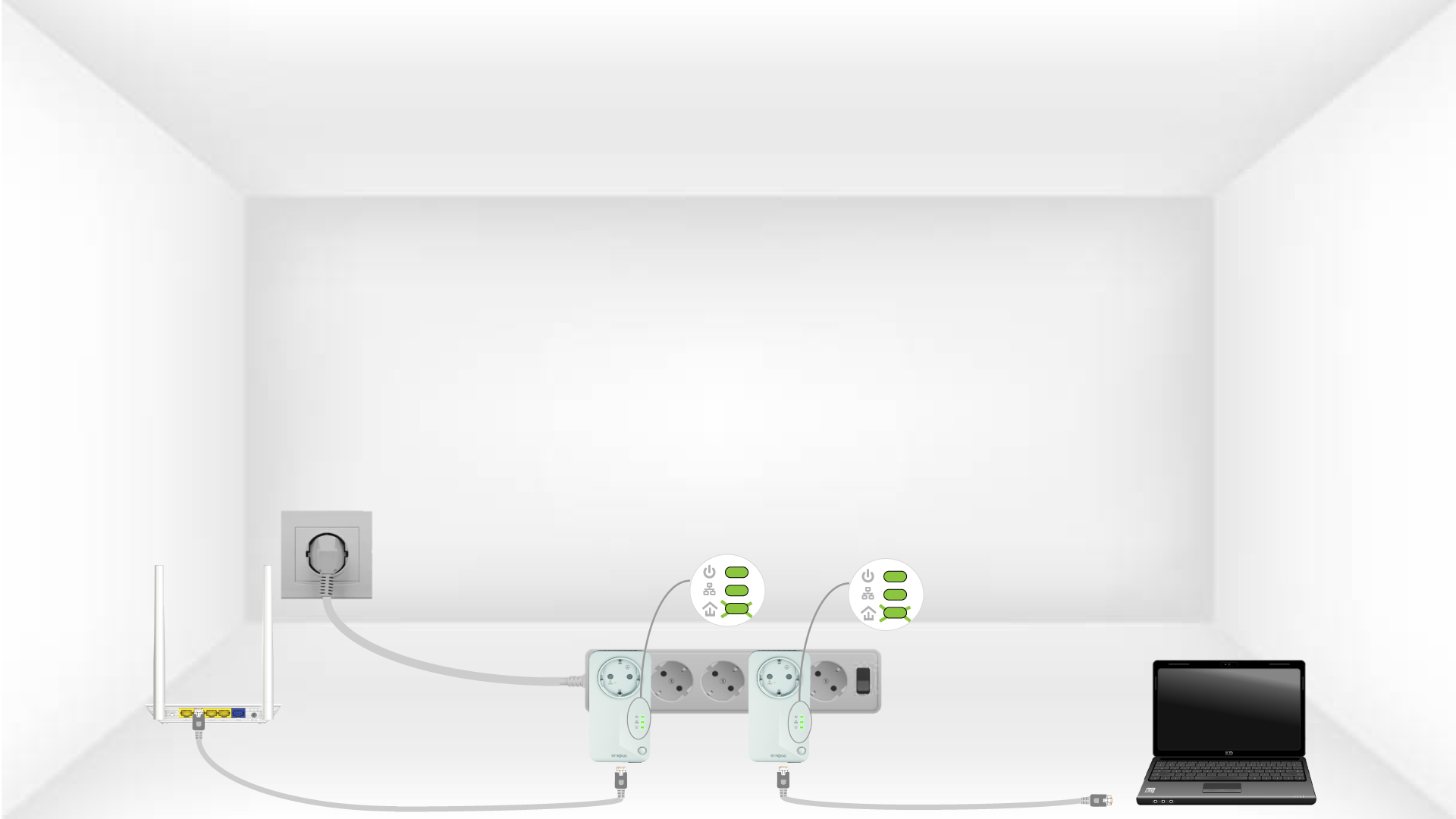
The home led should blink on the two devices.
6Unique encryption key is set
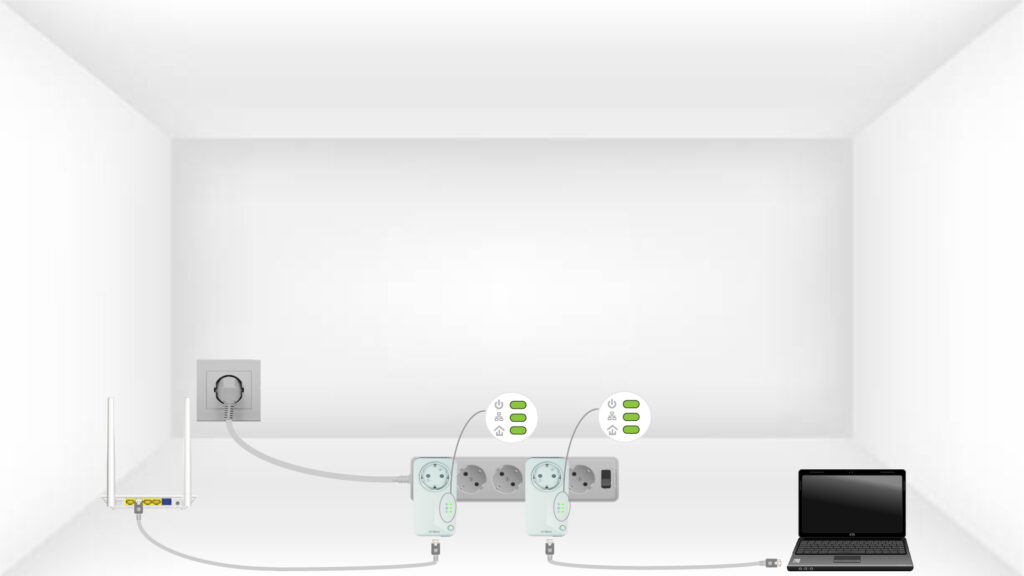
Your unique encryption key is now set, and all the LEDs of the devices should be green.
 See more FAQs