.avif)
Today, mobility means more than just moving from one place to another. Whether you are traveling for business, attending a trade show, working remotely, or exploring a new country, staying connected is essential.
Mobile hotspots and 4G/5G routers make this simple. Insert a SIM card, power on the device, and create your own secure Wi-Fi network within seconds.
In most European countries, this process works automatically, but what happens when you travel outside of Europe and the connection does not start right away?
The answer often lies in one small but powerful setting: the APN.
What is an APN?
APN stands for Access Point Name.
It is the parameter that allows your SIM card to connect to your mobile operator’s data network and access the Internet. Without the correct APN, your device can detect the mobile signal, but it cannot establish a data connection.
You can think of the APN as a gateway between your device and the operator’s network. It tells the network how to route your data traffic properly.
Each mobile operator uses specific APN settings. That is why the correct configuration is essential for a successful Internet connection.
Why it works automatically in most European countries
All STRONG 4G and 5G devices include a built-in APN database.
These APN profiles are tested and validated with major European operators. In most cases, when you insert a SIM card from an European provider, the device automatically detects the correct settings and connects within seconds.
This ensures a true plug-and-play experience:
Insert the SIM card.
Turn on the device.
Connect to Wi-Fi.
No manual configuration required.
This automatic setup covers the vast majority of everyday use cases within Europe.

Using your device outside of Europe. Why manual APN setup is an advantage
When traveling outside of Europe, the situation can be slightly different.
You may be in an International country and using a local operator, but that specific combinaison may not be present in the pre-configured database. This is especially common with local prepaid SIM cards, smaller operators, MVNOs, or newly launched data plans.
If the device cannot automatically match the SIM card to a stored APN profile, the Internet connection may not start immediately. This is not a device malfunction, it is simply a network configuration difference.
Instead of being restricted to a closed list of operators, you can connect to almost any mobile network worldwide, as long as you have the operator’s APN details.
Manual configuration usually takes only a few minutes:
- Insert your SIM card
- Access the device web interface
- find the APN setting section
- Create a new APN profile
- Enter the information provided by your operator
- Save and restart if necessary
APN details are typically available through customer support or printed directly on your SIM card voucher.
This flexibility makes your device ideal for international business trips, trade fairs, remote work abroad, construction sites, temporary installations, or frequent travelers who regularly switch between local SIM cards.
As long as you have the correct APN parameters, your connection can be established almost anywhere.
Compatible with all STRONG 4G and 5G products
Manual APN configuration is supported across all STRONG 4G and 5G devices, not only mobile hotspots.
This includes:
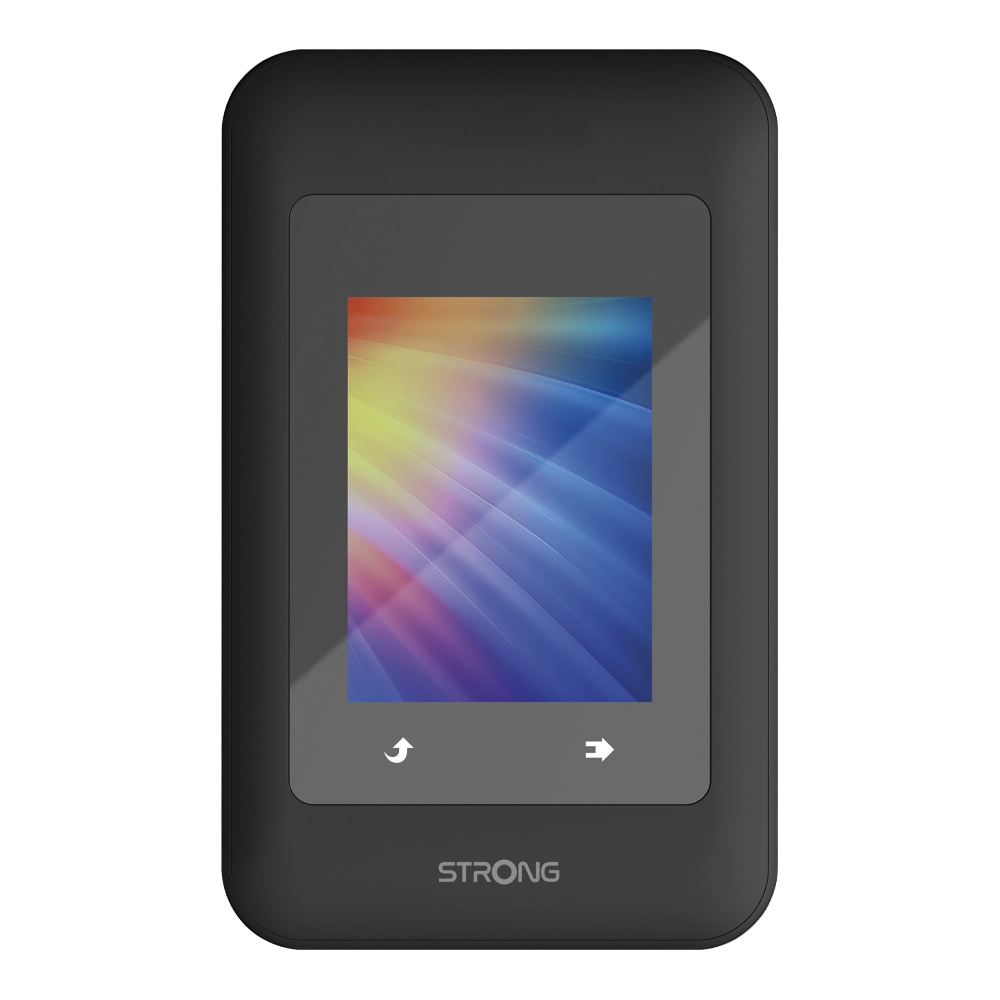
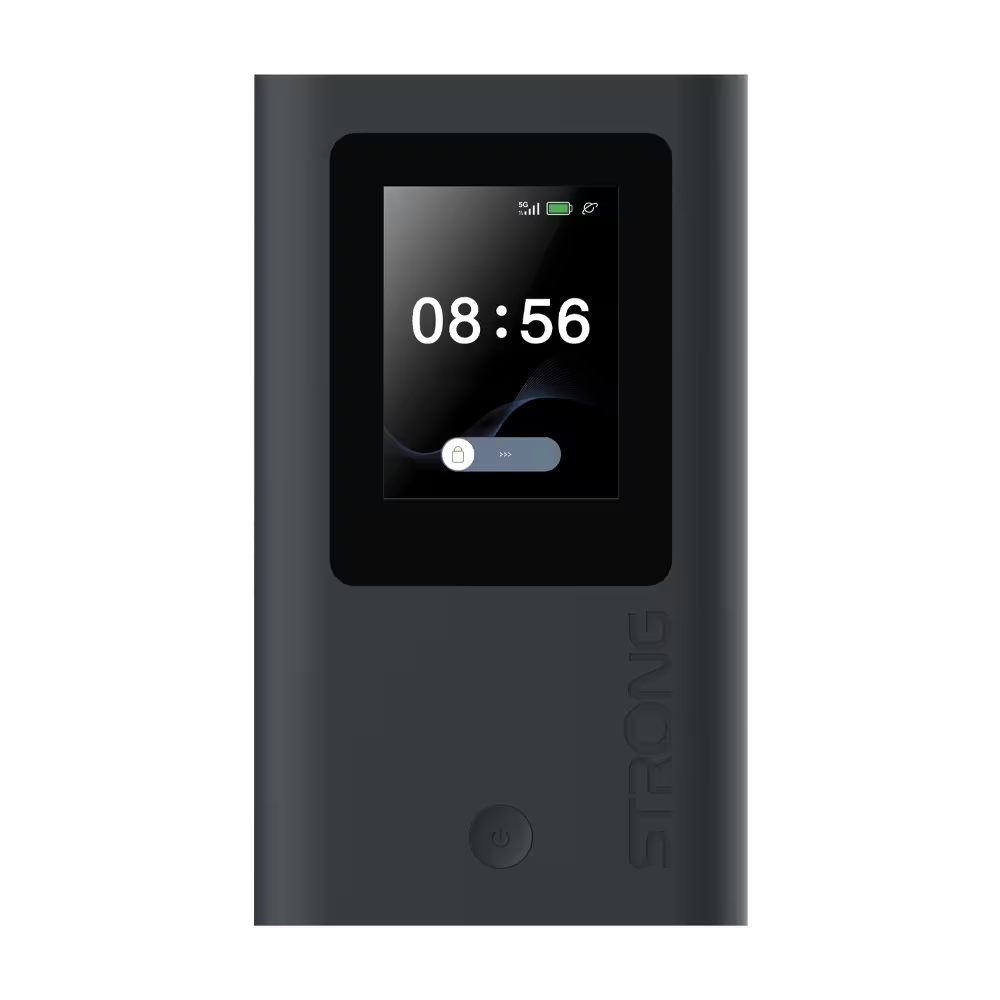
• 4G and 5G mobile hotspots
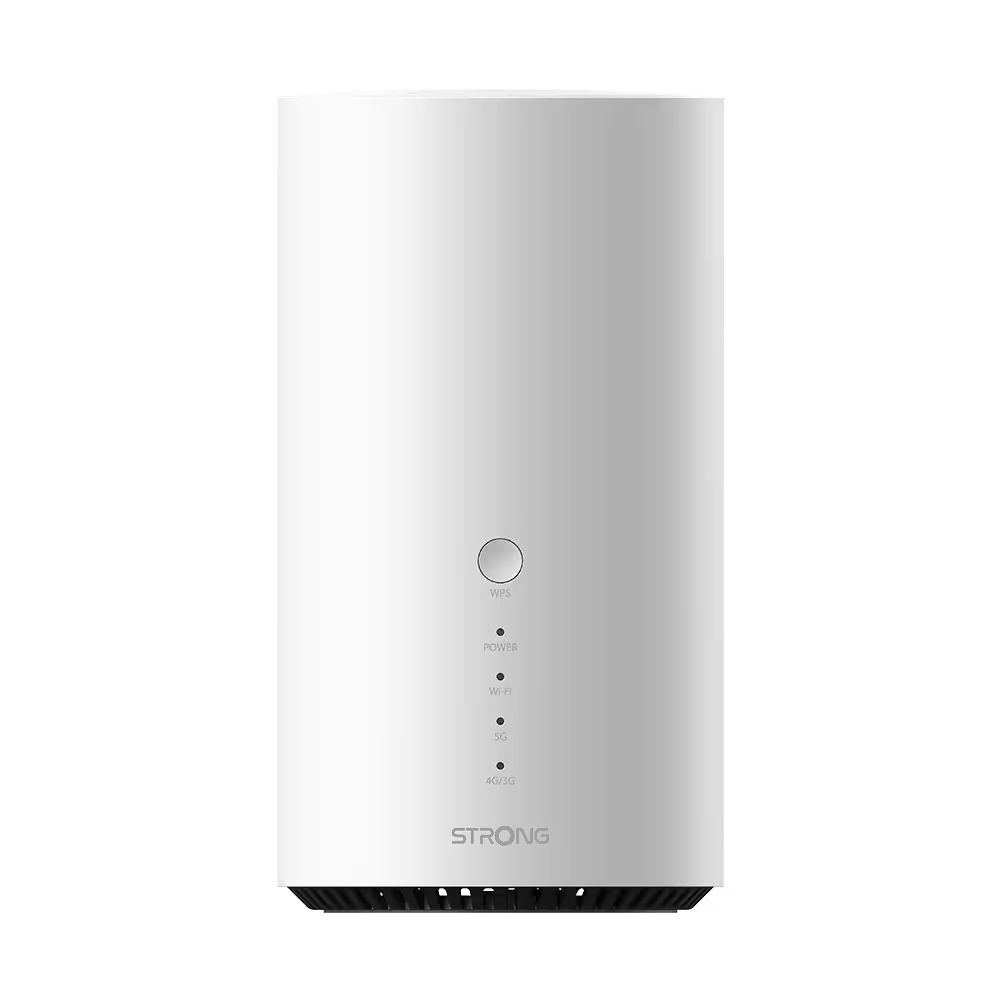
• 4G and 5G routers
• Our 3 in 1 HOPI solution
Every STRONG 4G and 5G product is designed with mobility and compatibility in mind. In Europe, the built-in APN database ensures fast automatic connection. Outside of Europe, manual APN setup guarantees worldwide usability.
Thanks to an intuitive web interface, users can add and edit APN profiles, save multiple configurations, and switch between operators when needed.
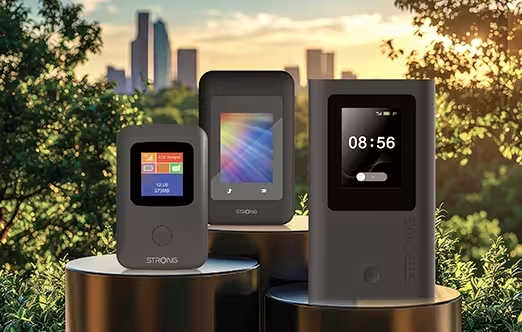
You can get more informations on how to manage the APN settings of yourSTRONG device on our FAQ.
International connectivity should adapt to you, not the other way around.
Whether you rely on automatic configuration in Europe or manually enter APN settings abroad, the objective remains the same: giving you full control over your Internet access, wherever your projects or travels take you.
With STRONG 4G and 5G devices, you are not limited by geography or by a predefined list of operators. You have the flexibility to choose the SIM card that fits your needs and the confidence that your device can adapt.
Automatic when possible.
Manual when necessary.
Connected everywhere.

.avif)